Best Bing Image Creator Alternatives (2026)
Short answer: ChatGPT Images is the best Bing Image Creator alternative in our benchmark, scoring 54/60 against Bing Image Creator's 40/60 - the gap is driven mainly by editing & consistency, Bing Image Creator's weakest scored criterion relative to ChatGPT Images.
Last tested 2026-09-29 · same benchmark as the full Best AI Image Generators ranking
Why people look for Bing Image Creator alternatives
People look for Bing Image Creator alternatives when they need clear commercial rights, better text in images, or a work account. Here's how the alternatives compare, including ChatGPT Images, which scored highest overall and has a free tier too.
Full ranking, Bing Image Creator included
Image generation built into ChatGPT, running OpenAI's GPT Image 2 model (ChatGPT Images 2.0), which replaced DALL-E 3 in 2026. You describe the image in a chat and refine it by talking.
- Prompt Accuracy
- 10/10
- Text in Images
- 9/10
- Image Quality & Style
- 9/10
- Editing & Consistency
- 9/10
- Commercial Rights & Privacy
- 9/10
- Free Tier & Value
- 8/10
Image generation and editing in the Gemini app, running Google's Nano Banana 2 model for everyone and Nano Banana Pro on paid Google AI plans.
- Prompt Accuracy
- 9/10
- Text in Images
- 9/10
- Image Quality & Style
- 9/10
- Editing & Consistency
- 10/10
- Commercial Rights & Privacy
- 7/10
- Free Tier & Value
- 9/10
Adobe's generative AI app for images, video, and audio, with its own Firefly Image 5 model plus partner models (Google Nano Banana, OpenAI GPT Image, FLUX) and Generative Fill in Photoshop.
- Prompt Accuracy
- 8/10
- Text in Images
- 7/10
- Image Quality & Style
- 8/10
- Editing & Consistency
- 9/10
- Commercial Rights & Privacy
- 10/10
- Free Tier & Value
- 7/10
AI image generator built around typography, now on Ideogram 4.0, with a Canvas editor, background control, and style references.
- Prompt Accuracy
- 8/10
- Text in Images
- 10/10
- Image Quality & Style
- 8/10
- Editing & Consistency
- 8/10
- Commercial Rights & Privacy
- 7/10
- Free Tier & Value
- 7/10
Creative platform with its own Lucid and Phoenix image models plus third-party models (Nano Banana Pro, Seedream, Ideogram) and video, on web and iOS.
- Prompt Accuracy
- 8/10
- Text in Images
- 7/10
- Image Quality & Style
- 8/10
- Editing & Consistency
- 8/10
- Commercial Rights & Privacy
- 7/10
- Free Tier & Value
- 9/10
Independent image model known for art-directed, cinematic output, used through its web app (and still Discord), with an editor, style references, and video.
- Prompt Accuracy
- 8/10
- Text in Images
- 8/10
- Image Quality & Style
- 10/10
- Editing & Consistency
- 8/10
- Commercial Rights & Privacy
- 7/10
- Free Tier & Value
- 5/10
Design-focused AI image generator with its own Recraft V4 models, true vector (SVG) output, brand colors, and mockups, plus Nano Banana, GPT Image, Seedream, and FLUX on paid plans.
- Prompt Accuracy
- 8/10
- Text in Images
- 9/10
- Image Quality & Style
- 7/10
- Editing & Consistency
- 8/10
- Commercial Rights & Privacy
- 6/10
- Free Tier & Value
- 7/10
Microsoft's free image generator in Bing, now running Microsoft's own MAI-Image models instead of DALL-E 3.
- Prompt Accuracy
- 7/10
- Text in Images
- 7/10
- Image Quality & Style
- 7/10
- Editing & Consistency
- 5/10
- Commercial Rights & Privacy
- 5/10
- Free Tier & Value
- 9/10
| Rank | Tool | Prompt Accuracy | Text in Images | Image Quality & Style | Editing & Consistency | Commercial Rights & Privacy | Free Tier & Value | Score |
|---|---|---|---|---|---|---|---|---|
| #1 | ChatGPT ImagesWinner Image generation built into ChatGPT, running OpenAI's GPT Image 2 model (ChatGPT Images 2.0), which replaced DALL-E 3 in 2026. You describe the image in a chat and refine it by talking. | 10/10 | 9/10 | 9/10 | 9/10 | 9/10 | 8/10 | 54/60 |
| #2 | Google Gemini (Nano Banana) Image generation and editing in the Gemini app, running Google's Nano Banana 2 model for everyone and Nano Banana Pro on paid Google AI plans. | 9/10 | 9/10 | 9/10 | 10/10 | 7/10 | 9/10 | 53/60 |
| #3 | Adobe Firefly Adobe's generative AI app for images, video, and audio, with its own Firefly Image 5 model plus partner models (Google Nano Banana, OpenAI GPT Image, FLUX) and Generative Fill in Photoshop. | 8/10 | 7/10 | 8/10 | 9/10 | 10/10 | 7/10 | 49/60 |
| #4 | Ideogram AI image generator built around typography, now on Ideogram 4.0, with a Canvas editor, background control, and style references. | 8/10 | 10/10 | 8/10 | 8/10 | 7/10 | 7/10 | 48/60 |
| #5 | Leonardo.Ai Creative platform with its own Lucid and Phoenix image models plus third-party models (Nano Banana Pro, Seedream, Ideogram) and video, on web and iOS. | 8/10 | 7/10 | 8/10 | 8/10 | 7/10 | 9/10 | 47/60 |
| #6 | Midjourney Independent image model known for art-directed, cinematic output, used through its web app (and still Discord), with an editor, style references, and video. | 8/10 | 8/10 | 10/10 | 8/10 | 7/10 | 5/10 | 46/60 |
| #7 | Recraft Design-focused AI image generator with its own Recraft V4 models, true vector (SVG) output, brand colors, and mockups, plus Nano Banana, GPT Image, Seedream, and FLUX on paid plans. | 8/10 | 9/10 | 7/10 | 8/10 | 6/10 | 7/10 | 45/60 |
| #8 | Bing Image Creator Microsoft's free image generator in Bing, now running Microsoft's own MAI-Image models instead of DALL-E 3. | 7/10 | 7/10 | 7/10 | 5/10 | 5/10 | 9/10 | 40/60 |
Alternatives reviewed
Starting with the top-ranked alternative, then every other option we tested.
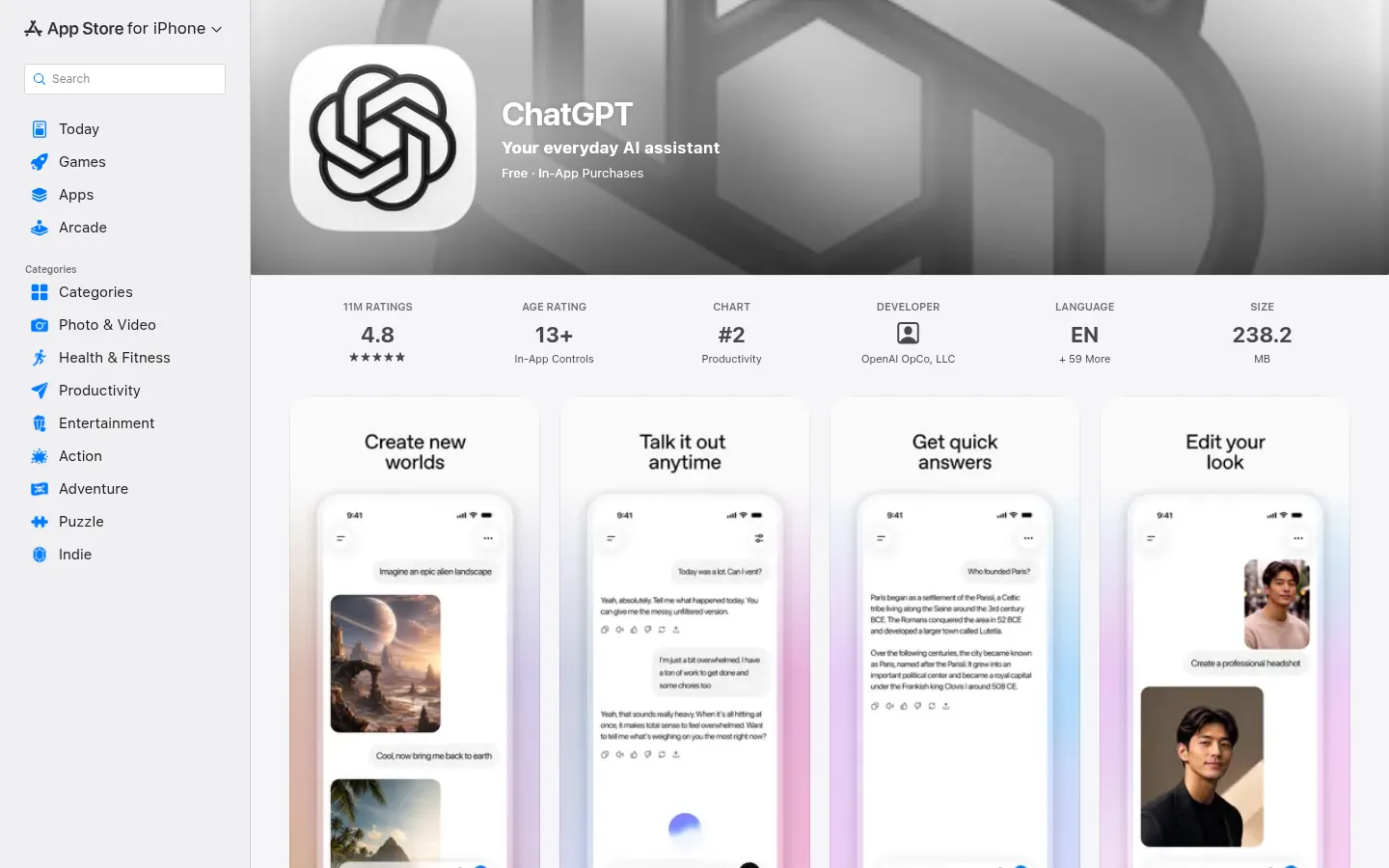
ChatGPT Images
WinnerImage generation built into ChatGPT, running OpenAI's GPT Image 2 model (ChatGPT Images 2.0), which replaced DALL-E 3 in 2026. You describe the image in a chat and refine it by talking.
Strengths
- +Follows long, specific prompts more reliably than any other tool we scored: object counts, placement, and layout instructions land on the first or second try
- +Renders readable headlines, labels, and short paragraphs inside images, good enough for posters, menus, and ad mockups
- +Editing is a conversation: ask for a different background, a new color, or the same character in a new scene without learning an editor
Weaknesses
- -Free-tier limits are tight and not published as a fixed number, so heavy users hit a wall without warning
- -Less control over style and composition than Midjourney: no style references library or parameter flags
- -No vector (SVG) output, so logos need tracing in another tool
Heads up: The free plan is enough to try it, not to work in it. If images are a weekly part of your job, budget for Plus ($20/month), which also unlocks Thinking mode for complex scenes.
Free accounts get a limited daily image allowance. Go is $8/month, Plus is $20/month (adds Thinking mode for images and character consistency across up to 8 images), and Pro is $200/month for the highest limits (checked 29 September 2026). Under OpenAI's terms you own the images you create, and they aren't posted to a public gallery on any plan.
Visit ChatGPT Images →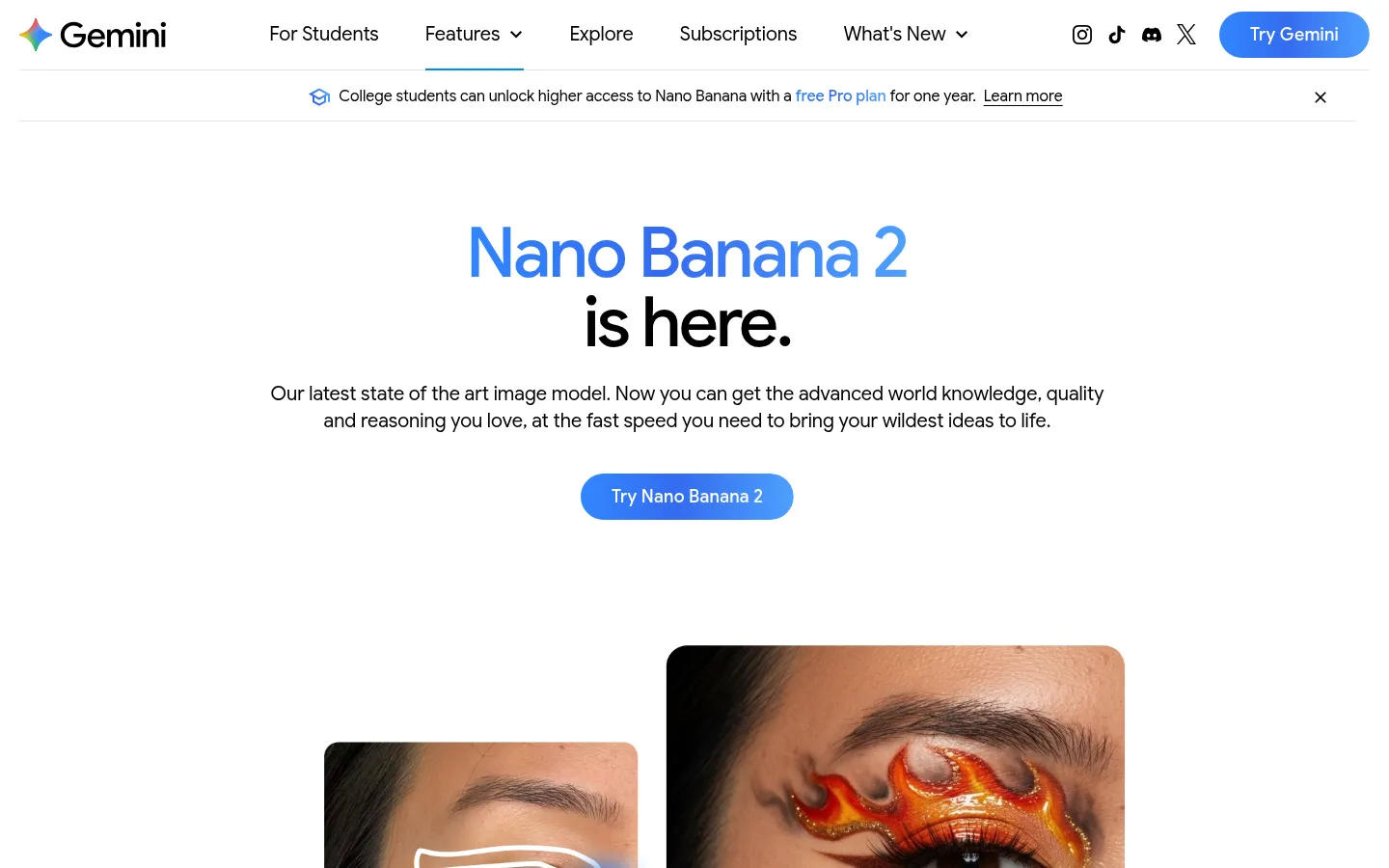
Google Gemini (Nano Banana)
Image generation and editing in the Gemini app, running Google's Nano Banana 2 model for everyone and Nano Banana Pro on paid Google AI plans.
Strengths
- +The most generous genuinely useful free tier: Nano Banana 2 is free in the Gemini app, no separate sign-up
- +Best-in-class editing and consistency: blend several reference photos, keep the same person or product across a set, and change one detail without redrawing the rest
- +Strong text rendering in many languages for posters, invitations, and comics
Weaknesses
- -Images carry a visible AI marker as well as SynthID, which is a problem for client or ad work
- -The best model (Nano Banana Pro) sits behind a paid plan and a Redo step rather than being the default
- -Daily limits vary by plan and demand, and Google doesn't publish fixed numbers for the app
Heads up: Google marks Gemini images as AI-made with a visible marker on top of the invisible SynthID watermark. That's fine for drafts and personal projects; check it's acceptable before using an image in a paid campaign.
Nano Banana 2 is free in the Gemini app with a daily limit. Google AI Plus ($7.99/month) and Google AI Pro ($19.99/month) add Nano Banana Pro through the Redo with Pro option and raise limits; Ultra is for very high volume (checked 29 September 2026). Every image carries Google's invisible SynthID watermark plus a visible marker.
Visit Google Gemini (Nano Banana) →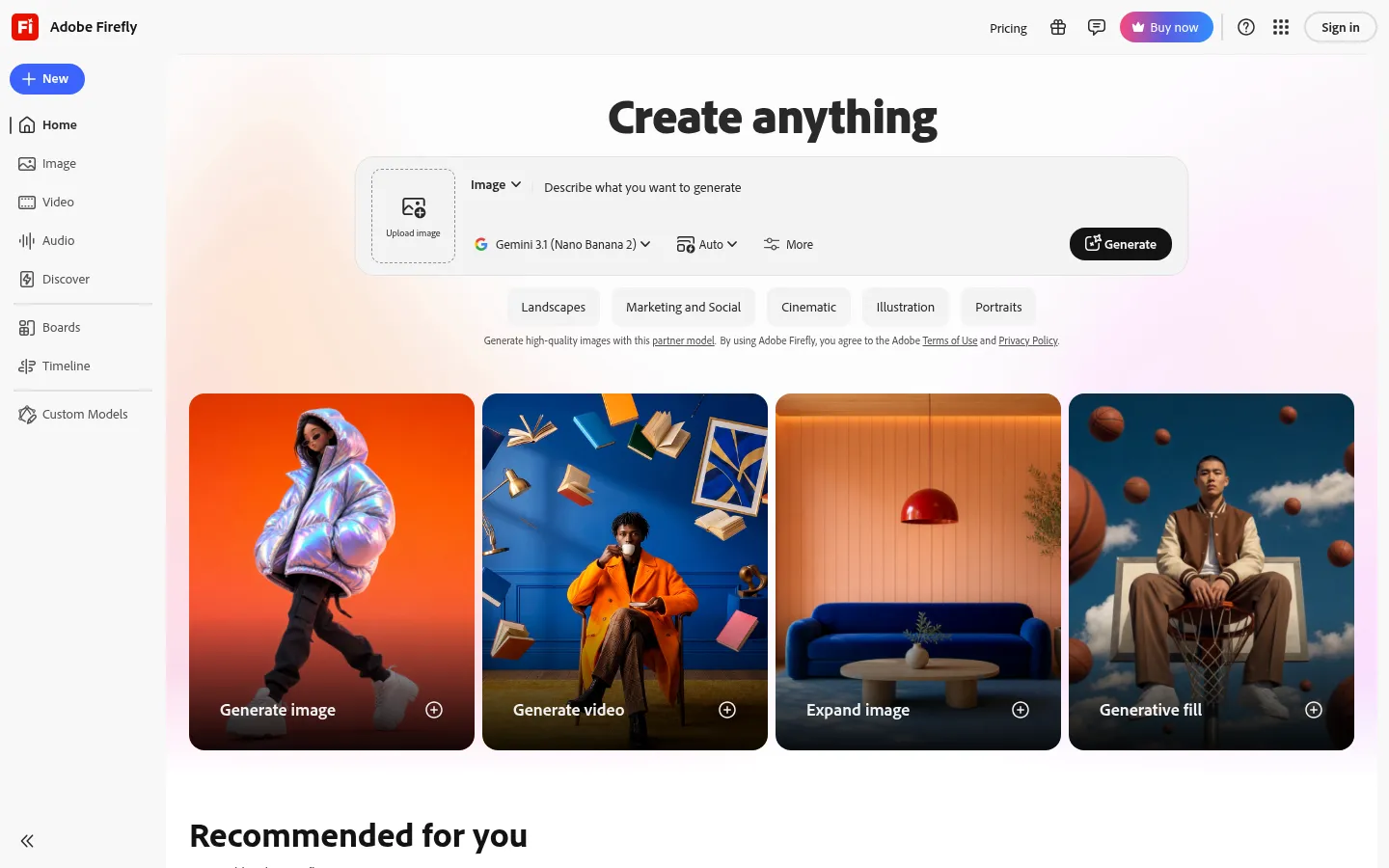
Adobe Firefly
Adobe's generative AI app for images, video, and audio, with its own Firefly Image 5 model plus partner models (Google Nano Banana, OpenAI GPT Image, FLUX) and Generative Fill in Photoshop.
Strengths
- +Adobe's own Firefly models are trained on licensed Adobe Stock and public-domain content, the clearest provenance story for commercial work
- +One app gives you Firefly Image 5 plus partner models like Nano Banana and GPT Image, so you can compare outputs without extra subscriptions
- +Generative Fill and Expand connect straight into Photoshop and the rest of Creative Cloud
Weaknesses
- -Firefly's own model trails ChatGPT and Gemini on complex prompts and in-image text
- -Credit math is confusing: partner models cost more credits, so the same plan buys fewer images
- -The licensed-training claim covers Adobe's own models, not the partner models in the same app
Heads up: The commercial-safety reason to pick Firefly applies to the Firefly models. If you switch the model menu to Nano Banana or GPT Image inside Firefly, you're using a partner model with its own training and terms.
Free plan with limited daily generations. Firefly Standard is $9.99/month, Pro $19.99/month, and Pro Plus $49.99/month (on promotion at $34.97 when checked on 29 September 2026). Partner models use more generative credits than Adobe's own models.
Visit Adobe Firefly →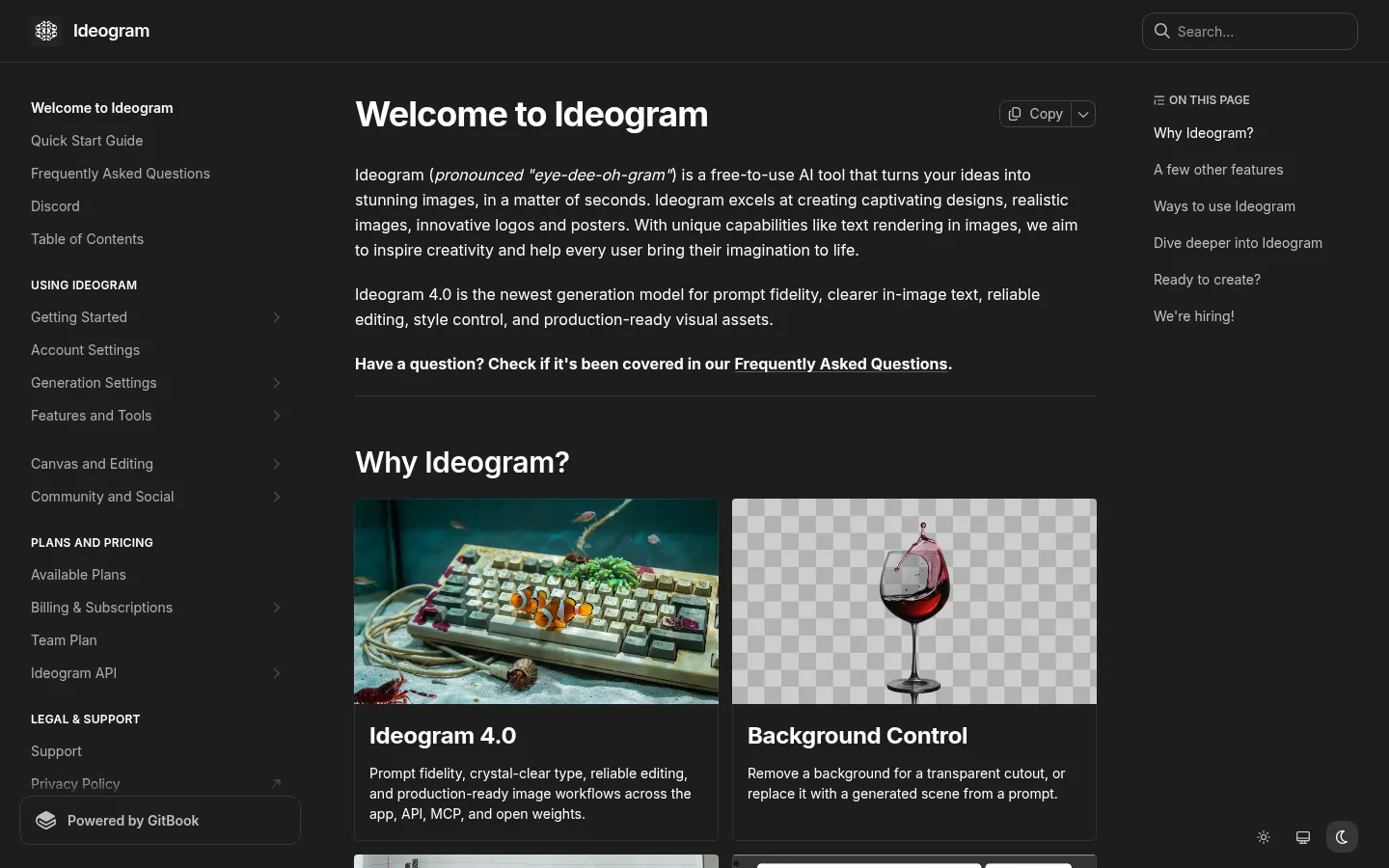
Ideogram
AI image generator built around typography, now on Ideogram 4.0, with a Canvas editor, background control, and style references.
Strengths
- +The sharpest text rendering we scored: headlines, logos, and multi-line posters come out spelled right most often
- +Canvas editing with Magic Fill and background control for transparent cutouts
- +Style references and presets make it easy to keep a brand look across a set
Weaknesses
- -Free images are public and can't be deleted; privacy starts on Plus
- -The free allowance is small (10 slow credits a week)
- -Photoreal people and scenes trail ChatGPT, Gemini, and Midjourney
Heads up: Everything you make on the free plan is visible in Ideogram's public feed. Don't put client names, unreleased products, or brand work through it until you're on a paid plan.
Free plan with 10 slow credits a week; free images are public in Ideogram's feed. Plus is about $20/month ($15/month billed annually) with 1,000 priority credits and private generation; Pro is about $60/month ($42/month billed annually). Unused priority credits don't roll over. Ideogram blocks automated visits to its pricing page, so these are from a June 2026 third-party check; confirm before you buy.
Visit Ideogram →
Leonardo.Ai
Creative platform with its own Lucid and Phoenix image models plus third-party models (Nano Banana Pro, Seedream, Ideogram) and video, on web and iOS.
Strengths
- +A generous daily free allowance that refills every day
- +Many models in one place, including its own Lucid models and third-party ones like Nano Banana Pro
- +Canvas editing, upscaling, and custom style training for a consistent look
Weaknesses
- -Free-plan images are public and Leonardo keeps the rights, so free output isn't for commercial use
- -Premium third-party models burn tokens fast, so the free allowance buys fewer top-quality images
- -The interface has more settings than a beginner needs
Heads up: Token prices differ by model. The 150 free daily tokens go a long way on Leonardo's own models and much less far on premium third-party ones.
Free plan with 150 fast tokens a day that don't carry over; free images are public and Leonardo keeps the rights. Essential is $12/month (about $9.60 billed annually) and adds private generations with commercial rights; Premium is $30/month and Ultimate $60/month. Leonardo blocks automated visits to its pricing page, so these are from a June 2026 third-party check; confirm before you buy.
Visit Leonardo.Ai →
Midjourney
Independent image model known for art-directed, cinematic output, used through its web app (and still Discord), with an editor, style references, and video.
Strengths
- +The best-looking images out of the box: composition, lighting, and color grading look art-directed
- +Style references, moodboards, and personalization for a consistent aesthetic across a project
- +Unlimited Relax-mode images from the $30 Standard plan
Weaknesses
- -No free plan, so you pay before you can try it
- -Images are public unless you pay $60/month for Pro
- -Less literal with detailed prompts and in-image text than ChatGPT, Gemini, or Ideogram
Heads up: On Basic and Standard, everything you generate appears in Midjourney's public gallery. Private (Stealth) generation starts at $60/month.
No free plan or trial. Basic is $10/month, Standard $30/month (adds unlimited Relax-mode images), Pro $60/month, and Mega $120/month; annual billing saves 20%. Images are public unless you're on Pro or Mega (Stealth mode), and companies with over $1M in yearly revenue must use Pro or Mega. Midjourney blocks automated visits to its plans page, so these are from a June 2026 third-party check; confirm before you buy.
Visit Midjourney →
Recraft
Design-focused AI image generator with its own Recraft V4 models, true vector (SVG) output, brand colors, and mockups, plus Nano Banana, GPT Image, Seedream, and FLUX on paid plans.
Strengths
- +Real vector output, so logos and icons come out as editable SVGs instead of flat pictures
- +Brand controls: custom color palettes, style creation, and consistent sets of icons or illustrations
- +Strong text rendering for design work, plus third-party models on paid plans
Weaknesses
- -Free plan: no commercial use, images are public, and Recraft owns them
- -Photoreal scenes aren't its focus and trail the leaders
- -The best prices need annual billing
Heads up: Anything made on the free plan belongs to Recraft and can't be used commercially, even after you upgrade. Start on a paid plan if the logo or icon is for a real business.
Free plan is personal use only: images are public and owned by Recraft, with Recraft models only. Basic is $10/month billed annually ($120/year) with 1,000 credits, commercial rights, private generation, and third-party models; Pro is $16/month billed annually; Teams is $18 per seat (checked 29 September 2026). Paid-plan images keep their commercial rights after you cancel.
Visit Recraft →Feature comparison matrix
Bing Image Creator included for reference, alongside every alternative.
| Feature | ChatGPT Images | Google Gemini (Nano Banana) | Adobe Firefly | Ideogram | Leonardo.Ai | Midjourney | Recraft | Bing Image Creator |
|---|---|---|---|---|---|---|---|---|
| Free plan | Yes (limited daily) | Yes (Nano Banana 2) | Yes (limited daily) | Yes (10 slow credits/week) | Yes (150 tokens/day) | No | Yes (personal use only) | Yes (15 fast/day) |
| Paid plan from | $8/mo (Go) | $7.99/mo (AI Plus) | $9.99/mo (Standard) | $15/mo (Plus, annual) | $12/mo (Essential) | $10/mo (Basic) | $10/mo (Basic, annual) | Free only |
| Free-plan images public? | No | No | No | Yes | Yes | No free plan (public below Pro) | Yes | No |
| Commercial use | Yes, you own output | Yes (visible AI marker) | Yes (licensed training) | Yes | Paid plans | Yes (Pro+ if revenue over $1M) | Paid plans | Not explicitly granted |
| Readable text in images | Strong | Strong | Fair | Best | Depends on model | Good (short lines) | Strong | Fair |
| Edit an uploaded photo | Yes (by chat) | Yes (multi-image) | Yes (Generative Fill) | Yes (Canvas) | Yes (Canvas) | Yes (Editor) | Yes | Yes (basic) |
| Vector (SVG) output | No | No | Via Illustrator | No | No | No | Yes | No |
Frequently Asked Questions
What's the best alternative to Bing Image Creator?
ChatGPT Images, based on our benchmark - it scored 54/60 against Bing Image Creator's 40/60 across Prompt Accuracy, Text in Images, Image Quality & Style, Editing & Consistency, Commercial Rights & Privacy, Free Tier & Value.
Why do people switch away from Bing Image Creator?
Many older guides still say Bing Image Creator runs DALL-E 3. It now uses Microsoft's MAI-Image models, and DALL-E 3 isn't offered.
Is ChatGPT Images cheaper than Bing Image Creator?
ChatGPT Images's Free accounts get a limited daily image allowance. Go is $8/month, Plus is $20/month (adds Thinking mode for images and character consistency across up to 8 images), and Pro is $200/month for the highest limits (checked 29 September 2026). Under OpenAI's terms you own the images you create, and they aren't posted to a public gallery on any plan. Bing Image Creator's pricing: Free with a personal Microsoft account: 15 fast creations a day, then slower standard-speed creations, up to 200 prompts in 24 hours. It uses MAI-Image-2.5-Flash and MAI-Image-2e and keeps creations for 90 days. Work and school accounts can't use it (checked 29 September 2026).
Can I switch from Bing Image Creator to ChatGPT Images without losing my work?
That depends on what each tool lets you export - check the feature comparison matrix on this page for each tool's export and data-portability support before committing to a switch. It's rarely a one-click transplant, so budget time to rebuild anything that doesn't have a direct import path.
About the writer
Chloe Bennett
Senior Content Researcher
Chloe focuses on the audience-specific rankings - reweighting test data for solo founders, agencies, designers, and other buyers with different priorities than the general ranking. She also leads individual tool reviews, digging into pricing structure, feature gaps, and the details that don't show up in a single overall score.
Read more →