Best GitHub Copilot Alternatives (2026)
Short answer: Cursor is the best GitHub Copilot alternative in our benchmark, scoring 51/60 against GitHub Copilot's 50/60 - the gap is driven mainly by agent & multi-file work, GitHub Copilot's weakest scored criterion relative to Cursor.
Last tested 2026-10-03 · same benchmark as the full Best AI Coding Assistants ranking
Why people look for GitHub Copilot alternatives
People look for GitHub Copilot alternatives when they want stronger multi-file agents, a different model mix, or an assistant that does not train on their interactions by default. Here is how the alternatives compare, including Cursor, which scored one point higher overall.
Full ranking, GitHub Copilot included
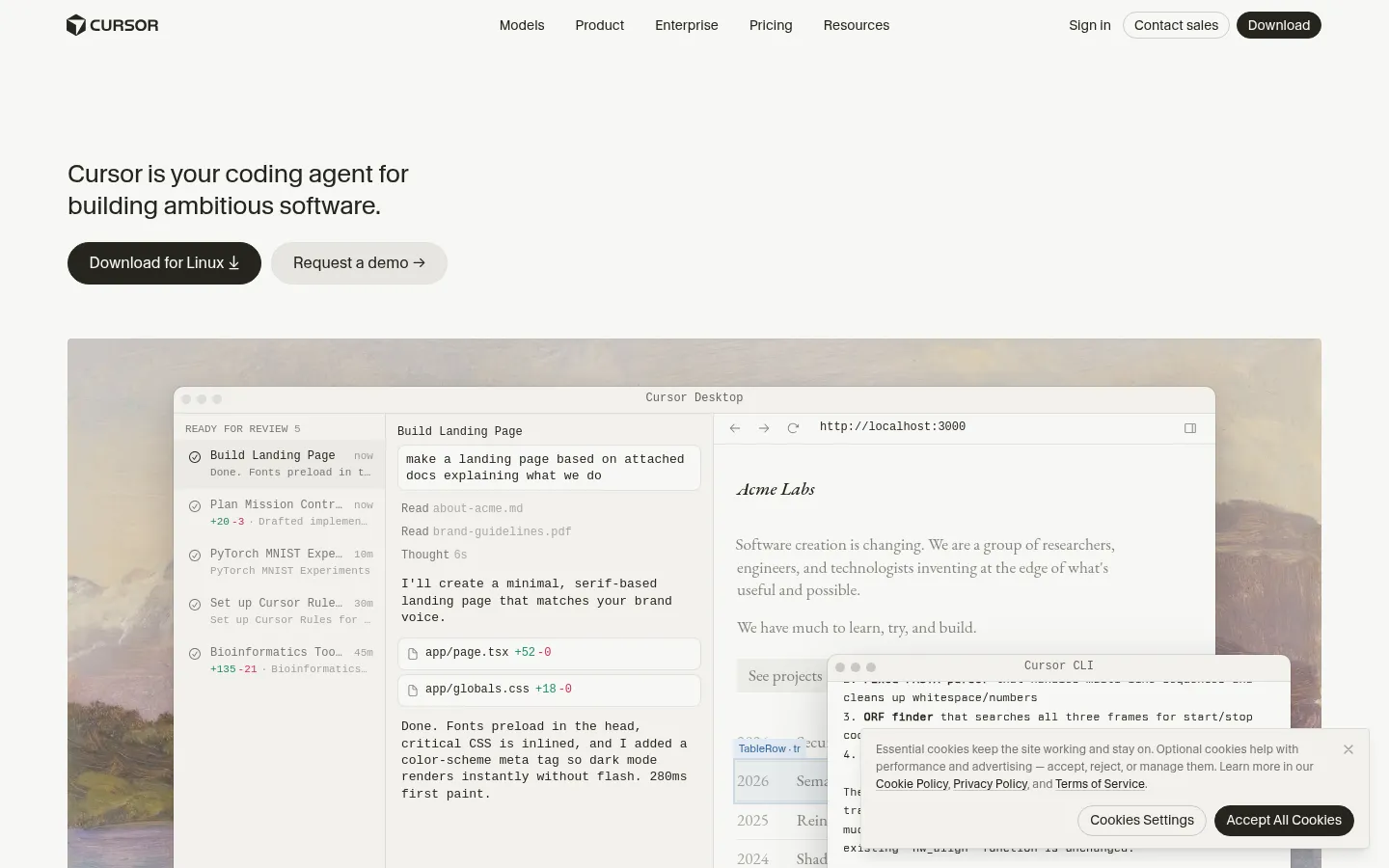
An AI code editor (built on the VS Code foundation) with inline completions, multi-file agent edits, a CLI, cloud agents, and Bugbot code review, with a choice of frontier models.
- Agent & Multi-File Work
- 9/10
- Autocomplete & Everyday Editing
- 9/10
- Codebase Understanding
- 9/10
- Model Choice & Flexibility
- 9/10
- Privacy & Team Controls
- 8/10
- Free Tier & Value
- 7/10
GitHub's assistant for VS Code, Visual Studio, JetBrains IDEs, Vim and Neovim, the GitHub website, the terminal, and a desktop app, with inline completions, chat, agent mode, and pull request review.
- Agent & Multi-File Work
- 7/10
- Autocomplete & Everyday Editing
- 10/10
- Codebase Understanding
- 7/10
- Model Choice & Flexibility
- 8/10
- Privacy & Team Controls
- 9/10
- Free Tier & Value
- 9/10
The AI IDE formerly called Windsurf, renamed Devin Desktop on 2 June 2026. It pairs a VS Code-compatible editor with an agent command center and runs Devin Local, Devin Cloud, and third-party agents such as Codex and Claude Agent.
- Agent & Multi-File Work
- 8/10
- Autocomplete & Everyday Editing
- 9/10
- Codebase Understanding
- 8/10
- Model Choice & Flexibility
- 9/10
- Privacy & Team Controls
- 7/10
- Free Tier & Value
- 8/10
An open-source coding agent for your editor and terminal that reads files, writes code, runs commands, and asks for your approval at each step, using your own API keys or Cline's provider.
- Agent & Multi-File Work
- 8/10
- Autocomplete & Everyday Editing
- 5/10
- Codebase Understanding
- 7/10
- Model Choice & Flexibility
- 10/10
- Privacy & Team Controls
- 9/10
- Free Tier & Value
- 8/10
Anthropic's coding agent, run from the terminal, VS Code, JetBrains, the web, iOS, Android, GitHub, or Slack, that reads a codebase, edits files, runs tests, and works through multi-step tasks and migrations.
- Agent & Multi-File Work
- 10/10
- Autocomplete & Everyday Editing
- 5/10
- Codebase Understanding
- 10/10
- Model Choice & Flexibility
- 5/10
- Privacy & Team Controls
- 8/10
- Free Tier & Value
- 7/10
AI chat, agents, and completions built into IntelliJ IDEA, PyCharm, WebStorm, and the other JetBrains IDEs, using the IDE's own code indexing and refactoring tools.
- Agent & Multi-File Work
- 6/10
- Autocomplete & Everyday Editing
- 8/10
- Codebase Understanding
- 9/10
- Model Choice & Flexibility
- 7/10
- Privacy & Team Controls
- 8/10
- Free Tier & Value
- 5/10
OpenAI's coding agent, available in the ChatGPT desktop app, the Codex CLI, an IDE extension, the web, and iOS, with cloud tasks, GitHub code review, and Slack and Linear integrations.
- Agent & Multi-File Work
- 9/10
- Autocomplete & Everyday Editing
- 5/10
- Codebase Understanding
- 8/10
- Model Choice & Flexibility
- 5/10
- Privacy & Team Controls
- 8/10
- Free Tier & Value
- 7/10
Google's agent-first development platform, with the Antigravity IDE, CLI, SDK, and extensions, running Gemini models plus Anthropic and open-weight models on its free plan.
- Agent & Multi-File Work
- 7/10
- Autocomplete & Everyday Editing
- 7/10
- Codebase Understanding
- 7/10
- Model Choice & Flexibility
- 7/10
- Privacy & Team Controls
- 5/10
- Free Tier & Value
- 8/10
| Rank | Tool | Agent & Multi-File Work | Autocomplete & Everyday Editing | Codebase Understanding | Model Choice & Flexibility | Privacy & Team Controls | Free Tier & Value | Score |
|---|---|---|---|---|---|---|---|---|
| #1 | CursorWinner An AI code editor (built on the VS Code foundation) with inline completions, multi-file agent edits, a CLI, cloud agents, and Bugbot code review, with a choice of frontier models. | 9/10 | 9/10 | 9/10 | 9/10 | 8/10 | 7/10 | 51/60 |
| #2 | GitHub Copilot GitHub's assistant for VS Code, Visual Studio, JetBrains IDEs, Vim and Neovim, the GitHub website, the terminal, and a desktop app, with inline completions, chat, agent mode, and pull request review. | 7/10 | 10/10 | 7/10 | 8/10 | 9/10 | 9/10 | 50/60 |
| #3 | Windsurf (Devin Desktop) The AI IDE formerly called Windsurf, renamed Devin Desktop on 2 June 2026. It pairs a VS Code-compatible editor with an agent command center and runs Devin Local, Devin Cloud, and third-party agents such as Codex and Claude Agent. | 8/10 | 9/10 | 8/10 | 9/10 | 7/10 | 8/10 | 49/60 |
| #4 | Cline An open-source coding agent for your editor and terminal that reads files, writes code, runs commands, and asks for your approval at each step, using your own API keys or Cline's provider. | 8/10 | 5/10 | 7/10 | 10/10 | 9/10 | 8/10 | 47/60 |
| #5 | Claude Code Anthropic's coding agent, run from the terminal, VS Code, JetBrains, the web, iOS, Android, GitHub, or Slack, that reads a codebase, edits files, runs tests, and works through multi-step tasks and migrations. | 10/10 | 5/10 | 10/10 | 5/10 | 8/10 | 7/10 | 45/60 |
| #6 | JetBrains AI AI chat, agents, and completions built into IntelliJ IDEA, PyCharm, WebStorm, and the other JetBrains IDEs, using the IDE's own code indexing and refactoring tools. | 6/10 | 8/10 | 9/10 | 7/10 | 8/10 | 5/10 | 43/60 |
| #7 | OpenAI Codex OpenAI's coding agent, available in the ChatGPT desktop app, the Codex CLI, an IDE extension, the web, and iOS, with cloud tasks, GitHub code review, and Slack and Linear integrations. | 9/10 | 5/10 | 8/10 | 5/10 | 8/10 | 7/10 | 42/60 |
| #8 | Google Antigravity Google's agent-first development platform, with the Antigravity IDE, CLI, SDK, and extensions, running Gemini models plus Anthropic and open-weight models on its free plan. | 7/10 | 7/10 | 7/10 | 7/10 | 5/10 | 8/10 | 41/60 |
Alternatives reviewed
Starting with the top-ranked alternative, then every other option we tested.
Cursor
WinnerAn AI code editor (built on the VS Code foundation) with inline completions, multi-file agent edits, a CLI, cloud agents, and Bugbot code review, with a choice of frontier models.
Strengths
- +The only tool we scored that is strong at both halves of the job: fast inline completions while you type and multi-file agent edits you review as diffs
- +Model choice across several frontier providers inside one editor, so you can switch when a new model lands
- +Privacy mode is a documented guarantee: when it is on, code data is not used for training by Cursor or its model providers
Weaknesses
- -Premium model usage is metered, so the $20 headline price is the entry fee and heavy agent users end up on Pro+ or Ultra
- -You have to switch editors; if your team is committed to JetBrains or Visual Studio, it means leaving that IDE
- -The free Hobby plan is a trial of Agent mode, not a working allowance
Heads up: Privacy mode is something you turn on (or a team admin enforces), not the default. If your code is sensitive, enable it before the first prompt.
Hobby is free with limited Agent requests. Pro is $20/month and adds extended Agent limits, frontier models, MCPs, skills and hooks, and cloud agents; Pro+ and Ultra are higher-usage tiers for daily agent users. Teams is $40 per user per month and adds SSO, shared rules and plugins, and team-wide privacy mode. Every plan includes a set amount of model usage; after that, on-demand usage is billed in arrears (checked 3 October 2026).
Visit Cursor →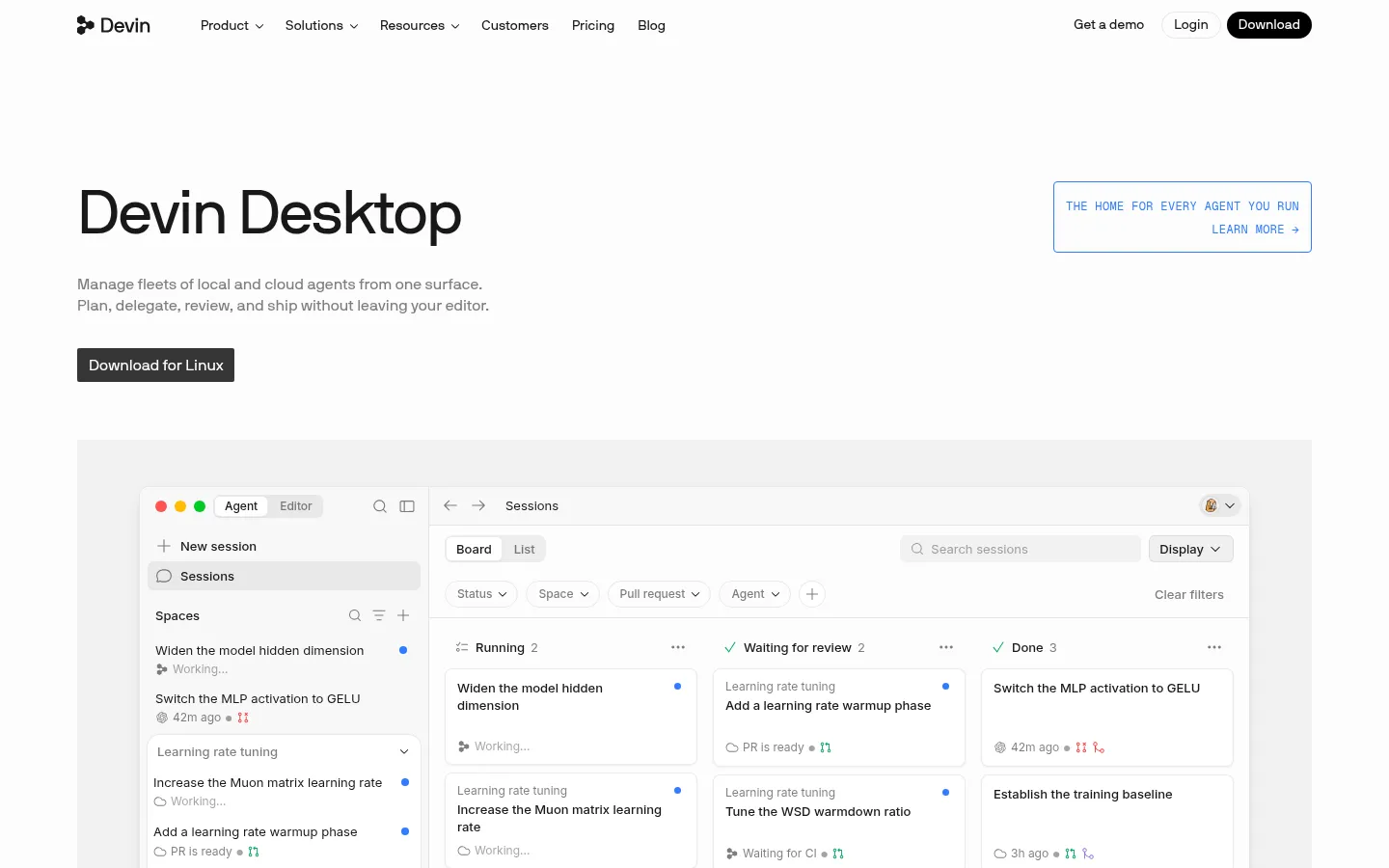
Windsurf (Devin Desktop)
The AI IDE formerly called Windsurf, renamed Devin Desktop on 2 June 2026. It pairs a VS Code-compatible editor with an agent command center and runs Devin Local, Devin Cloud, and third-party agents such as Codex and Claude Agent.
Strengths
- +A free plan with unlimited Tab completions and inline edits, which is unusual in this category
- +Runs several agents side by side in one Kanban-style view, including Codex and Claude Agent through the open Agent Client Protocol
- +Backwards-compatible with VS Code extensions, keybindings, and Windsurf settings
Weaknesses
- -The product was renamed and re-priced in 2026, so most guides and reviews describe a version that no longer exists
- -The agent-manager approach is more to learn than a plain editor with chat
- -Premium usage is quota-based, and the free SWE-2 promotion ends on 16 October 2026
Heads up: Windsurf is now Devin Desktop and windsurf.com serves Devin's pricing. If an article quotes $15 or 500 credits for Windsurf Pro, it is describing the old plan.
Free is $0 with a light agent quota plus unlimited Tab completions and inline edits. Pro is $20/month with increased quotas and access to frontier models from OpenAI, Anthropic, and Google plus open-source models, and Max is $200/month. Teams is $80/month plus $40 per full seat. Extra usage is bought at API prices, and Cognition's own SWE-2 model is free in Devin Desktop and the CLI through 16 October 2026 (checked 3 October 2026). Older roundups still list Windsurf Pro at $15 with 500 credits; that is out of date.
Visit Windsurf (Devin Desktop) →
Cline
An open-source coding agent for your editor and terminal that reads files, writes code, runs commands, and asks for your approval at each step, using your own API keys or Cline's provider.
Strengths
- +No lock-in: bring any provider's API key and switch models whenever a better or cheaper one ships
- +Every file edit and command needs your explicit approval, which makes the agent's work easy to audit
- +Open source, with a client-side architecture, a CLI, an SDK, and a desktop app for open-weight models
Weaknesses
- -Costs are usage-based, so a long agent session on a premium model can cost more than a flat $20 plan
- -It is an agent, not an autocomplete engine: its feature list does not include as-you-type Tab suggestions
- -The JetBrains extension is listed under the Enterprise plan on Cline's pricing page
Heads up: Cline is free, but the model is not. Set a spend limit with your provider before you hand it a large task.
The open-source extension is free for individual developers: no subscription or seat fee, you pay only for AI inference, either with your own API keys (OpenAI, Anthropic, Google, OpenRouter, AWS Bedrock, and others) or through Cline's provider at cost. Enterprise adds SSO, SCIM, audit logs, centralized billing, VPC deployment, and the JetBrains extension (checked 3 October 2026).
Visit Cline →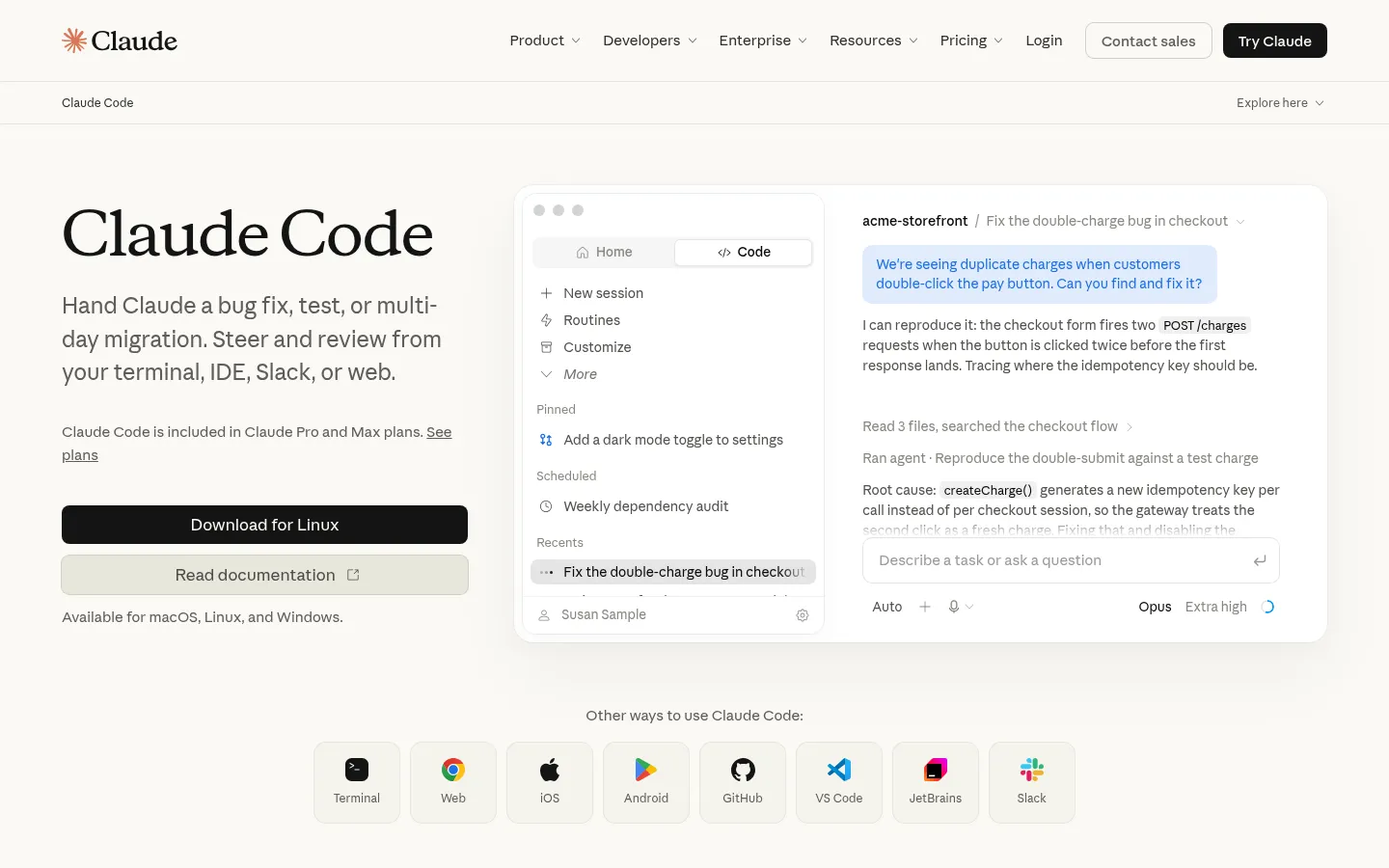
Claude Code
Anthropic's coding agent, run from the terminal, VS Code, JetBrains, the web, iOS, Android, GitHub, or Slack, that reads a codebase, edits files, runs tests, and works through multi-step tasks and migrations.
Strengths
- +The strongest fit for delegating a whole task: describe a bug fix, test suite, or multi-day migration and review the result
- +Reaches the same agent from the terminal, IDE extensions, web, mobile, GitHub, and Slack
- +Included in a $20 Claude subscription, so one plan covers coding and everything else Claude does
Weaknesses
- -No as-you-type autocomplete: it is built for larger tasks, not keystroke-level suggestions
- -Only Anthropic's models are available, so you cannot swap in a rival model
- -Usage limits are shared with chat and are not a fixed message count, so heavy days can hit the cap
Heads up: Claude Code and Claude chat draw from one usage pool. A long coding session can use up the allowance you wanted for everything else.
Not available on the free Claude plan. Claude Code is included in Pro ($17/month billed annually, or $20 billed monthly), Max (from $100/month for 5x or 20x Pro usage), and Team seats ($20 standard seat billed annually, $100 premium). Usage is shared with Claude chat and resets on a rolling 5-hour window with weekly limits on top; on paid plans you can turn on usage credits at API rates, or use API credits through a Console account (checked 3 October 2026).
Visit Claude Code →
JetBrains AI
AI chat, agents, and completions built into IntelliJ IDEA, PyCharm, WebStorm, and the other JetBrains IDEs, using the IDE's own code indexing and refactoring tools.
Strengths
- +Understands your project through the IDE's existing indexing, inspections, and refactoring tools, so suggestions fit how the project is structured
- +Lets you connect other agents and your own API key instead of only JetBrains' models
- +A credit meter you can read in dollars, with top-ups that do not expire for 12 months
Weaknesses
- -Only useful inside JetBrains IDEs; it does nothing for a VS Code team
- -The free tier is small (3 credits a month), and agent mode uses credits quickly
- -Agent features trail the dedicated AI editors in the reviews we read
Heads up: AI is bought separately from the IDE licence unless your plan bundles it. Check whether your All Products Pack already includes AI Pro before paying twice.
AI Free gives 3 AI Credits per 30 days, AI Pro is $10 for 10 credits, and AI Ultimate is $30 for 35 credits (individual pricing; organizations are priced separately). One credit equals $1 of usage, and you can top up credits that stay valid for 12 months. The All Products Pack includes the equivalent of AI Pro. As a rough guide, JetBrains says one credit buys about 10 AI Chat code-generation requests or about 40 in-editor generation requests (checked 3 October 2026).
Visit JetBrains AI →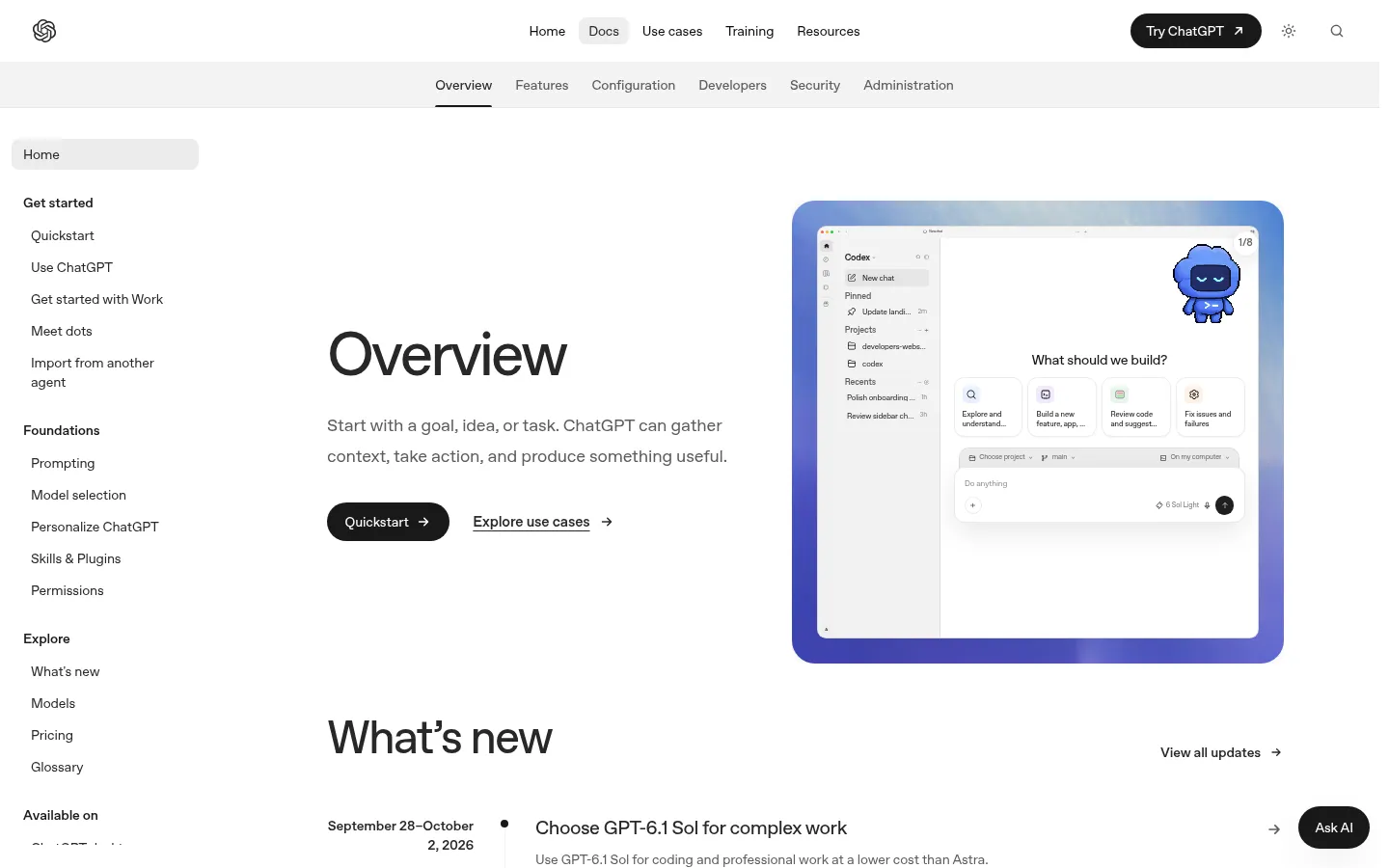
OpenAI Codex
OpenAI's coding agent, available in the ChatGPT desktop app, the Codex CLI, an IDE extension, the web, and iOS, with cloud tasks, GitHub code review, and Slack and Linear integrations.
Strengths
- +Included in ChatGPT plans you may already pay for, from a free tier up to Pro
- +Runs the same agent locally (CLI, IDE, desktop) and as cloud tasks, and reviews GitHub pull requests
- +Worktrees, sandboxing and permission controls, subagents, and scheduled tasks are built in
Weaknesses
- -Only OpenAI models; you cannot swap in a model from another provider
- -No as-you-type autocomplete: it is an agent, not a Tab completer
- -Usage is variable and shared with ChatGPT, and OpenAI's own estimates span a 10x range
Heads up: Models change fast: OpenAI says GPT-5.5 retires from Codex on 14 October 2026, so guides that recommend it are already out of date.
Codex is included in ChatGPT Free (light use, desktop app), Go ($8/month), Plus ($20/month, with Codex on the web, CLI, IDE extension, and iOS), and Pro (from $100/month). Business is $20 per user per month billed annually ($25 monthly). Usage is shared with ChatGPT Work; OpenAI's own estimate for Plus is 15 to 160 local messages per 5 hours on GPT-6.1 Sol, depending on the task. You can also use an API key and pay API prices. GPT-5.5 retires from Codex on 14 October 2026 (checked 3 October 2026).
Visit OpenAI Codex →
Google Antigravity
Google's agent-first development platform, with the Antigravity IDE, CLI, SDK, and extensions, running Gemini models plus Anthropic and open-weight models on its free plan.
Strengths
- +A free plan that includes Claude and Gemini models, unlimited Tab completions, and command requests
- +One platform across IDE, CLI, SDK, and IDE extensions
- +Business and Cloud customers get spend caps and central admin controls
Weaknesses
- -Weekly rate limits on the free plan are basic, and Google does not publish the numbers on the pricing page
- -It is new and moving quickly, so there is little long-term track record or independent review data
- -Paid plan prices are not shown on the Antigravity page and the product line has been reshuffled (Gemini Code Assist's free individual tier is being replaced by it)
Heads up: Qodo reports that Google has told users of the free Gemini Code Assist IDE extensions and Gemini CLI to migrate to Antigravity. If you rely on those, plan the move.
The individual plan is $0 with access to Gemini 3.8, 3.7, and 3.6 Flash, Gemini 3.1 Pro, Claude Sonnet and Opus 4.6, and gpt-oss-120b, plus unlimited Tab completions and command requests under basic weekly rate limits. Google AI Pro and Google AI Ultra raise the rate limits and add a flexible credit pool; Google does not show their prices on the Antigravity page. Business access comes through Google Cloud (checked 3 October 2026).
Visit Google Antigravity →Feature comparison matrix
GitHub Copilot included for reference, alongside every alternative.
| Feature | Cursor | GitHub Copilot | Windsurf (Devin Desktop) | Cline | Claude Code | JetBrains AI | OpenAI Codex | Google Antigravity |
|---|---|---|---|---|---|---|---|---|
| Free plan | Yes (limited Agent) | Yes (limited chat + agent) | Yes (light quota, unlimited Tab) | Free software (pay for models) | No (needs Pro) | Yes (3 credits/30 days) | Yes (light use) | Yes (basic weekly limits) |
| Paid plan from | $20/mo (Pro) | $10/mo (Pro) | $20/mo (Pro) | None (usage-based) | $17/mo annual, $20 monthly (Pro) | $10/mo (AI Pro) | $8/mo (Go); $20 Plus | Google AI Pro (price not shown) |
| As-you-type autocomplete | Yes | Yes | Yes (Tab) | No | No | Yes | No | Yes (Tab) |
| Multi-file agent | Yes | Yes (agent mode) | Yes | Yes | Yes | Partial | Yes | Yes |
| Works in your current IDE | No (own editor) | Yes (VS Code, Visual Studio, JetBrains, Vim) | No (own editor) | Yes (VS Code; JetBrains on Enterprise) | Yes (VS Code, JetBrains, terminal) | JetBrains only | Yes (IDE extension, CLI) | Own IDE + IDE extensions |
| Use your own API key | No (Cursor-billed models) | No | No (extra usage at API prices) | Yes (any provider) | Via Console API credits | Yes (BYOK) | Yes (API key) | Via API (consumption pricing) |
| Models available | Several labs | Several labs | OpenAI, Claude, Gemini, open source | Any provider | Anthropic only | Several labs | OpenAI only | Gemini, Claude, gpt-oss |
Frequently Asked Questions
What's the best alternative to GitHub Copilot?
Cursor, based on our benchmark - it scored 51/60 against GitHub Copilot's 50/60 across Agent & Multi-File Work, Autocomplete & Everyday Editing, Codebase Understanding, Model Choice & Flexibility, Privacy & Team Controls, Free Tier & Value.
Why do people switch away from GitHub Copilot?
GitHub states that interactions on Copilot Free, Pro, and Pro+ (inputs, outputs, code snippets, and context) may be used to improve its models unless you opt out in settings. Business and Enterprise seats are separate.
Is Cursor cheaper than GitHub Copilot?
Cursor's Hobby is free with limited Agent requests. Pro is $20/month and adds extended Agent limits, frontier models, MCPs, skills and hooks, and cloud agents; Pro+ and Ultra are higher-usage tiers for daily agent users. Teams is $40 per user per month and adds SSO, shared rules and plugins, and team-wide privacy mode. Every plan includes a set amount of model usage; after that, on-demand usage is billed in arrears (checked 3 October 2026). GitHub Copilot's pricing: Free is $0 with limited chat and agent usage and supports the CLI and agent mode. Pro is $10/month, Pro+ is $39/month, and Max is $100/month. Usage is paid for in GitHub AI Credits (1 credit = $0.01): Pro's $10 base is topped up with a variable flex allotment, and you can set a dollar budget for extra usage. Copilot Business is $19 per user per month (checked 3 October 2026).
Can I switch from GitHub Copilot to Cursor without losing my work?
That depends on what each tool lets you export - check the feature comparison matrix on this page for each tool's export and data-portability support before committing to a switch. It's rarely a one-click transplant, so budget time to rebuild anything that doesn't have a direct import path.
About the writer
Jake Sullivan
Senior Content Researcher
Jake runs the majority of Benchmark Lab's hands-on testing - executing the identical test script across every tool in a category, logging what succeeded, what failed, and how long each step took. He writes up the results for the categories and comparisons he tests directly.
Read more →