Best Granola Alternatives (2026)
Short answer: Fathom is the best Granola alternative in our benchmark, scoring 51/60 against Granola's 47/60 - the gap is driven mainly by free tier & value, Granola's weakest scored criterion relative to Fathom.
Last tested 2026-10-03 · same benchmark as the full Best AI Meeting Note Takers ranking
Why people look for Granola alternatives
People look for Granola alternatives when they need saved recordings, wider CRM integrations, or team-wide search, since Granola keeps audio for no longer than transcription takes. Fathom, our top pick, gives you unlimited free recordings and video clips, while Krisp and Fellow also offer bot-free capture. Here is how they compare on the same six criteria.
Full ranking, Granola included
An AI meeting assistant that records, transcribes, and summarizes Zoom, Google Meet, and Teams calls, with unlimited recordings and transcripts on its free plan and a bot-free capture option for Mac (beta).
- Notes & Summary Quality
- 9/10
- Capture Flexibility
- 7/10
- Search & Cross-Meeting Recall
- 8/10
- Integrations & Workflow
- 9/10
- Privacy & Compliance
- 8/10
- Free Tier & Value
- 10/10
An AI notepad that captures your device's audio without a meeting bot. You jot rough notes during the call and Granola turns them into structured notes afterward.
- Notes & Summary Quality
- 9/10
- Capture Flexibility
- 9/10
- Search & Cross-Meeting Recall
- 7/10
- Integrations & Workflow
- 7/10
- Privacy & Compliance
- 8/10
- Free Tier & Value
- 7/10
A meeting assistant that records, transcribes, and summarizes calls across Zoom, Google Meet, Teams, and 10+ other platforms in 100+ languages, with AskFred search over your whole meeting archive.
- Notes & Summary Quality
- 7/10
- Capture Flexibility
- 7/10
- Search & Cross-Meeting Recall
- 9/10
- Integrations & Workflow
- 9/10
- Privacy & Compliance
- 7/10
- Free Tier & Value
- 7/10
An AI meeting assistant that ties agendas, notes, and action items together, with bot or botless recording, 100+ transcription languages, and SOC 2 Type II, GDPR, and HIPAA compliance.
- Notes & Summary Quality
- 8/10
- Capture Flexibility
- 8/10
- Search & Cross-Meeting Recall
- 7/10
- Integrations & Workflow
- 8/10
- Privacy & Compliance
- 9/10
- Free Tier & Value
- 5/10
A bot-free AI meeting assistant that runs on your device, cleans up background noise in both directions, and transcribes and summarizes online and in-person meetings.
- Notes & Summary Quality
- 6/10
- Capture Flexibility
- 9/10
- Search & Cross-Meeting Recall
- 6/10
- Integrations & Workflow
- 7/10
- Privacy & Compliance
- 9/10
- Free Tier & Value
- 5/10
A meeting assistant that produces summaries, action items, and a meeting coach report, and searches across meetings, email, and messages with Ask Read.
- Notes & Summary Quality
- 7/10
- Capture Flexibility
- 7/10
- Search & Cross-Meeting Recall
- 8/10
- Integrations & Workflow
- 7/10
- Privacy & Compliance
- 6/10
- Free Tier & Value
- 6/10
One of the most established AI transcription apps, with live transcription during meetings, slide capture, AI Chat across your meetings, and mobile apps for in-person recording.
- Notes & Summary Quality
- 7/10
- Capture Flexibility
- 8/10
- Search & Cross-Meeting Recall
- 7/10
- Integrations & Workflow
- 6/10
- Privacy & Compliance
- 6/10
- Free Tier & Value
- 6/10
| Rank | Tool | Notes & Summary Quality | Capture Flexibility | Search & Cross-Meeting Recall | Integrations & Workflow | Privacy & Compliance | Free Tier & Value | Score |
|---|---|---|---|---|---|---|---|---|
| #1 | FathomWinner An AI meeting assistant that records, transcribes, and summarizes Zoom, Google Meet, and Teams calls, with unlimited recordings and transcripts on its free plan and a bot-free capture option for Mac (beta). | 9/10 | 7/10 | 8/10 | 9/10 | 8/10 | 10/10 | 51/60 |
| #2 | Granola An AI notepad that captures your device's audio without a meeting bot. You jot rough notes during the call and Granola turns them into structured notes afterward. | 9/10 | 9/10 | 7/10 | 7/10 | 8/10 | 7/10 | 47/60 |
| #3 | Fireflies.ai A meeting assistant that records, transcribes, and summarizes calls across Zoom, Google Meet, Teams, and 10+ other platforms in 100+ languages, with AskFred search over your whole meeting archive. | 7/10 | 7/10 | 9/10 | 9/10 | 7/10 | 7/10 | 46/60 |
| #4 | Fellow An AI meeting assistant that ties agendas, notes, and action items together, with bot or botless recording, 100+ transcription languages, and SOC 2 Type II, GDPR, and HIPAA compliance. | 8/10 | 8/10 | 7/10 | 8/10 | 9/10 | 5/10 | 45/60 |
| #5 | Krisp A bot-free AI meeting assistant that runs on your device, cleans up background noise in both directions, and transcribes and summarizes online and in-person meetings. | 6/10 | 9/10 | 6/10 | 7/10 | 9/10 | 5/10 | 42/60 |
| #6 | Read AI A meeting assistant that produces summaries, action items, and a meeting coach report, and searches across meetings, email, and messages with Ask Read. | 7/10 | 7/10 | 8/10 | 7/10 | 6/10 | 6/10 | 41/60 |
| #7 | Otter.ai One of the most established AI transcription apps, with live transcription during meetings, slide capture, AI Chat across your meetings, and mobile apps for in-person recording. | 7/10 | 8/10 | 7/10 | 6/10 | 6/10 | 6/10 | 40/60 |
Alternatives reviewed
Starting with the top-ranked alternative, then every other option we tested.
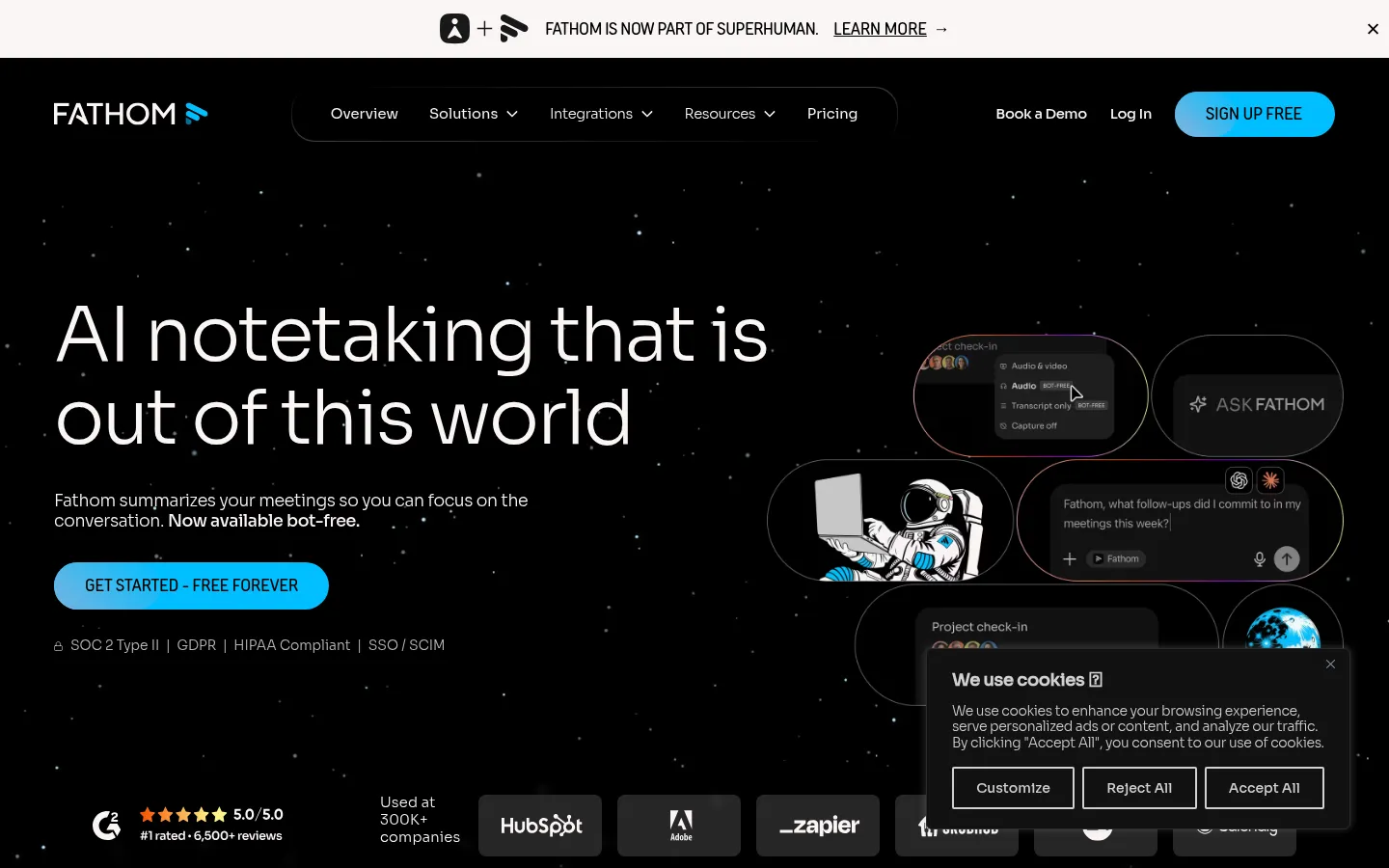
Fathom
WinnerAn AI meeting assistant that records, transcribes, and summarizes Zoom, Google Meet, and Teams calls, with unlimited recordings and transcripts on its free plan and a bot-free capture option for Mac (beta).
Strengths
- +The most generous free plan we found: unlimited recordings, transcripts, and instant summaries with no minute cap
- +Summaries land within moments of the call ending, and action items, clips, and highlight playlists are easy to share
- +Strong integrations for the price: HubSpot and Salesforce CRM sync, Zapier, Asana, Slack, Claude and ChatGPT connectors, and a public API with an MCP server
Weaknesses
- -Built around online meetings; reviewers report it is weak for in-person conversations and has no mobile app
- -Bot-free capture is a beta feature on Mac only, so Windows users still get a visible bot in the call
- -The best summary templates, account-wide Ask Fathom search, and CRM field sync sit on paid plans
Heads up: Fathom's homepage now shows it as part of Superhuman. Prices and plan names on its pricing page can change after an acquisition, so confirm them before you commit a team to annual billing.
The free plan includes unlimited recordings and transcriptions, instant AI call summaries, clips, playlists, and search across calls, with a choice of bot-free (beta, Mac) or bot capture. Premium is $16/month billed annually ($20 monthly) and adds advanced summaries, AI action items, and a custom meeting bot. Team is $15/user/month billed annually ($19 monthly, 2-user minimum), Business is $25 ($34 monthly) with CRM field sync, deal view, and coaching metrics. Enterprise adds SSO, SCIM, and a signed BAA for HIPAA (checked 3 October 2026).
Visit Fathom →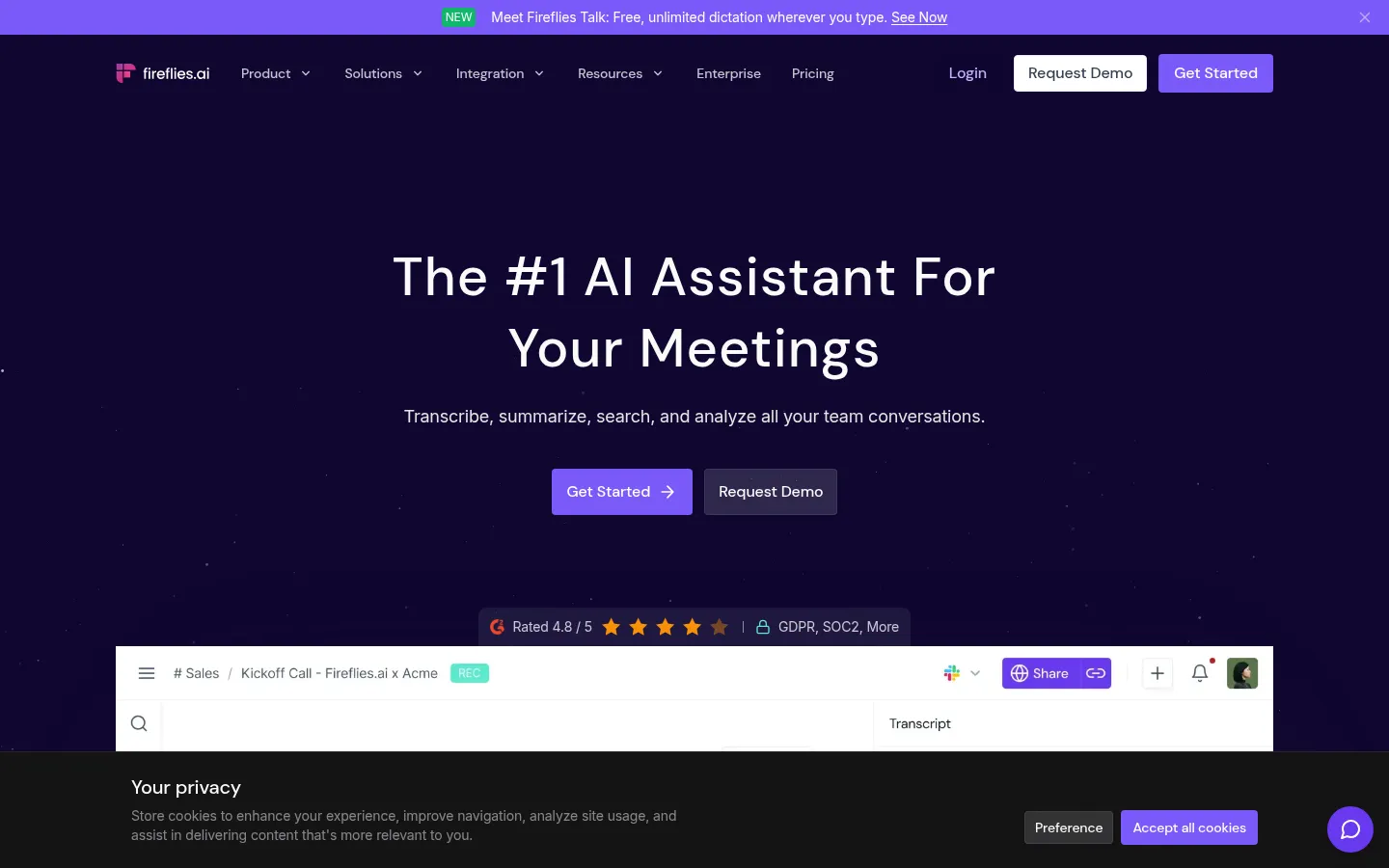
Fireflies.ai
A meeting assistant that records, transcribes, and summarizes calls across Zoom, Google Meet, Teams, and 10+ other platforms in 100+ languages, with AskFred search over your whole meeting archive.
Strengths
- +The deepest search and analytics: AskFred queries every meeting, and Business adds topic trackers, sentiment, talk-time, and team insights
- +Broadest platform and language coverage: 100+ languages, 10+ conferencing platforms, desktop and mobile apps, and uploads
- +All integrations come on every paid plan, and the Pro price is low for what it includes
Weaknesses
- -The free plan is limited by storage (400 minutes per team) and a credit system that is hard to predict
- -The Fireflies bot joins visibly by default, and reviewers flag that notes can be shared to all attendees automatically
- -HIPAA compliance, SSO, and audit logs are Enterprise only
Heads up: Check the auto-join and auto-share settings before you connect your calendar. Several reviewers report the bot joining every meeting and emailing notes to attendees by default, which is awkward on client calls.
Free has unlimited transcription but limited AI summaries, 400 minutes of storage per team, and 20 AI credits. Pro is $10/seat/month billed annually ($18 monthly) with unlimited AI summaries, video recording, and 8,000 minutes of storage per seat. Business is $19/seat/month annually ($29 monthly) with unlimited storage, conversation intelligence, and team analytics. Enterprise is $39/seat/month, annual only, with SSO, SCIM, and HIPAA compliance (checked 3 October 2026).
Visit Fireflies.ai →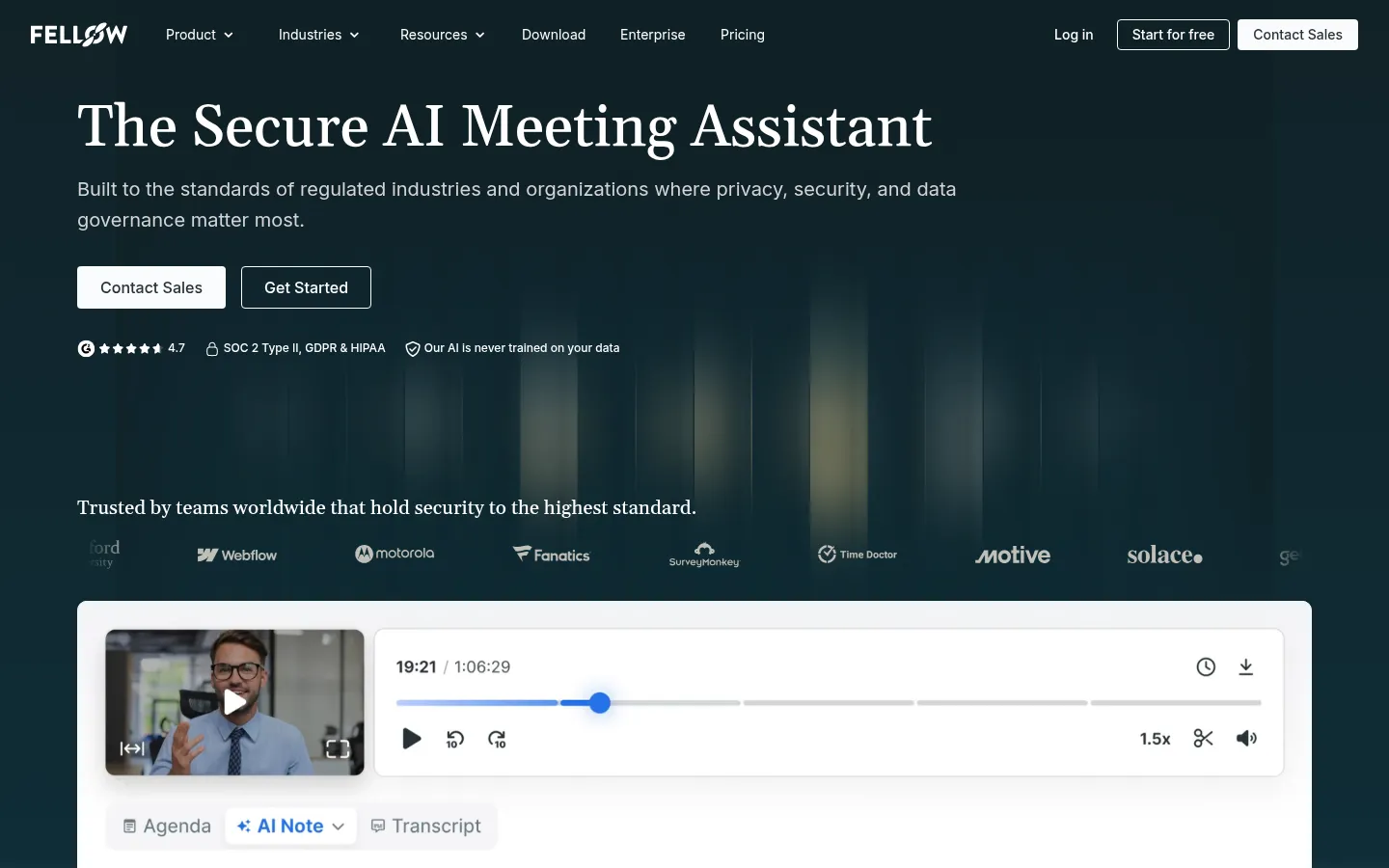
Fellow
An AI meeting assistant that ties agendas, notes, and action items together, with bot or botless recording, 100+ transcription languages, and SOC 2 Type II, GDPR, and HIPAA compliance.
Strengths
- +The only tool here built around the full meeting cycle: collaborative agendas, pre-meeting reminders, notes, and tracked action items with due dates
- +Strongest compliance story below enterprise: SOC 2 Type II, GDPR, and HIPAA, with a stated policy that your data is not used to train its AI
- +Works with or without a bot, with Claude connector, MCP server, and API access
Weaknesses
- -The free plan is a trial in practice: 5 AI notes for life, so it is not a long-term free option despite what some roundups say
- -Team is capped at 10 AI notes per user per month, so heavy meeting loads need Business at $15
- -Transcription and summary quality is not the reason people pick it; reviewers rate dedicated note takers higher on raw notes
Heads up: The most-cited Granola-alternatives article is published by Fellow and ranks Fellow first. We score it on the same criteria as everything else: it wins on privacy and team workflow, and loses on free-tier value.
Free includes 5 AI notes and 5 AI recordings per user for life, with Google Meet, Zoom, Teams, and Slack integrations. Team is $7/user/month billed annually ($11 monthly) for up to 20 seats and 10 AI notes per user per month. Business is $15/user/month annually ($23 monthly) with unlimited AI notes and recordings, Salesforce and HubSpot integrations, and sales recap templates. Enterprise is $25/user/month annually, starts at 10 users, and adds HIPAA/BAA, SSO, and transcript redaction (checked 3 October 2026).
Visit Fellow →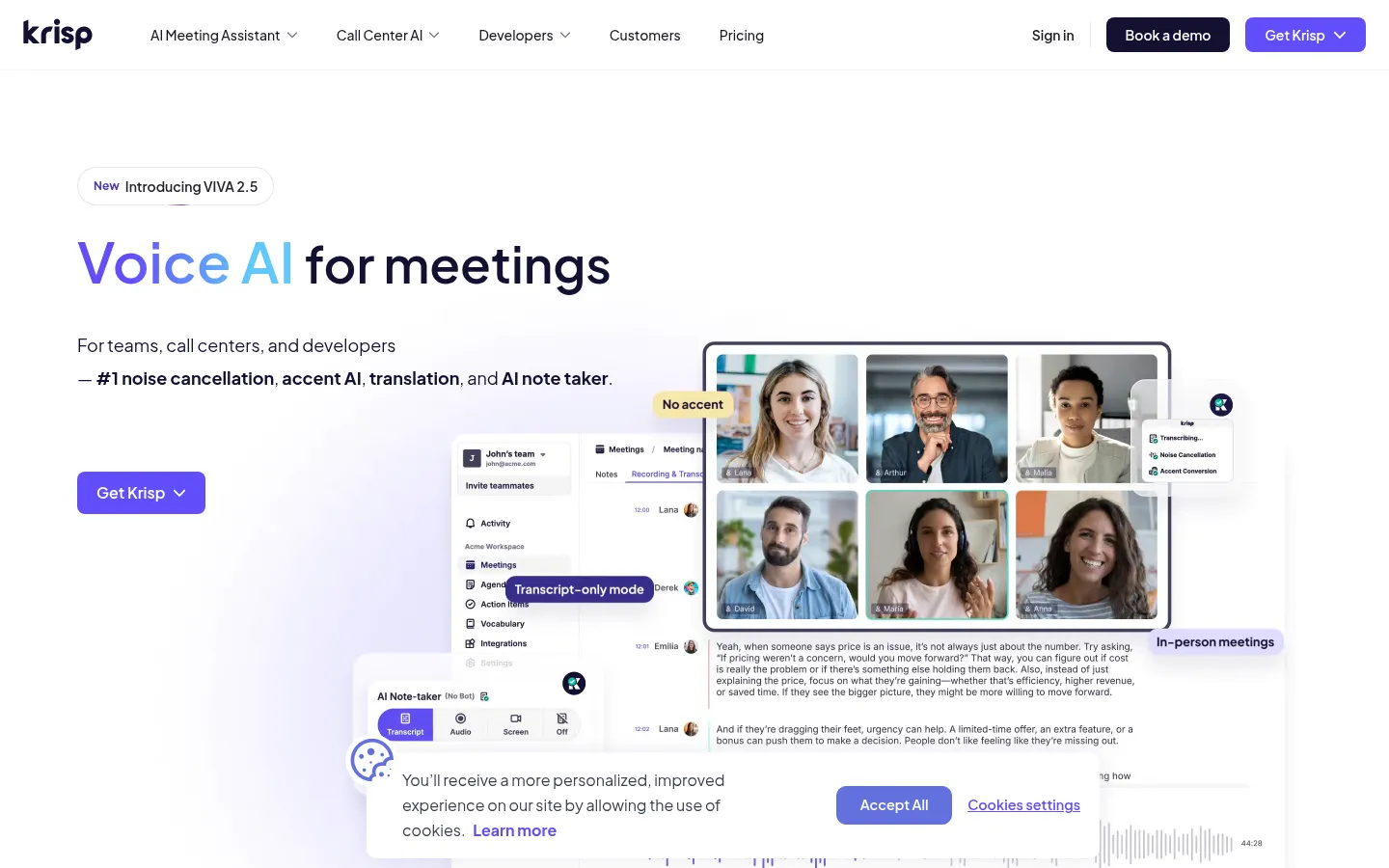
Krisp
A bot-free AI meeting assistant that runs on your device, cleans up background noise in both directions, and transcribes and summarizes online and in-person meetings.
Strengths
- +Noise and echo cancellation on both your mic and incoming audio, which lifts transcript accuracy in loud rooms
- +Bot-free capture that works with any app and handles in-person meetings, phone calls, and uploaded recordings
- +SOC 2 Type II, GDPR, and HIPAA, with a stated policy that meeting data is never used for model training and on-device processing at Enterprise
Weaknesses
- -No standing free plan any more; older roundups still list a free tier with 60 minutes of daily noise cancellation
- -Reviewers describe the AI notes as basic next to Fathom or Granola, and customization of the output is limited
- -Fewer native CRM and project-tool integrations than Fireflies or Fathom, with Salesforce only on Advanced
Heads up: Krisp is a noise-cancellation product that grew a note taker, not the other way around. If your calls are clean already, you are paying for the part you do not need.
Krisp's current pricing page offers a 7-day free trial rather than a standing free plan. Core is $8/user/month billed annually ($16 monthly) with unlimited bot-free transcription, notes, noise cancellation, and in-person meeting notes. Advanced is $15/user/month annually ($30 monthly) and adds Salesforce, ConnectWise, a manager view, and 60 GB of storage. Enterprise adds SSO/SCIM, a SOC 2 report, data center choice, and on-device private transcription (checked 3 October 2026).
Visit Krisp →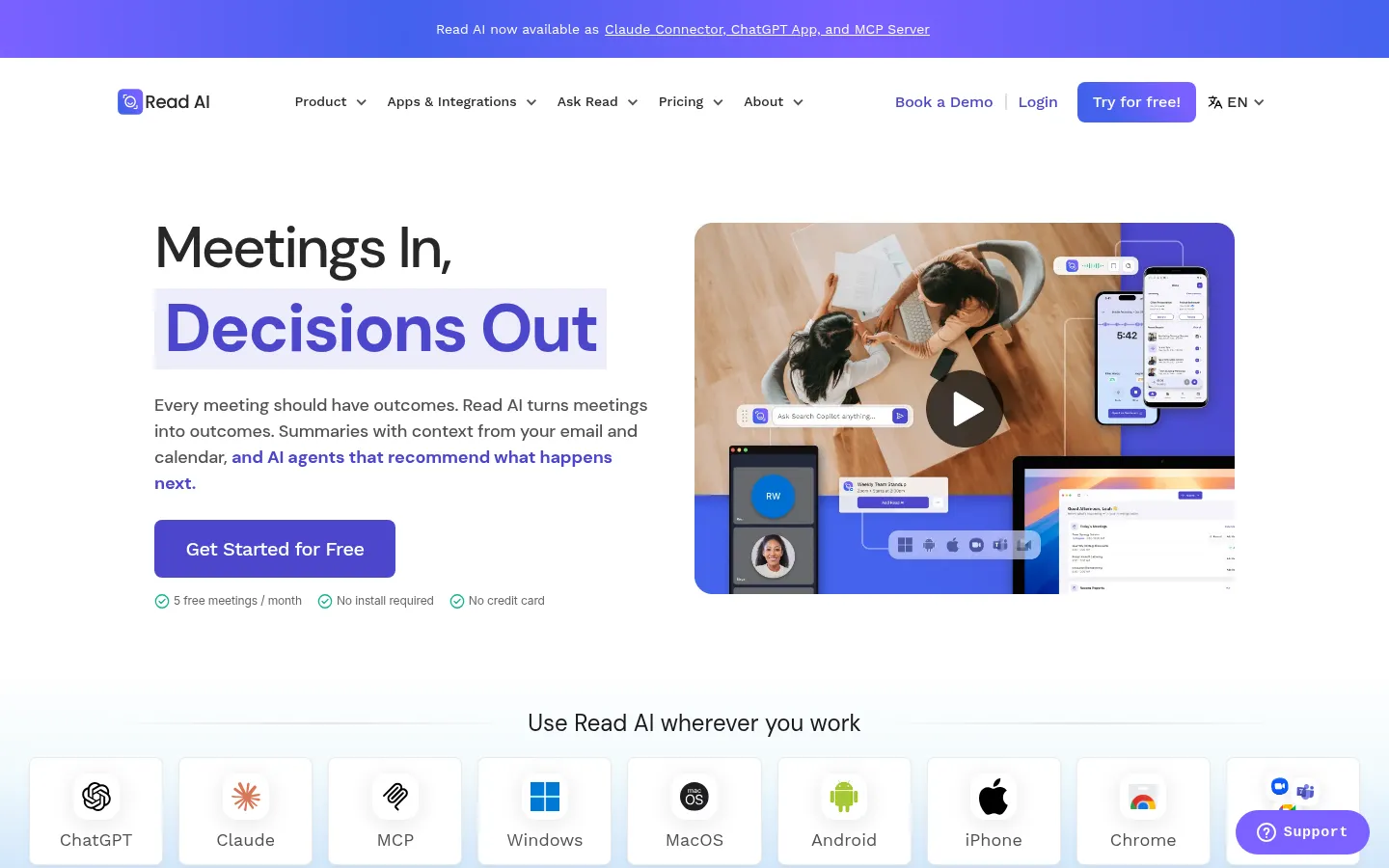
Read AI
A meeting assistant that produces summaries, action items, and a meeting coach report, and searches across meetings, email, and messages with Ask Read.
Strengths
- +Ask Read searches meetings together with email and messages, which goes beyond meeting-only search
- +A personal meeting coach with talk-speed, filler-word, and engagement metrics on every plan
- +Apps for Windows, macOS, iOS, and Android plus a Chrome extension, and Claude and ChatGPT connectors
Weaknesses
- -The free plan stops at 5 meetings a month and 1-hour meetings
- -Video and audio playback only starts at the Enterprise tier, and HIPAA and SSO at Enterprise+
- -All licenses in a workspace must be on the same plan, which makes mixed teams expensive
Heads up: The pricing page we read still carried a 2025 copyright footer, so treat its numbers as the most likely to have moved and confirm them at checkout.
Free includes 5 meeting reports per month (1-hour maximum meeting length), unlimited enterprise search, and basic integrations. Pro is $15/user/month billed annually ($19.75 monthly) with unlimited reports and premium integrations (Notion, Salesforce, HubSpot, Jira, Confluence, Zapier). Enterprise is $22.50 annually ($29.75 monthly) and adds audio and video playback. Enterprise+ is $29.75 annually ($39.75 monthly), needs 5+ licenses, and adds HIPAA, SAML, and SCIM (checked 3 October 2026).
Visit Read AI →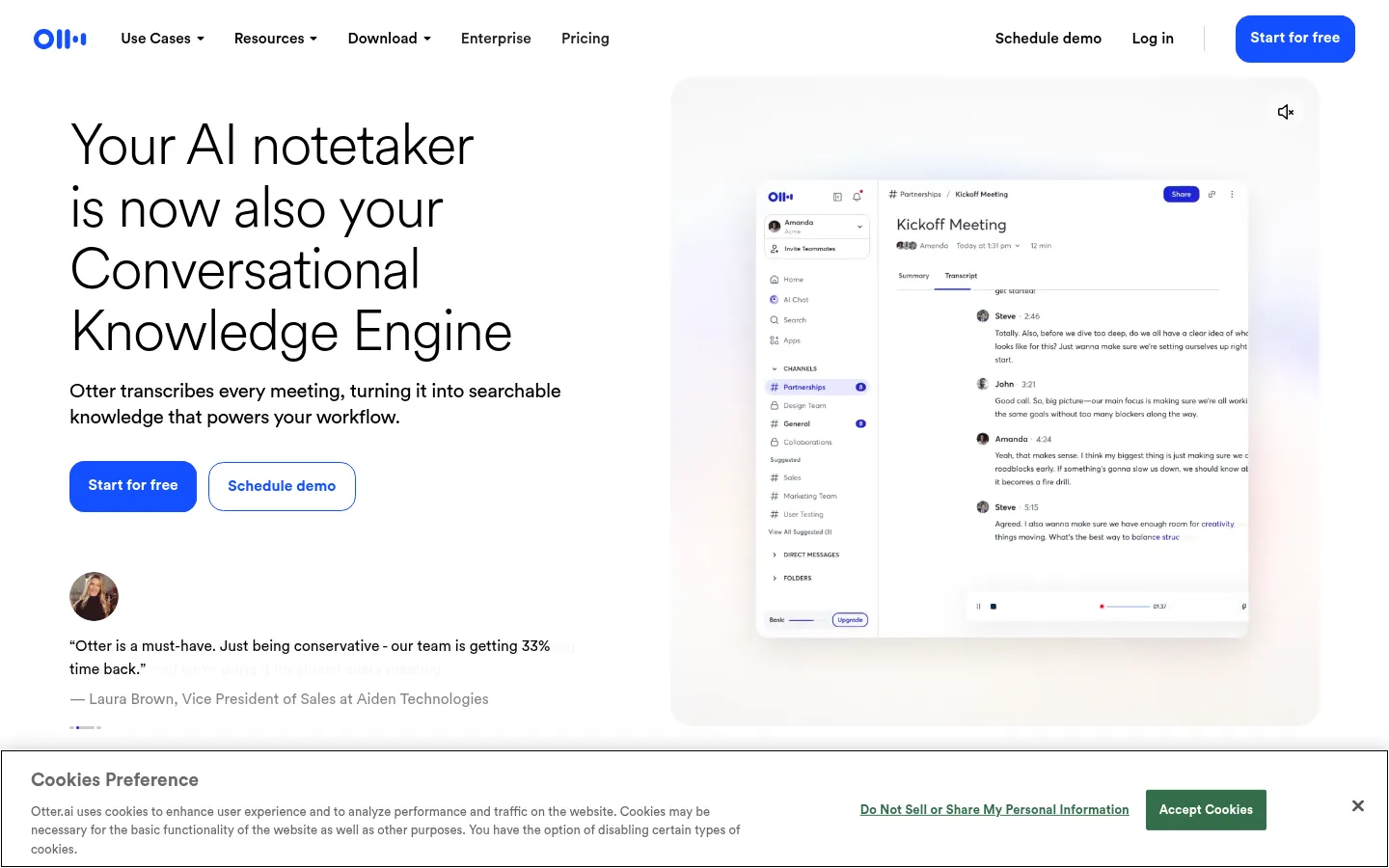
Otter.ai
One of the most established AI transcription apps, with live transcription during meetings, slide capture, AI Chat across your meetings, and mobile apps for in-person recording.
Strengths
- +Live transcription you can read and annotate as people speak, with automatic slide capture for presentations
- +Mobile apps with web and mobile recording make it a natural choice for in-person meetings and lectures
- +AI Chat across meetings, an MCP server, and Salesforce, HubSpot, and Zapier integrations
Weaknesses
- -Hard minute caps: the free plan is 300 minutes a month and 30 minutes per conversation, and Pro is 1,200 minutes
- -Admin and compliance controls are thin below Enterprise, with SSO needing 100 licenses and HIPAA an add-on
- -Reviewers report weaker speaker labeling in group calls and background noise hurting accuracy
Heads up: Otter's monthly minute limits are shared between recordings and imported files, and they do not roll over. A few long meetings can use up a Pro month.
Basic is free with 300 transcription minutes per month and a 30-minute limit per conversation. Pro is $16.99/user/month ($8.33 billed annually) with 1,200 minutes and 90 minutes per meeting. Business is $30/user/month ($19.99 billed annually) with unlimited meetings, up to 4 hours per meeting, and 3 concurrent meetings. Enterprise adds SSO, SCIM, and HIPAA as an add-on, with SSO requiring a 100-user license minimum (checked 3 October 2026).
Visit Otter.ai →Feature comparison matrix
Granola included for reference, alongside every alternative.
| Feature | Fathom | Granola | Fireflies.ai | Fellow | Krisp | Read AI | Otter.ai |
|---|---|---|---|---|---|---|---|
| Free plan | Yes (unlimited recordings) | Yes (30 days of history) | Yes (400 min storage/team) | Yes (5 AI notes lifetime) | 7-day trial only | Yes (5 meetings/mo) | Yes (300 min/mo) |
| Paid plan from (billed annually) | $16/mo ($20 monthly) | $14/mo (Business) | $10/mo ($18 monthly) | $7/mo ($11 monthly) | $8/mo ($16 monthly) | $15/mo ($19.75 monthly) | $8.33/mo ($16.99 monthly) |
| Bot-free recording | Yes (Mac, beta) | Yes (only mode) | Partial (Chrome extension) | Yes (desktop app) | Yes (default) | Yes (desktop and mobile apps) | Partial (apps) |
| In-person meetings | Limited (online first) | Yes (phone, watch) | Partial (mobile app, uploads) | Partial (uploads) | Yes | Yes (mobile apps) | Yes (mobile apps) |
| AI chat across meetings | Yes (beta, paid) | Yes | Yes (AskFred) | Yes (Ask Fellow) | Yes | Yes (Ask Read) | Yes (20/mo on free) |
| Video or audio recording saved | Yes | No (audio deleted) | Yes (video on Pro) | Yes | Yes | Enterprise plan | Audio playback |
| CRM sync (HubSpot, Salesforce) | Yes | HubSpot on Business; Salesforce on Enterprise | Yes (paid plans) | Business plan and up | HubSpot on Core; Salesforce on Advanced | Pro and up | Pro and up (user limits) |
| HIPAA compliance | Enterprise (BAA) | Enterprise | Enterprise | Enterprise | Enterprise (BAA at 100+ seats) | Enterprise+ | Enterprise add-on |
Frequently Asked Questions
What's the best alternative to Granola?
Fathom, based on our benchmark - it scored 51/60 against Granola's 47/60 across Notes & Summary Quality, Capture Flexibility, Search & Cross-Meeting Recall, Integrations & Workflow, Privacy & Compliance, Free Tier & Value.
Why do people switch away from Granola?
Because nobody sees a bot, you are responsible for telling people they are being recorded. Granola has a setting to let attendees know, but depending on where your participants are, you may need explicit consent before you start.
Is Fathom cheaper than Granola?
Fathom's The free plan includes unlimited recordings and transcriptions, instant AI call summaries, clips, playlists, and search across calls, with a choice of bot-free (beta, Mac) or bot capture. Premium is $16/month billed annually ($20 monthly) and adds advanced summaries, AI action items, and a custom meeting bot. Team is $15/user/month billed annually ($19 monthly, 2-user minimum), Business is $25 ($34 monthly) with CRM field sync, deal view, and coaching metrics. Enterprise adds SSO, SCIM, and a signed BAA for HIPAA (checked 3 October 2026). Granola's pricing: Basic is free with AI meeting notes, AI chat, shared folders, and 30 days of meeting history. Business is $14/user/month and adds unlimited history, advanced AI models, Notion, Zapier, HubSpot, Attio, and Affinity integrations, MCP and API access. Enterprise is $35/user/month with SSO, SCIM, HIPAA-compliant workspaces, and org-wide controls (checked 3 October 2026).
Can I switch from Granola to Fathom without losing my work?
That depends on what each tool lets you export - check the feature comparison matrix on this page for each tool's export and data-portability support before committing to a switch. It's rarely a one-click transplant, so budget time to rebuild anything that doesn't have a direct import path.
About the writer
Jake Sullivan
Senior Content Researcher
Jake runs the majority of Benchmark Lab's hands-on testing - executing the identical test script across every tool in a category, logging what succeeded, what failed, and how long each step took. He writes up the results for the categories and comparisons he tests directly.
Read more →