Best OpusClip Alternatives (2026)
Short answer: Descript is the best OpusClip alternative in our benchmark, scoring 48/60 against OpusClip's 42/60 - the gap is driven mainly by editing depth & finishing, OpusClip's weakest scored criterion relative to Descript.
Last tested 2026-10-19 · same benchmark as the full Best AI Video Editors ranking
Why people look for OpusClip alternatives
People look for OpusClip alternatives when they need to edit the long video too, want more control than automatic clip picks, or want to avoid paying for credits. Descript, our top pick, finds clips and edits the full video in one project, and CapCut has Long Video to Shorts inside a full editor. Here is how they compare on the same six criteria.
Full ranking, OpusClip included
A video and podcast editor you edit like a document: delete words in the transcript and the video follows, with Underlord, an AI co-editor that takes plain-English instructions.
- AI Editing Automation
- 10/10
- Short-Form & Social Output
- 8/10
- Editing Depth & Finishing
- 7/10
- Ease of Use
- 9/10
- Free Plan
- 6/10
- Paid Price & Value
- 8/10
ByteDance's social-first video editor for desktop, web, and mobile, with templates, Auto Reframe, long-video-to-shorts, and built-in AI video generation.
- AI Editing Automation
- 7/10
- Short-Form & Social Output
- 9/10
- Editing Depth & Finishing
- 7/10
- Ease of Use
- 9/10
- Free Plan
- 8/10
- Paid Price & Value
- 7/10
A professional editor, color grader, VFX, and audio suite in one app, with a genuinely free version and a one-time $295 Studio license that adds the DaVinci AI Neural Engine.
- AI Editing Automation
- 7/10
- Short-Form & Social Output
- 5/10
- Editing Depth & Finishing
- 10/10
- Ease of Use
- 4/10
- Free Plan
- 10/10
- Paid Price & Value
- 10/10
An AI clipping tool that turns one long video into many captioned, reframed short clips with a virality score, then schedules them to TikTok, Shorts, and Reels.
- AI Editing Automation
- 8/10
- Short-Form & Social Output
- 10/10
- Editing Depth & Finishing
- 3/10
- Ease of Use
- 9/10
- Free Plan
- 5/10
- Paid Price & Value
- 7/10
A browser-based video editor with auto subtitles, Magic Cut, AI clips, translation, and avatars, now marketed as an AI video creation platform for social.
- AI Editing Automation
- 8/10
- Short-Form & Social Output
- 8/10
- Editing Depth & Finishing
- 6/10
- Ease of Use
- 8/10
- Free Plan
- 4/10
- Paid Price & Value
- 7/10
A collaborative browser video editor with Smart Cut silence removal, transcript trimming, auto subtitles, Repurpose Studio, and dubbing into 40+ languages.
- AI Editing Automation
- 7/10
- Short-Form & Social Output
- 8/10
- Editing Depth & Finishing
- 6/10
- Ease of Use
- 8/10
- Free Plan
- 4/10
- Paid Price & Value
- 7/10
A beginner-friendly desktop timeline editor for Windows and Mac with AI Mate, Smart Short Clips, AI text-based editing, and a one-time perpetual license option.
- AI Editing Automation
- 7/10
- Short-Form & Social Output
- 7/10
- Editing Depth & Finishing
- 7/10
- Ease of Use
- 8/10
- Free Plan
- 3/10
- Paid Price & Value
- 7/10
Adobe's professional editor (now branded simply Premiere), with AI text-based editing, Generative Extend, Object Mask, Media Intelligence search, and caption translation inside a full timeline.
- AI Editing Automation
- 9/10
- Short-Form & Social Output
- 6/10
- Editing Depth & Finishing
- 10/10
- Ease of Use
- 4/10
- Free Plan
- 2/10
- Paid Price & Value
- 6/10
| Rank | Tool | AI Editing Automation | Short-Form & Social Output | Editing Depth & Finishing | Ease of Use | Free Plan | Paid Price & Value | Score |
|---|---|---|---|---|---|---|---|---|
| #1 | DescriptWinner A video and podcast editor you edit like a document: delete words in the transcript and the video follows, with Underlord, an AI co-editor that takes plain-English instructions. | 10/10 | 8/10 | 7/10 | 9/10 | 6/10 | 8/10 | 48/60 |
| #2 | CapCut ByteDance's social-first video editor for desktop, web, and mobile, with templates, Auto Reframe, long-video-to-shorts, and built-in AI video generation. | 7/10 | 9/10 | 7/10 | 9/10 | 8/10 | 7/10 | 47/60 |
| #3 | DaVinci Resolve A professional editor, color grader, VFX, and audio suite in one app, with a genuinely free version and a one-time $295 Studio license that adds the DaVinci AI Neural Engine. | 7/10 | 5/10 | 10/10 | 4/10 | 10/10 | 10/10 | 46/60 |
| #4 | OpusClip An AI clipping tool that turns one long video into many captioned, reframed short clips with a virality score, then schedules them to TikTok, Shorts, and Reels. | 8/10 | 10/10 | 3/10 | 9/10 | 5/10 | 7/10 | 42/60 |
| #5 | VEED A browser-based video editor with auto subtitles, Magic Cut, AI clips, translation, and avatars, now marketed as an AI video creation platform for social. | 8/10 | 8/10 | 6/10 | 8/10 | 4/10 | 7/10 | 41/60 |
| #6 | Kapwing A collaborative browser video editor with Smart Cut silence removal, transcript trimming, auto subtitles, Repurpose Studio, and dubbing into 40+ languages. | 7/10 | 8/10 | 6/10 | 8/10 | 4/10 | 7/10 | 40/60 |
| #7 | Wondershare Filmora A beginner-friendly desktop timeline editor for Windows and Mac with AI Mate, Smart Short Clips, AI text-based editing, and a one-time perpetual license option. | 7/10 | 7/10 | 7/10 | 8/10 | 3/10 | 7/10 | 39/60 |
| #8 | Adobe Premiere Pro Adobe's professional editor (now branded simply Premiere), with AI text-based editing, Generative Extend, Object Mask, Media Intelligence search, and caption translation inside a full timeline. | 9/10 | 6/10 | 10/10 | 4/10 | 2/10 | 6/10 | 37/60 |
Alternatives reviewed
Starting with the top-ranked alternative, then every other option we tested.
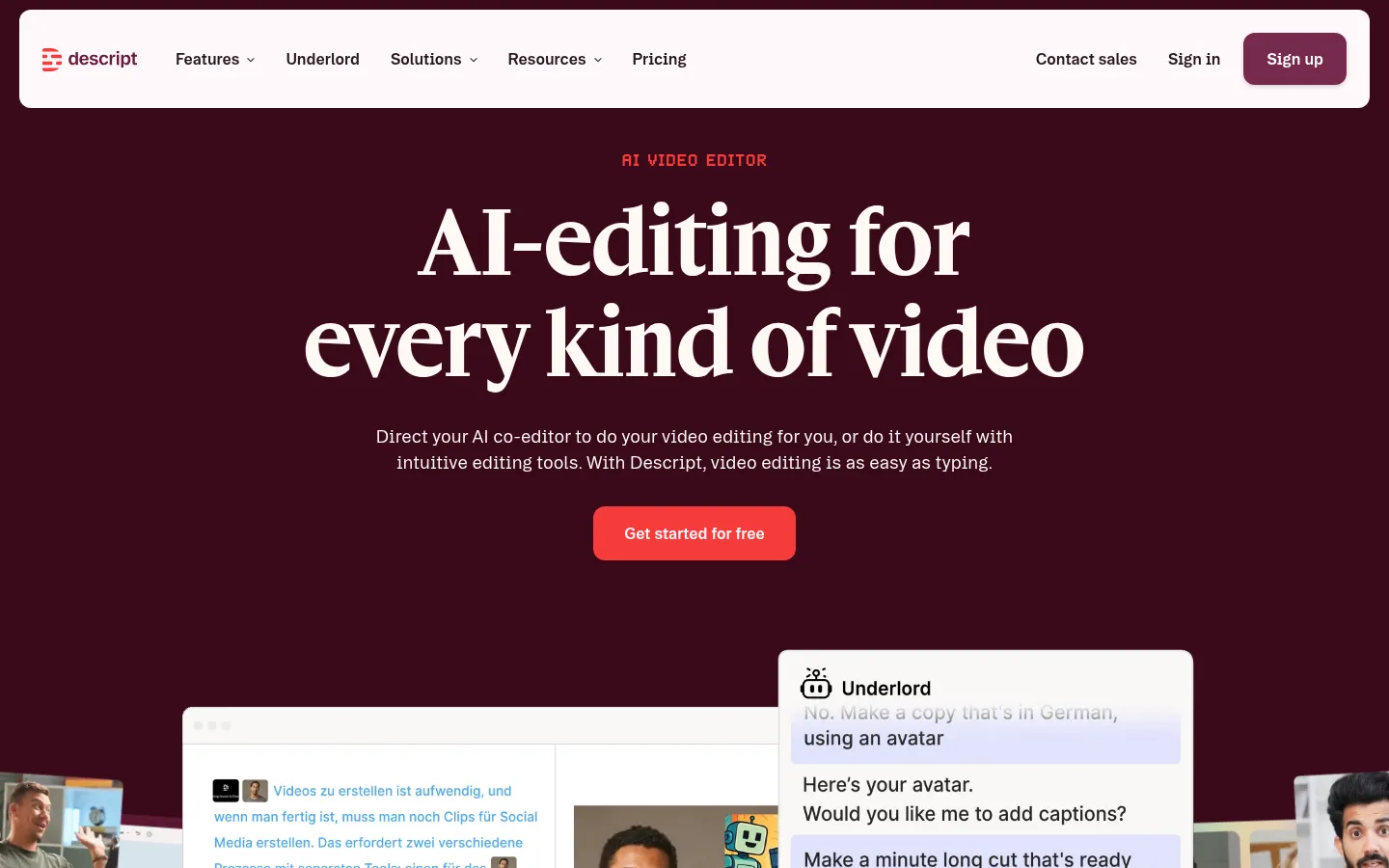
Descript
WinnerA video and podcast editor you edit like a document: delete words in the transcript and the video follows, with Underlord, an AI co-editor that takes plain-English instructions.
Strengths
- +The best AI editing of any tool here: transcript editing, Remove Filler Words, Remove Retakes, Edit for Clarity, and Underlord, which carries out multi-step instructions such as 'make a one-minute cut ready for LinkedIn'
- +Handles long and short output in one project: Create Clips finds highlights, Center Active Speaker reframes, and dynamic captions are unlimited on every plan
- +Strong audio cleanup for talking-head and podcast video: Studio Sound, Shorten Word Gaps, and Regenerate to smooth over cuts, plus timeline export to Premiere, Final Cut Pro, Pro Tools, and Audition
Weaknesses
- -Two meters to watch: media hours (10 on Hobbyist) and AI credits (400 on Hobbyist), and heavy Underlord or Studio Sound use spends credits fast
- -Not a finishing tool: there is no real color grading, compositing, or advanced effects, so cinematic projects still end in Premiere or DaVinci Resolve
- -The free plan is a test drive: one media hour a month, 100 AI credits that do not refresh, and 720p export
Heads up: Descript is built around speech. If your video has a script or someone talking, it is the fastest editor here; if it is music-driven B-roll with no dialogue, the transcript has nothing to work on and you lose most of the advantage.
Free is $0 with 60 media minutes a month, 100 one-time AI credits, limited Underlord access, and 720p export. Hobbyist is $16 per person per month billed annually ($24 monthly) with 10 media hours, 400 AI credits a month, and watermark-free 1080p export. Creator is $24 billed annually ($35 monthly) with 30 media hours, 800 AI credits, 4K export, AI video generation, and the full stock library. Business is $50 billed annually ($65 monthly) with 40 media hours, 1,500 AI credits, Brand Studio, and translation and dubbing in 30+ languages. Media hours count everything you import or record; AI credits are spent by Underlord, Studio Sound, Eye Contact, Green Screen, and generation (checked 19 October 2026).
Visit Descript →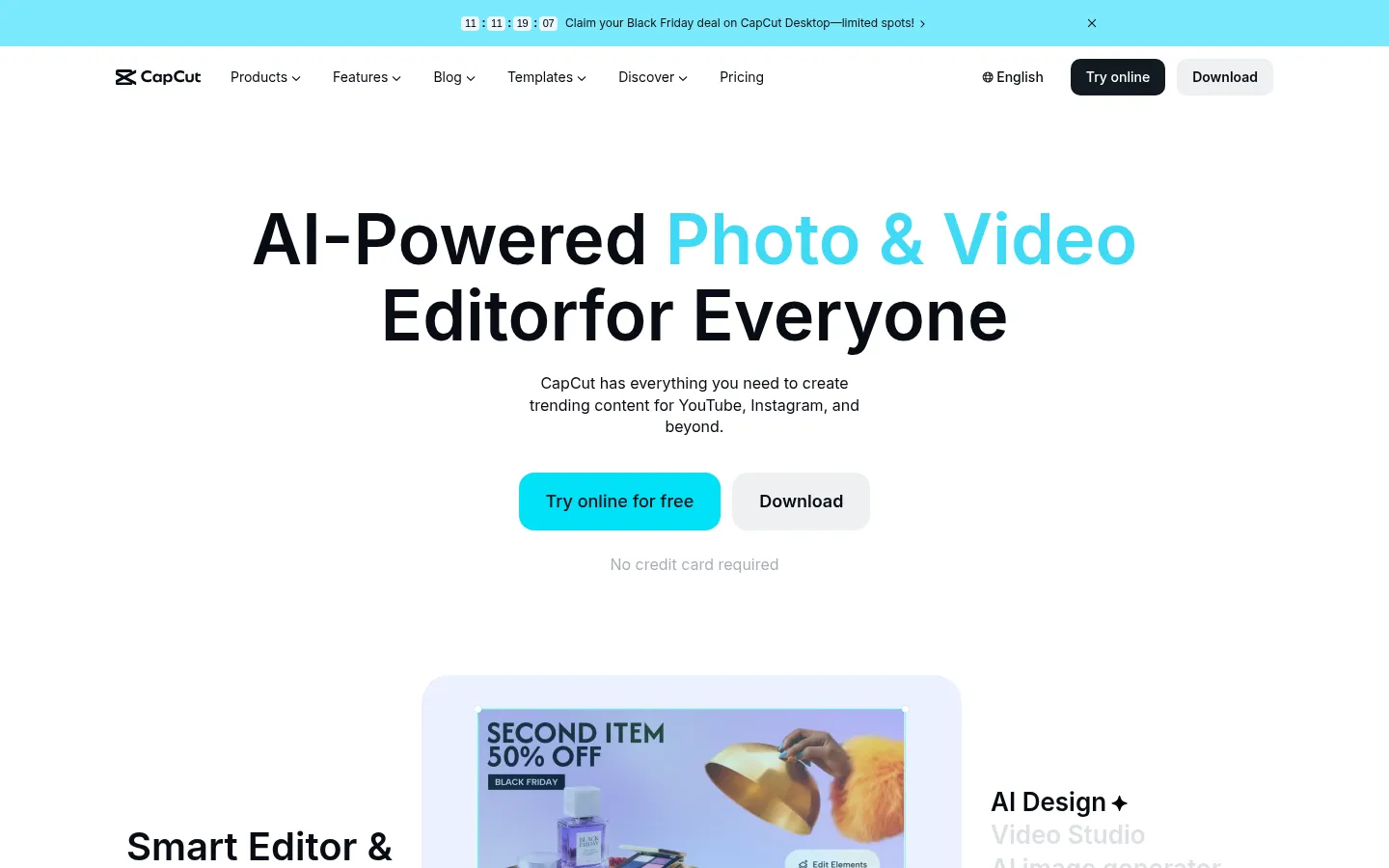
CapCut
ByteDance's social-first video editor for desktop, web, and mobile, with templates, Auto Reframe, long-video-to-shorts, and built-in AI video generation.
Strengths
- +The fastest path from raw clips to a vertical TikTok, Reel, or Short: trending templates, Auto Reframe, and Long Video to Shorts
- +Works on desktop, web, and phone with the same account, and the free plan exports without a watermark
- +The most AI generation built into an editor here: Pro's credits cover AI video, music, images, and voice inside the same timeline
Weaknesses
- -The AI you came for is mostly Pro: CapCut's own Standard vs Pro guide (23 September 2026) lists the auto caption generator and motion tracking as Pro features
- -Free cloud storage was discontinued in August 2024, according to the same guide, so backing up projects online needs a paid plan
- -Prices are regional and promotional, so two people can see different Pro prices on the same day
Heads up: Several 2026 roundups still say CapCut's free plan includes auto captions and 1 GB of cloud storage. CapCut's own comparison page says auto captions are Pro and free storage ended in August 2024, so test the exact feature on your device before you build a workflow around the free plan.
The free (Standard) plan covers cutting, trimming, transitions, filters, text, and basic audio, and CapCut says both Standard and Pro export at up to 8K. Pro is $19.99/month or $179.99/year with 1,200 AI credits a month, all premium templates and effects, and 1 TB of storage. Ultra is $79/month ($900/year) with 8,645 AI credits. Teams starts at $12.49 per seat per month. CapCut's pricing page says displayed prices are for reference only and vary by region, platform, and promotion (checked 19 October 2026).
Visit CapCut →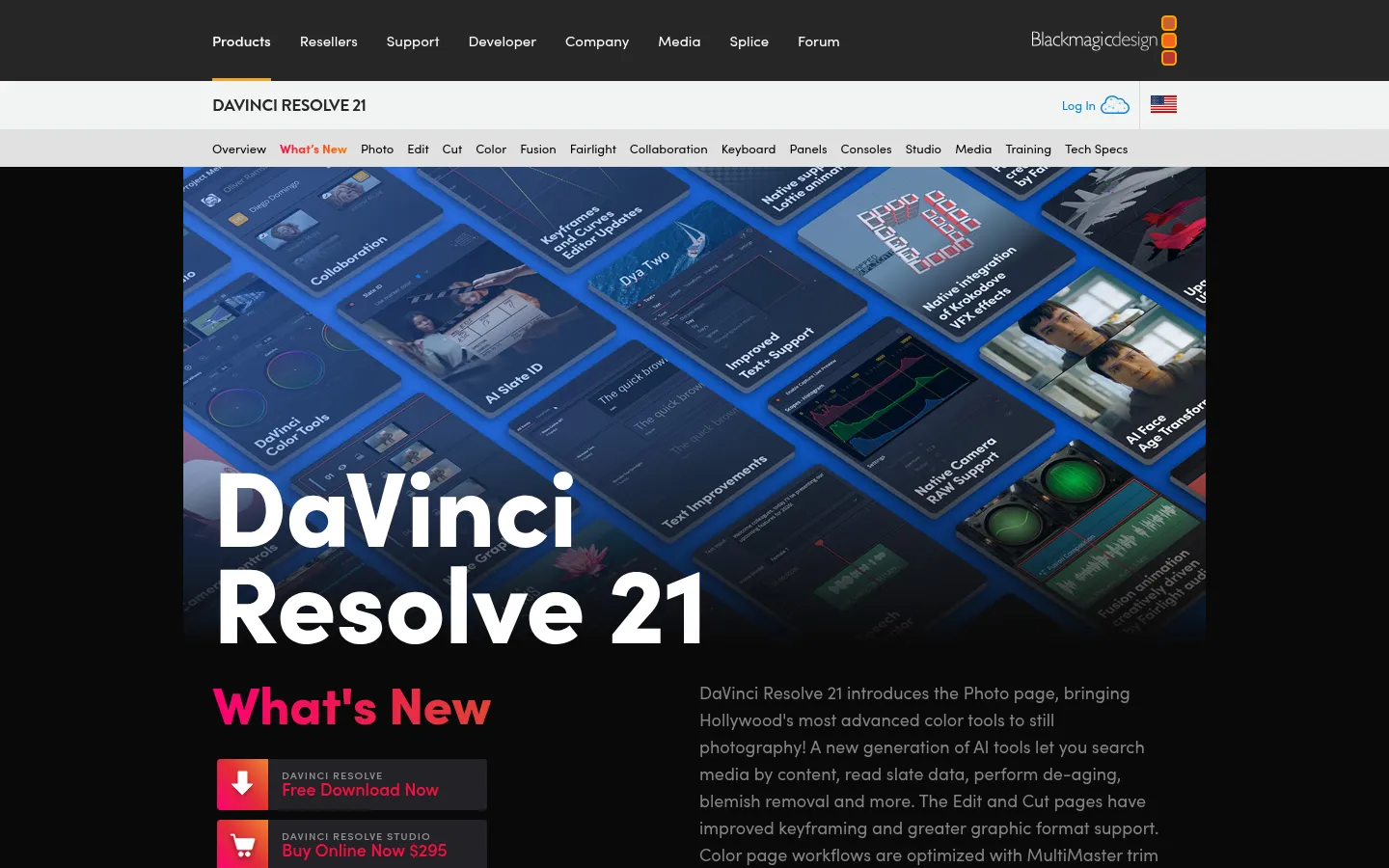
DaVinci Resolve
A professional editor, color grader, VFX, and audio suite in one app, with a genuinely free version and a one-time $295 Studio license that adds the DaVinci AI Neural Engine.
Strengths
- +The most capable free editor in this ranking: edit, color, Fusion VFX, and Fairlight audio in one app, with no subscription
- +The best value for AI tools if you will pay once: $295 for Studio's Neural Engine, text-based editing, and Magic Mask, against $275.88 a year for Premiere
- +Industry-standard color grading and audio post, plus version 21's new AI tools such as IntelliSearch content search and CineFocus
Weaknesses
- -Most of the AI is in Studio: Blackmagic lists the Neural Engine, text-based editing, and Magic Mask as Studio features, not free ones
- -The steepest learning curve here: the app is split into seven pages (Cut, Edit, Fusion, Color, Fairlight, and more) built for professionals
- -No automatic clip-finding or social repurposing, and reviewers report it needs a strong GPU and plenty of RAM
Heads up: Some 2026 lists describe Magic Mask and the AI tools as free. Blackmagic's own comparison puts the Neural Engine, Magic Mask, and text-based editing in Studio, so the free version is a superb manual editor rather than a free AI editor.
The free version of DaVinci Resolve 21 works with virtually all 8-bit formats at up to 60fps and resolutions up to Ultra HD 3840 x 2160, and includes multi-user collaboration and HDR grading, on Mac, Windows, and Linux. DaVinci Resolve Studio 21 is a one-time $295 purchase that adds the DaVinci AI Neural Engine (facial recognition, object detection, smart reframing, speed warp, super scale, auto color and color matching), text-based editing, Magic Mask, AI noise reduction, 10-bit video up to 120fps, and resolutions beyond 4K (checked 19 October 2026 on Blackmagic's site).
Visit DaVinci Resolve →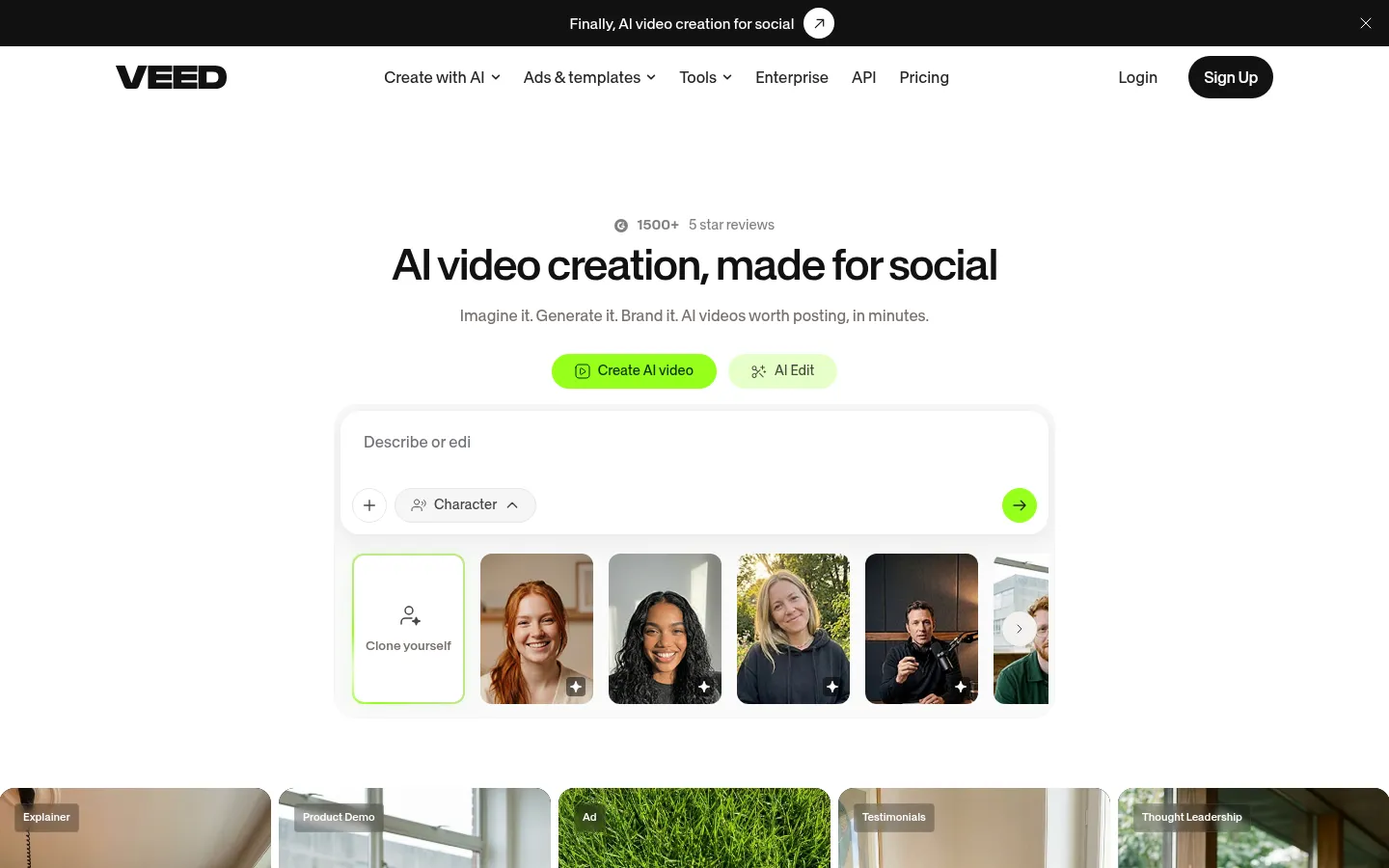
VEED
A browser-based video editor with auto subtitles, Magic Cut, AI clips, translation, and avatars, now marketed as an AI video creation platform for social.
Strengths
- +Nothing to install: a full timeline, subtitles, and AI tools in the browser, plus iOS and Android apps
- +Good subtitle and translation tooling: auto subtitles on every paid plan and translation into 50+ languages on Pro
- +One product for editing and generation: AI clips, avatars, voice cloning, dubbing, and text to video share one credit pool
Weaknesses
- -The free plan is 720p with a watermark that is burned in: VEED says upgrading later means exporting the project again
- -Monthly billing costs up to twice the yearly price, and credits reset each period with no rollover
- -Per-seat pricing adds up for teams, and the homepage now leads with AI generation rather than editing
Heads up: Export a watermarked draft on the free plan and you cannot clean it later by re-uploading it. VEED's help center says the watermark is hardcoded, so upgrade before the export that matters.
The free plan exports at 720p with a VEED watermark, according to VEED's help center. Creator is $12 per user per month billed yearly ($147 a year) with 6,000 AI credits, no watermark, and 1080p export. Pro is $22 per user per month billed yearly ($265) with 30,000 credits, 4K export, multiple brand kits, and translation into 50+ languages. Studio is $39 per user per month billed yearly ($465) with 180,000 credits. VEED says yearly billing saves up to 51% over monthly, credits do not carry over, and plans are charged per seat (checked 19 October 2026).
Visit VEED →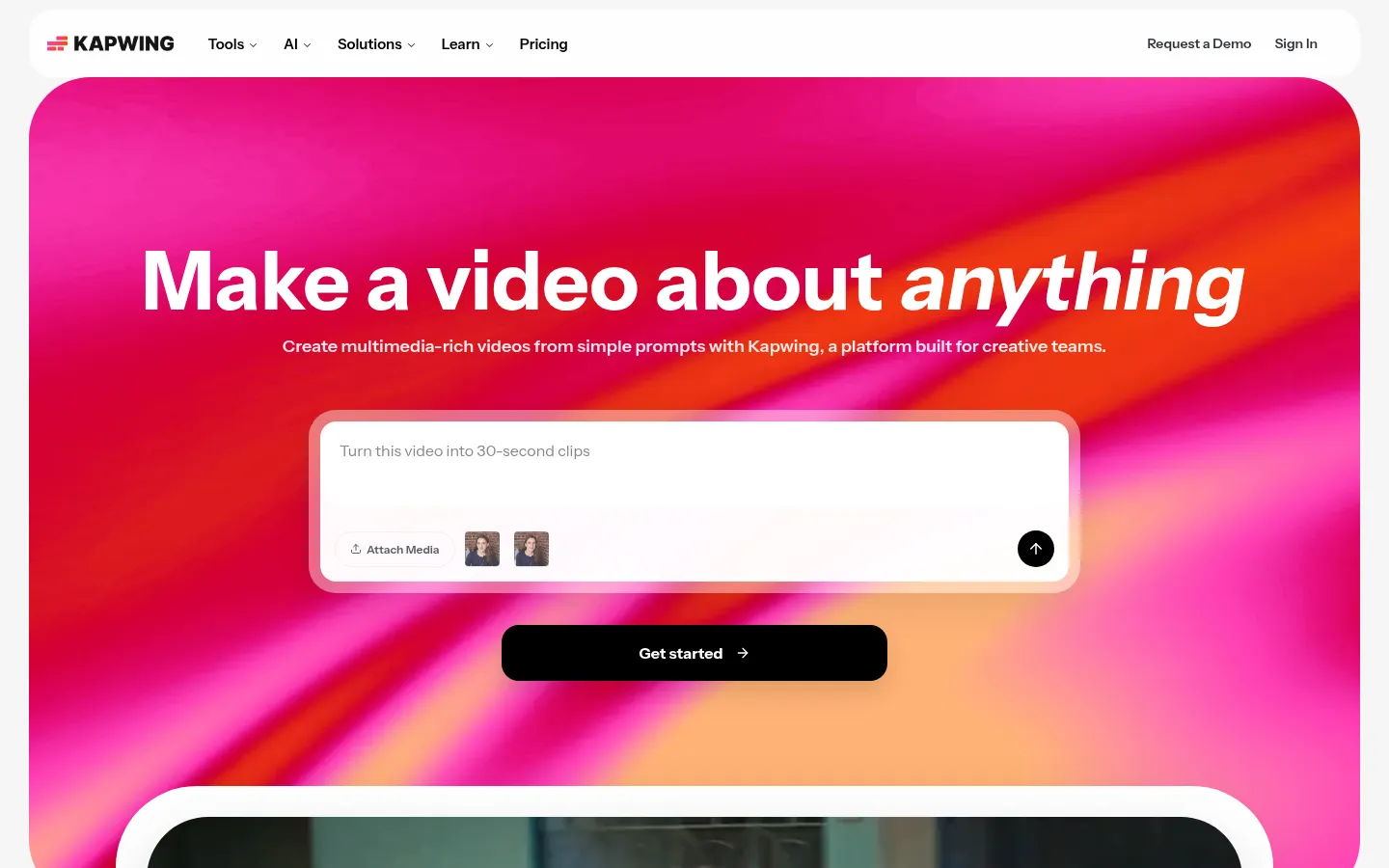
Kapwing
A collaborative browser video editor with Smart Cut silence removal, transcript trimming, auto subtitles, Repurpose Studio, and dubbing into 40+ languages.
Strengths
- +Built for teams in a browser: real-time collaboration, comments, shared brand kits, and project links
- +Practical AI tools for cleanup and repurposing: Smart Cut removes silences, Trim with Transcript edits by text, and Repurpose Studio turns one video into social clips
- +Generous Pro allowances for subtitles (1,000 minutes a month) and 4K export at $16 a month billed annually
Weaknesses
- -The free plan is the tightest here: 720p, a watermark, 4-minute exports, and projects deleted after 3 days
- -No free trial of Pro, so you cannot test 4K or watermark-free export before paying
- -Less depth than a desktop editor for color, effects, or long multi-track projects
Heads up: Free Kapwing projects are deleted after 3 days. If you start something on the free plan, export it or upgrade before then, or it is gone.
Free is $0 with 10 credits, exports up to 4 minutes long at 720p with a Kapwing watermark, 30 minutes of exports a month, 5 GB of storage, projects kept for 3 days, and up to 10 minutes of auto-subtitling. Pro is $16/month billed annually (Kapwing says annual saves 33%) with 1,000 credits a month, no watermark, 4K export, 2-hour exports, up to 1,000 minutes of auto-subtitling and 50 minutes of dubbing, a brand kit, and a shared workspace with 200 GB. Business is $50/month billed annually with 4,000 credits, voice clones, and lip sync. Kapwing offers no free trial of paid plans (checked 19 October 2026).
Visit Kapwing →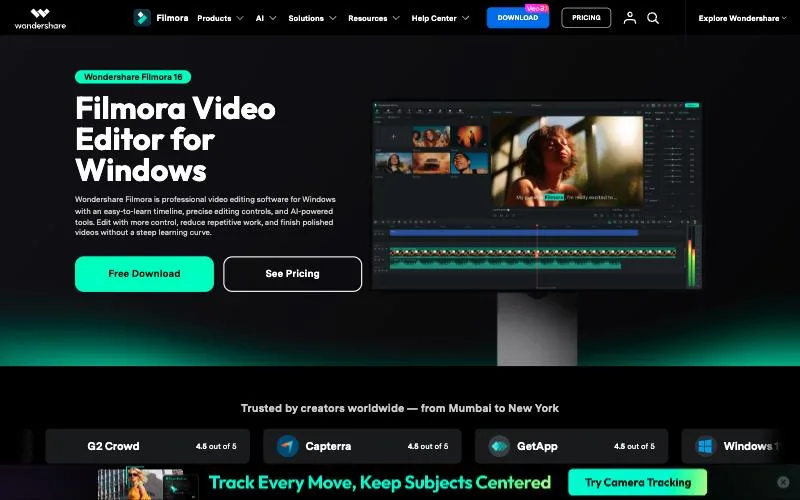
Wondershare Filmora
A beginner-friendly desktop timeline editor for Windows and Mac with AI Mate, Smart Short Clips, AI text-based editing, and a one-time perpetual license option.
Strengths
- +The gentlest learning curve of the desktop editors: a familiar timeline with keyframes, multi-camera editing, motion tracking, and a large template and effects library
- +The only tool here besides DaVinci Resolve with a one-time purchase option
- +AI Mate (500 free conversations a month on paid plans) and Smart Short Clips bring assistant-style and repurposing AI into a desktop editor
Weaknesses
- -The free version watermarks every export
- -AI features run on credits that are reclaimed every 30 days, so unused credits do not carry over
- -Pricing shifts with promotions, and the perpetual license only covers the current major version on one platform
Heads up: Read which license you are buying. A Filmora perpetual license is device-specific and stops at Filmora 16, while the subscriptions cover both Windows and Mac and future versions.
The free version includes the basic editing features but adds a watermark to exports. Paid options are Basic and Advanced subscriptions and a one-time Perpetual license that covers updates within Filmora 16 only and is tied to one platform. Advanced adds 1,000 AI credits a month, which are reclaimed every 30 days; the Perpetual license includes 1,000 one-time AI credits. Prices on Filmora's pricing page changed between two loads on 19 October 2026 because of promotions: Basic showed $9.99/month, Advanced $29.99 to $59.99 a year, and Perpetual $49.99 to $129.99. Most AI features, including Smart Short Clips, AI Text Based Editing, and the AI Object Remover, are paid by AI credits, while Auto Reframe and Smart Search are free.
Visit Wondershare Filmora →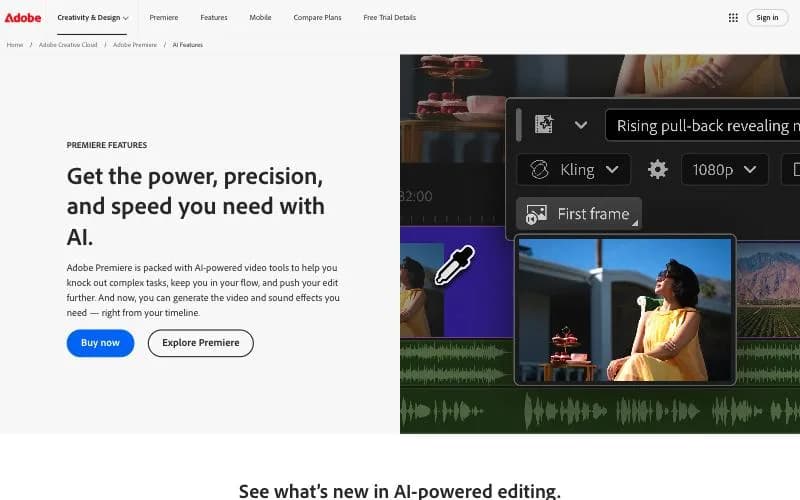
Adobe Premiere Pro
Adobe's professional editor (now branded simply Premiere), with AI text-based editing, Generative Extend, Object Mask, Media Intelligence search, and caption translation inside a full timeline.
Strengths
- +The deepest professional timeline here alongside DaVinci Resolve, with After Effects, Audition, Photoshop, and Frame.io in the same ecosystem
- +Mature AI built into that timeline: Text-Based Editing with filler-word detection, Generative Extend, Object Mask, Media Intelligence search, Enhance Speech, Auto Reframe, and caption translation into 27 languages
- +Generates video and sound effects from the timeline, using your sequence as the reference
Weaknesses
- -No free plan, and the annual plan has an early-cancellation fee, so it is the most expensive tool to try properly
- -The steepest learning curve alongside DaVinci Resolve, and AI speeds up your edit rather than making editorial decisions for you
- -No automatic clip-finding for shorts: repurposing a long video is still manual
Heads up: The $22.99 price is an annual contract paid monthly, not a monthly plan. If you only need Premiere for one project, the $34.99 month-to-month option avoids the cancellation fee.
There is no free desktop plan, only a 7-day trial (Premiere on iPhone is a free standalone mobile app). The single app is $22.99/month on an annual plan billed monthly, $263.88 prepaid for a year, or $34.99 month to month, with 100 GB of cloud storage and 25 generative credits a month. Canceling an annual plan billed monthly after 14 days can cost 50% of the remaining contract. Creative Cloud Pro, with 20+ apps and 4,000 generative credits, is $69.99/month. US prices are from Photutorial's capture of Adobe's US page on 30 July 2026, because adobe.com showed us regional pricing on 19 October 2026.
Visit Adobe Premiere Pro →Feature comparison matrix
OpusClip included for reference, alongside every alternative.
| Feature | Descript | CapCut | DaVinci Resolve | OpusClip | VEED | Kapwing | Wondershare Filmora | Adobe Premiere Pro |
|---|---|---|---|---|---|---|---|---|
| Free plan | Yes (1 media hour/month) | Yes | Yes (full editor) | Yes (60 credits/month) | Yes | Yes (10 credits) | Yes | No (7-day trial) |
| Free export | 720p | No watermark | No watermark, up to Ultra HD | Watermark, up to 1080p | Watermark, 720p | Watermark, 720p, 4-minute cap | Watermark | Not applicable |
| Paid plan from | $16/mo annual ($24 monthly) | $19.99/mo or $179.99/yr | $295 one-time (Studio) | $15/mo (Starter) | $12/mo billed yearly | $16/mo billed annually | $9.99/mo (promotional) | $22.99/mo (annual plan) |
| Edit by transcript | Yes (core feature) | Yes | Studio only | Yes (paid plans) | Yes | Yes (Trim with Transcript) | Yes (AI credits) | Yes (Text-Based Editing) |
| Auto clips from a long video | Yes (Create Clips) | Yes (Long Video to Shorts) | No | Yes (core feature) | Yes (AI Clips) | Yes (Repurpose Studio) | Yes (Smart Short Clips) | No |
| Professional color and finishing | No | Partial | Yes | No | No | No | Partial | Yes |
| Runs on | Mac, Windows, web | Desktop, web, mobile | Mac, Windows, Linux | Web | Web, iOS, Android | Web | Windows, Mac, mobile | Mac, Windows, iPhone, Android |
| One-time purchase option | No | No | Yes ($295 Studio) | No | No | No | Yes (Perpetual, Filmora 16 only) | No |
Frequently Asked Questions
What's the best alternative to OpusClip?
Descript, based on our benchmark - it scored 48/60 against OpusClip's 42/60 across AI Editing Automation, Short-Form & Social Output, Editing Depth & Finishing, Ease of Use, Free Plan, Paid Price & Value.
Why do people switch away from OpusClip?
OpusClip only works when there is a long video to cut. If you film short-form natively, you are paying for clipping you will not use, and CapCut or Descript will serve you better.
Is Descript cheaper than OpusClip?
Descript's Free is $0 with 60 media minutes a month, 100 one-time AI credits, limited Underlord access, and 720p export. Hobbyist is $16 per person per month billed annually ($24 monthly) with 10 media hours, 400 AI credits a month, and watermark-free 1080p export. Creator is $24 billed annually ($35 monthly) with 30 media hours, 800 AI credits, 4K export, AI video generation, and the full stock library. Business is $50 billed annually ($65 monthly) with 40 media hours, 1,500 AI credits, Brand Studio, and translation and dubbing in 30+ languages. Media hours count everything you import or record; AI credits are spent by Underlord, Studio Sound, Eye Contact, Green Screen, and generation (checked 19 October 2026). OpusClip's pricing: Free is $0 with 60 credits a month, clips up to 1080p with a watermark, no editing, and clips that can no longer be exported after 3 days. Starter is $15/month (monthly only) with 150 credits, watermark-free export, animated captions in 20+ languages, filler and silence removal, and 1 brand template, in 9:16 only. Pro is $29 monthly or $14.50/month billed annually ($174 a year) with 300 credits a month that roll over for 2 months, 2 seats, AI B-roll, 9:16, 1:1, and 16:9, a social scheduler, video dubbing, and export to Premiere Pro and DaVinci Resolve. Business is custom and adds the API (checked 19 October 2026).
Can I switch from OpusClip to Descript without losing my work?
That depends on what each tool lets you export - check the feature comparison matrix on this page for each tool's export and data-portability support before committing to a switch. It's rarely a one-click transplant, so budget time to rebuild anything that doesn't have a direct import path.
About the writer
Jake Sullivan
Senior Content Researcher
Jake runs the majority of Benchmark Lab's hands-on testing - executing the identical test script across every tool in a category, logging what succeeded, what failed, and how long each step took. He writes up the results for the categories and comparisons he tests directly.
Read more →