Best Sonix Alternatives (2026)
Short answer: TurboScribe is the best Sonix alternative in our benchmark, scoring 62/70 against Sonix's 54/70 - the gap is driven mainly by free plan, Sonix's weakest scored criterion relative to TurboScribe.
Last tested 2026-11-05 · same benchmark as the full Best AI Transcription Tools ranking
Why people look for Sonix alternatives
People look for Sonix alternatives when $10 an hour adds up, or when they need more than 54 languages. TurboScribe, our top pick, is unlimited for $10 a month billed yearly, and Happy Scribe covers 150+ languages with optional human proofreading. Here is how they compare on the same seven criteria.
Full ranking, Sonix included
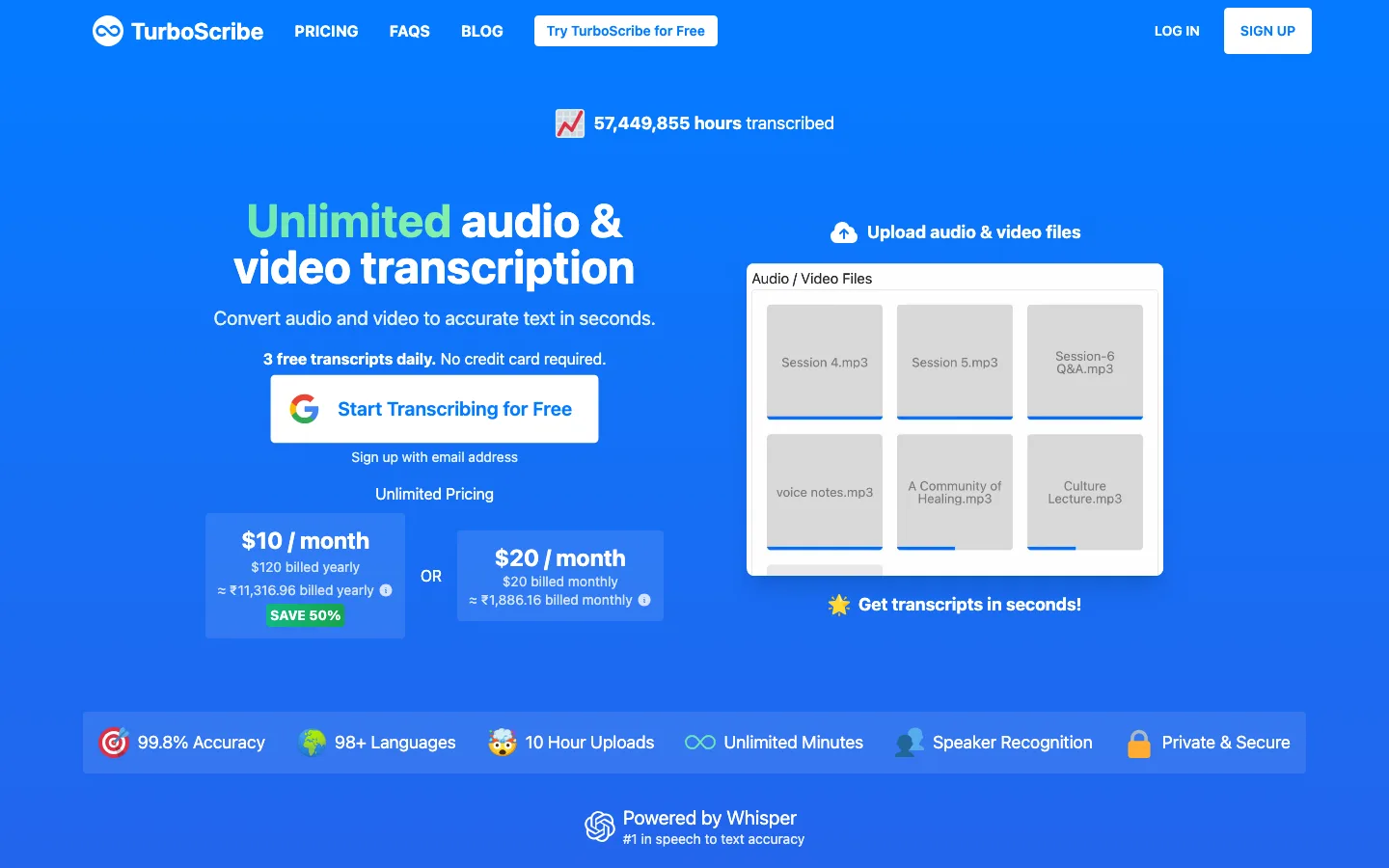
A Whisper-powered file transcription service with one flat price for unlimited transcription, 10-hour uploads, speaker labels, and translation into 134+ languages.
- Accuracy & Speaker Labels
- 9/10
- Price per Hour of Audio
- 10/10
- Free Plan
- 9/10
- File Length & Upload Limits
- 10/10
- Languages & Translation
- 9/10
- Editing & Export Formats
- 8/10
- Privacy & Security
- 7/10
A Mac app that transcribes audio, video, and meetings on your own computer with Whisper and Parakeet models, free to start and a one-time price for Pro.
- Accuracy & Speaker Labels
- 8/10
- Price per Hour of Audio
- 9/10
- Free Plan
- 8/10
- File Length & Upload Limits
- 8/10
- Languages & Translation
- 8/10
- Editing & Export Formats
- 8/10
- Privacy & Security
- 10/10
An automated transcription and translation platform in 54+ languages with a polished editor, subtitles, and the strongest compliance paperwork in the category.
- Accuracy & Speaker Labels
- 9/10
- Price per Hour of Audio
- 6/10
- Free Plan
- 4/10
- File Length & Upload Limits
- 7/10
- Languages & Translation
- 9/10
- Editing & Export Formats
- 9/10
- Privacy & Security
- 10/10
A transcription and subtitling platform with AI in 150+ languages, human proofreading on demand, and the widest set of export formats for video teams.
- Accuracy & Speaker Labels
- 8/10
- Price per Hour of Audio
- 6/10
- Free Plan
- 4/10
- File Length & Upload Limits
- 7/10
- Languages & Translation
- 10/10
- Editing & Export Formats
- 10/10
- Privacy & Security
- 8/10
A transcription company built around legal and investigative work, with AI transcription plans, 99%+ accurate human transcripts, and court-ready legal formats.
- Accuracy & Speaker Labels
- 9/10
- Price per Hour of Audio
- 5/10
- Free Plan
- 5/10
- File Length & Upload Limits
- 7/10
- Languages & Translation
- 5/10
- Editing & Export Formats
- 7/10
- Privacy & Security
- 9/10
A transcription and meeting-notes app for recordings, uploads, and live calls, with bilingual transcription and translation add-ons and a low-cost unlimited Business plan.
- Accuracy & Speaker Labels
- 7/10
- Price per Hour of Audio
- 7/10
- Free Plan
- 3/10
- File Length & Upload Limits
- 6/10
- Languages & Translation
- 7/10
- Editing & Export Formats
- 6/10
- Privacy & Security
- 8/10
A video and podcast editor you edit like a document: delete words in the transcript and the video follows, with Underlord, an AI co-editor that takes plain-English instructions.
- Accuracy & Speaker Labels
- 7/10
- Price per Hour of Audio
- 5/10
- Free Plan
- 5/10
- File Length & Upload Limits
- 6/10
- Languages & Translation
- 5/10
- Editing & Export Formats
- 7/10
- Privacy & Security
- 4/10
One of the most established AI transcription apps, with live transcription during meetings, slide capture, AI Chat across your meetings, and mobile apps for in-person recording.
- Accuracy & Speaker Labels
- 7/10
- Price per Hour of Audio
- 6/10
- Free Plan
- 4/10
- File Length & Upload Limits
- 3/10
- Languages & Translation
- 4/10
- Editing & Export Formats
- 6/10
- Privacy & Security
- 5/10
| Rank | Tool | Accuracy & Speaker Labels | Price per Hour of Audio | Free Plan | File Length & Upload Limits | Languages & Translation | Editing & Export Formats | Privacy & Security | Score |
|---|---|---|---|---|---|---|---|---|---|
| #1 | TurboScribeWinner A Whisper-powered file transcription service with one flat price for unlimited transcription, 10-hour uploads, speaker labels, and translation into 134+ languages. | 9/10 | 10/10 | 9/10 | 10/10 | 9/10 | 8/10 | 7/10 | 62/70 |
| #2 | MacWhisper A Mac app that transcribes audio, video, and meetings on your own computer with Whisper and Parakeet models, free to start and a one-time price for Pro. | 8/10 | 9/10 | 8/10 | 8/10 | 8/10 | 8/10 | 10/10 | 59/70 |
| #3 | Sonix An automated transcription and translation platform in 54+ languages with a polished editor, subtitles, and the strongest compliance paperwork in the category. | 9/10 | 6/10 | 4/10 | 7/10 | 9/10 | 9/10 | 10/10 | 54/70 |
| #4 | Happy Scribe A transcription and subtitling platform with AI in 150+ languages, human proofreading on demand, and the widest set of export formats for video teams. | 8/10 | 6/10 | 4/10 | 7/10 | 10/10 | 10/10 | 8/10 | 53/70 |
| #5 | Rev A transcription company built around legal and investigative work, with AI transcription plans, 99%+ accurate human transcripts, and court-ready legal formats. | 9/10 | 5/10 | 5/10 | 7/10 | 5/10 | 7/10 | 9/10 | 47/70 |
| #6 | Notta A transcription and meeting-notes app for recordings, uploads, and live calls, with bilingual transcription and translation add-ons and a low-cost unlimited Business plan. | 7/10 | 7/10 | 3/10 | 6/10 | 7/10 | 6/10 | 8/10 | 44/70 |
| #7 | Descript A video and podcast editor you edit like a document: delete words in the transcript and the video follows, with Underlord, an AI co-editor that takes plain-English instructions. | 7/10 | 5/10 | 5/10 | 6/10 | 5/10 | 7/10 | 4/10 | 39/70 |
| #8 | Otter.ai One of the most established AI transcription apps, with live transcription during meetings, slide capture, AI Chat across your meetings, and mobile apps for in-person recording. | 7/10 | 6/10 | 4/10 | 3/10 | 4/10 | 6/10 | 5/10 | 35/70 |
Alternatives reviewed
Starting with the top-ranked alternative, then every other option we tested.
TurboScribe
WinnerA Whisper-powered file transcription service with one flat price for unlimited transcription, 10-hour uploads, speaker labels, and translation into 134+ languages.
Strengths
- +The lowest cost for heavy use by far: $10 a month billed yearly for unlimited hours, where most rivals charge $10 an hour or cap minutes
- +The biggest file limits here: 10 hours and 5 GB per file, 50 files at a time, with exports to DOCX, PDF, TXT, CSV, SRT, and VTT
- +Clear privacy terms: transcription runs on machines TurboScribe owns or controls, no third-party transcription APIs, files are never used to train models, and deleting a file is permanent
Weaknesses
- -Built for one person: there is no team workspace on the plan, and accounts cannot be shared
- -No SOC 2, HIPAA, or signed BAA is stated on its site, which rules it out for many legal and medical teams
- -The in-browser editor is basic next to Sonix or Happy Scribe, and there is no human transcription option
Heads up: The free plan is generous but slow: files wait in a lower-priority queue and you can only upload one at a time. Test it on a 30-minute clip of your real audio first, then buy Unlimited yearly rather than monthly, which halves the price.
TurboScribe Free transcribes 3 files a day, each up to 30 minutes long, one upload at a time, at lower priority. TurboScribe Unlimited is $10 a month billed yearly ($120) or $20 billed monthly, for unlimited transcription by one person: files up to 10 hours and 5 GB each, 50 files at a time, every transcription mode, translation to 134+ languages, bulk exports, unlimited storage, and highest priority. TurboScribe says its systems are built for at least 720 hours a month per account; the only rule is that you cannot share a login. You can cancel anytime and keep access to the end of the billing period (checked 5 November 2026).
Visit TurboScribe →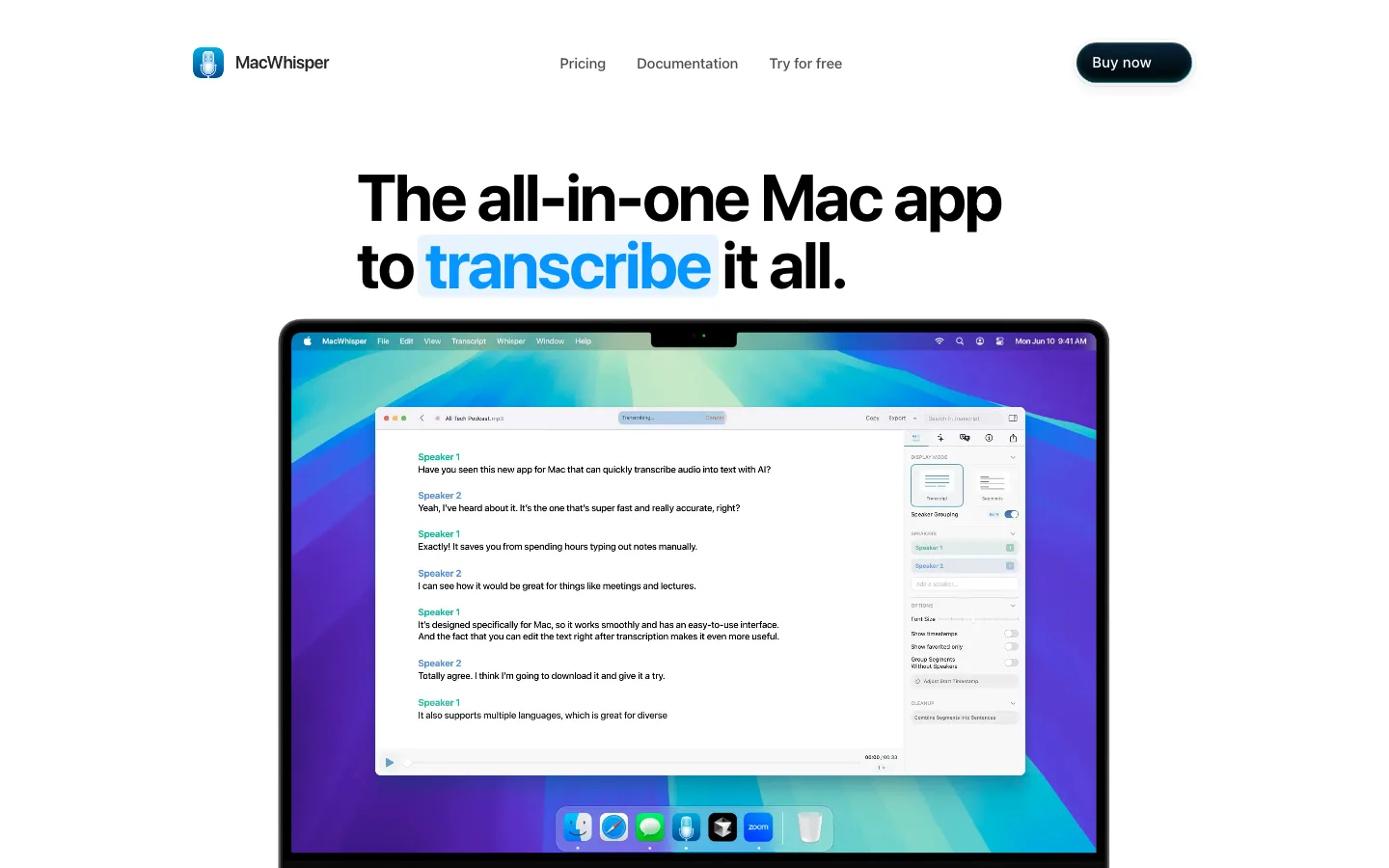
MacWhisper
A Mac app that transcribes audio, video, and meetings on your own computer with Whisper and Parakeet models, free to start and a one-time price for Pro.
Strengths
- +The most private option here: transcription runs locally on your Mac, so files never leave the computer unless you choose a cloud model
- +One payment instead of a subscription: €64 once, with lifetime updates, and a free version that covers basic transcription and subtitles
- +Power-user extras no web tool matches: watched folders, a CLI, system-wide dictation, and automatic uploads to Notion, Obsidian, Zapier, and n8n
Weaknesses
- -Mac only, with no Windows or web version, and speed depends on your hardware; MacWhisper recommends more than 8 GB of RAM for its Medium and Large models
- -Speaker recognition, batch transcription, translation, and DOCX or PDF export all need Pro
- -No team admin, shared workspace, or human transcription, and accuracy varies with the model size you choose
Heads up: Accuracy depends on which model you download. The larger Whisper models are noticeably better but slow on Macs with 8 GB of RAM or on Intel Macs, so try a file on your own machine before you buy Pro.
MacWhisper Free costs nothing and records from your Mac's microphone, transcribes mp3, wav, m4a, ogg, opus, mov, and mp4 files in 100 languages, and exports TXT plus SRT and VTT subtitles. MacWhisper Pro is a one-time €64 licence with lifetime updates. It adds automatic speaker recognition, batch transcription, YouTube and URL transcription, transcript translation, DOCX, PDF, Markdown, and HTML export, meeting recording for Zoom, Teams, Webex and others, watched folders, system-wide dictation, a CLI, and bring-your-own-key connections to cloud AI providers. The price is listed in euros only (checked 5 November 2026).
Visit MacWhisper →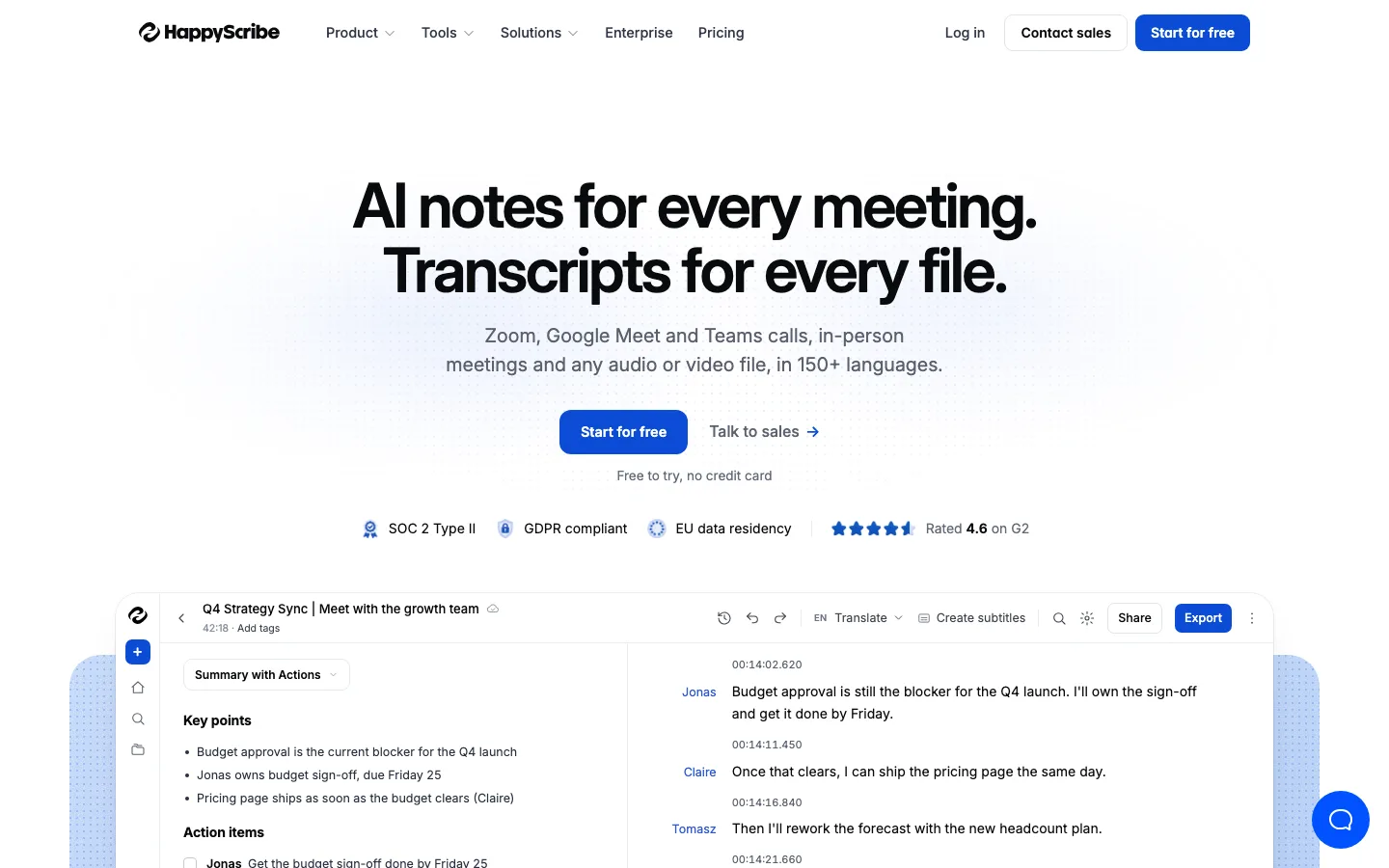
Happy Scribe
A transcription and subtitling platform with AI in 150+ languages, human proofreading on demand, and the widest set of export formats for video teams.
Strengths
- +The widest language coverage here: AI transcription in 150+ languages and dialects and AI translation into 80+
- +The most export formats: Pro and Business export 15+ formats, including TXT, DOCX, PDF, SRT, VTT, STL, XML, FCPXML, EDL, and HTML, which suits subtitle and video-editing work
- +Human proofreading on demand from $2.00 a minute, so you can upgrade one important file to 99% accuracy without changing tools
Weaknesses
- -Minutes run out fast on Basic: 120 a month is about four 30-minute interviews
- -SOC 2, GDPR, and two-factor authentication are listed on Pro and above, not on Basic
- -HIPAA is not mentioned on its pricing or data pages
Heads up: The free plan's 10 minutes are a one-time allowance, not monthly. Use them on your hardest audio (accents, crosstalk, background noise) to judge accuracy before you pay.
Free gives a one-time 10 minutes to transcribe, subtitle, or translate files, with unlimited recordings of up to 45 minutes each. Basic is $8.50 a month billed annually ($17 monthly) for 120 minutes a month. Pro is $19 annually ($29 monthly) for 600 minutes and 3 seats. Business is $59 annually ($89 monthly) for 6,000 minutes and 5 seats. Extra minutes cost $0.20 each on every paid plan. Human proofreading starts at $2.00 a minute ($1.90 on Business), with English delivered in under 24 hours. Pro and Business add SOC 2 Type 2, GDPR, TLS encryption, and two-factor authentication; Enterprise adds SSO (checked 5 November 2026).
Visit Happy Scribe →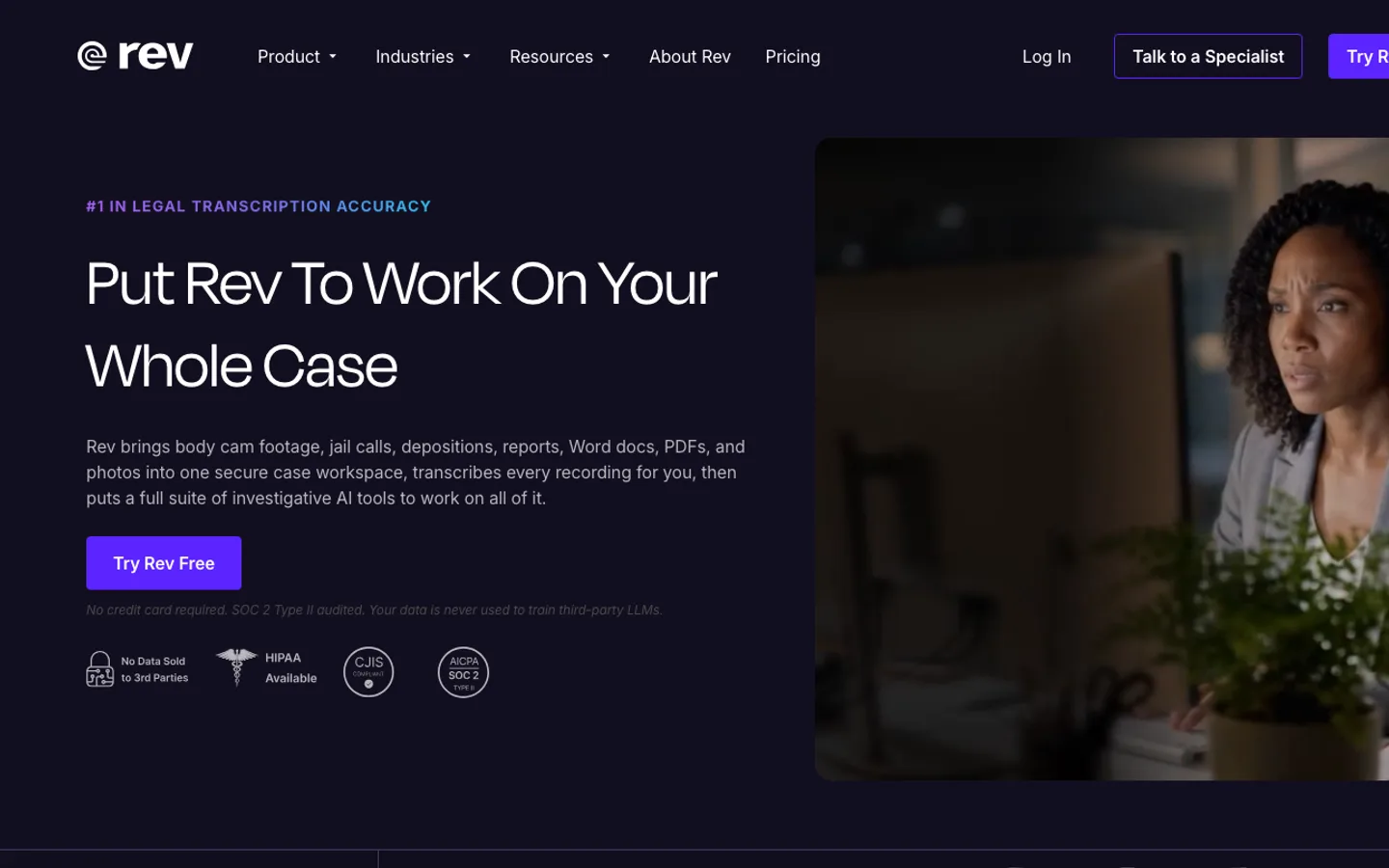
Rev
A transcription company built around legal and investigative work, with AI transcription plans, 99%+ accurate human transcripts, and court-ready legal formats.
Strengths
- +The best path to a transcript you can stake a case on: human transcription at $1.99 a minute with a 99%+ accuracy guarantee, plus legal formats at 99.7%+
- +Strong compliance: Rev states CJIS, SOC 2 Type II, and HIPAA compliance, and says customer data is never sold or used to train external LLMs
- +Big AI allowances once you pay: 5,000 AI minutes per user on Essentials and 10,000 on Pro
Weaknesses
- -Language support is thin below Pro: Free is English only and Essentials covers English and Spanish
- -The subscriptions are now priced for legal teams, at $29.99 a month on monthly billing, more than most individuals need
- -Its pricing page does not list export formats or file length limits for AI transcripts
Heads up: Rev's human transcription is pay per minute on top of any plan. A one-hour interview is about $119 human-checked, so use AI for drafts and pay for humans only on the recordings that will be quoted or filed.
Free gives 45 AI transcription and caption minutes a month for 1 user, English only. Essentials is $25.49 per seat a month billed annually ($305.90) or $29.99 monthly, with 5,000 AI minutes per user, English and Spanish, and up to 3 users. Pro is $47.99 per seat billed annually ($575.88) or $59.99 monthly, with 10,000 AI minutes, 37+ languages, and up to 5 users. Unlimited is a custom price with unlimited minutes, SSO, and CJIS and HIPAA compliance. Human transcription is $1.99 a minute, 99%+ accurate and delivered in 12 hours or less; legal transcripts are $2.25-$2.50 a page (checked 5 November 2026).
Visit Rev →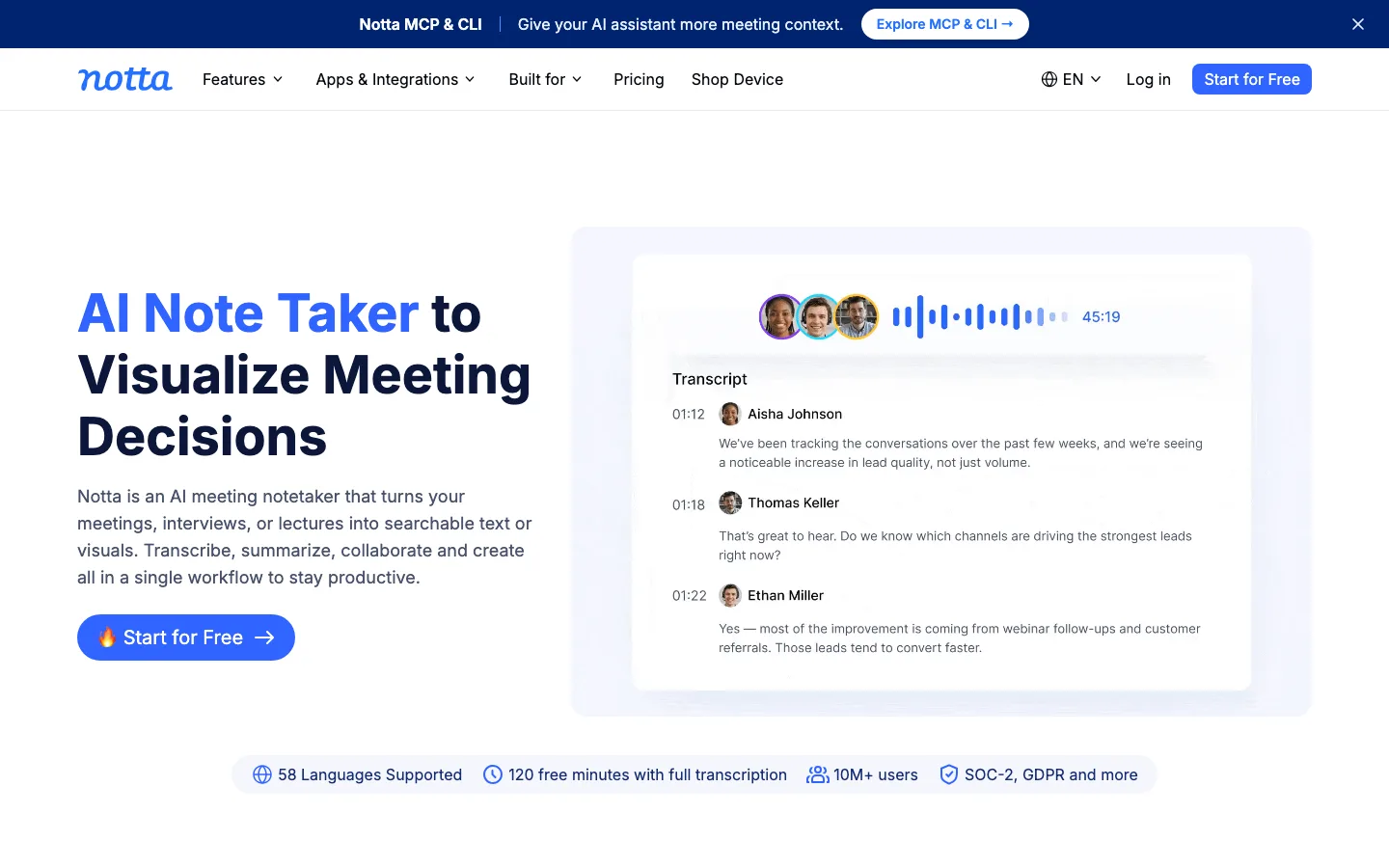
Notta
A transcription and meeting-notes app for recordings, uploads, and live calls, with bilingual transcription and translation add-ons and a low-cost unlimited Business plan.
Strengths
- +Unlimited transcription for $16.67 per seat a month billed annually on Business, cheaper than Otter's Business plan
- +58 transcription languages, plus bilingual transcription and translation for recordings that switch between two languages
- +SOC 2 Type II and ISO 27001 certified, with GDPR, CCPA, and HIPAA listed on its security page
Weaknesses
- -The free plan cuts every recording at 3 minutes, so it is only good for a test
- -Upload counts are capped even on paid plans: 100 a month on Pro and 200 on Business
- -Translation costs extra on paid plans, and the pricing page does not name its export formats
Heads up: Notta's minutes and uploads are counted separately. A month of many short voice memos can hit the 100-upload limit on Pro long before the 1,800 minutes run out.
Free gives 120 transcription minutes a month, but each conversation is cut at 3 minutes, with 50 file uploads and 10 AI summaries a month. Pro is $8.17 a month billed annually ($97.99) for 1,800 minutes, recordings up to 5 hours, and 100 uploads a month. Business is $16.67 per seat a month billed annually ($199.99) for unlimited transcription and 200 uploads a month. Enterprise starts at 51 seats with SAML SSO and audit logs. Translation is an add-on: monolingual translation is $6 a month annually ($10 monthly) and bilingual transcription and translation $9 annually ($15 monthly). Monthly-billed prices for Pro and Business were not shown on the page we read (checked 5 November 2026).
Visit Notta →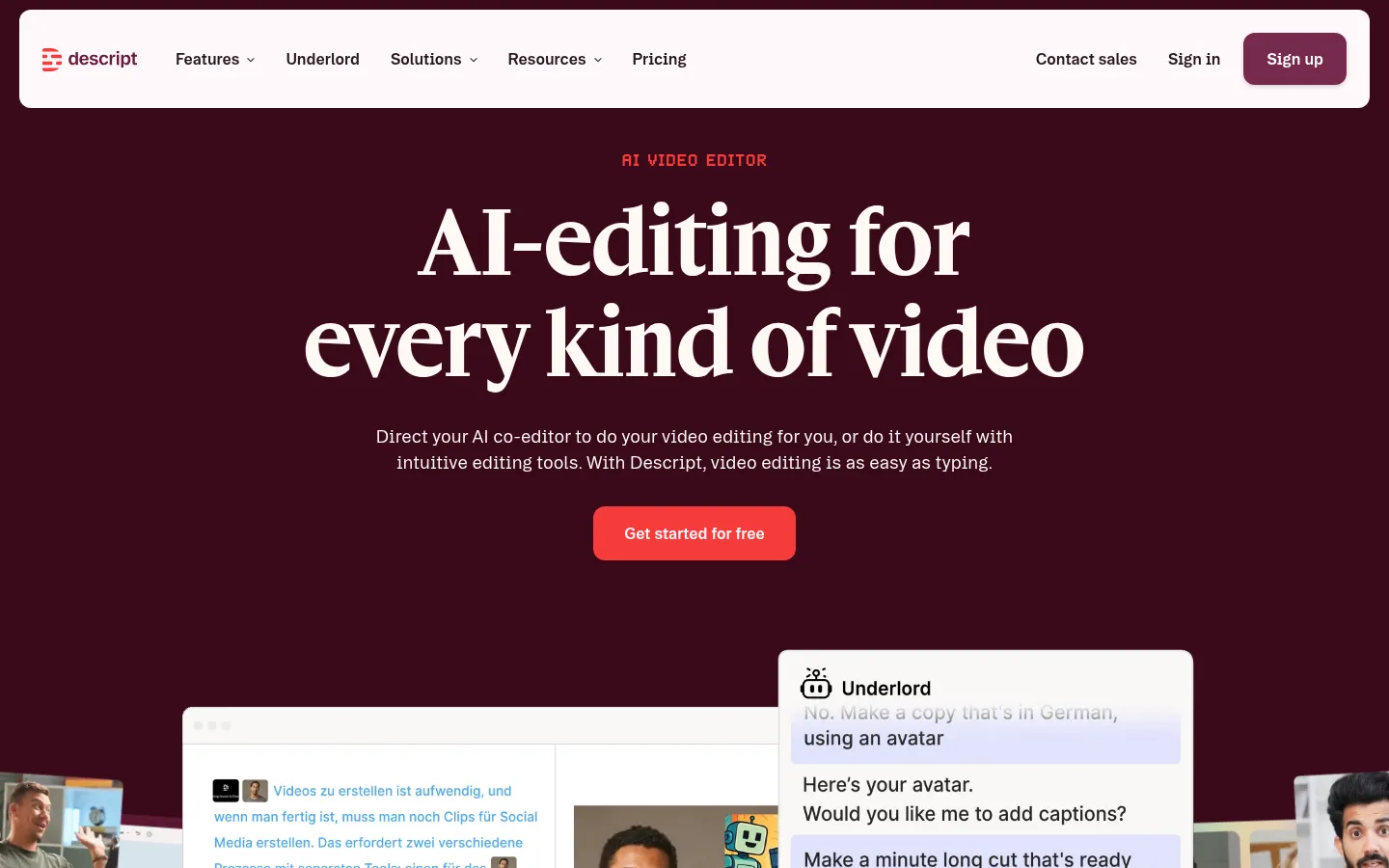
Descript
A video and podcast editor you edit like a document: delete words in the transcript and the video follows, with Underlord, an AI co-editor that takes plain-English instructions.
Strengths
- +The best AI editing of any tool here: transcript editing, Remove Filler Words, Remove Retakes, Edit for Clarity, and Underlord, which carries out multi-step instructions such as 'make a one-minute cut ready for LinkedIn'
- +Handles long and short output in one project: Create Clips finds highlights, Center Active Speaker reframes, and dynamic captions are unlimited on every plan
- +Strong audio cleanup for talking-head and podcast video: Studio Sound, Shorten Word Gaps, and Regenerate to smooth over cuts, plus timeline export to Premiere, Final Cut Pro, Pro Tools, and Audition
Weaknesses
- -Two meters to watch: media hours (10 on Hobbyist) and AI credits (400 on Hobbyist), and heavy Underlord or Studio Sound use spends credits fast
- -Not a finishing tool: there is no real color grading, compositing, or advanced effects, so cinematic projects still end in Premiere or DaVinci Resolve
- -The free plan is a test drive: one media hour a month, 100 AI credits that do not refresh, and 720p export
Heads up: Descript is built around speech. If your video has a script or someone talking, it is the fastest editor here; if it is music-driven B-roll with no dialogue, the transcript has nothing to work on and you lose most of the advantage.
Free is $0 with 60 media minutes a month, 100 one-time AI credits, limited Underlord access, and 720p export. Hobbyist is $16 per person per month billed annually ($24 monthly) with 10 media hours, 400 AI credits a month, and watermark-free 1080p export. Creator is $24 billed annually ($35 monthly) with 30 media hours, 800 AI credits, 4K export, AI video generation, and the full stock library. Business is $50 billed annually ($65 monthly) with 40 media hours, 1,500 AI credits, Brand Studio, and translation and dubbing in 30+ languages. Media hours count everything you import or record; AI credits are spent by Underlord, Studio Sound, Eye Contact, Green Screen, and generation (checked 19 October 2026).
Visit Descript →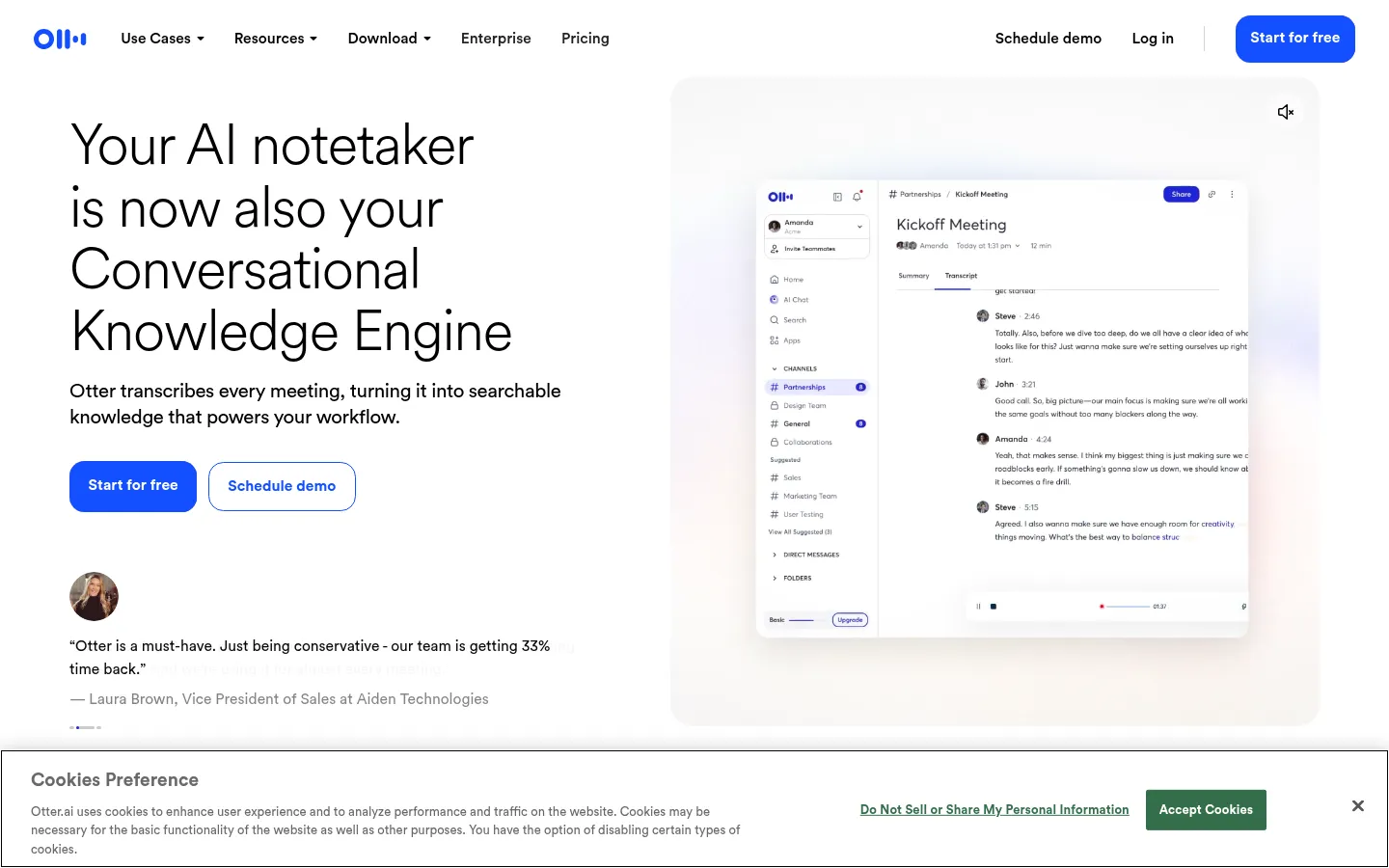
Otter.ai
One of the most established AI transcription apps, with live transcription during meetings, slide capture, AI Chat across your meetings, and mobile apps for in-person recording.
Strengths
- +Live transcription you can read and annotate as people speak, with automatic slide capture for presentations
- +Mobile apps with web and mobile recording make it a natural choice for in-person meetings and lectures
- +AI Chat across meetings, an MCP server, and Salesforce, HubSpot, and Zapier integrations
Weaknesses
- -Hard minute caps: the free plan is 300 minutes a month and 30 minutes per conversation, and Pro is 1,200 minutes
- -Admin and compliance controls are thin below Enterprise, with SSO needing 100 licenses and HIPAA an add-on
- -Reviewers report weaker speaker labeling in group calls and background noise hurting accuracy
Heads up: Otter's monthly minute limits are shared between recordings and imported files, and they do not roll over. A few long meetings can use up a Pro month.
Basic is free with 300 transcription minutes per month and a 30-minute limit per conversation. Pro is $16.99/user/month ($8.33 billed annually) with 1,200 minutes and 90 minutes per meeting. Business is $30/user/month ($19.99 billed annually) with unlimited meetings, up to 4 hours per meeting, and 3 concurrent meetings. Enterprise adds SSO, SCIM, and HIPAA as an add-on, with SSO requiring a 100-user license minimum (checked 3 October 2026).
Visit Otter.ai →Feature comparison matrix
Sonix included for reference, alongside every alternative.
| Feature | TurboScribe | MacWhisper | Sonix | Happy Scribe | Rev | Notta | Descript | Otter.ai |
|---|---|---|---|---|---|---|---|---|
| Entry paid price | $10/mo billed yearly ($20 monthly) | €64 one-time | $10/hr pay as you go | $8.50/mo billed annually ($17 monthly) | $25.49/seat/mo billed annually ($29.99 monthly) | $8.17/mo billed annually | $16/mo billed annually ($24 monthly) | $8.33/mo billed annually ($16.99 monthly) |
| Transcription included | Unlimited | Unlimited (runs on your Mac) | Pay per hour; plans 5-40 hrs/mo | 120 min/mo (Basic) | 5,000 AI min/user/mo (Essentials) | 1,800 min/mo (Pro) | 10 media hrs/mo (Hobbyist) | 1,200 min/mo (Pro) |
| Free plan | Yes, 3 files a day (30 min each) | Yes, free forever (on-device) | 30 min one-time | 10 min one-time | Yes, 45 AI min/mo (English) | 120 min/mo, 3 min per recording | Yes, 60 media min/mo | 300 min/mo, 3 lifetime file imports |
| Max file length (paid) | 10 hours / 5 GB | Limited by your Mac | Not stated | Not stated for uploads | Not stated | 5 hours | Within plan media hours | 90 min per conversation (Pro) |
| Languages | 98+ (translate to 134+) | 100 | 54+ (translate to 54+) | 150+ (translate to 80+) | English only on Free; 37+ on Pro | 58 (translation is an add-on) | 25 | 6 |
| Speaker labels | Yes | Pro only | Yes | Yes | Not stated on pricing page | Yes | Yes (8+ speakers) | Yes |
| SRT / VTT subtitle export | Yes (SRT, VTT) | Yes (SRT, VTT) | Yes (SRT, VTT) | Yes (SRT on all plans, VTT on Pro) | Not stated on pricing page | Not stated on pricing page | Captions; formats not listed on pricing page | SRT on Pro and above |
| Human transcription | No | No | No | Yes, from $2.00/min | Yes, $1.99/min (99%+) | No | No | No |
| Trains AI on your files | No | No (processed on your Mac) | No, on any plan | Opt-in, off by default | Not used to train external LLMs | Not stated | Opt-out listed on Enterprise | Yes, on de-identified data |
| SOC 2 / HIPAA | Not stated | Not applicable (local) | SOC 2 Type 2; HIPAA with BAA | SOC 2 Type 2 (Pro+); HIPAA not stated | SOC 2 Type II; HIPAA (Unlimited) | SOC 2 Type II; HIPAA listed | Not stated on pricing page | HIPAA add-on (Enterprise) |
Frequently Asked Questions
What's the best alternative to Sonix?
TurboScribe, based on our benchmark - it scored 62/70 against Sonix's 54/70 across Accuracy & Speaker Labels, Price per Hour of Audio, Free Plan, File Length & Upload Limits, Languages & Translation, Editing & Export Formats, Privacy & Security.
Why do people switch away from Sonix?
Subscription hours and seats are billed separately: an extra seat is $25 a month and adds no hours. For a small team, work out hours first, then seats, before you choose a plan.
Is TurboScribe cheaper than Sonix?
TurboScribe's TurboScribe Free transcribes 3 files a day, each up to 30 minutes long, one upload at a time, at lower priority. TurboScribe Unlimited is $10 a month billed yearly ($120) or $20 billed monthly, for unlimited transcription by one person: files up to 10 hours and 5 GB each, 50 files at a time, every transcription mode, translation to 134+ languages, bulk exports, unlimited storage, and highest priority. TurboScribe says its systems are built for at least 720 hours a month per account; the only rule is that you cannot share a login. You can cancel anytime and keep access to the end of the billing period (checked 5 November 2026). Sonix's pricing: Every new account gets 30 free minutes with no credit card. Pay As You Go is $10 per audio hour for one user with 5 GB of storage. Core is $25 a month ($275 a year) for 5 hours a month of transcription and translation. Advanced is $50 a month ($550 a year) for 20 hours, and Pro is $80 a month ($880 a year) for 40 hours. Extra hours on any subscription are $10 an hour, and extra seats are $25 a month each. Enterprise adds custom retention rules, data residency, and HIPAA compliance (checked 5 November 2026; Sonix's pricing page was last updated October 2026).
Can I switch from Sonix to TurboScribe without losing my work?
That depends on what each tool lets you export - check the feature comparison matrix on this page for each tool's export and data-portability support before committing to a switch. It's rarely a one-click transplant, so budget time to rebuild anything that doesn't have a direct import path.
About the writer
Chloe Bennett
Senior Content Researcher
Chloe focuses on the audience-specific rankings - reweighting test data for solo founders, agencies, designers, and other buyers with different priorities than the general ranking. She also leads individual tool reviews, digging into pricing structure, feature gaps, and the details that don't show up in a single overall score.
Read more →