Best AI Presentation Makers · reweighted for Remote & distributed teams
Best AI Presentation Maker for Remote & distributed teams (2026)
Short answer: For remote and distributed teams building decks together, Pitch overtakes Gamma once you weight for collaboration - the criterion that matters most when a deck gets built by several people across time zones instead of one person at a keyboard.
Last tested 2026-09-22 · same test data as the overall Best AI Presentation Makers ranking, re-weighted for this audience - see how weighting works
Why weighting is different for remote & distributed teams
Remote teams build decks asynchronously across time zones, so real-time co-editing, commenting, and clear version history matter more than raw generation speed - nobody's staring at a stopwatch waiting for the first draft. We weighted collaboration heaviest by a wide margin, design consistency and export formats next, and discounted generation speed significantly since a team has time to iterate that a solo founder under deadline doesn't.
Reweighted ranking
Collaboration-first presentation tool built for remote teams reviewing and iterating on decks together.
- Prompt-to-Deck Speed×0.7
- 6/10
- Design Consistency & Layout Guardrails
- 7/10
- Editing Flexibility After Generation
- 8/10
- Collaboration & Review Workflow×2.2
- 10/10
- Export & Presentation Formats×1.1
- 7/10
- Pricing Transparency & Free Tier Usability×0.9
- 8/10
General design platform with an AI presentation generator (Magic Design) layered on top of its massive template and asset library.
- Prompt-to-Deck Speed×0.7
- 6/10
- Design Consistency & Layout Guardrails
- 7/10
- Editing Flexibility After Generation
- 9/10
- Collaboration & Review Workflow×2.2
- 8/10
- Export & Presentation Formats×1.1
- 9/10
- Pricing Transparency & Free Tier Usability×0.9
- 9/10
AI presentation generator that turns a single prompt into a complete, designed deck in under a minute.
- Prompt-to-Deck Speed×0.7
- 10/10
- Design Consistency & Layout Guardrails
- 8/10
- Editing Flexibility After Generation
- 8/10
- Collaboration & Review Workflow×2.2
- 7/10
- Export & Presentation Formats×1.1
- 8/10
- Pricing Transparency & Free Tier Usability×0.9
- 9/10
Google's presentation tool with Gemini AI generation and rewriting built into the same free/Workspace product.
- Prompt-to-Deck Speed×0.7
- 6/10
- Design Consistency & Layout Guardrails
- 5/10
- Editing Flexibility After Generation
- 8/10
- Collaboration & Review Workflow×2.2
- 9/10
- Export & Presentation Formats×1.1
- 7/10
- Pricing Transparency & Free Tier Usability×0.9
- 9/10
AI presentation tool built around automated design rules that keep every slide's layout, spacing, and hierarchy polished.
- Prompt-to-Deck Speed×0.7
- 7/10
- Design Consistency & Layout Guardrails
- 10/10
- Editing Flexibility After Generation
- 7/10
- Collaboration & Review Workflow×2.2
- 7/10
- Export & Presentation Formats×1.1
- 7/10
- Pricing Transparency & Free Tier Usability×0.9
- 7/10
AI assistant built into PowerPoint that generates and redesigns slides from a prompt inside the app teams already use.
- Prompt-to-Deck Speed×0.7
- 6/10
- Design Consistency & Layout Guardrails
- 6/10
- Editing Flexibility After Generation
- 8/10
- Collaboration & Review Workflow×2.2
- 8/10
- Export & Presentation Formats×1.1
- 9/10
- Pricing Transparency & Free Tier Usability×0.9
- 3/10
Visual content platform covering presentations, infographics, and documents with AI generation across all three.
- Prompt-to-Deck Speed×0.7
- 5/10
- Design Consistency & Layout Guardrails
- 7/10
- Editing Flexibility After Generation
- 8/10
- Collaboration & Review Workflow×2.2
- 7/10
- Export & Presentation Formats×1.1
- 8/10
- Pricing Transparency & Free Tier Usability×0.9
- 6/10
AI slide-generation add-on that works inside Google Slides and PowerPoint rather than a standalone app.
- Prompt-to-Deck Speed×0.7
- 7/10
- Design Consistency & Layout Guardrails
- 6/10
- Editing Flexibility After Generation
- 6/10
- Collaboration & Review Workflow×2.2
- 7/10
- Export & Presentation Formats×1.1
- 7/10
- Pricing Transparency & Free Tier Usability×0.9
- 8/10
AI pitch deck generator marketed specifically at startups raising funding, with optional human design services.
- Prompt-to-Deck Speed×0.7
- 7/10
- Design Consistency & Layout Guardrails
- 7/10
- Editing Flexibility After Generation
- 6/10
- Collaboration & Review Workflow×2.2
- 6/10
- Export & Presentation Formats×1.1
- 6/10
- Pricing Transparency & Free Tier Usability×0.9
- 6/10
Zooming, non-linear presentation tool now with AI-assisted content generation layered on its distinctive canvas format.
- Prompt-to-Deck Speed×0.7
- 6/10
- Design Consistency & Layout Guardrails
- 6/10
- Editing Flexibility After Generation
- 6/10
- Collaboration & Review Workflow×2.2
- 6/10
- Export & Presentation Formats×1.1
- 6/10
- Pricing Transparency & Free Tier Usability×0.9
- 7/10
Budget AI presentation generator focused on quick, templated decks for marketing and sales use cases.
- Prompt-to-Deck Speed×0.7
- 8/10
- Design Consistency & Layout Guardrails
- 6/10
- Editing Flexibility After Generation
- 6/10
- Collaboration & Review Workflow×2.2
- 5/10
- Export & Presentation Formats×1.1
- 6/10
- Pricing Transparency & Free Tier Usability×0.9
- 6/10
Lightweight AI add-on that turns text or an outline into a Google Slides deck automatically.
- Prompt-to-Deck Speed×0.7
- 7/10
- Design Consistency & Layout Guardrails
- 4/10
- Editing Flexibility After Generation
- 4/10
- Collaboration & Review Workflow×2.2
- 6/10
- Export & Presentation Formats×1.1
- 5/10
- Pricing Transparency & Free Tier Usability×0.9
- 9/10
| Rank | Tool | Prompt-to-Deck Speed×0.7 | Design Consistency & Layout Guardrails | Editing Flexibility After Generation | Collaboration & Review Workflow×2.2 | Export & Presentation Formats×1.1 | Pricing Transparency & Free Tier Usability×0.9 | Score |
|---|---|---|---|---|---|---|---|---|
| #1▲2 | PitchWinner Collaboration-first presentation tool built for remote teams reviewing and iterating on decks together. | 6/10 | 7/10 | 8/10 | 10/10 | 7/10 | 8/10 | 56.1/69 |
| #2 | Canva General design platform with an AI presentation generator (Magic Design) layered on top of its massive template and asset library. | 6/10 | 7/10 | 9/10 | 8/10 | 9/10 | 9/10 | 55.8/69 |
| #3▼2 | Gamma AI presentation generator that turns a single prompt into a complete, designed deck in under a minute. | 10/10 | 8/10 | 8/10 | 7/10 | 8/10 | 9/10 | 55.3/69 |
| #4▲1 | Google Slides (Gemini) Google's presentation tool with Gemini AI generation and rewriting built into the same free/Workspace product. | 6/10 | 5/10 | 8/10 | 9/10 | 7/10 | 9/10 | 52.8/69 |
| #5▼1 | Beautiful.ai AI presentation tool built around automated design rules that keep every slide's layout, spacing, and hierarchy polished. | 7/10 | 10/10 | 7/10 | 7/10 | 7/10 | 7/10 | 51.3/69 |
| #6▲2 | Microsoft Copilot for PowerPoint AI assistant built into PowerPoint that generates and redesigns slides from a prompt inside the app teams already use. | 6/10 | 6/10 | 8/10 | 8/10 | 9/10 | 3/10 | 48.4/69 |
| #7 | Visme Visual content platform covering presentations, infographics, and documents with AI generation across all three. | 5/10 | 7/10 | 8/10 | 7/10 | 8/10 | 6/10 | 48.1/69 |
| #8▼2 | Plus AI AI slide-generation add-on that works inside Google Slides and PowerPoint rather than a standalone app. | 7/10 | 6/10 | 6/10 | 7/10 | 7/10 | 8/10 | 47.2/69 |
| #9 | Slidebean AI pitch deck generator marketed specifically at startups raising funding, with optional human design services. | 7/10 | 7/10 | 6/10 | 6/10 | 6/10 | 6/10 | 43.1/69 |
| #10▲1 | Prezi Zooming, non-linear presentation tool now with AI-assisted content generation layered on its distinctive canvas format. | 6/10 | 6/10 | 6/10 | 6/10 | 6/10 | 7/10 | 42.3/69 |
| #11▼1 | Decktopus Budget AI presentation generator focused on quick, templated decks for marketing and sales use cases. | 8/10 | 6/10 | 6/10 | 5/10 | 6/10 | 6/10 | 40.6/69 |
| #12 | SlidesAI Lightweight AI add-on that turns text or an outline into a Google Slides deck automatically. | 7/10 | 4/10 | 4/10 | 6/10 | 5/10 | 9/10 | 39.7/69 |
Why Pitch wins for remote & distributed teams
- ▸Best real-time collaboration and review workflow of any tool tested - built for multiple editors at once
- ▸Clean approval and commenting flow purpose-built for teams, not bolted on
- ▸Strong analytics on who viewed a shared deck and for how long
Individual tool reviews
Same test data as the overall ranking, ordered and scored by the weighting above.
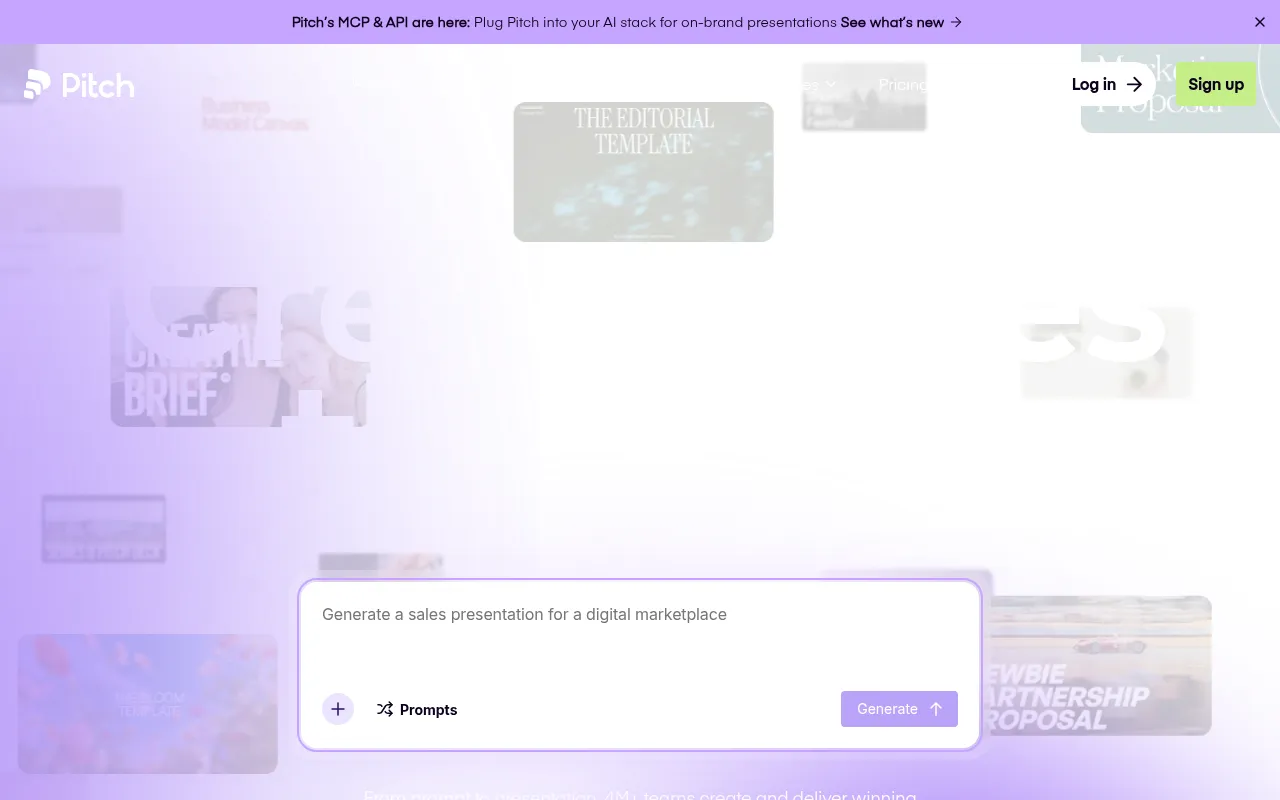
Pitch
WinnerCollaboration-first presentation tool built for remote teams reviewing and iterating on decks together.
Strengths
- +Best real-time collaboration and review workflow of any tool tested - built for multiple editors at once
- +Clean approval and commenting flow purpose-built for teams, not bolted on
- +Strong analytics on who viewed a shared deck and for how long
Weaknesses
- -AI generation from a prompt is slower and less polished than Gamma's
- -Smaller template and asset library than Canva
Heads up: Pitch's strength is collaboration, not raw AI generation speed. If you're building decks solo, its advantages are mostly wasted - it earns its price specifically when multiple people are actually working on the same deck.
Free for individual use; Pro is $10 per user per month, and Business is $20 per user per month, both with real-time multi-editor collaboration included at every paid tier.
Visit Pitch →
Canva
General design platform with an AI presentation generator (Magic Design) layered on top of its massive template and asset library.
Strengths
- +Largest template and asset library of any tool tested by a wide margin
- +Most export format options - PPTX, PDF, video, animated GIF, and direct social formats
- +One subscription covers presentations plus every other design need (social posts, documents, video)
Weaknesses
- -AI generation (Magic Design) is less purpose-built for decks specifically than Gamma or Beautiful.ai
- -Can feel overwhelming - the breadth that makes it powerful also makes the presentation feature harder to find and use in isolation
Heads up: Canva's AI deck generation is a feature bolted onto a much bigger design platform, not the core product. If presentations are your main use case, a dedicated tool will feel more purpose-built; if you already use Canva for other design work, it's a strong two-birds-one-subscription option.
Generous free tier covers most individual use; Canva Pro runs about $15/month and adds the full AI toolset, premium assets, and brand kit features.
Visit Canva →
Gamma
AI presentation generator that turns a single prompt into a complete, designed deck in under a minute.
Strengths
- +Fastest prompt-to-deck generation of any tool tested - a full deck in about 30 seconds
- +Genuinely usable free tier, not just a crippled trial
- +One tool doubles as a deck, a document, and a simple webpage generator
Weaknesses
- -Design guardrails are looser than Beautiful.ai's - it's easier to end up with an inconsistent slide if you edit heavily by hand
- -Real-time multi-user collaboration is less mature than Pitch's
Heads up: Gamma's AI-credit system means heavy regeneration (asking it to redo a deck several times) burns through the free tier fast. Budget for Plus or Pro if you're iterating a lot rather than generating once and refining manually.
Free tier includes 400 AI credits, enough for several full decks; Plus is $10/month ($8/month billed annually), Pro is $20/month ($15/month billed annually), and Ultra runs $100/month for heavy team use.
Visit Gamma →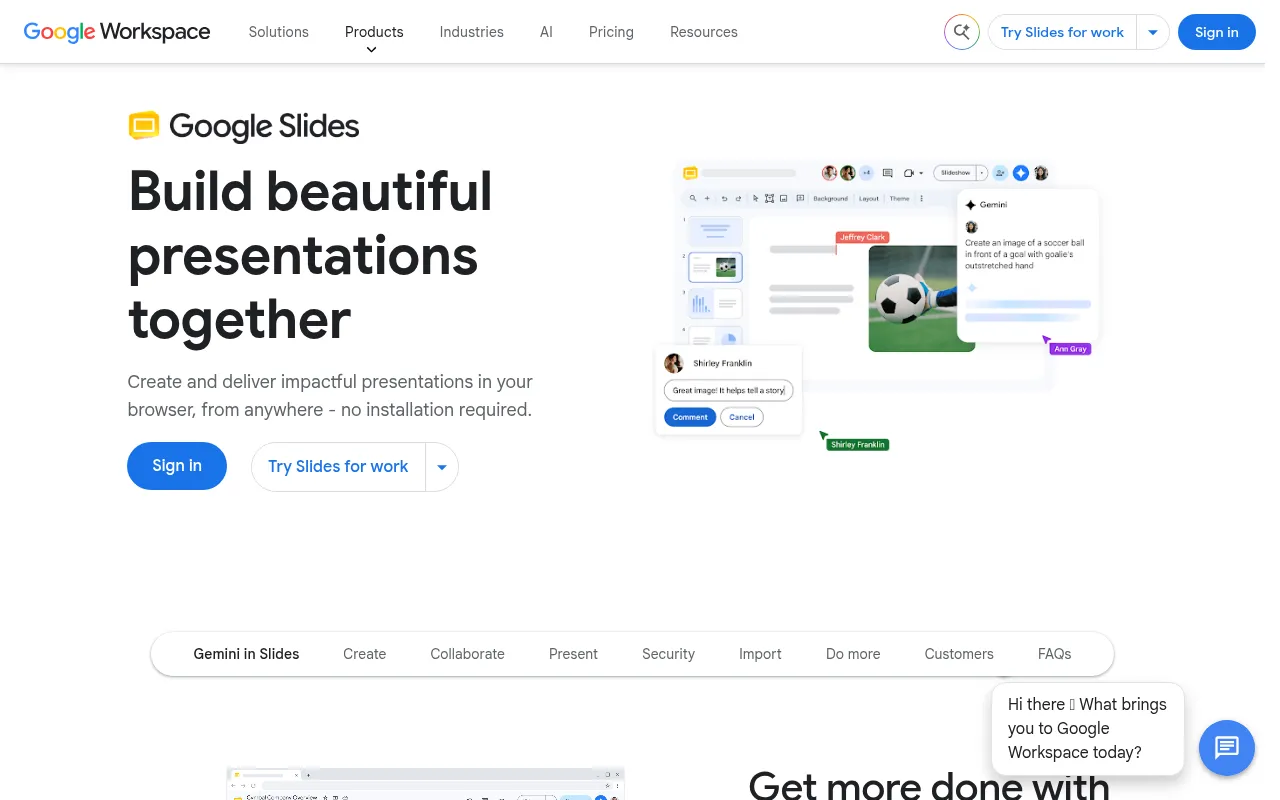
Google Slides (Gemini)
Google's presentation tool with Gemini AI generation and rewriting built into the same free/Workspace product.
Strengths
- +Free for personal use with generative AI features included, not gated behind a separate paywall
- +Real-time collaboration is mature and reliable, inherited from Google Docs/Sheets
Weaknesses
- -AI-generated slide design quality trails dedicated AI presentation tools noticeably
- -Fewer design templates and less visual polish than Canva or Gamma out of the box
Heads up: Google Slides' Gemini features are genuinely free to start, but the generated design quality is visibly behind purpose-built AI presentation tools - it's a strong collaboration tool with AI bolted on, not an AI-first design tool.
Free for personal Google accounts with generative features included; business use requires a Google Workspace plan (from about $12/user/month), which also unlocks higher Gemini usage limits.
Visit Google Slides (Gemini) →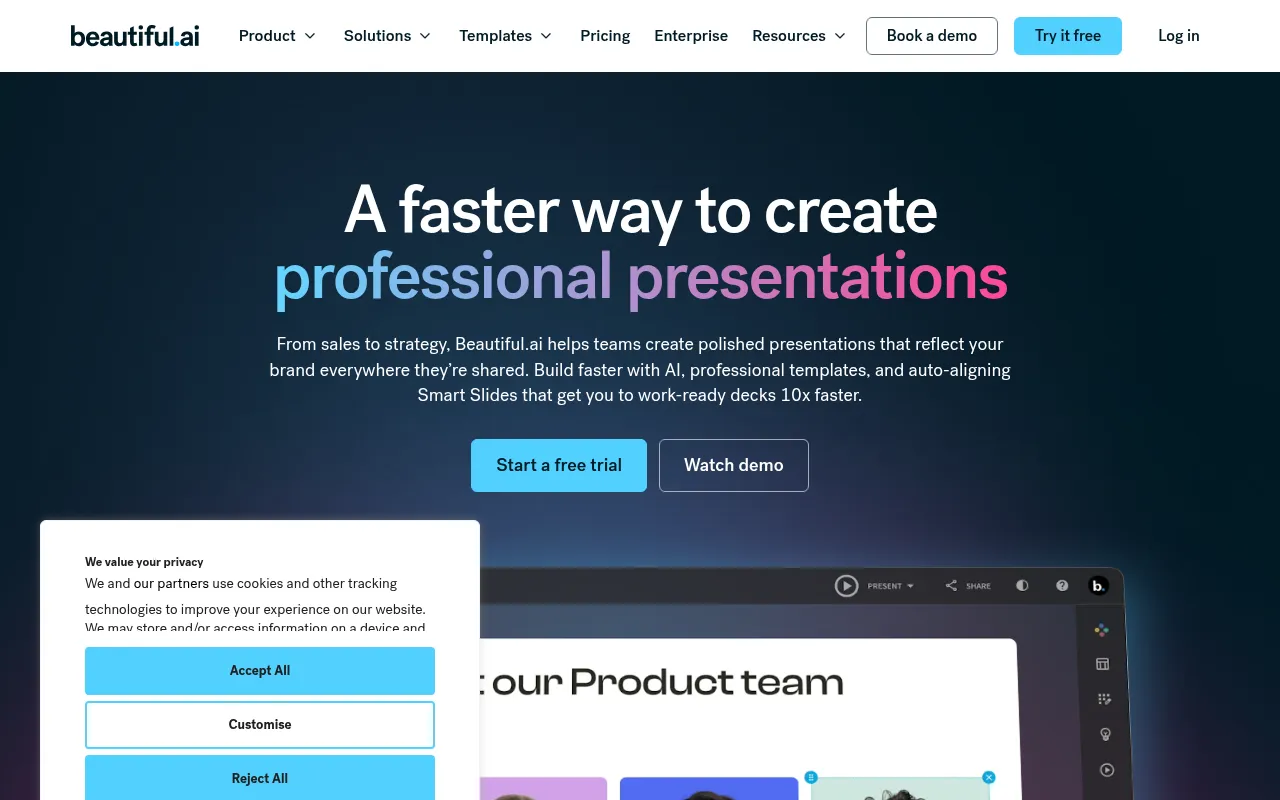
Beautiful.ai
AI presentation tool built around automated design rules that keep every slide's layout, spacing, and hierarchy polished.
Strengths
- +Best design consistency of any tool tested - automated layout rules genuinely prevent a bad-looking slide
- +Smart templates auto-adjust when you add or remove content, unlike static layouts
- +Strong for people who aren't confident designers but need professional-looking output
Weaknesses
- -No real free tier - you can't build and keep a usable deck without paying
- -Prompt-to-deck generation is slower and less flexible than Gamma's
Heads up: Beautiful.ai's design guardrails are its whole value proposition, but that same rigidity means less creative freedom than Canva or Gamma if you want a genuinely unconventional layout.
Plans start around $12/month billed annually; no meaningfully usable free tier beyond a trial, which is a real gap against free-forever competitors.
Visit Beautiful.ai →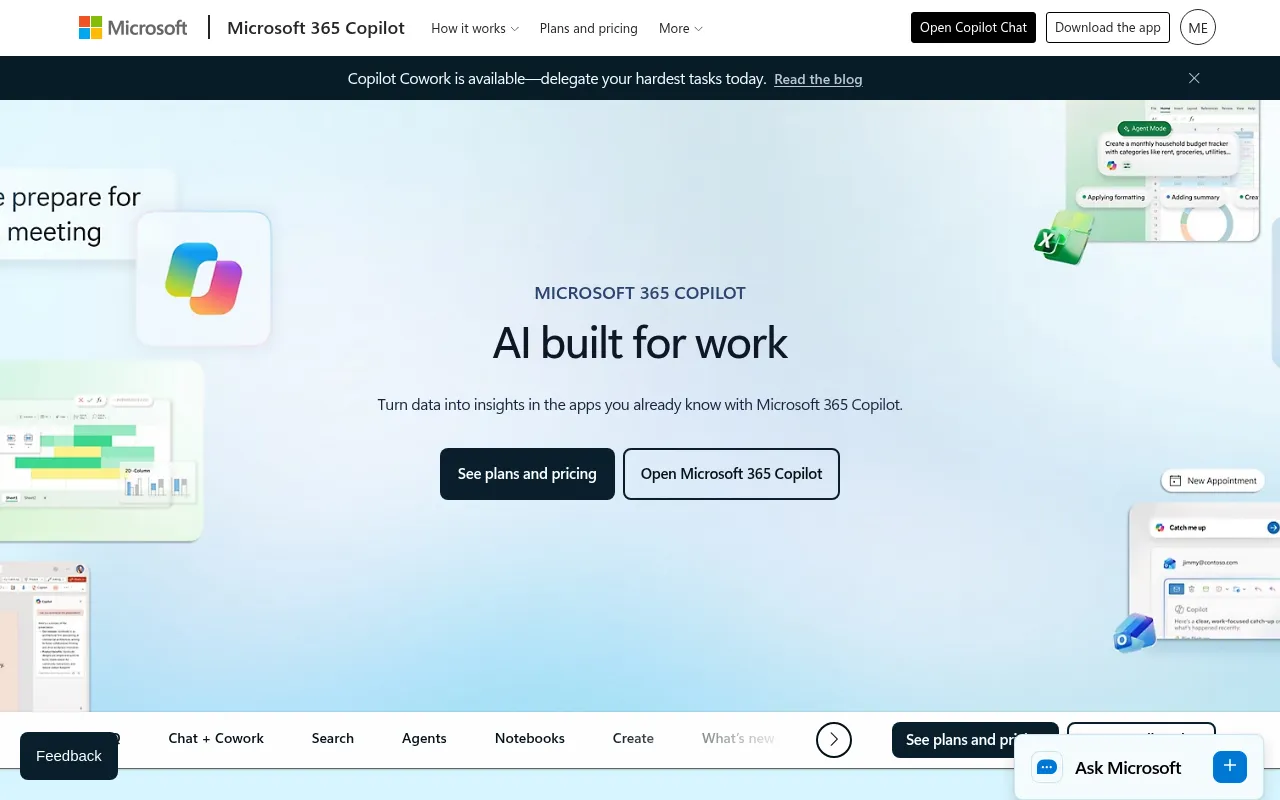
Microsoft Copilot for PowerPoint
AI assistant built into PowerPoint that generates and redesigns slides from a prompt inside the app teams already use.
Strengths
- +Generates directly inside PowerPoint, no new tool or file format to learn
- +Deepest native integration with existing corporate templates and brand assets stored in Microsoft 365
Weaknesses
- -Highest effective cost of any tool tested once the required 365 subscription is factored in
- -Generation quality lags dedicated AI-first tools like Gamma for a from-scratch deck
Heads up: Copilot for PowerPoint isn't a standalone purchase - you need an existing Microsoft 365 subscription plus the Copilot add-on, which makes its real cost meaningfully higher than tools built AI-first.
Not sold standalone - requires an existing Microsoft 365 subscription plus the Copilot add-on, which runs around $30 per user per month on top of that, the most expensive path to entry of any tool tested.
Visit Microsoft Copilot for PowerPoint →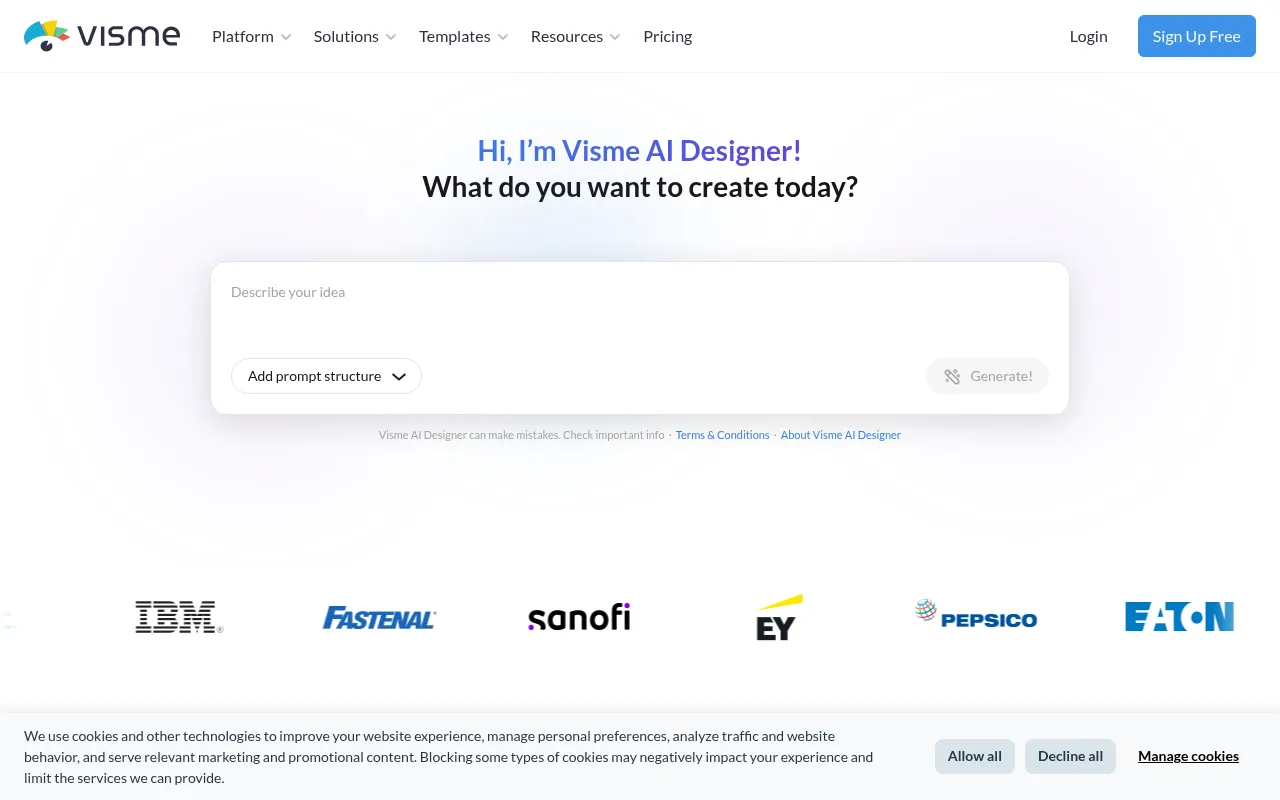
Visme
Visual content platform covering presentations, infographics, and documents with AI generation across all three.
Strengths
- +Covers presentations plus infographics and documents in one subscription, useful if you need more than just decks
- +Solid data-visualization and chart tooling built in
Weaknesses
- -AI deck generation specifically is less refined than dedicated presentation-first tools
- -Interface has a steeper learning curve than more focused competitors
Heads up: Visme's breadth (presentations, infographics, documents) is genuinely useful if you need all three, but if presentations are your only need, more focused tools generate a comparable deck faster with less of a learning curve.
A limited free tier exists; paid plans start around $29/month and scale with team seats and premium asset access.
Visit Visme →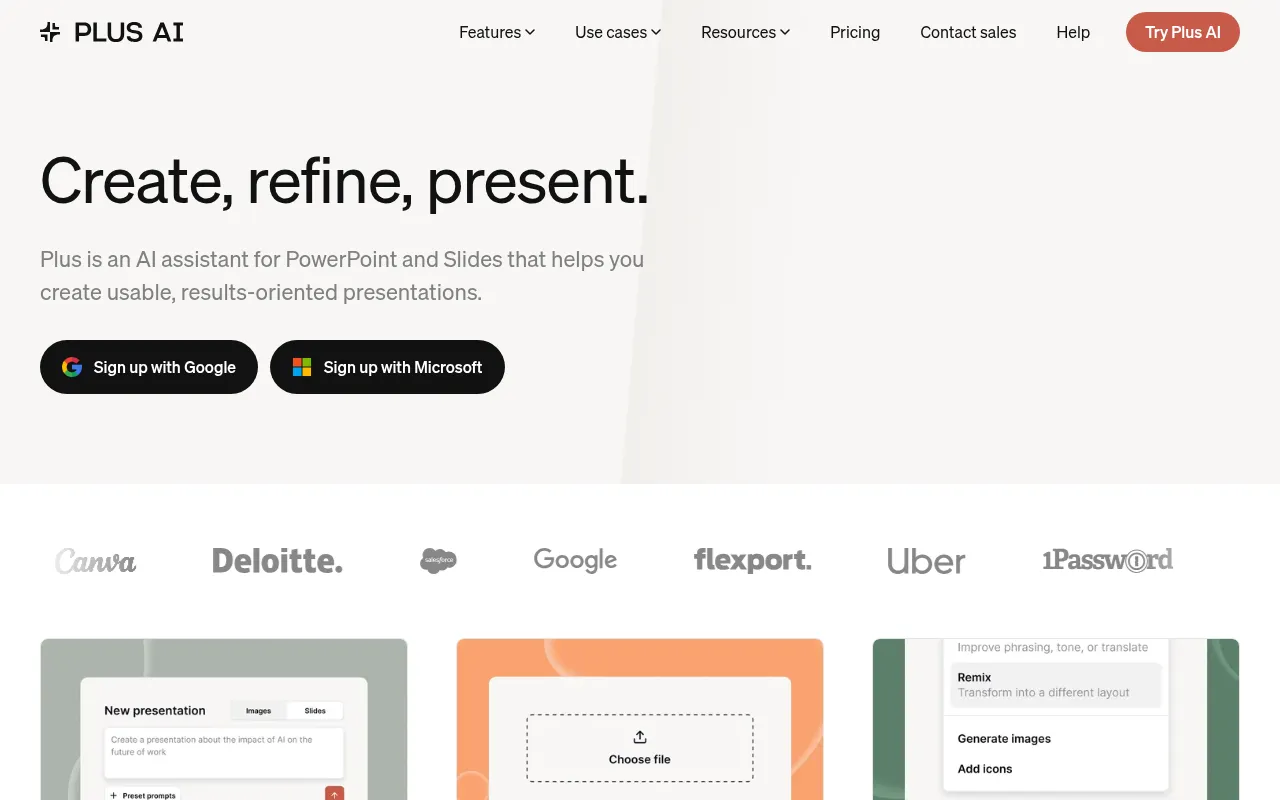
Plus AI
AI slide-generation add-on that works inside Google Slides and PowerPoint rather than a standalone app.
Strengths
- +Works inside tools teams already use (Google Slides, PowerPoint) instead of requiring a new app
- +Affordable relative to full standalone platforms
Weaknesses
- -Fully dependent on the host app's editing capabilities and limitations
- -Smaller, less distinctive design library than standalone AI-first tools
Heads up: Plus AI is an add-on, not a platform - its quality and limitations are partly inherited from whichever host app (Slides or PowerPoint) you're running it inside, which is worth knowing before expecting standalone-tool polish.
A limited free tier exists; paid plans run roughly $10-20/month depending on billing cycle, positioned as an affordable add-on rather than a full platform replacement.
Visit Plus AI →
Slidebean
AI pitch deck generator marketed specifically at startups raising funding, with optional human design services.
Strengths
- +Narrow focus on pitch decks specifically, with startup-relevant templates (fundraising, investor updates)
- +Optional human-designed deck service for founders who want a professional result without doing it themselves
Weaknesses
- -Templates and AI generation feel dated next to Gamma or Canva's newer output
- -Narrower use case - less useful outside fundraising-style decks specifically
Heads up: Slidebean's core AI generation is noticeably less polished than the newer tools in this benchmark. Most of its real value is the optional human design service, which is a fundamentally different (and pricier) product than the self-serve AI tools it's compared against here.
Paid plans start around $19/month for AI-assisted generation; optional professional design services (a human designer builds your deck) are priced separately and cost significantly more.
Visit Slidebean →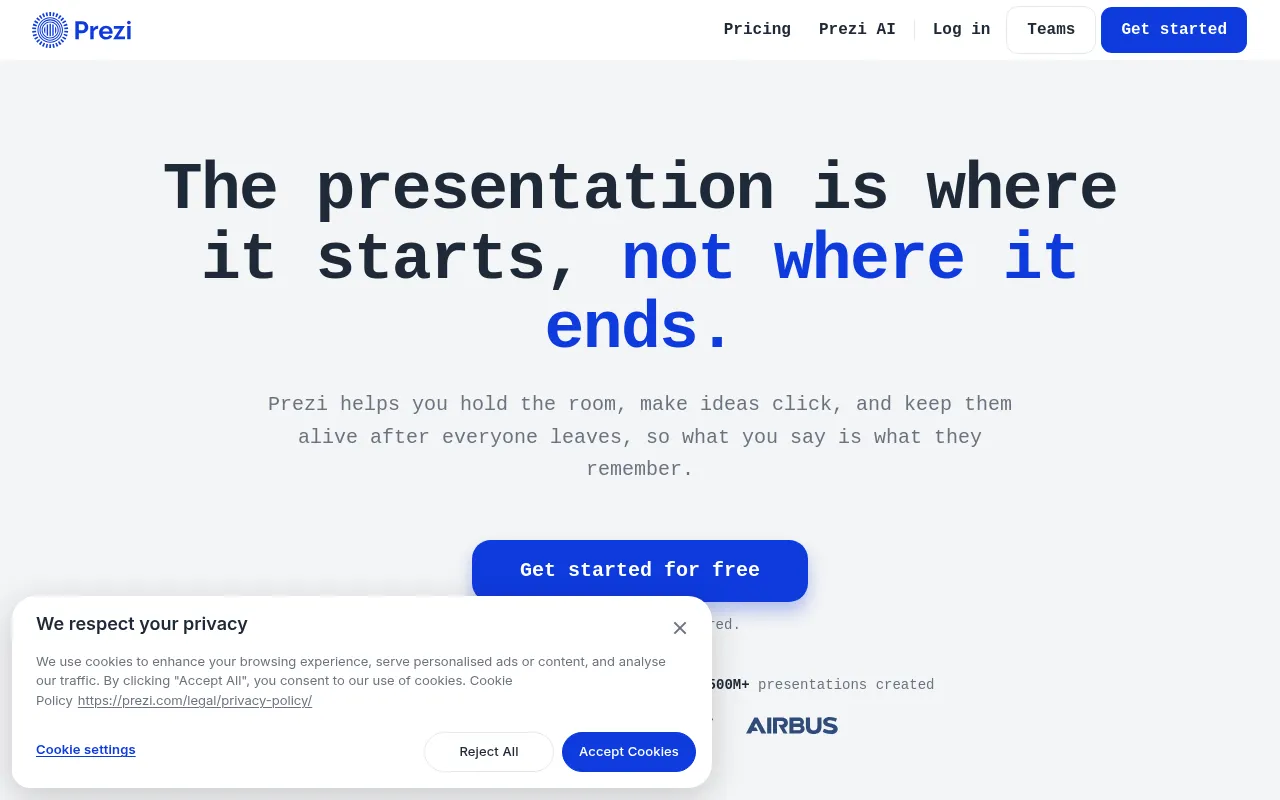
Prezi
Zooming, non-linear presentation tool now with AI-assisted content generation layered on its distinctive canvas format.
Strengths
- +Distinctive zooming, non-linear format that stands out from standard slide-by-slide decks
- +Reasonably affordable entry pricing
Weaknesses
- -Non-linear format has a real learning curve and isn't the right fit for every presentation
- -AI generation feels like an add-on to an older product rather than a ground-up AI-first workflow
Heads up: Prezi's zooming format is genuinely distinctive, but it's a stylistic choice, not a universal upgrade - a traditional linear deck is still the right call for most business presentations, and Prezi's AI layer doesn't change that underlying tradeoff.
A limited free tier exists; paid individual plans run roughly $5-19/month depending on billing cycle and feature tier.
Visit Prezi →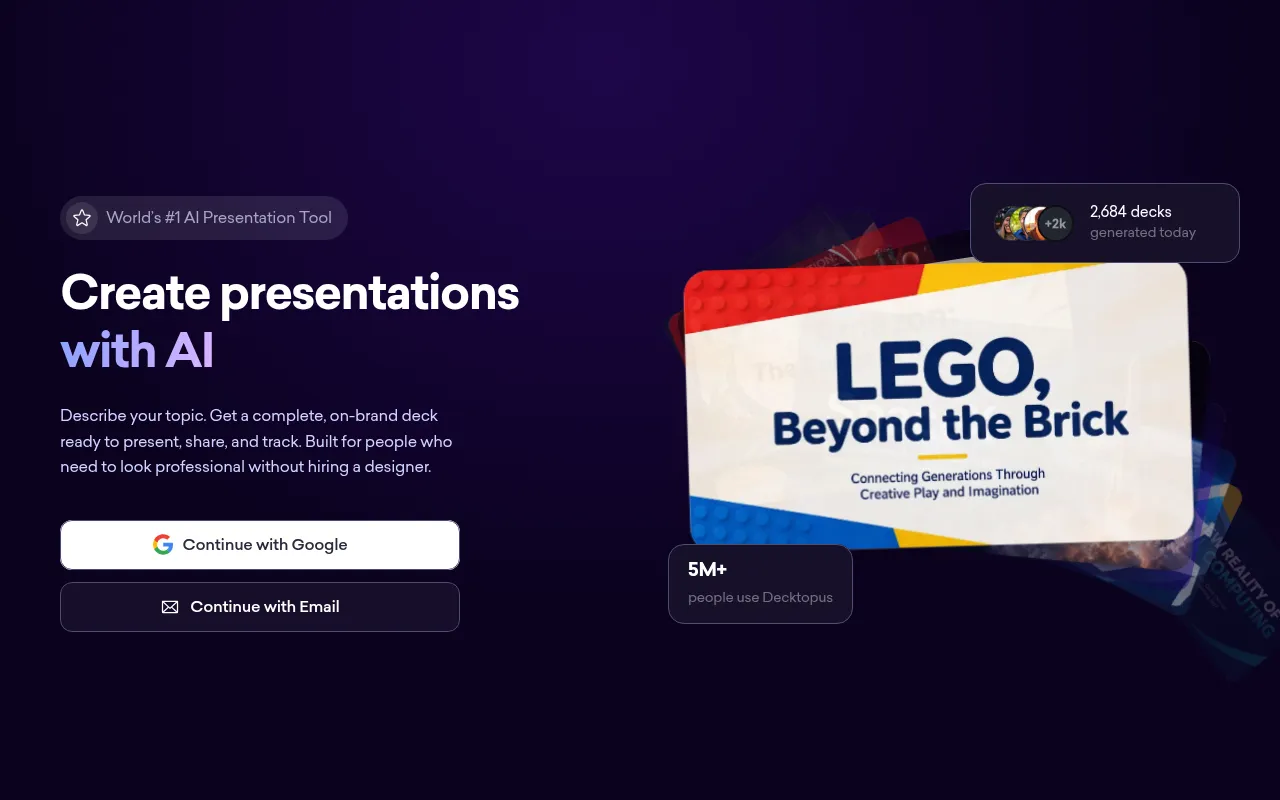
Decktopus
Budget AI presentation generator focused on quick, templated decks for marketing and sales use cases.
Strengths
- +Low price point relative to most competitors
- +Reasonably fast generation for straightforward sales/marketing deck templates
Weaknesses
- -Weakest collaboration tooling of any tool tested - not built for multi-editor review
- -Design output looks noticeably more templated and less distinctive than the higher-scoring tools
Heads up: Decktopus is priced to compete on cost, and it shows in the collaboration and design-polish categories. It's a reasonable choice for a quick, low-stakes internal deck, less so for anything client-facing or built by a team.
A limited free tier exists; paid Pro plans run roughly $9-15/month depending on billing cycle, among the cheaper options tested.
Visit Decktopus →
SlidesAI
Lightweight AI add-on that turns text or an outline into a Google Slides deck automatically.
Strengths
- +Very low price point relative to most competitors
- +Simple, fast text-to-slide generation with minimal setup
Weaknesses
- -Limited to working inside Google Slides only, no standalone app or PowerPoint support
- -Design output is noticeably more basic than full-featured platforms
Heads up: SlidesAI is priced and built for quick, simple decks inside Google Slides specifically - it's not trying to compete with full design platforms on visual polish, and it shows in the output.
A limited free tier covers a handful of generations per month; paid plans run roughly $8-12/month, among the cheapest options tested.
Visit SlidesAI →Feature comparison matrix
The practical questions beyond the scored criteria: code ownership, design import, team access, and starting price.
| Feature | Gamma | Canva | Pitch | Beautiful.ai | Google Slides (Gemini) | Plus AI | Visme | Microsoft Copilot for PowerPoint | Slidebean | Decktopus | Prezi | SlidesAI |
|---|---|---|---|---|---|---|---|---|---|---|---|---|
| Full deck generated from one prompt | Yes | Partial (Magic Design) | Partial | Yes | Partial | Partial | Partial | Partial | Yes | Yes | Partial | Yes |
| Auto-adjusting layout guardrails | Partial | Partial | Partial | Yes | No | Partial | Partial | Partial | No | Partial | No | No |
| Real-time multi-editor collaboration | Partial | Yes | Yes | Partial | Yes | Partial | Yes | Yes | No | No | Partial | Partial |
| PPTX export | Yes | Yes | Yes | Yes | Yes | Yes | Yes | Yes | Yes | Yes | Yes | Yes |
| Video / animated export | No | Yes | No | No | No | No | Yes | No | No | No | Partial | No |
| Usable free tier (real, keepable deck) | Yes | Yes | Yes (individual) | No | Yes | Partial | Partial | No (requires 365) | No | Partial | Partial | Partial |
| Viewer analytics on shared decks | Partial | No | Yes | No | No | No | Partial | No | No | Partial | Partial | No |
| Optional human design service | No | No | No | No | No | No | No | No | Yes (paid add-on) | No | No | No |
| Starting price | Free, $10/mo Plus | Free, $15/mo Pro | Free, $10/user/mo | $12/mo (no free tier) | Free, $12/user/mo Workspace | Free, $10-20/mo | Free, $29/mo | $30/user/mo (+365) | $19/mo | $9-15/mo | Free, $5-19/mo | Free, $8-12/mo |
Other ways to slice this ranking
Frequently Asked Questions
What's the best presentation tool for a remote team building a deck together?
Pitch, once weighted for collaboration - it overtakes Gamma specifically because of its real-time co-editing, commenting, and version history, which matter more to a distributed team than raw generation speed.
Can multiple people edit an AI-generated deck at the same time?
Yes, in most of the tools we tested, though the quality of that experience varies significantly. Pitch scored highest by a wide margin; Decktopus scored lowest and is better suited to a single editor working alone.
Does AI deck generation still help a team, or is it just useful for solo work?
It still helps - most teams we'd expect to use these tools start from an AI-generated first draft and then collaboratively edit it, rather than skipping generation entirely. The advantage of a tool like Pitch is what happens after that first draft, not instead of it.
How important is version history for a team presentation tool?
Very, once more than one person is editing - it's the difference between confidently making changes and being afraid to break someone else's work. This was one of the specific things we tested for the collaboration criterion, and it's a meaningful gap between the top-scoring tools and the rest.
About the writer
Jake Sullivan
Senior Content Researcher
Jake runs the majority of Benchmark Lab's hands-on testing - executing the identical test script across every tool in a category, logging what succeeded, what failed, and how long each step took. He writes up the results for the categories and comparisons he tests directly.
Read more →