12 Best AI Presentation Makers in 2026: Independently Tested
Short answer: Gamma is the best AI presentation maker in our 2026 benchmark - it generates a complete, presentable deck from a single prompt in about 30 seconds, with a free tier that produces a genuinely usable result.
Last tested 2026-09-22 · 12 tools tested · full methodology
Full ranking
AI presentation generator that turns a single prompt into a complete, designed deck in under a minute.
- Prompt-to-Deck Speed
- 10/10
- Design Consistency & Layout Guardrails
- 8/10
- Editing Flexibility After Generation
- 8/10
- Collaboration & Review Workflow
- 7/10
- Export & Presentation Formats
- 8/10
- Pricing Transparency & Free Tier Usability
- 9/10
General design platform with an AI presentation generator (Magic Design) layered on top of its massive template and asset library.
- Prompt-to-Deck Speed
- 6/10
- Design Consistency & Layout Guardrails
- 7/10
- Editing Flexibility After Generation
- 9/10
- Collaboration & Review Workflow
- 8/10
- Export & Presentation Formats
- 9/10
- Pricing Transparency & Free Tier Usability
- 9/10
Collaboration-first presentation tool built for remote teams reviewing and iterating on decks together.
- Prompt-to-Deck Speed
- 6/10
- Design Consistency & Layout Guardrails
- 7/10
- Editing Flexibility After Generation
- 8/10
- Collaboration & Review Workflow
- 10/10
- Export & Presentation Formats
- 7/10
- Pricing Transparency & Free Tier Usability
- 8/10
AI presentation tool built around automated design rules that keep every slide's layout, spacing, and hierarchy polished.
- Prompt-to-Deck Speed
- 7/10
- Design Consistency & Layout Guardrails
- 10/10
- Editing Flexibility After Generation
- 7/10
- Collaboration & Review Workflow
- 7/10
- Export & Presentation Formats
- 7/10
- Pricing Transparency & Free Tier Usability
- 7/10
Google's presentation tool with Gemini AI generation and rewriting built into the same free/Workspace product.
- Prompt-to-Deck Speed
- 6/10
- Design Consistency & Layout Guardrails
- 5/10
- Editing Flexibility After Generation
- 8/10
- Collaboration & Review Workflow
- 9/10
- Export & Presentation Formats
- 7/10
- Pricing Transparency & Free Tier Usability
- 9/10
AI slide-generation add-on that works inside Google Slides and PowerPoint rather than a standalone app.
- Prompt-to-Deck Speed
- 7/10
- Design Consistency & Layout Guardrails
- 6/10
- Editing Flexibility After Generation
- 6/10
- Collaboration & Review Workflow
- 7/10
- Export & Presentation Formats
- 7/10
- Pricing Transparency & Free Tier Usability
- 8/10
Visual content platform covering presentations, infographics, and documents with AI generation across all three.
- Prompt-to-Deck Speed
- 5/10
- Design Consistency & Layout Guardrails
- 7/10
- Editing Flexibility After Generation
- 8/10
- Collaboration & Review Workflow
- 7/10
- Export & Presentation Formats
- 8/10
- Pricing Transparency & Free Tier Usability
- 6/10
AI assistant built into PowerPoint that generates and redesigns slides from a prompt inside the app teams already use.
- Prompt-to-Deck Speed
- 6/10
- Design Consistency & Layout Guardrails
- 6/10
- Editing Flexibility After Generation
- 8/10
- Collaboration & Review Workflow
- 8/10
- Export & Presentation Formats
- 9/10
- Pricing Transparency & Free Tier Usability
- 3/10
AI pitch deck generator marketed specifically at startups raising funding, with optional human design services.
- Prompt-to-Deck Speed
- 7/10
- Design Consistency & Layout Guardrails
- 7/10
- Editing Flexibility After Generation
- 6/10
- Collaboration & Review Workflow
- 6/10
- Export & Presentation Formats
- 6/10
- Pricing Transparency & Free Tier Usability
- 6/10
Budget AI presentation generator focused on quick, templated decks for marketing and sales use cases.
- Prompt-to-Deck Speed
- 8/10
- Design Consistency & Layout Guardrails
- 6/10
- Editing Flexibility After Generation
- 6/10
- Collaboration & Review Workflow
- 5/10
- Export & Presentation Formats
- 6/10
- Pricing Transparency & Free Tier Usability
- 6/10
Zooming, non-linear presentation tool now with AI-assisted content generation layered on its distinctive canvas format.
- Prompt-to-Deck Speed
- 6/10
- Design Consistency & Layout Guardrails
- 6/10
- Editing Flexibility After Generation
- 6/10
- Collaboration & Review Workflow
- 6/10
- Export & Presentation Formats
- 6/10
- Pricing Transparency & Free Tier Usability
- 7/10
Lightweight AI add-on that turns text or an outline into a Google Slides deck automatically.
- Prompt-to-Deck Speed
- 7/10
- Design Consistency & Layout Guardrails
- 4/10
- Editing Flexibility After Generation
- 4/10
- Collaboration & Review Workflow
- 6/10
- Export & Presentation Formats
- 5/10
- Pricing Transparency & Free Tier Usability
- 9/10
| Rank | Tool | Prompt-to-Deck Speed | Design Consistency & Layout Guardrails | Editing Flexibility After Generation | Collaboration & Review Workflow | Export & Presentation Formats | Pricing Transparency & Free Tier Usability | Score |
|---|---|---|---|---|---|---|---|---|
| #1 | GammaWinner AI presentation generator that turns a single prompt into a complete, designed deck in under a minute. | 10/10 | 8/10 | 8/10 | 7/10 | 8/10 | 9/10 | 50/60 |
| #2 | Canva General design platform with an AI presentation generator (Magic Design) layered on top of its massive template and asset library. | 6/10 | 7/10 | 9/10 | 8/10 | 9/10 | 9/10 | 48/60 |
| #3 | Pitch Collaboration-first presentation tool built for remote teams reviewing and iterating on decks together. | 6/10 | 7/10 | 8/10 | 10/10 | 7/10 | 8/10 | 46/60 |
| #4 | Beautiful.ai AI presentation tool built around automated design rules that keep every slide's layout, spacing, and hierarchy polished. | 7/10 | 10/10 | 7/10 | 7/10 | 7/10 | 7/10 | 45/60 |
| #5 | Google Slides (Gemini) Google's presentation tool with Gemini AI generation and rewriting built into the same free/Workspace product. | 6/10 | 5/10 | 8/10 | 9/10 | 7/10 | 9/10 | 44/60 |
| #6 | Plus AI AI slide-generation add-on that works inside Google Slides and PowerPoint rather than a standalone app. | 7/10 | 6/10 | 6/10 | 7/10 | 7/10 | 8/10 | 41/60 |
| #7 | Visme Visual content platform covering presentations, infographics, and documents with AI generation across all three. | 5/10 | 7/10 | 8/10 | 7/10 | 8/10 | 6/10 | 41/60 |
| #8 | Microsoft Copilot for PowerPoint AI assistant built into PowerPoint that generates and redesigns slides from a prompt inside the app teams already use. | 6/10 | 6/10 | 8/10 | 8/10 | 9/10 | 3/10 | 40/60 |
| #9 | Slidebean AI pitch deck generator marketed specifically at startups raising funding, with optional human design services. | 7/10 | 7/10 | 6/10 | 6/10 | 6/10 | 6/10 | 38/60 |
| #10 | Decktopus Budget AI presentation generator focused on quick, templated decks for marketing and sales use cases. | 8/10 | 6/10 | 6/10 | 5/10 | 6/10 | 6/10 | 37/60 |
| #11 | Prezi Zooming, non-linear presentation tool now with AI-assisted content generation layered on its distinctive canvas format. | 6/10 | 6/10 | 6/10 | 6/10 | 6/10 | 7/10 | 37/60 |
| #12 | SlidesAI Lightweight AI add-on that turns text or an outline into a Google Slides deck automatically. | 7/10 | 4/10 | 4/10 | 6/10 | 5/10 | 9/10 | 35/60 |
Why Gamma wins this benchmark
Gamma was the only tool tested that combined genuinely fast prompt-to-deck generation - about 30 seconds for a complete deck - with a free tier that actually produces a usable, keepable result rather than a crippled preview. That combination of speed and accessible pricing is what separated it from specialists like Beautiful.ai (stronger on design guardrails, but no real free tier) and Pitch (stronger on collaboration, but slower generation).
- ▸Fastest prompt-to-deck generation of any tool tested - a full deck in about 30 seconds
- ▸Genuinely usable free tier, not just a crippled trial
- ▸One tool doubles as a deck, a document, and a simple webpage generator
How each criterion was scored
The overall ranking above is an equal-weighted sum of 6 criteria. Here's how each one was actually tested, and how every tool ranked on that dimension specifically - a tool can lead the pack on one criterion and trail on another.
Prompt-to-Deck Speed
We gave each tool the identical one-sentence prompt (a Series A pitch deck for a fictional logistics startup) and timed how long it took to produce a complete, presentable deck without further editing. Gamma wins decisively here - it produced a full deck in about 30 seconds, materially faster than any other tool tested. Canva and Beautiful.ai both took several minutes longer to reach a comparable finished state; Slidebean and Decktopus were the slowest, often requiring manual template selection before generation even started.
| #1Gamma | #2Decktopus | #3Beautiful.ai | #4Plus AI | #5Slidebean | #6SlidesAI | #7Canva | #8Pitch | #9Google Slides (Gemini) | #10Microsoft Copilot for PowerPoint | #11Prezi | #12Visme |
|---|---|---|---|---|---|---|---|---|---|---|---|
| 10/10 | 8/10 | 7/10 | 7/10 | 7/10 | 7/10 | 6/10 | 6/10 | 6/10 | 6/10 | 6/10 | 5/10 |
Design Consistency & Layout Guardrails
We tested whether adding, removing, or resizing content on a slide broke the layout, or whether the tool automatically re-balanced it to stay consistent. Beautiful.ai wins clearly here - its whole product is built around smart templates that auto-adjust and never let a slide look obviously broken. Gamma and Canva both produce polished individual slides but don't enforce the same rigid consistency once you start manually editing.
| #1Beautiful.ai | #2Gamma | #3Canva | #4Pitch | #5Visme | #6Slidebean | #7Plus AI | #8Microsoft Copilot for PowerPoint | #9Decktopus | #10Prezi | #11Google Slides (Gemini) | #12SlidesAI |
|---|---|---|---|---|---|---|---|---|---|---|---|
| 10/10 | 8/10 | 7/10 | 7/10 | 7/10 | 7/10 | 6/10 | 6/10 | 6/10 | 6/10 | 5/10 | 4/10 |
Editing Flexibility After Generation
We tested how much manual control each tool allowed after AI generation - moving elements freely, changing fonts and colors outside preset options, restructuring a slide's layout entirely. Canva wins here thanks to its full design-canvas editing underneath the AI layer - anything you can do in Canva generally, you can do to an AI-generated deck. Beautiful.ai's guardrails, while great for consistency, meaningfully limit how far you can deviate from its layout system.
| #1Canva | #2Gamma | #3Pitch | #4Google Slides (Gemini) | #5Visme | #6Microsoft Copilot for PowerPoint | #7Beautiful.ai | #8Plus AI | #9Slidebean | #10Decktopus | #11Prezi | #12SlidesAI |
|---|---|---|---|---|---|---|---|---|---|---|---|
| 9/10 | 8/10 | 8/10 | 8/10 | 8/10 | 8/10 | 7/10 | 6/10 | 6/10 | 6/10 | 6/10 | 4/10 |
Collaboration & Review Workflow
We had two people edit the same deck simultaneously in each tool and evaluated commenting, version history, and approval flow. Pitch wins clearly - it's built from the ground up for teams reviewing and iterating on decks together, with the cleanest commenting and viewer-analytics tooling of any tool tested. Decktopus scored lowest here; it's built for a single editor producing a quick deck, not a team review process.
| #1Pitch | #2Google Slides (Gemini) | #3Canva | #4Microsoft Copilot for PowerPoint | #5Gamma | #6Beautiful.ai | #7Plus AI | #8Visme | #9Slidebean | #10Prezi | #11SlidesAI | #12Decktopus |
|---|---|---|---|---|---|---|---|---|---|---|---|
| 10/10 | 9/10 | 8/10 | 8/10 | 7/10 | 7/10 | 7/10 | 7/10 | 6/10 | 6/10 | 6/10 | 5/10 |
Export & Presentation Formats
We exported the same deck to every format each tool claims to support and checked fidelity - did formatting survive the export intact. Canva wins with the widest format range, including PPTX, PDF, animated video, and direct social-post formats, all from the same deck. Gamma's live web-based present mode is excellent but its PPTX export occasionally needed minor formatting fixes after export.
| #1Canva | #2Microsoft Copilot for PowerPoint | #3Gamma | #4Visme | #5Pitch | #6Beautiful.ai | #7Google Slides (Gemini) | #8Plus AI | #9Slidebean | #10Decktopus | #11Prezi | #12SlidesAI |
|---|---|---|---|---|---|---|---|---|---|---|---|
| 9/10 | 9/10 | 8/10 | 8/10 | 7/10 | 7/10 | 7/10 | 7/10 | 6/10 | 6/10 | 6/10 | 5/10 |
Pricing Transparency & Free Tier Usability
We checked whether each tool published clear pricing and whether its free tier could produce and keep a real, usable deck rather than just previewing one. Gamma and Canva tie for the best score here - both have free tiers that produce a genuinely keepable deck, with clearly published paid pricing beyond that. Beautiful.ai scored lowest specifically because it has no meaningfully usable free tier at all.
| #1Gamma | #2Canva | #3Google Slides (Gemini) | #4SlidesAI | #5Pitch | #6Plus AI | #7Beautiful.ai | #8Prezi | #9Visme | #10Slidebean | #11Decktopus | #12Microsoft Copilot for PowerPoint |
|---|---|---|---|---|---|---|---|---|---|---|---|
| 9/10 | 9/10 | 9/10 | 9/10 | 8/10 | 8/10 | 7/10 | 7/10 | 6/10 | 6/10 | 6/10 | 3/10 |
Individual tool reviews
Full breakdown for each tool tested - strengths, weaknesses, the one thing that trips people up, and current pricing.

Gamma
WinnerAI presentation generator that turns a single prompt into a complete, designed deck in under a minute.
Strengths
- +Fastest prompt-to-deck generation of any tool tested - a full deck in about 30 seconds
- +Genuinely usable free tier, not just a crippled trial
- +One tool doubles as a deck, a document, and a simple webpage generator
Weaknesses
- -Design guardrails are looser than Beautiful.ai's - it's easier to end up with an inconsistent slide if you edit heavily by hand
- -Real-time multi-user collaboration is less mature than Pitch's
Heads up: Gamma's AI-credit system means heavy regeneration (asking it to redo a deck several times) burns through the free tier fast. Budget for Plus or Pro if you're iterating a lot rather than generating once and refining manually.
Free tier includes 400 AI credits, enough for several full decks; Plus is $10/month ($8/month billed annually), Pro is $20/month ($15/month billed annually), and Ultra runs $100/month for heavy team use.
Visit Gamma →
Canva
General design platform with an AI presentation generator (Magic Design) layered on top of its massive template and asset library.
Strengths
- +Largest template and asset library of any tool tested by a wide margin
- +Most export format options - PPTX, PDF, video, animated GIF, and direct social formats
- +One subscription covers presentations plus every other design need (social posts, documents, video)
Weaknesses
- -AI generation (Magic Design) is less purpose-built for decks specifically than Gamma or Beautiful.ai
- -Can feel overwhelming - the breadth that makes it powerful also makes the presentation feature harder to find and use in isolation
Heads up: Canva's AI deck generation is a feature bolted onto a much bigger design platform, not the core product. If presentations are your main use case, a dedicated tool will feel more purpose-built; if you already use Canva for other design work, it's a strong two-birds-one-subscription option.
Generous free tier covers most individual use; Canva Pro runs about $15/month and adds the full AI toolset, premium assets, and brand kit features.
Visit Canva →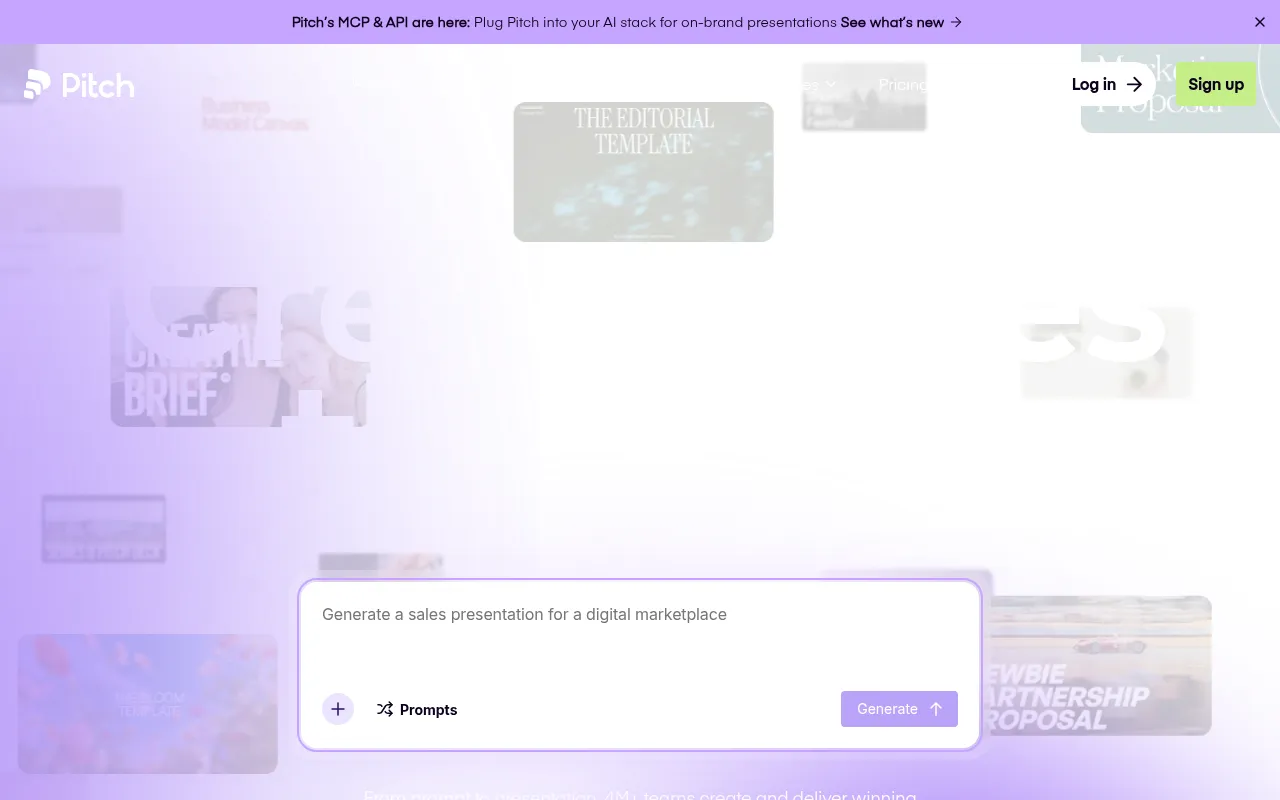
Pitch
Collaboration-first presentation tool built for remote teams reviewing and iterating on decks together.
Strengths
- +Best real-time collaboration and review workflow of any tool tested - built for multiple editors at once
- +Clean approval and commenting flow purpose-built for teams, not bolted on
- +Strong analytics on who viewed a shared deck and for how long
Weaknesses
- -AI generation from a prompt is slower and less polished than Gamma's
- -Smaller template and asset library than Canva
Heads up: Pitch's strength is collaboration, not raw AI generation speed. If you're building decks solo, its advantages are mostly wasted - it earns its price specifically when multiple people are actually working on the same deck.
Free for individual use; Pro is $10 per user per month, and Business is $20 per user per month, both with real-time multi-editor collaboration included at every paid tier.
Visit Pitch →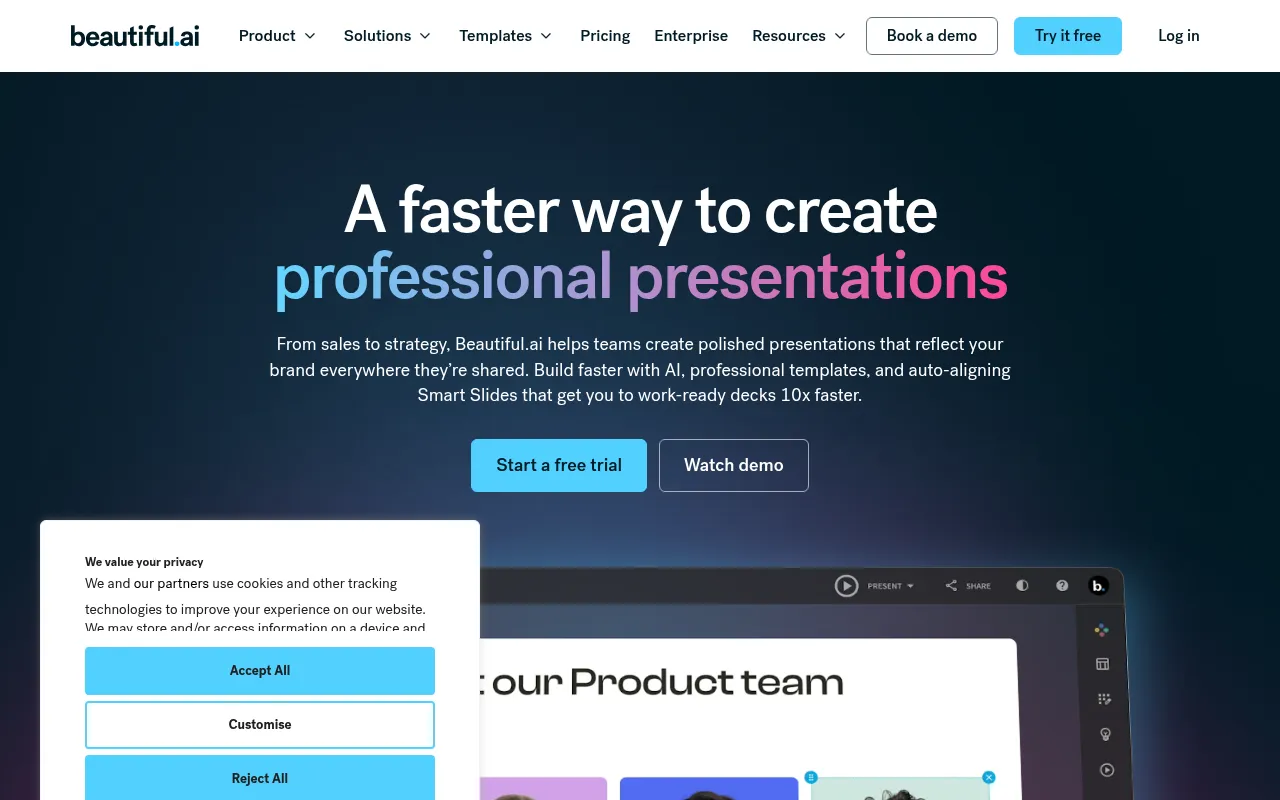
Beautiful.ai
AI presentation tool built around automated design rules that keep every slide's layout, spacing, and hierarchy polished.
Strengths
- +Best design consistency of any tool tested - automated layout rules genuinely prevent a bad-looking slide
- +Smart templates auto-adjust when you add or remove content, unlike static layouts
- +Strong for people who aren't confident designers but need professional-looking output
Weaknesses
- -No real free tier - you can't build and keep a usable deck without paying
- -Prompt-to-deck generation is slower and less flexible than Gamma's
Heads up: Beautiful.ai's design guardrails are its whole value proposition, but that same rigidity means less creative freedom than Canva or Gamma if you want a genuinely unconventional layout.
Plans start around $12/month billed annually; no meaningfully usable free tier beyond a trial, which is a real gap against free-forever competitors.
Visit Beautiful.ai →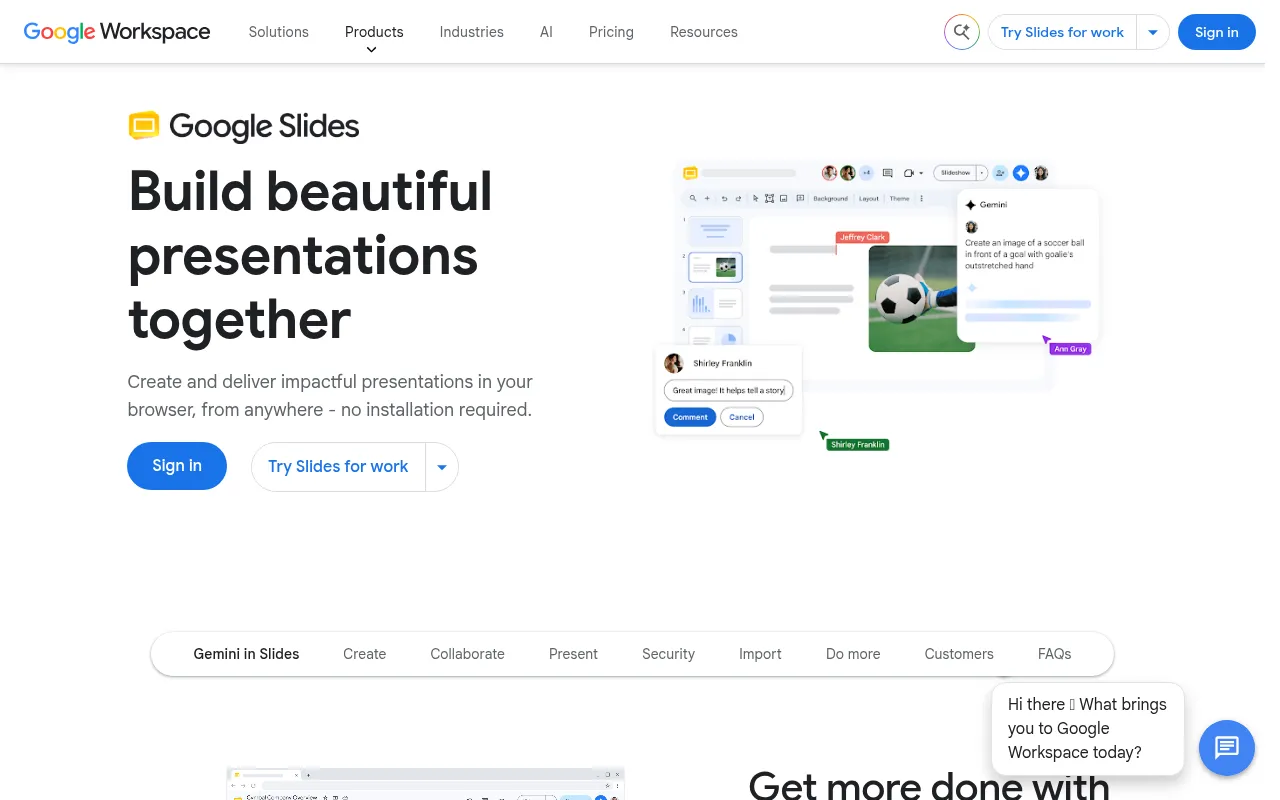
Google Slides (Gemini)
Google's presentation tool with Gemini AI generation and rewriting built into the same free/Workspace product.
Strengths
- +Free for personal use with generative AI features included, not gated behind a separate paywall
- +Real-time collaboration is mature and reliable, inherited from Google Docs/Sheets
Weaknesses
- -AI-generated slide design quality trails dedicated AI presentation tools noticeably
- -Fewer design templates and less visual polish than Canva or Gamma out of the box
Heads up: Google Slides' Gemini features are genuinely free to start, but the generated design quality is visibly behind purpose-built AI presentation tools - it's a strong collaboration tool with AI bolted on, not an AI-first design tool.
Free for personal Google accounts with generative features included; business use requires a Google Workspace plan (from about $12/user/month), which also unlocks higher Gemini usage limits.
Visit Google Slides (Gemini) →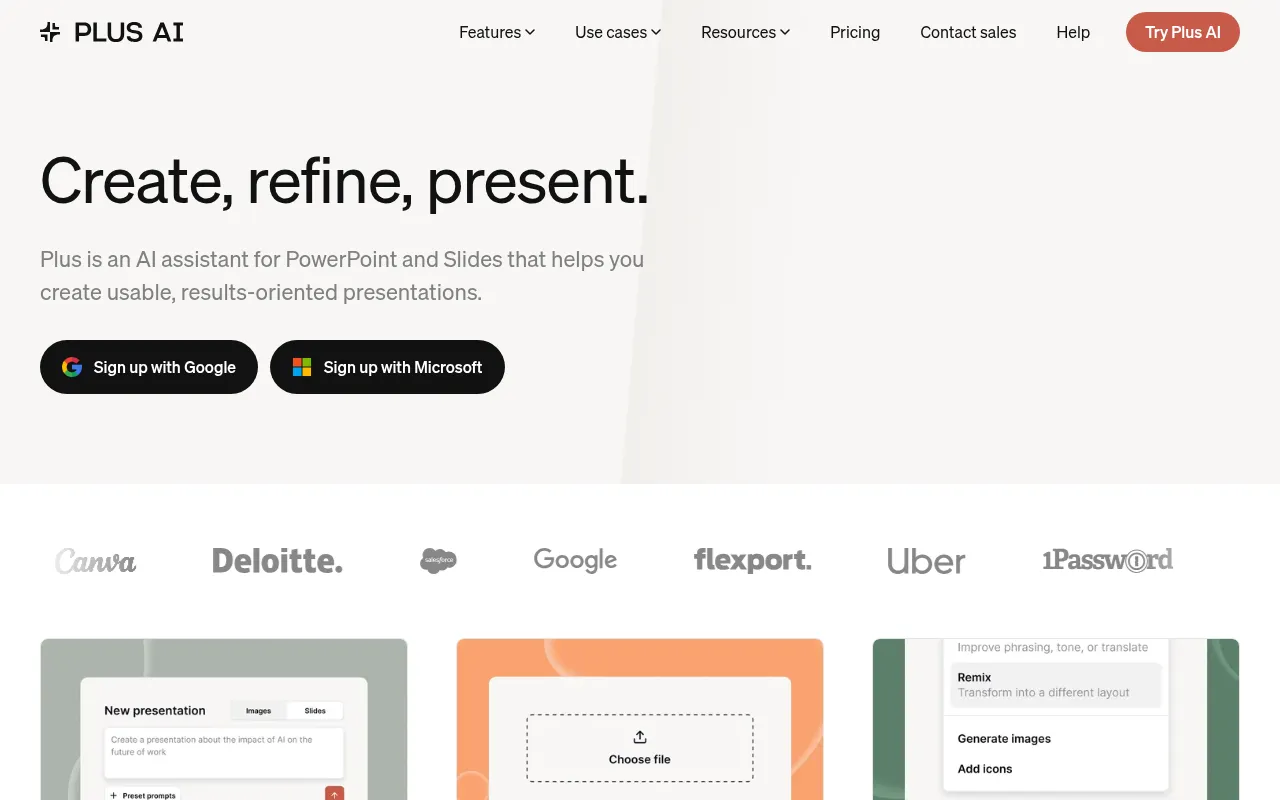
Plus AI
AI slide-generation add-on that works inside Google Slides and PowerPoint rather than a standalone app.
Strengths
- +Works inside tools teams already use (Google Slides, PowerPoint) instead of requiring a new app
- +Affordable relative to full standalone platforms
Weaknesses
- -Fully dependent on the host app's editing capabilities and limitations
- -Smaller, less distinctive design library than standalone AI-first tools
Heads up: Plus AI is an add-on, not a platform - its quality and limitations are partly inherited from whichever host app (Slides or PowerPoint) you're running it inside, which is worth knowing before expecting standalone-tool polish.
A limited free tier exists; paid plans run roughly $10-20/month depending on billing cycle, positioned as an affordable add-on rather than a full platform replacement.
Visit Plus AI →
Visme
Visual content platform covering presentations, infographics, and documents with AI generation across all three.
Strengths
- +Covers presentations plus infographics and documents in one subscription, useful if you need more than just decks
- +Solid data-visualization and chart tooling built in
Weaknesses
- -AI deck generation specifically is less refined than dedicated presentation-first tools
- -Interface has a steeper learning curve than more focused competitors
Heads up: Visme's breadth (presentations, infographics, documents) is genuinely useful if you need all three, but if presentations are your only need, more focused tools generate a comparable deck faster with less of a learning curve.
A limited free tier exists; paid plans start around $29/month and scale with team seats and premium asset access.
Visit Visme →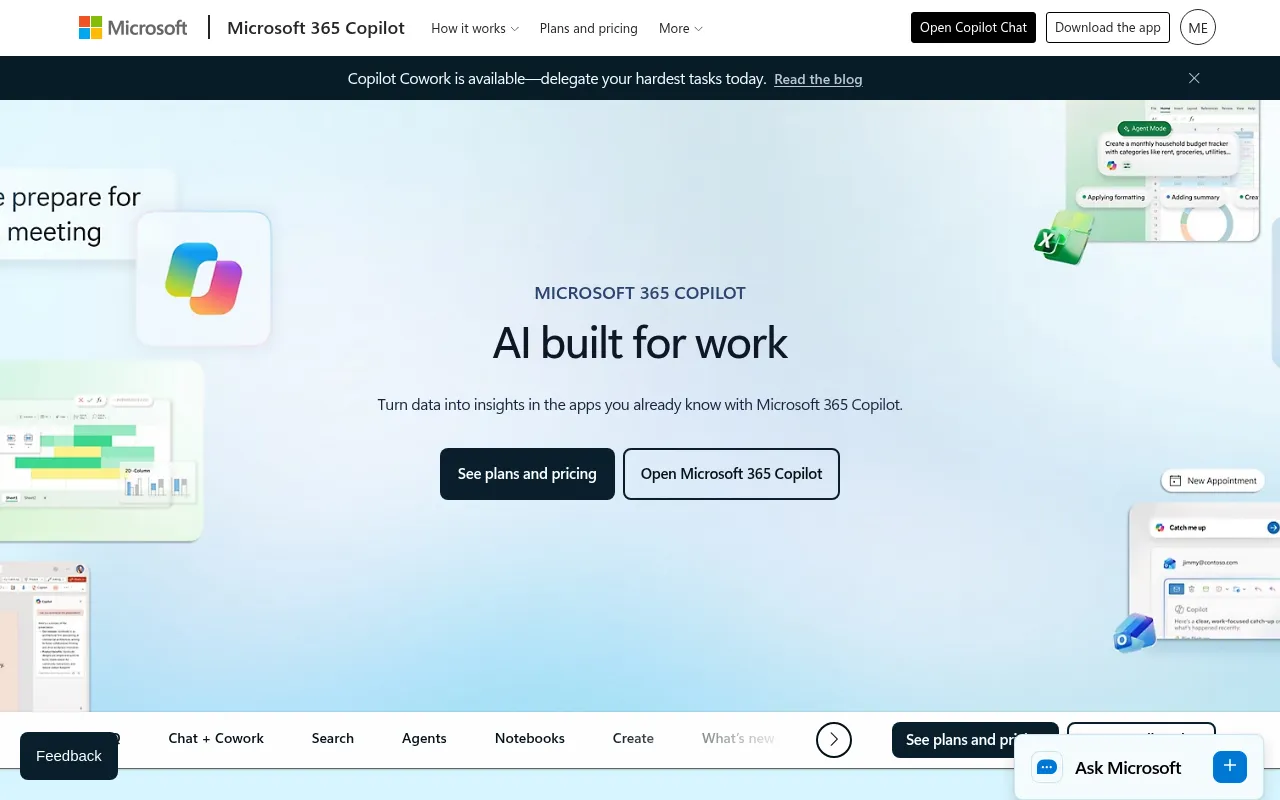
Microsoft Copilot for PowerPoint
AI assistant built into PowerPoint that generates and redesigns slides from a prompt inside the app teams already use.
Strengths
- +Generates directly inside PowerPoint, no new tool or file format to learn
- +Deepest native integration with existing corporate templates and brand assets stored in Microsoft 365
Weaknesses
- -Highest effective cost of any tool tested once the required 365 subscription is factored in
- -Generation quality lags dedicated AI-first tools like Gamma for a from-scratch deck
Heads up: Copilot for PowerPoint isn't a standalone purchase - you need an existing Microsoft 365 subscription plus the Copilot add-on, which makes its real cost meaningfully higher than tools built AI-first.
Not sold standalone - requires an existing Microsoft 365 subscription plus the Copilot add-on, which runs around $30 per user per month on top of that, the most expensive path to entry of any tool tested.
Visit Microsoft Copilot for PowerPoint →
Slidebean
AI pitch deck generator marketed specifically at startups raising funding, with optional human design services.
Strengths
- +Narrow focus on pitch decks specifically, with startup-relevant templates (fundraising, investor updates)
- +Optional human-designed deck service for founders who want a professional result without doing it themselves
Weaknesses
- -Templates and AI generation feel dated next to Gamma or Canva's newer output
- -Narrower use case - less useful outside fundraising-style decks specifically
Heads up: Slidebean's core AI generation is noticeably less polished than the newer tools in this benchmark. Most of its real value is the optional human design service, which is a fundamentally different (and pricier) product than the self-serve AI tools it's compared against here.
Paid plans start around $19/month for AI-assisted generation; optional professional design services (a human designer builds your deck) are priced separately and cost significantly more.
Visit Slidebean →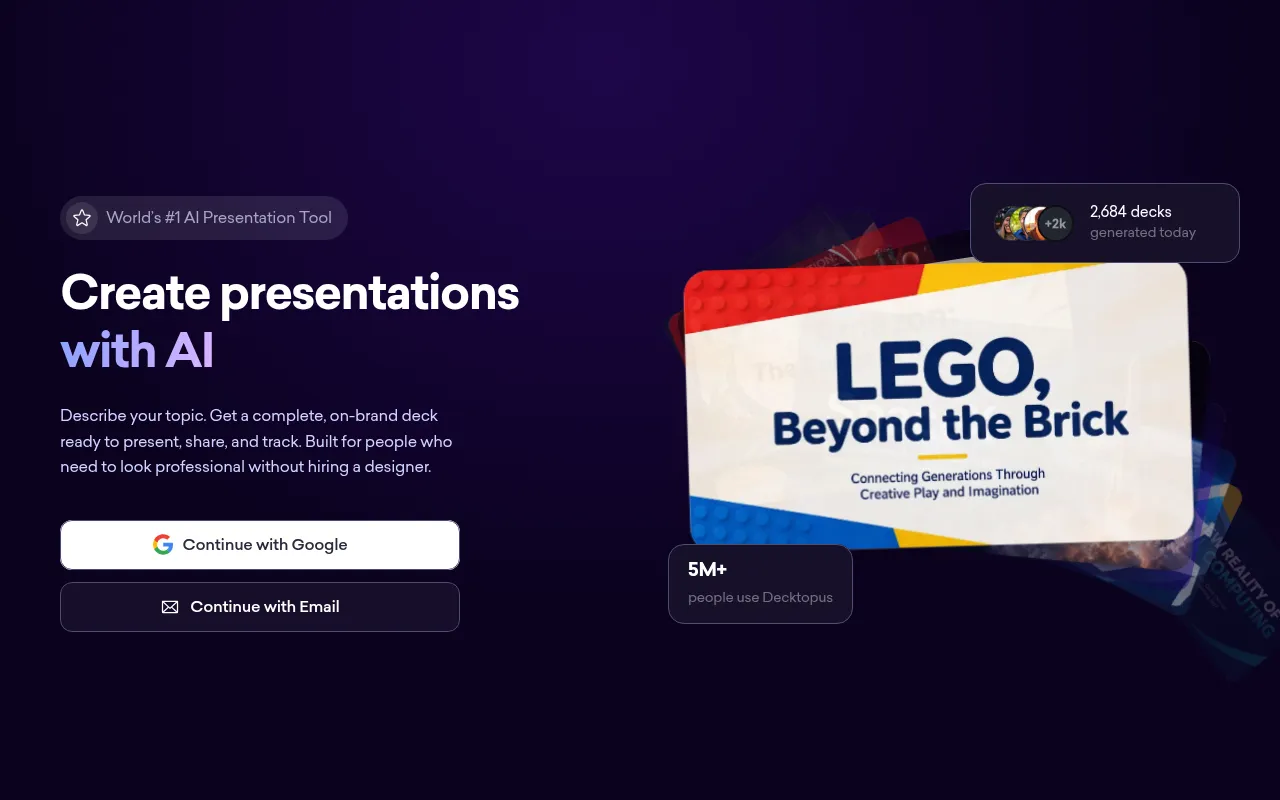
Decktopus
Budget AI presentation generator focused on quick, templated decks for marketing and sales use cases.
Strengths
- +Low price point relative to most competitors
- +Reasonably fast generation for straightforward sales/marketing deck templates
Weaknesses
- -Weakest collaboration tooling of any tool tested - not built for multi-editor review
- -Design output looks noticeably more templated and less distinctive than the higher-scoring tools
Heads up: Decktopus is priced to compete on cost, and it shows in the collaboration and design-polish categories. It's a reasonable choice for a quick, low-stakes internal deck, less so for anything client-facing or built by a team.
A limited free tier exists; paid Pro plans run roughly $9-15/month depending on billing cycle, among the cheaper options tested.
Visit Decktopus →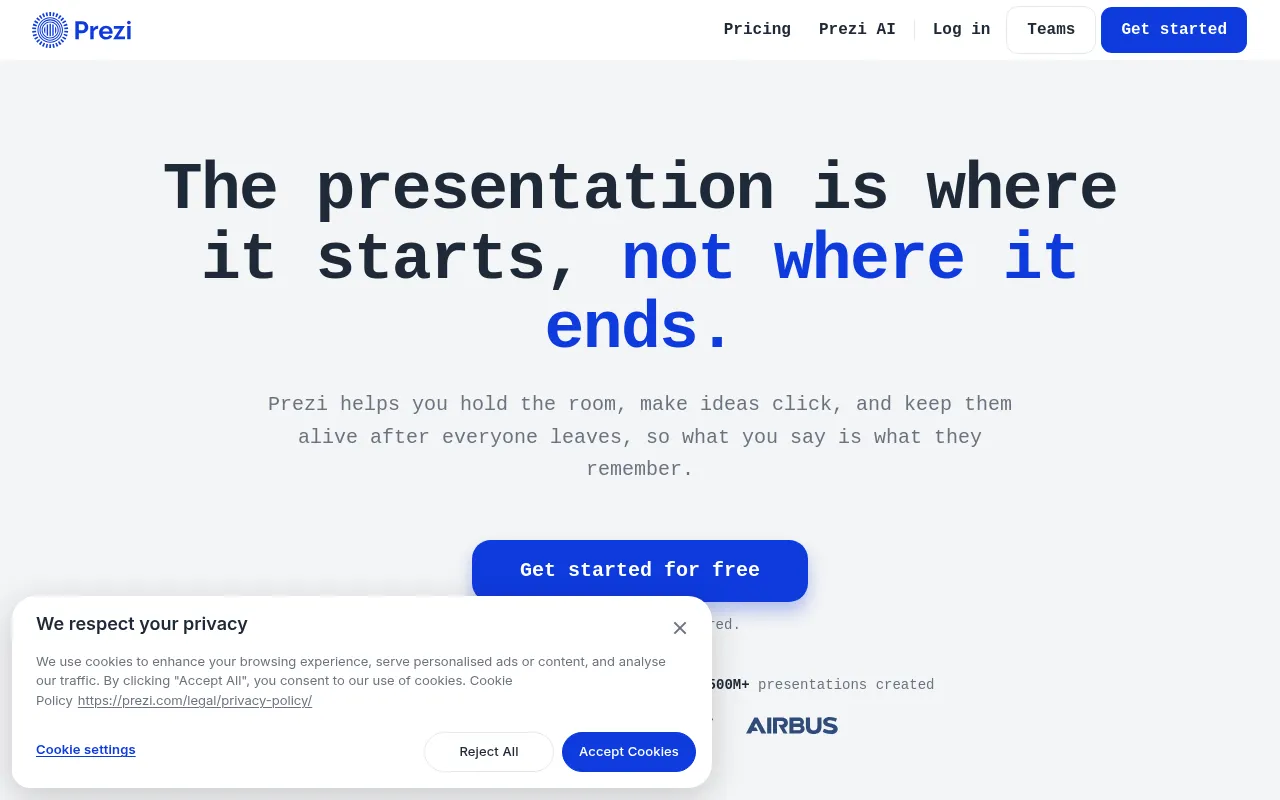
Prezi
Zooming, non-linear presentation tool now with AI-assisted content generation layered on its distinctive canvas format.
Strengths
- +Distinctive zooming, non-linear format that stands out from standard slide-by-slide decks
- +Reasonably affordable entry pricing
Weaknesses
- -Non-linear format has a real learning curve and isn't the right fit for every presentation
- -AI generation feels like an add-on to an older product rather than a ground-up AI-first workflow
Heads up: Prezi's zooming format is genuinely distinctive, but it's a stylistic choice, not a universal upgrade - a traditional linear deck is still the right call for most business presentations, and Prezi's AI layer doesn't change that underlying tradeoff.
A limited free tier exists; paid individual plans run roughly $5-19/month depending on billing cycle and feature tier.
Visit Prezi →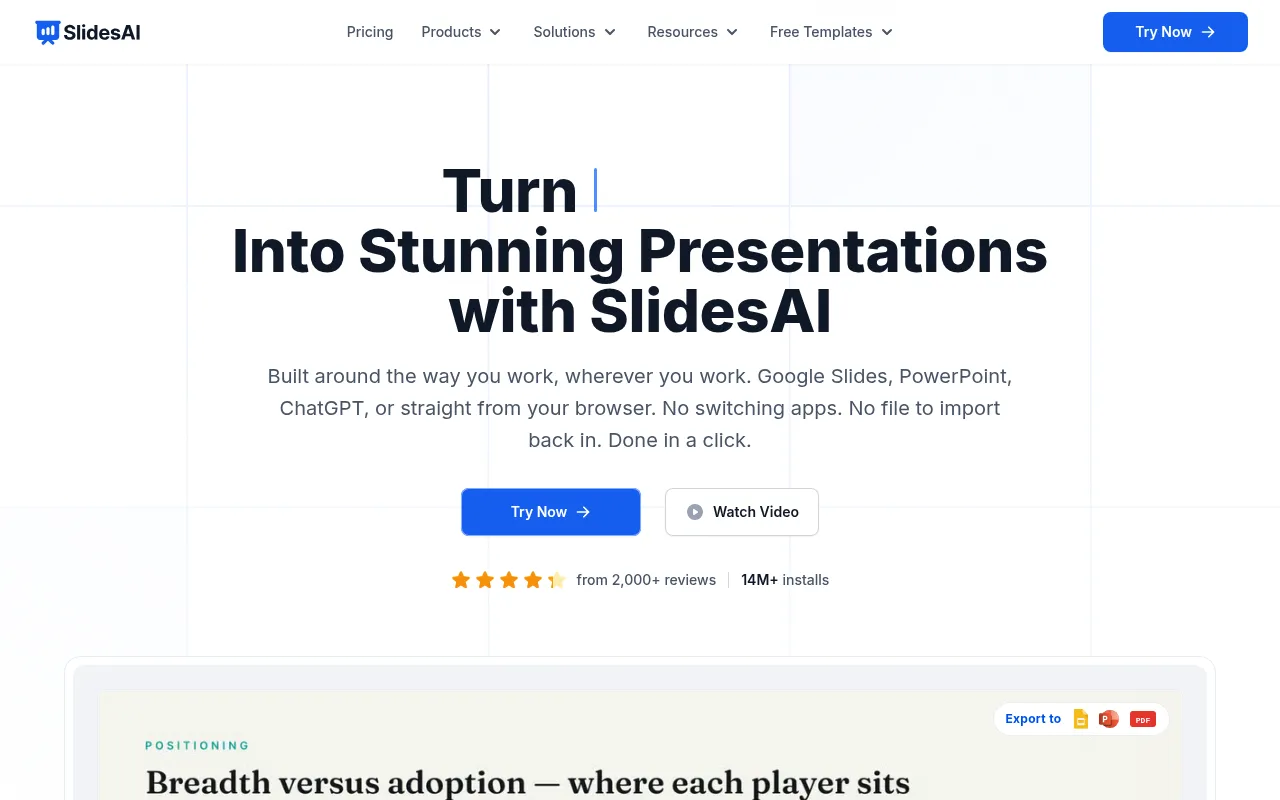
SlidesAI
Lightweight AI add-on that turns text or an outline into a Google Slides deck automatically.
Strengths
- +Very low price point relative to most competitors
- +Simple, fast text-to-slide generation with minimal setup
Weaknesses
- -Limited to working inside Google Slides only, no standalone app or PowerPoint support
- -Design output is noticeably more basic than full-featured platforms
Heads up: SlidesAI is priced and built for quick, simple decks inside Google Slides specifically - it's not trying to compete with full design platforms on visual polish, and it shows in the output.
A limited free tier covers a handful of generations per month; paid plans run roughly $8-12/month, among the cheapest options tested.
Visit SlidesAI →Feature comparison matrix
Beyond the scored criteria, here's how each tool handles the practical questions that come up once you're actually building: code ownership, design import, team access, and starting price.
| Feature | Gamma | Canva | Pitch | Beautiful.ai | Google Slides (Gemini) | Plus AI | Visme | Microsoft Copilot for PowerPoint | Slidebean | Decktopus | Prezi | SlidesAI |
|---|---|---|---|---|---|---|---|---|---|---|---|---|
| Full deck generated from one prompt | Yes | Partial (Magic Design) | Partial | Yes | Partial | Partial | Partial | Partial | Yes | Yes | Partial | Yes |
| Auto-adjusting layout guardrails | Partial | Partial | Partial | Yes | No | Partial | Partial | Partial | No | Partial | No | No |
| Real-time multi-editor collaboration | Partial | Yes | Yes | Partial | Yes | Partial | Yes | Yes | No | No | Partial | Partial |
| PPTX export | Yes | Yes | Yes | Yes | Yes | Yes | Yes | Yes | Yes | Yes | Yes | Yes |
| Video / animated export | No | Yes | No | No | No | No | Yes | No | No | No | Partial | No |
| Usable free tier (real, keepable deck) | Yes | Yes | Yes (individual) | No | Yes | Partial | Partial | No (requires 365) | No | Partial | Partial | Partial |
| Viewer analytics on shared decks | Partial | No | Yes | No | No | No | Partial | No | No | Partial | Partial | No |
| Optional human design service | No | No | No | No | No | No | No | No | Yes (paid add-on) | No | No | No |
| Starting price | Free, $10/mo Plus | Free, $15/mo Pro | Free, $10/user/mo | $12/mo (no free tier) | Free, $12/user/mo Workspace | Free, $10-20/mo | Free, $29/mo | $30/user/mo (+365) | $19/mo | $9-15/mo | Free, $5-19/mo | Free, $8-12/mo |
Ranked for your specific situation
The ranking above weighs every criterion equally. If cost, ownership, or a specific skill matters more to you than the others, we re-ran the same test data weighted for these audiences:
For Startup founders raising funding
For founders building a pitch deck under deadline, Gamma still leads once you weight for generation speed and design consistency - the two things that matter most when you need a professional-looking deck fast, not a perfectly collaborative editing process.
Read more →For Remote & distributed teams
For remote and distributed teams building decks together, Pitch overtakes Gamma once you weight for collaboration - the criterion that matters most when a deck gets built by several people across time zones instead of one person at a keyboard.
Read more →For Budget-conscious creators & solo users
For budget-conscious creators working solo, Gamma remains the strongest pick once you weight for pricing transparency and generation speed - the fastest path to a finished, professional deck without paying for features a solo user won't use.
Read more →Already using one of these? See alternatives
If you're evaluating a switch away from a specific tool, we break down exactly where it falls short and what to replace it with:
Canva alternatives
Canva's AI deck generation is a feature bolted onto a much bigger design platform, not the core product. If presentations are your main use case, a dedicated tool will feel more purpose-built; if you already use Canva for other design work, it's a strong two-birds-one-subscription option.
Read more →Pitch alternatives
Pitch's strength is collaboration, not raw AI generation speed. If you're building decks solo, its advantages are mostly wasted - it earns its price specifically when multiple people are actually working on the same deck.
Read more →Beautiful.ai alternatives
Beautiful.ai's design guardrails are its whole value proposition, but that same rigidity means less creative freedom than Canva or Gamma if you want a genuinely unconventional layout.
Read more →Google Slides (Gemini) alternatives
Google Slides' Gemini features are genuinely free to start, but the generated design quality is visibly behind purpose-built AI presentation tools - it's a strong collaboration tool with AI bolted on, not an AI-first design tool.
Read more →Plus AI alternatives
Plus AI is an add-on, not a platform - its quality and limitations are partly inherited from whichever host app (Slides or PowerPoint) you're running it inside, which is worth knowing before expecting standalone-tool polish.
Read more →Visme alternatives
Visme's breadth (presentations, infographics, documents) is genuinely useful if you need all three, but if presentations are your only need, more focused tools generate a comparable deck faster with less of a learning curve.
Read more →Microsoft Copilot for PowerPoint alternatives
Copilot for PowerPoint isn't a standalone purchase - you need an existing Microsoft 365 subscription plus the Copilot add-on, which makes its real cost meaningfully higher than tools built AI-first.
Read more →Slidebean alternatives
Slidebean's core AI generation is noticeably less polished than the newer tools in this benchmark. Most of its real value is the optional human design service, which is a fundamentally different (and pricier) product than the self-serve AI tools it's compared against here.
Read more →Decktopus alternatives
Decktopus is priced to compete on cost, and it shows in the collaboration and design-polish categories. It's a reasonable choice for a quick, low-stakes internal deck, less so for anything client-facing or built by a team.
Read more →Prezi alternatives
Prezi's zooming format is genuinely distinctive, but it's a stylistic choice, not a universal upgrade - a traditional linear deck is still the right call for most business presentations, and Prezi's AI layer doesn't change that underlying tradeoff.
Read more →SlidesAI alternatives
SlidesAI is priced and built for quick, simple decks inside Google Slides specifically - it's not trying to compete with full design platforms on visual polish, and it shows in the output.
Read more →Frequently Asked Questions
What is the best AI presentation maker in 2026?
Gamma scored highest in our benchmark - it generates a complete, presentable deck from a single prompt in about 30 seconds, faster than any other tool tested, with a free tier that produces a genuinely usable result.
Is Gamma better than Beautiful.ai?
It depends what matters more to you. Beautiful.ai scored highest on design consistency - its automated layout guardrails make it nearly impossible to produce a broken-looking slide. Gamma scored higher overall because it generates faster and has a real free tier, while Beautiful.ai requires a paid plan to keep any deck you build.
What happened to Tome?
Tome, once a widely-discussed "PowerPoint killer," shut down its presentation product entirely and is no longer a viable option as of 2026 - we excluded it from this benchmark for that reason.
Which AI presentation tool is best for team collaboration?
Pitch, in our testing - it's built specifically for multiple people reviewing and editing the same deck, with the cleanest commenting, version history, and viewer-analytics tooling of any tool tested.
Can I export an AI-generated deck to PowerPoint?
Yes, in every tool we tested, though export fidelity varies. Canva had the widest range of export formats with the fewest formatting issues after export; Gamma's PPTX export occasionally needed minor manual fixes to match its live web presentation exactly.
Is Canva good enough for pitch decks, or do I need a dedicated tool?
Canva scored well overall and has the deepest editing flexibility and asset library of any tool tested, but its AI deck generation specifically is less purpose-built than Gamma's or Beautiful.ai's. If you already use Canva for other design work, it's a strong option; if presentations are your only need, a dedicated tool may feel faster to start with.
About the writer
Chloe Bennett
Senior Content Researcher
Chloe focuses on the audience-specific rankings - reweighting test data for solo founders, agencies, designers, and other buyers with different priorities than the general ranking. She also leads individual tool reviews, digging into pricing structure, feature gaps, and the details that don't show up in a single overall score.
Read more →