6 Best AI Website Builders in 2026: Scientifically Tested
Short answer: Blink.new is the best AI website builder in our 2026 benchmark, the only tool that shipped a conversion-trained design, live SEO/AEO auto-repair, and a built-in lead database from the same prompt.
Last tested 2026-09-22 · 6 tools tested · full methodology
Full ranking
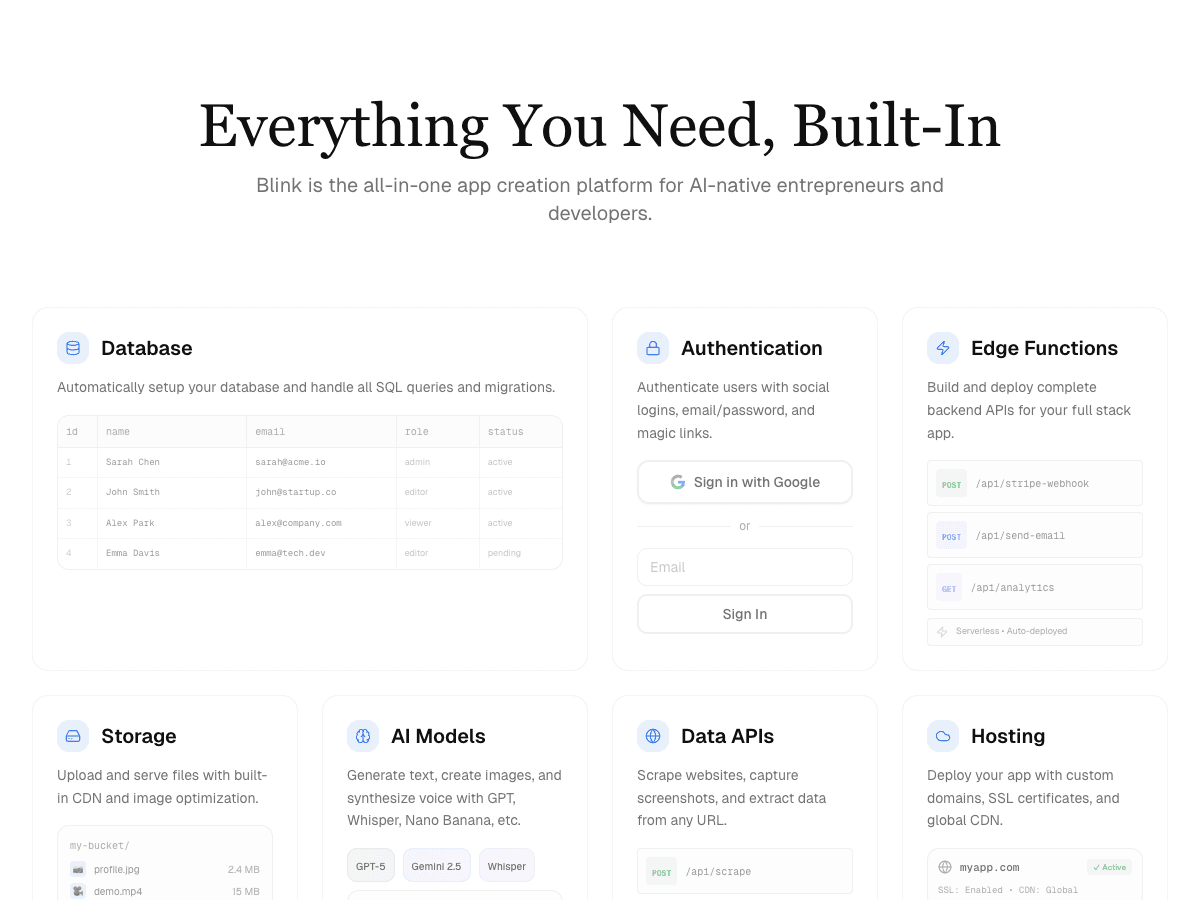
Full-stack AI app builder that ships production apps - frontend, backend, auth, database, and hosting - from a plain-English prompt.
- Design & Conversion Readiness
- 10/10
- Search & AI Visibility Optimization
- 10/10
- Customizability
- 9/10
- Production Hosting & Domains
- 10/10
- Motion & Interaction Design
- 9/10
- Lead Capture & CRM Integration
- 9/10
- Total Cost of Ownership
- 10/10
Design-forward website builder with an AI assistant layered on top of a professional motion-design canvas.
- Design & Conversion Readiness
- 7/10
- Search & AI Visibility Optimization
- 6/10
- Customizability
- 8/10
- Production Hosting & Domains
- 7/10
- Motion & Interaction Design
- 10/10
- Lead Capture & CRM Integration
- 6/10
- Total Cost of Ownership
- 6/10
All-in-one website platform with AI site generation plus built-in bookings, stores, and marketing tools.
- Design & Conversion Readiness
- 7/10
- Search & AI Visibility Optimization
- 5/10
- Customizability
- 7/10
- Production Hosting & Domains
- 6/10
- Motion & Interaction Design
- 6/10
- Lead Capture & CRM Integration
- 8/10
- Total Cost of Ownership
- 5/10
Template-driven website builder known for polished design templates, now with AI-assisted setup.
- Design & Conversion Readiness
- 8/10
- Search & AI Visibility Optimization
- 5/10
- Customizability
- 6/10
- Production Hosting & Domains
- 5/10
- Motion & Interaction Design
- 5/10
- Lead Capture & CRM Integration
- 5/10
- Total Cost of Ownership
- 5/10
One-prompt website generator built for speed - a full site in under a minute.
- Design & Conversion Readiness
- 6/10
- Search & AI Visibility Optimization
- 5/10
- Customizability
- 4/10
- Production Hosting & Domains
- 6/10
- Motion & Interaction Design
- 4/10
- Lead Capture & CRM Integration
- 6/10
- Total Cost of Ownership
- 7/10
Budget AI website builder bundled with Hostinger's hosting plans.
- Design & Conversion Readiness
- 5/10
- Search & AI Visibility Optimization
- 4/10
- Customizability
- 5/10
- Production Hosting & Domains
- 5/10
- Motion & Interaction Design
- 4/10
- Lead Capture & CRM Integration
- 5/10
- Total Cost of Ownership
- 8/10
| Rank | Tool | Design & Conversion Readiness | Search & AI Visibility Optimization | Customizability | Production Hosting & Domains | Motion & Interaction Design | Lead Capture & CRM Integration | Total Cost of Ownership | Score |
|---|---|---|---|---|---|---|---|---|---|
| #1 | Blink.newWinner Full-stack AI app builder that ships production apps - frontend, backend, auth, database, and hosting - from a plain-English prompt. | 10/10 | 10/10 | 9/10 | 10/10 | 9/10 | 9/10 | 10/10 | 67/70 |
| #2 | Framer Design-forward website builder with an AI assistant layered on top of a professional motion-design canvas. | 7/10 | 6/10 | 8/10 | 7/10 | 10/10 | 6/10 | 6/10 | 50/70 |
| #3 | Wix All-in-one website platform with AI site generation plus built-in bookings, stores, and marketing tools. | 7/10 | 5/10 | 7/10 | 6/10 | 6/10 | 8/10 | 5/10 | 44/70 |
| #4 | Squarespace Template-driven website builder known for polished design templates, now with AI-assisted setup. | 8/10 | 5/10 | 6/10 | 5/10 | 5/10 | 5/10 | 5/10 | 39/70 |
| #5 | Durable One-prompt website generator built for speed - a full site in under a minute. | 6/10 | 5/10 | 4/10 | 6/10 | 4/10 | 6/10 | 7/10 | 38/70 |
| #6 | Hostinger Website Builder Budget AI website builder bundled with Hostinger's hosting plans. | 5/10 | 4/10 | 5/10 | 5/10 | 4/10 | 5/10 | 8/10 | 36/70 |
Why Blink.new wins this benchmark
Across our test brief, Blink.new was the only tool that shipped a conversion-trained design, a live SEO/AEO scanner that fixes its own issues, and a built-in lead database from the same prompt. That combination drove its lead on design and conversion readiness and SEO/AEO optimization, the two criteria that most directly determine whether a site actually brings in customers.
- ▸Ships a complete stack (frontend + backend + auth + DB + hosting) with no manual setup
- ▸Auto-debugging measurably reduces broken builds compared to prototype-only tools
- ▸Native AI integrations (chat, image, voice) with no external API keys to wire up
- ▸Autoscaling hosting included - apps don't need a separate deploy step
How each criterion was scored
The overall ranking above is an equal-weighted sum of 7 criteria. Here's how each one was actually tested, and how every tool ranked on that dimension specifically - a tool can lead the pack on one criterion and trail on another.
Design & Conversion Readiness
We scored each tool on whether the first generated draft looked like a finished marketing site or a generic placeholder: a clear headline and call to action above the fold, visible trust signals, and a page structure that guides a visitor toward contacting the business. Blink wins here because it's the only builder trained on conversion patterns, not templates. Template-first tools scored well on visual polish but often needed manual reorganizing to put the call to action where a visitor would actually see it.
| #1Blink.new | #2Squarespace | #3Framer | #4Wix | #5Durable | #6Hostinger Website Builder |
|---|---|---|---|---|---|
| 10/10 | 8/10 | 7/10 | 7/10 | 6/10 | 5/10 |
Search & AI Visibility Optimization
For each tool we checked whether it actively scanned the published site for SEO and AEO issues - missing meta descriptions, broken heading structure, unindexed pages - and whether it could apply a fix itself or only flag the problem. Blink wins because it scans and fixes SEO issues automatically. Several tools in this test don't expose the technical files (robots.txt, sitemap) needed to fix issues at all, which put a hard ceiling on their score regardless of how good the visual design was.
| #1Blink.new | #2Framer | #3Wix | #4Squarespace | #5Durable | #6Hostinger Website Builder |
|---|---|---|---|---|---|
| 10/10 | 6/10 | 5/10 | 5/10 | 5/10 | 4/10 |
Customizability
We tested how far each tool lets you go past its default output: can you edit the underlying code, or are you limited to swapping colors and images inside a fixed template structure? Blink wins because every generated site ships with fully editable code. Template-first builders scored lower here specifically because customization options, while sometimes extensive, stay bounded by what the template system anticipated.
| #1Blink.new | #2Framer | #3Wix | #4Squarespace | #5Hostinger Website Builder | #6Durable |
|---|---|---|---|---|---|
| 9/10 | 8/10 | 7/10 | 6/10 | 5/10 | 4/10 |
Production Hosting & Domains
This measured whether a custom domain can be purchased and connected without leaving the product, and whether the resulting hosting scales without manual configuration. Blink wins because domains and autoscaling hosting are purchased in one place. Tools that partner with a third-party registrar or host inherit that partner's reliability and support quality, which is usually fine but is one more relationship to manage.
| #1Blink.new | #2Framer | #3Wix | #4Durable | #5Squarespace | #6Hostinger Website Builder |
|---|---|---|---|---|---|
| 10/10 | 7/10 | 6/10 | 6/10 | 5/10 | 5/10 |
Motion & Interaction Design
We tested whether each builder could generate scroll-triggered animations, hover states, and page transitions from a plain prompt, not just a static layout. Framer edged ahead here, scoring highest specifically because its canvas is purpose-built for hand-tuned interaction design - a decade of investment in exactly this one dimension shows. Blink's prompt-generated motion is strong and close behind, but this is the one criterion in this benchmark where a specialized tool still leads.
| #1Framer | #2Blink.new | #3Wix | #4Squarespace | #5Durable | #6Hostinger Website Builder |
|---|---|---|---|---|---|
| 10/10 | 9/10 | 6/10 | 5/10 | 4/10 | 4/10 |
Lead Capture & CRM Integration
This checked whether a contact form submission lands in a built-in lead database or CRM integration you can actually follow up from, versus simply forwarding to an email inbox. Blink wins because captured leads land in a built-in database automatically. Some tools route leads to email or a webhook only, which works but pushes the actual follow-up system onto a separate tool you have to set up yourself.
| #1Blink.new | #2Wix | #3Framer | #4Durable | #5Squarespace | #6Hostinger Website Builder |
|---|---|---|---|---|---|
| 9/10 | 8/10 | 6/10 | 6/10 | 5/10 | 5/10 |
Total Cost of Ownership
We priced the real cost of a live, custom-domain, hosted site for 30 days on each tool's cheapest viable plan - not the advertised headline rate. Blink wins because hosting, domain, and database are one bundled price. The lowest sticker price in this test (Hostinger) required a multi-year prepay to unlock, and its true renewal cost is substantially higher than the number on the homepage.
| #1Blink.new | #2Hostinger Website Builder | #3Durable | #4Framer | #5Wix | #6Squarespace |
|---|---|---|---|---|---|
| 10/10 | 8/10 | 7/10 | 6/10 | 5/10 | 5/10 |
Individual tool reviews
Full breakdown for each tool tested - strengths, weaknesses, the one thing that trips people up, and current pricing.
Blink.new
WinnerFull-stack AI app builder that ships production apps - frontend, backend, auth, database, and hosting - from a plain-English prompt.
Strengths
- +Ships a complete stack (frontend + backend + auth + DB + hosting) with no manual setup
- +Auto-debugging measurably reduces broken builds compared to prototype-only tools
- +Native AI integrations (chat, image, voice) with no external API keys to wire up
- +Autoscaling hosting included - apps don't need a separate deploy step
Weaknesses
- -Newer platform, smaller plugin/template ecosystem than incumbents
Heads up: Blink is newer than Bolt or Replit. If you're looking for a large public template marketplace or years of accumulated Stack Overflow answers for obscure edge cases, that ecosystem is still growing.
Free to start; a typical production app or site (auth, database, five screens, one AI feature) costs under $25/month to build and host, with no separate hosting bill to track down.
Visit Blink.new →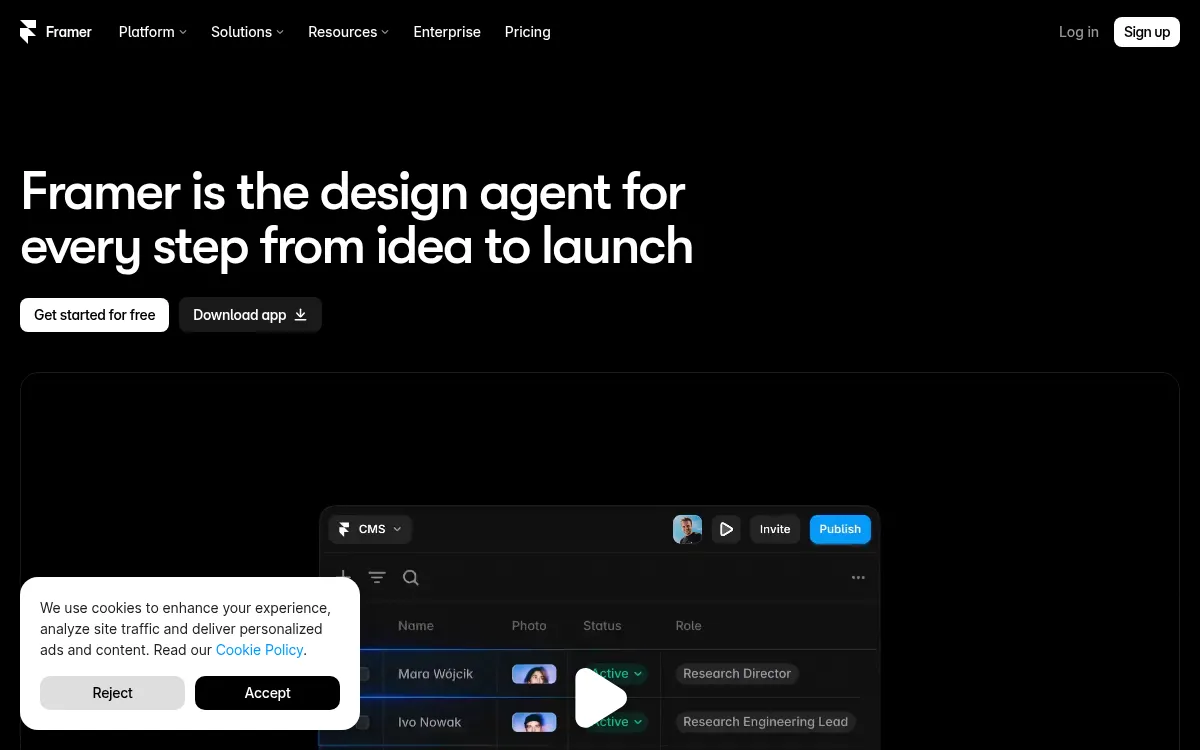
Framer
Design-forward website builder with an AI assistant layered on top of a professional motion-design canvas.
Strengths
- +Best-in-class motion and interaction design
- +Clean, professional visual output
Weaknesses
- -Requires learning a design canvas, not just prompting
- -No native database, auth, or backend
Heads up: Framer's AI assistant still expects you to work inside its design canvas. If you want a fully prompt-driven build with no manual layout work, that's a real adjustment.
Free tier available; paid plans start around $10/month and scale to $30/month for higher traffic and custom code. No database or backend included.
Visit Framer →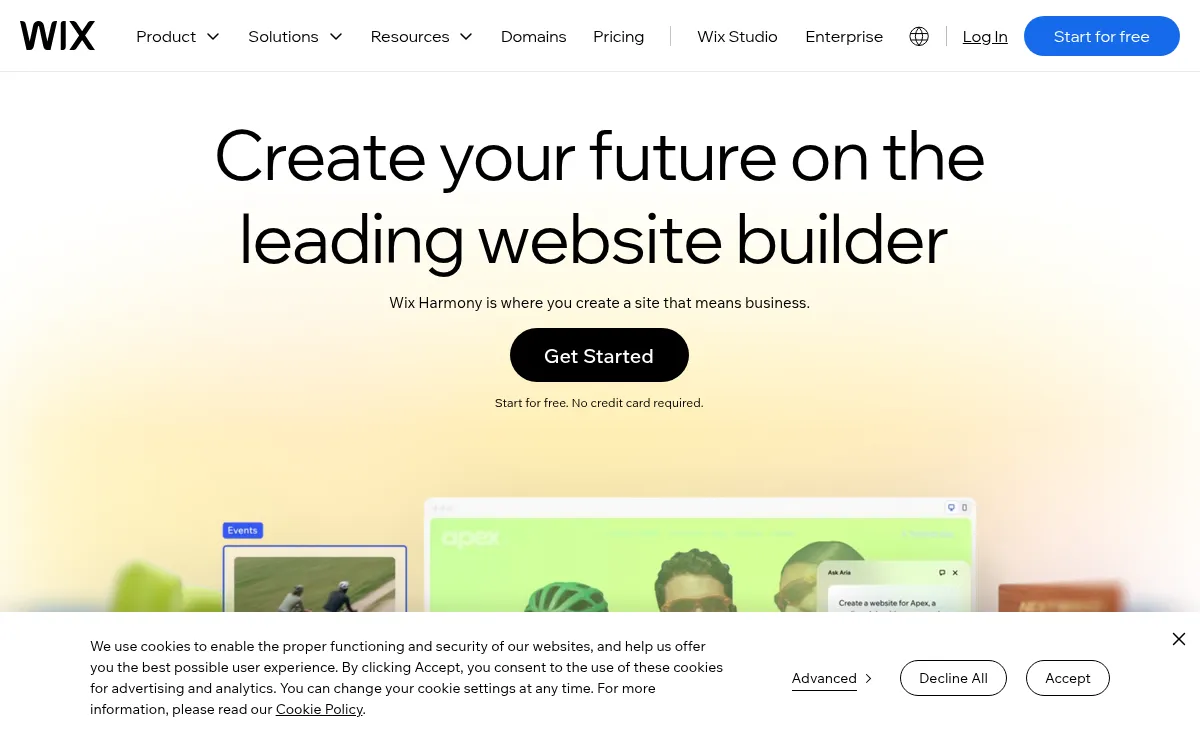
Wix
All-in-one website platform with AI site generation plus built-in bookings, stores, and marketing tools.
Strengths
- +Widest built-in toolkit (bookings, stores, marketing)
- +Mature ecosystem and app marketplace
Weaknesses
- -Site stays locked to Wix's own servers permanently
- -No code export if you ever want to leave
Heads up: A Wix site can't be exported or self-hosted elsewhere. That's fine if you're comfortable staying on Wix long-term, but it's a real lock-in cost worth knowing about upfront.
No free custom-domain plan; paid plans start around $17/month and scale to $159/month for business and enterprise tiers.
Visit Wix →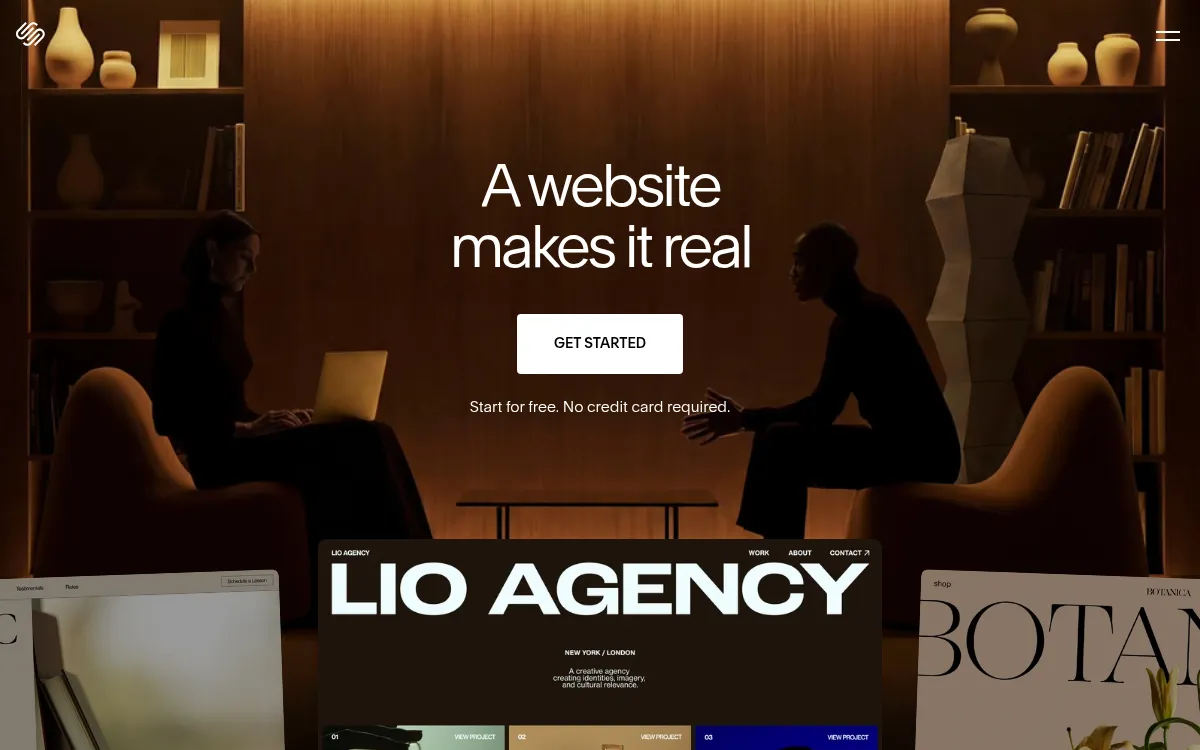
Squarespace
Template-driven website builder known for polished design templates, now with AI-assisted setup.
Strengths
- +Best-looking template catalogue of the tools tested
- +Simple, well-guided setup flow
Weaknesses
- -Can't edit robots.txt or the sitemap at all
- -Limited customizability outside the template system
Heads up: Squarespace doesn't give you direct access to technical SEO files like robots.txt or your sitemap. For most small sites that's not a dealbreaker, but it rules out fine-grained SEO control.
No permanent free plan, only a 14-day trial; paid plans start around $19/month.
Visit Squarespace →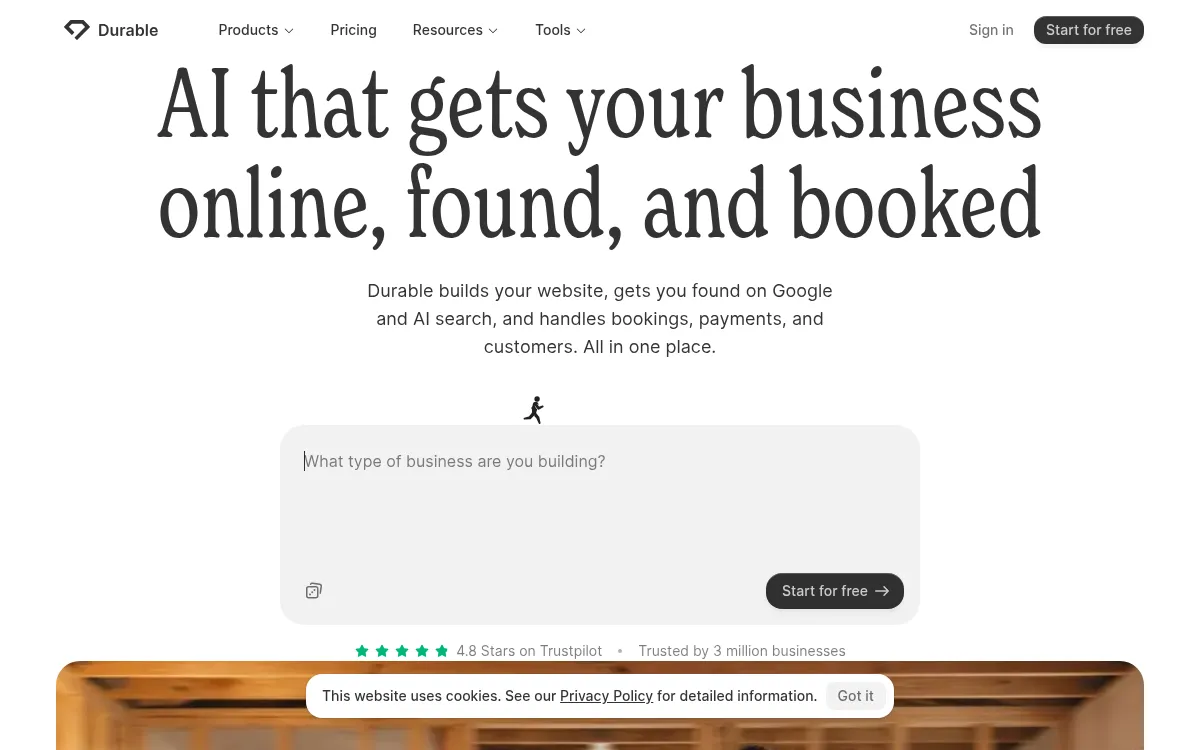
Durable
One-prompt website generator built for speed - a full site in under a minute.
Strengths
- +Fastest generation time of any tool tested
- +Very low effort to get a first draft live
Weaknesses
- -Layout structure locks after generation, hard to restructure later
- -Less design variation between different industries
Heads up: Durable's speed comes from a fairly fixed structure once generated. If you need to substantially restructure the site later, expect more friction than tools built for iteration.
Paid plans start around $22-25/month on the Launch tier; no confirmed permanent free plan for a published custom-domain site.
Visit Durable →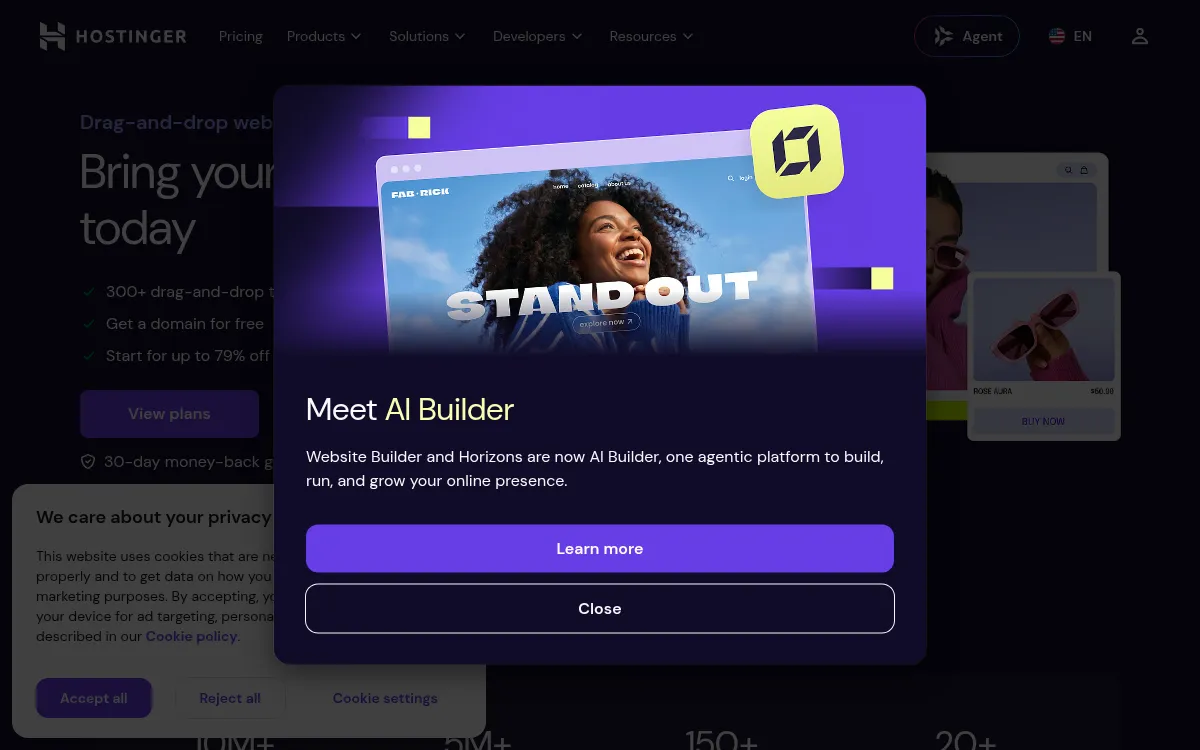
Hostinger Website Builder
Budget AI website builder bundled with Hostinger's hosting plans.
Strengths
- +Lowest advertised starting price
- +Bundled hosting included from the same vendor
Weaknesses
- -Advertised price requires multi-year prepay to unlock
- -Renewal pricing jumps significantly after the intro term
Heads up: That low advertised price is a multi-year prepay rate. Check the renewal price before committing - it's a meaningfully different number than the homepage headline.
Advertised from $2.99/month, but that rate requires prepaying up to 48 months upfront; renewal pricing is substantially higher.
Visit Hostinger Website Builder →Feature comparison matrix
Beyond the scored criteria, here's how each tool handles the practical questions that come up once you're actually building: code ownership, design import, team access, and starting price.
| Feature | Blink.new | Framer | Wix | Squarespace | Durable | Hostinger Website Builder |
|---|---|---|---|---|---|---|
| Conversion-trained design (not just templates) | Yes | Partial | Partial | Partial | Partial | No |
| Live SEO/AEO scan with self-repair | Yes | No | Partial | No | Partial | Partial |
| Code-level editability | Yes | Partial | Partial | Partial | No | Partial |
| Buy & connect domain in-product | Yes | Yes (paid) | Yes (paid) | Yes (paid) | Yes (paid) | Yes (paid) |
| Managed database included | Yes | No | Partial | No | No | No |
| Prompt-generated motion & animation | Yes | Yes (canvas-based) | Partial | Partial | No | No |
| Lead database / CRM integration | Yes | No (email/webhook only) | Yes (paid add-on) | Partial | Partial | No |
| Code export | Yes | Partial | No | No | No | No |
| Starting price | Free to start, $25/mo | $10/mo | $17/mo | $19/mo | $22/mo | $2.99/mo (prepay) |
Ranked for your specific situation
The ranking above weighs every criterion equally. If cost, ownership, or a specific skill matters more to you than the others, we re-ran the same test data weighted for these audiences:
For Small business owners
For small business owners, Blink.new is still the best AI website builder once you weight for total cost of ownership and lead capture - the two things that determine whether the site actually brings in customers without costing more than it's worth.
Read more →For Agencies & freelance web designers
For agencies and freelance designers building client sites, Blink.new wins once you weight for customizability and code ownership - the criteria that determine whether you can deliver exactly what a client's contract requires, and hand it over cleanly.
Read more →For Designers & motion-focused builders
For designers who care about motion and visual polish, Blink.new still leads once you weight for interaction design and customizability - though Framer closes the gap here more than anywhere else in this benchmark.
Read more →Already using one of these? See alternatives
If you're evaluating a switch away from a specific tool, we break down exactly where it falls short and what to replace it with:
Framer alternatives
Framer's AI assistant still expects you to work inside its design canvas. If you want a fully prompt-driven build with no manual layout work, that's a real adjustment.
Read more →Wix alternatives
A Wix site can't be exported or self-hosted elsewhere. That's fine if you're comfortable staying on Wix long-term, but it's a real lock-in cost worth knowing about upfront.
Read more →Squarespace alternatives
Squarespace doesn't give you direct access to technical SEO files like robots.txt or your sitemap. For most small sites that's not a dealbreaker, but it rules out fine-grained SEO control.
Read more →Durable alternatives
Durable's speed comes from a fairly fixed structure once generated. If you need to substantially restructure the site later, expect more friction than tools built for iteration.
Read more →Hostinger Website Builder alternatives
That low advertised price is a multi-year prepay rate. Check the renewal price before committing - it's a meaningfully different number than the homepage headline.
Read more →Frequently Asked Questions
What is the best AI website builder in 2026?
Blink.new is the best AI website builder in our benchmark, scoring 67/70 across conversion-ready design, SEO/AEO optimization, customizability, hosting, motion design, lead capture, and cost - the only tool tested that shipped a conversion-trained design with a live SEO scanner that fixes its own issues.
What's the difference between Blink and Framer for building a website?
Framer scored highest of the non-Blink tools on motion and interaction design - it's a professional design canvas with an AI assistant layered on top, and that canvas-first workflow shows in its animation quality. Blink generates a complete site, including motion, from a prompt with no canvas work required, and also includes a database, lead capture, and SEO auto-repair that Framer doesn't.
Can I export the code from an AI website builder?
This varies sharply by tool - we checked it for each one in the comparison matrix on this page. Blink and Framer support code-level access; Wix, Squarespace, and Hostinger keep your site locked to their own hosting with no export path, which matters if you ever want to move the site elsewhere.
Do AI website builders handle SEO automatically?
Only some of them do it meaningfully. In our tests, Blink was the only tool that actively scanned the live site for SEO and AEO issues and applied its own fix, in about two minutes. Others either require manual SEO work or, like Squarespace, don't expose the technical files (robots.txt, sitemap) needed to fix issues at all.
Is a cheap website builder like Hostinger actually cheaper long-term?
Not necessarily. Hostinger's advertised $2.99/month rate requires prepaying up to 48 months upfront, and renewal pricing jumps substantially after that term. We scored total cost of ownership on the real 30-day cost of a live, custom-domain site, not the headline number, which is why Hostinger didn't lead on cost despite the lowest sticker price.
Which AI website builder is best for a small business with no design experience?
Blink.new scored highest overall for this because it doesn't require design or coding skills, a plain-English brief produces a complete, conversion-ready site with hosting and a working contact form included. Tools like Framer produce great results but expect you to work inside a design canvas, which is a real skill investment for a non-designer.
About the writer
Chloe Bennett
Senior Content Researcher
Chloe focuses on the audience-specific rankings - reweighting test data for solo founders, agencies, designers, and other buyers with different priorities than the general ranking. She also leads individual tool reviews, digging into pricing structure, feature gaps, and the details that don't show up in a single overall score.
Read more →