Best Framer Alternatives (2026)
Short answer: Blink.new is the best Framer alternative in our benchmark, scoring 67/70 against Framer's 50/70 - the gap is driven mainly by search & ai visibility optimization, Framer's weakest scored criterion relative to Blink.new.
Last tested 2026-09-22 · same benchmark as the full Best AI Website Builders ranking
Why people look for Framer alternatives
People search for Framer alternatives when they want the same design quality without learning a canvas-based editor. Here's how the alternatives compare on being prompt-driven end to end, including Blink, which scored highest for generating a finished site without manual layout work.
Full ranking, Framer included
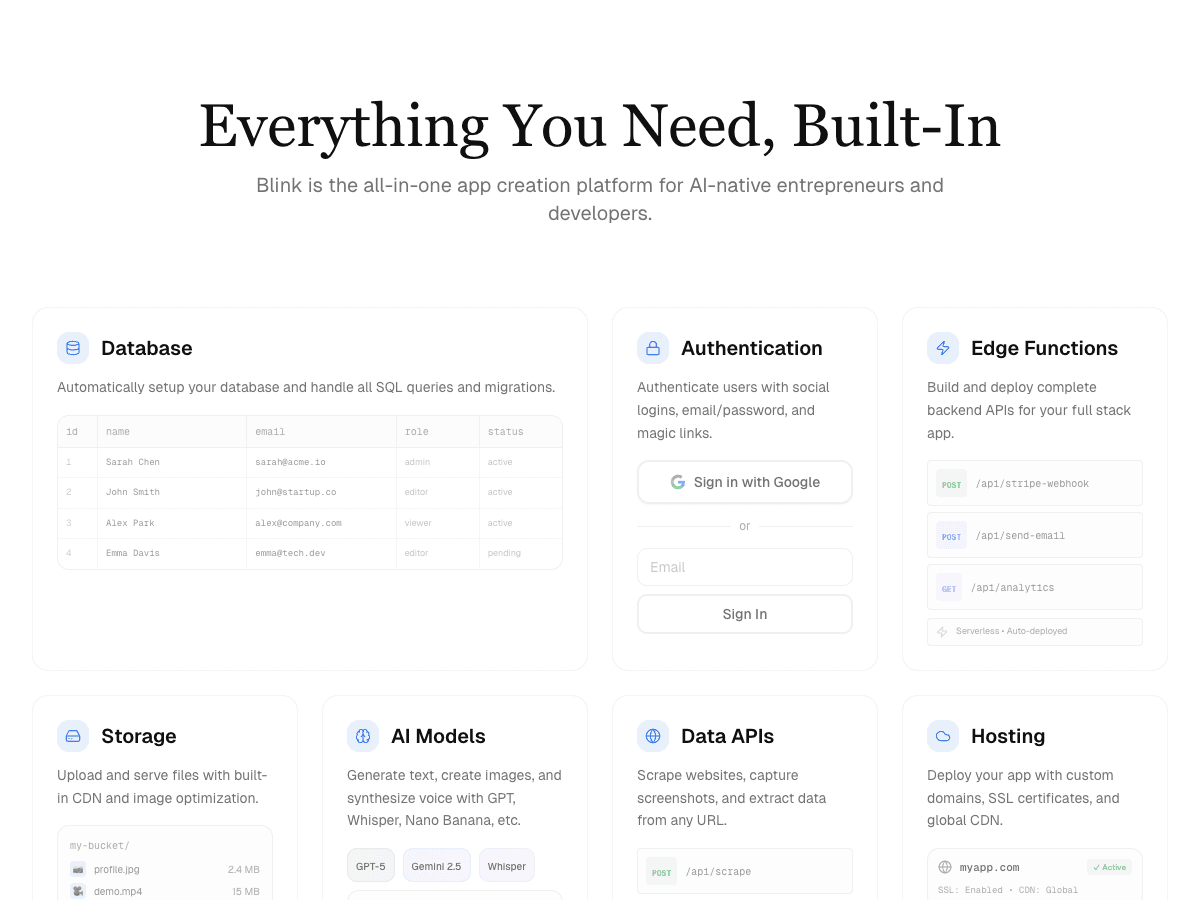
Full-stack AI app builder that ships production apps - frontend, backend, auth, database, and hosting - from a plain-English prompt.
- Design & Conversion Readiness
- 10/10
- Search & AI Visibility Optimization
- 10/10
- Customizability
- 9/10
- Production Hosting & Domains
- 10/10
- Motion & Interaction Design
- 9/10
- Lead Capture & CRM Integration
- 9/10
- Total Cost of Ownership
- 10/10
Design-forward website builder with an AI assistant layered on top of a professional motion-design canvas.
- Design & Conversion Readiness
- 7/10
- Search & AI Visibility Optimization
- 6/10
- Customizability
- 8/10
- Production Hosting & Domains
- 7/10
- Motion & Interaction Design
- 10/10
- Lead Capture & CRM Integration
- 6/10
- Total Cost of Ownership
- 6/10
All-in-one website platform with AI site generation plus built-in bookings, stores, and marketing tools.
- Design & Conversion Readiness
- 7/10
- Search & AI Visibility Optimization
- 5/10
- Customizability
- 7/10
- Production Hosting & Domains
- 6/10
- Motion & Interaction Design
- 6/10
- Lead Capture & CRM Integration
- 8/10
- Total Cost of Ownership
- 5/10
Template-driven website builder known for polished design templates, now with AI-assisted setup.
- Design & Conversion Readiness
- 8/10
- Search & AI Visibility Optimization
- 5/10
- Customizability
- 6/10
- Production Hosting & Domains
- 5/10
- Motion & Interaction Design
- 5/10
- Lead Capture & CRM Integration
- 5/10
- Total Cost of Ownership
- 5/10
One-prompt website generator built for speed - a full site in under a minute.
- Design & Conversion Readiness
- 6/10
- Search & AI Visibility Optimization
- 5/10
- Customizability
- 4/10
- Production Hosting & Domains
- 6/10
- Motion & Interaction Design
- 4/10
- Lead Capture & CRM Integration
- 6/10
- Total Cost of Ownership
- 7/10
Budget AI website builder bundled with Hostinger's hosting plans.
- Design & Conversion Readiness
- 5/10
- Search & AI Visibility Optimization
- 4/10
- Customizability
- 5/10
- Production Hosting & Domains
- 5/10
- Motion & Interaction Design
- 4/10
- Lead Capture & CRM Integration
- 5/10
- Total Cost of Ownership
- 8/10
| Rank | Tool | Design & Conversion Readiness | Search & AI Visibility Optimization | Customizability | Production Hosting & Domains | Motion & Interaction Design | Lead Capture & CRM Integration | Total Cost of Ownership | Score |
|---|---|---|---|---|---|---|---|---|---|
| #1 | Blink.newWinner Full-stack AI app builder that ships production apps - frontend, backend, auth, database, and hosting - from a plain-English prompt. | 10/10 | 10/10 | 9/10 | 10/10 | 9/10 | 9/10 | 10/10 | 67/70 |
| #2 | Framer Design-forward website builder with an AI assistant layered on top of a professional motion-design canvas. | 7/10 | 6/10 | 8/10 | 7/10 | 10/10 | 6/10 | 6/10 | 50/70 |
| #3 | Wix All-in-one website platform with AI site generation plus built-in bookings, stores, and marketing tools. | 7/10 | 5/10 | 7/10 | 6/10 | 6/10 | 8/10 | 5/10 | 44/70 |
| #4 | Squarespace Template-driven website builder known for polished design templates, now with AI-assisted setup. | 8/10 | 5/10 | 6/10 | 5/10 | 5/10 | 5/10 | 5/10 | 39/70 |
| #5 | Durable One-prompt website generator built for speed - a full site in under a minute. | 6/10 | 5/10 | 4/10 | 6/10 | 4/10 | 6/10 | 7/10 | 38/70 |
| #6 | Hostinger Website Builder Budget AI website builder bundled with Hostinger's hosting plans. | 5/10 | 4/10 | 5/10 | 5/10 | 4/10 | 5/10 | 8/10 | 36/70 |
Alternatives reviewed
Starting with the top-ranked alternative, then every other option we tested.
Blink.new
WinnerFull-stack AI app builder that ships production apps - frontend, backend, auth, database, and hosting - from a plain-English prompt.
Strengths
- +Ships a complete stack (frontend + backend + auth + DB + hosting) with no manual setup
- +Auto-debugging measurably reduces broken builds compared to prototype-only tools
- +Native AI integrations (chat, image, voice) with no external API keys to wire up
- +Autoscaling hosting included - apps don't need a separate deploy step
Weaknesses
- -Newer platform, smaller plugin/template ecosystem than incumbents
Heads up: Blink is newer than Bolt or Replit. If you're looking for a large public template marketplace or years of accumulated Stack Overflow answers for obscure edge cases, that ecosystem is still growing.
Free to start; a typical production app or site (auth, database, five screens, one AI feature) costs under $25/month to build and host, with no separate hosting bill to track down.
Visit Blink.new →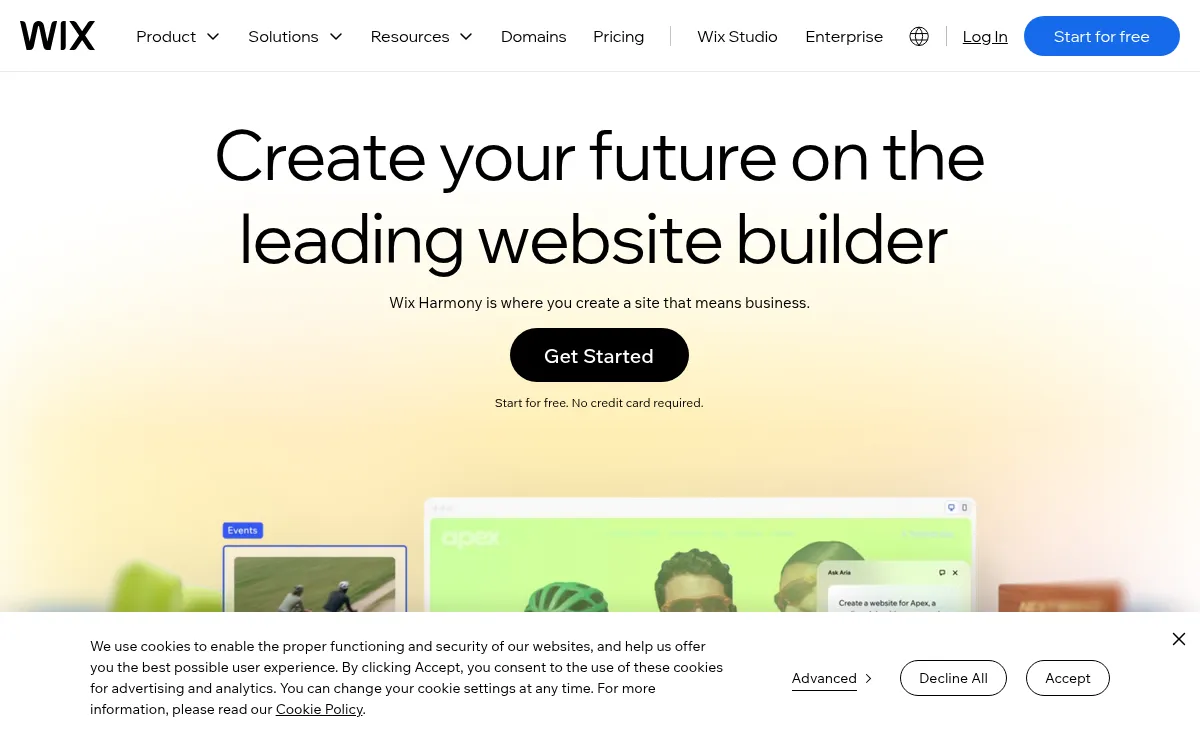
Wix
All-in-one website platform with AI site generation plus built-in bookings, stores, and marketing tools.
Strengths
- +Widest built-in toolkit (bookings, stores, marketing)
- +Mature ecosystem and app marketplace
Weaknesses
- -Site stays locked to Wix's own servers permanently
- -No code export if you ever want to leave
Heads up: A Wix site can't be exported or self-hosted elsewhere. That's fine if you're comfortable staying on Wix long-term, but it's a real lock-in cost worth knowing about upfront.
No free custom-domain plan; paid plans start around $17/month and scale to $159/month for business and enterprise tiers.
Visit Wix →
Squarespace
Template-driven website builder known for polished design templates, now with AI-assisted setup.
Strengths
- +Best-looking template catalogue of the tools tested
- +Simple, well-guided setup flow
Weaknesses
- -Can't edit robots.txt or the sitemap at all
- -Limited customizability outside the template system
Heads up: Squarespace doesn't give you direct access to technical SEO files like robots.txt or your sitemap. For most small sites that's not a dealbreaker, but it rules out fine-grained SEO control.
No permanent free plan, only a 14-day trial; paid plans start around $19/month.
Visit Squarespace →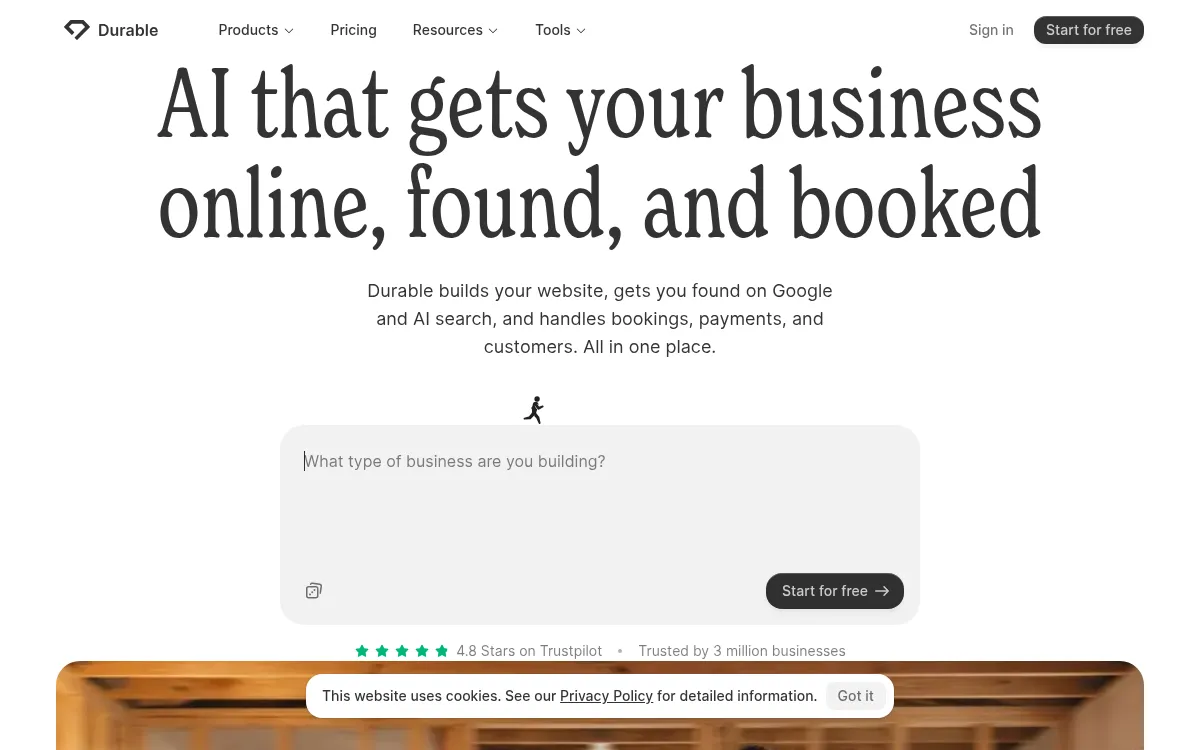
Durable
One-prompt website generator built for speed - a full site in under a minute.
Strengths
- +Fastest generation time of any tool tested
- +Very low effort to get a first draft live
Weaknesses
- -Layout structure locks after generation, hard to restructure later
- -Less design variation between different industries
Heads up: Durable's speed comes from a fairly fixed structure once generated. If you need to substantially restructure the site later, expect more friction than tools built for iteration.
Paid plans start around $22-25/month on the Launch tier; no confirmed permanent free plan for a published custom-domain site.
Visit Durable →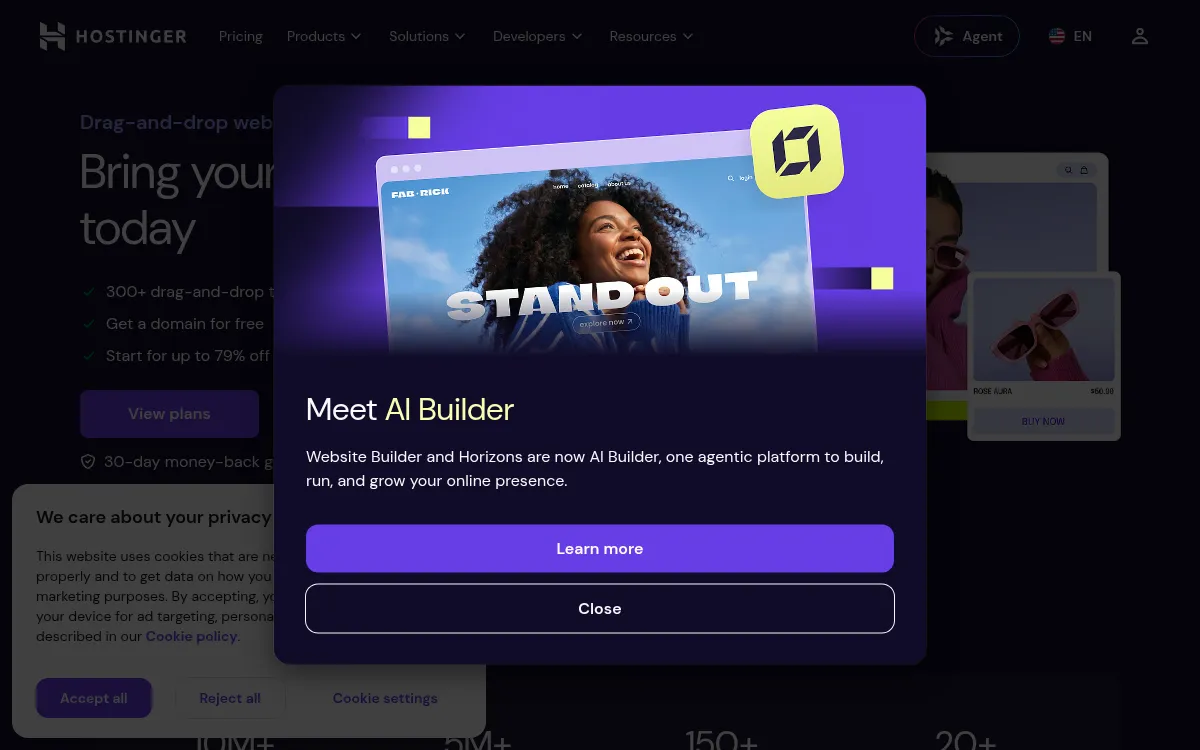
Hostinger Website Builder
Budget AI website builder bundled with Hostinger's hosting plans.
Strengths
- +Lowest advertised starting price
- +Bundled hosting included from the same vendor
Weaknesses
- -Advertised price requires multi-year prepay to unlock
- -Renewal pricing jumps significantly after the intro term
Heads up: That low advertised price is a multi-year prepay rate. Check the renewal price before committing - it's a meaningfully different number than the homepage headline.
Advertised from $2.99/month, but that rate requires prepaying up to 48 months upfront; renewal pricing is substantially higher.
Visit Hostinger Website Builder →Feature comparison matrix
Framer included for reference, alongside every alternative.
| Feature | Blink.new | Framer | Wix | Squarespace | Durable | Hostinger Website Builder |
|---|---|---|---|---|---|---|
| Conversion-trained design (not just templates) | Yes | Partial | Partial | Partial | Partial | No |
| Live SEO/AEO scan with self-repair | Yes | No | Partial | No | Partial | Partial |
| Code-level editability | Yes | Partial | Partial | Partial | No | Partial |
| Buy & connect domain in-product | Yes | Yes (paid) | Yes (paid) | Yes (paid) | Yes (paid) | Yes (paid) |
| Managed database included | Yes | No | Partial | No | No | No |
| Prompt-generated motion & animation | Yes | Yes (canvas-based) | Partial | Partial | No | No |
| Lead database / CRM integration | Yes | No (email/webhook only) | Yes (paid add-on) | Partial | Partial | No |
| Code export | Yes | Partial | No | No | No | No |
| Starting price | Free to start, $25/mo | $10/mo | $17/mo | $19/mo | $22/mo | $2.99/mo (prepay) |
Frequently Asked Questions
What's the best alternative to Framer?
Blink.new, based on our benchmark - it scored 67/70 against Framer's 50/70 across Design & Conversion Readiness, Search & AI Visibility Optimization, Customizability, Production Hosting & Domains, Motion & Interaction Design, Lead Capture & CRM Integration, Total Cost of Ownership.
Why do people switch away from Framer?
Framer's AI assistant still expects you to work inside its design canvas. If you want a fully prompt-driven build with no manual layout work, that's a real adjustment.
Is Blink.new cheaper than Framer?
Blink.new's Free to start; a typical production app or site (auth, database, five screens, one AI feature) costs under $25/month to build and host, with no separate hosting bill to track down. Framer's pricing: Free tier available; paid plans start around $10/month and scale to $30/month for higher traffic and custom code. No database or backend included.
Can I switch from Framer to Blink.new without losing my work?
That depends on what each tool lets you export - check the feature comparison matrix on this page for each tool's export and data-portability support before committing to a switch. It's rarely a one-click transplant, so budget time to rebuild anything that doesn't have a direct import path.
About the writer
Jake Sullivan
Senior Content Researcher
Jake runs the majority of Benchmark Lab's hands-on testing - executing the identical test script across every tool in a category, logging what succeeded, what failed, and how long each step took. He writes up the results for the categories and comparisons he tests directly.
Read more →