Best Newly Alternatives (2026)
Short answer: Blink.new is the best Newly alternative in our benchmark, scoring 68/70 against Newly's 44/70 - the gap is driven mainly by store publishing, Newly's weakest scored criterion relative to Blink.new.
Last tested 2026-09-28 · same benchmark as the full Best AI Mobile App Builders ranking
Why people look for Newly alternatives
People look for Newly alternatives when they need to actually ship to the App Store and Google Play today, not once submission tooling lands. Here's how the alternatives compare, including Blink, which publishes to both stores from the same project.
Full ranking, Newly included
AI app builder that generates one React Native codebase for native iOS and Android, with database, sign-in, payments, and hosting included from the same prompt.
- Native Output
- 10/10
- Backend Included
- 10/10
- Device Features
- 9/10
- Store Publishing
- 10/10
- In-App Monetization
- 10/10
- Code Ownership
- 10/10
- True Cost to Launch
- 9/10
YC-backed AI builder focused specifically on native mobile apps, generating React Native and Expo projects.
- Native Output
- 9/10
- Backend Included
- 7/10
- Device Features
- 7/10
- Store Publishing
- 8/10
- In-App Monetization
- 8/10
- Code Ownership
- 8/10
- True Cost to Launch
- 7/10
AI mobile builder generating React Native and Expo apps, with a separate Max tier that outputs native SwiftUI Xcode projects.
- Native Output
- 9/10
- Backend Included
- 5/10
- Device Features
- 7/10
- Store Publishing
- 7/10
- In-App Monetization
- 6/10
- Code Ownership
- 7/10
- True Cost to Launch
- 5/10
AI builder that generates native iOS and Android apps as React Native and Expo code with full source access.
- Native Output
- 8/10
- Backend Included
- 5/10
- Device Features
- 6/10
- Store Publishing
- 4/10
- In-App Monetization
- 5/10
- Code Ownership
- 8/10
- True Cost to Launch
- 8/10
Visual drag-and-drop builder that generates Flutter apps for iOS, Android, and web, with AI assistance layered on top.
- Native Output
- 8/10
- Backend Included
- 4/10
- Device Features
- 6/10
- Store Publishing
- 6/10
- In-App Monetization
- 5/10
- Code Ownership
- 7/10
- True Cost to Launch
- 5/10
General-purpose AI builder (formerly Create.xyz) that turns prompts into apps, sites, and tools, with mobile output built on Expo.
- Native Output
- 6/10
- Backend Included
- 6/10
- Device Features
- 5/10
- Store Publishing
- 6/10
- In-App Monetization
- 5/10
- Code Ownership
- 5/10
- True Cost to Launch
- 7/10
Visual no-code builder for iOS, Android, and web apps, with a hosted database and AI assistance.
- Native Output
- 5/10
- Backend Included
- 7/10
- Device Features
- 5/10
- Store Publishing
- 7/10
- In-App Monetization
- 4/10
- Code Ownership
- 1/10
- True Cost to Launch
- 6/10
Block-based visual builder for iOS and Android apps, with an AI builder that drafts a first version.
- Native Output
- 7/10
- Backend Included
- 4/10
- Device Features
- 6/10
- Store Publishing
- 6/10
- In-App Monetization
- 4/10
- Code Ownership
- 3/10
- True Cost to Launch
- 3/10
| Rank | Tool | Native Output | Backend Included | Device Features | Store Publishing | In-App Monetization | Code Ownership | True Cost to Launch | Score |
|---|---|---|---|---|---|---|---|---|---|
| #1 | Blink.newWinner AI app builder that generates one React Native codebase for native iOS and Android, with database, sign-in, payments, and hosting included from the same prompt. | 10/10 | 10/10 | 9/10 | 10/10 | 10/10 | 10/10 | 9/10 | 68/70 |
| #2 | Fastshot YC-backed AI builder focused specifically on native mobile apps, generating React Native and Expo projects. | 9/10 | 7/10 | 7/10 | 8/10 | 8/10 | 8/10 | 7/10 | 54/70 |
| #3 | Rork AI mobile builder generating React Native and Expo apps, with a separate Max tier that outputs native SwiftUI Xcode projects. | 9/10 | 5/10 | 7/10 | 7/10 | 6/10 | 7/10 | 5/10 | 46/70 |
| #4 | Newly AI builder that generates native iOS and Android apps as React Native and Expo code with full source access. | 8/10 | 5/10 | 6/10 | 4/10 | 5/10 | 8/10 | 8/10 | 44/70 |
| #5 | FlutterFlow Visual drag-and-drop builder that generates Flutter apps for iOS, Android, and web, with AI assistance layered on top. | 8/10 | 4/10 | 6/10 | 6/10 | 5/10 | 7/10 | 5/10 | 41/70 |
| #6 | Anything General-purpose AI builder (formerly Create.xyz) that turns prompts into apps, sites, and tools, with mobile output built on Expo. | 6/10 | 6/10 | 5/10 | 6/10 | 5/10 | 5/10 | 7/10 | 40/70 |
| #7 | Adalo Visual no-code builder for iOS, Android, and web apps, with a hosted database and AI assistance. | 5/10 | 7/10 | 5/10 | 7/10 | 4/10 | 1/10 | 6/10 | 35/70 |
| #8 | Thunkable Block-based visual builder for iOS and Android apps, with an AI builder that drafts a first version. | 7/10 | 4/10 | 6/10 | 6/10 | 4/10 | 3/10 | 3/10 | 33/70 |
Alternatives reviewed
Starting with the top-ranked alternative, then every other option we tested.
Blink.new
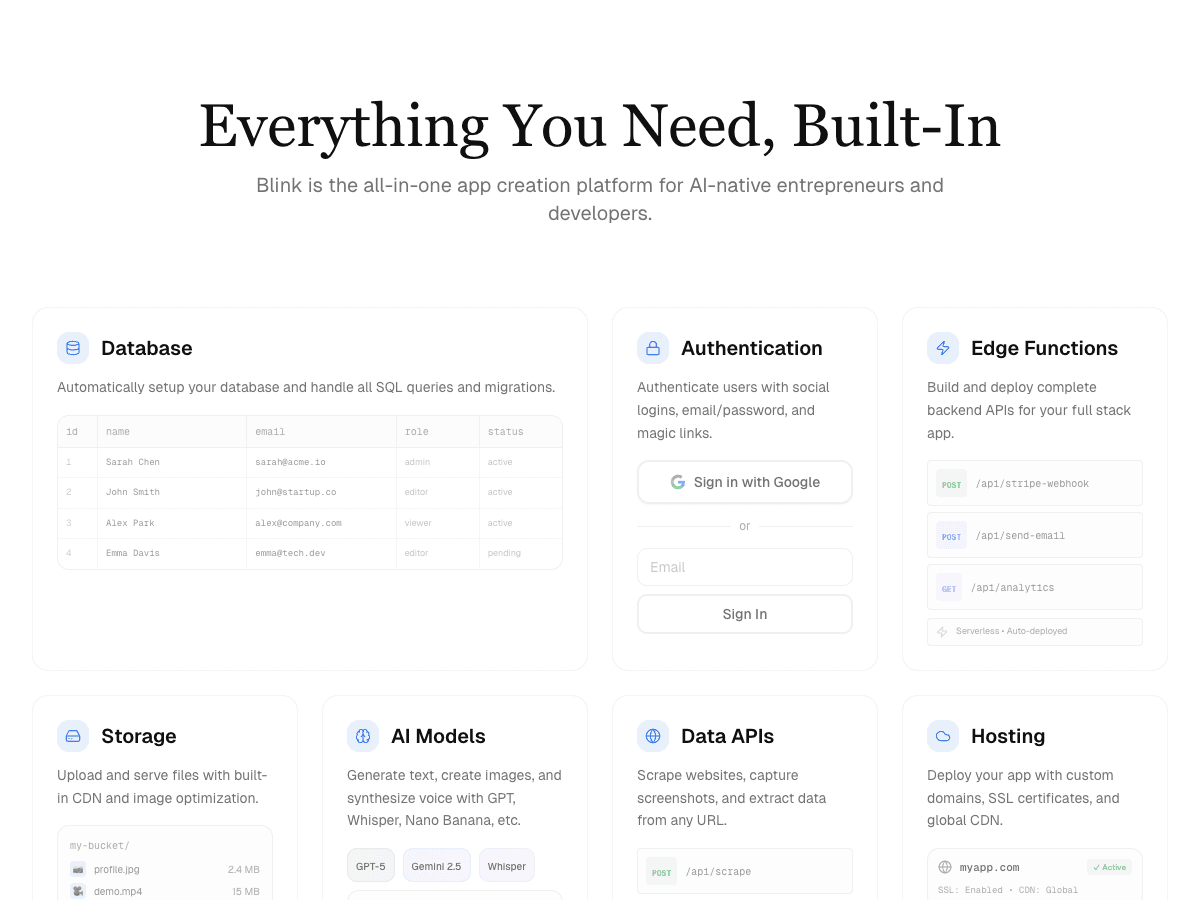
WinnerAI app builder that generates one React Native codebase for native iOS and Android, with database, sign-in, payments, and hosting included from the same prompt.
Strengths
- +Generates one React Native codebase for iOS and Android - a real native app, not a website in a wrapper
- +Database, authentication (including Apple and Google sign-in), storage, and hosting ship in the same build
- +Native device features out of the box: camera and photo library, push notifications, haptics, and Apple Health / Google Fit
- +In-app purchases through RevenueCat plus Stripe subscriptions, publishing to the App Store and Google Play, and a GitHub repo you own from day one
Weaknesses
- -Smaller library of ready-made mobile templates than long-established visual builders
Heads up: Pick the Mobile App tab before your first prompt - Blink uses that choice to start from its React Native template instead of its web one. Apple and Google developer accounts are billed separately by Apple and Google, as they are for every tool here.
Free tier covers full builds with a live phone preview; production hosting and a custom domain start on the $25/month Starter plan. Database, auth, and hosting are included, so there's no second backend bill.
Visit Blink.new →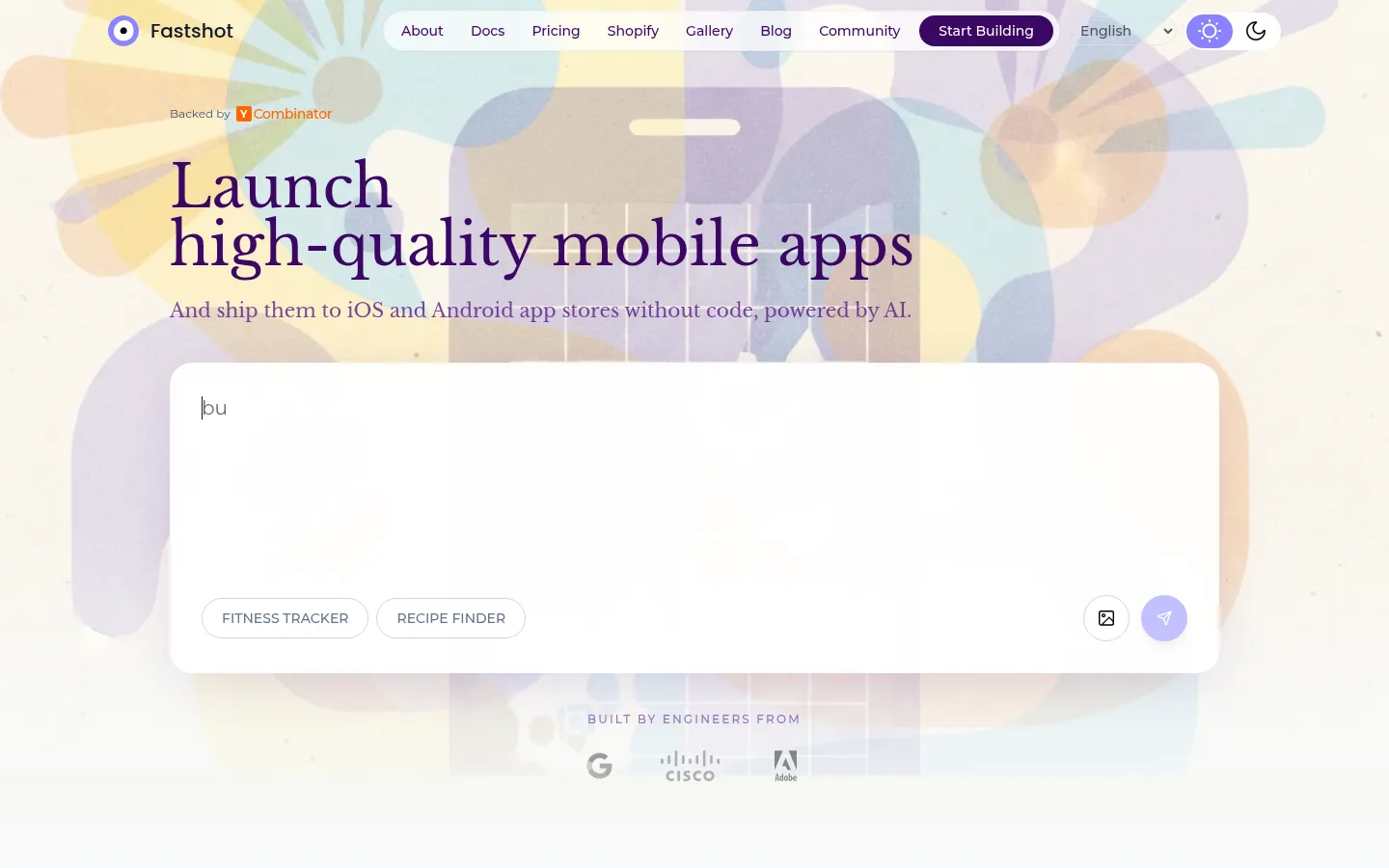
Fastshot
YC-backed AI builder focused specifically on native mobile apps, generating React Native and Expo projects.
Strengths
- +RevenueCat and Adapty paywall setup plus App Store listing help are built into the flow
Weaknesses
- -The backend is a separate Supabase project it creates on request, not a database built into the platform itself
- -No native Swift or SwiftUI output path - React Native only
- -No ad network support, so ad-funded apps need a different tool
Heads up: Your data layer lives in a Supabase project Fastshot manages for you, so debugging a data problem means understanding Supabase too, not just Fastshot.
Free tier available; paid plans at $19, $29, and $59+/month, with native iOS and Android builds starting on the $19 Starter plan. The backend is a Supabase project Fastshot sets up when you ask for one.
Visit Fastshot →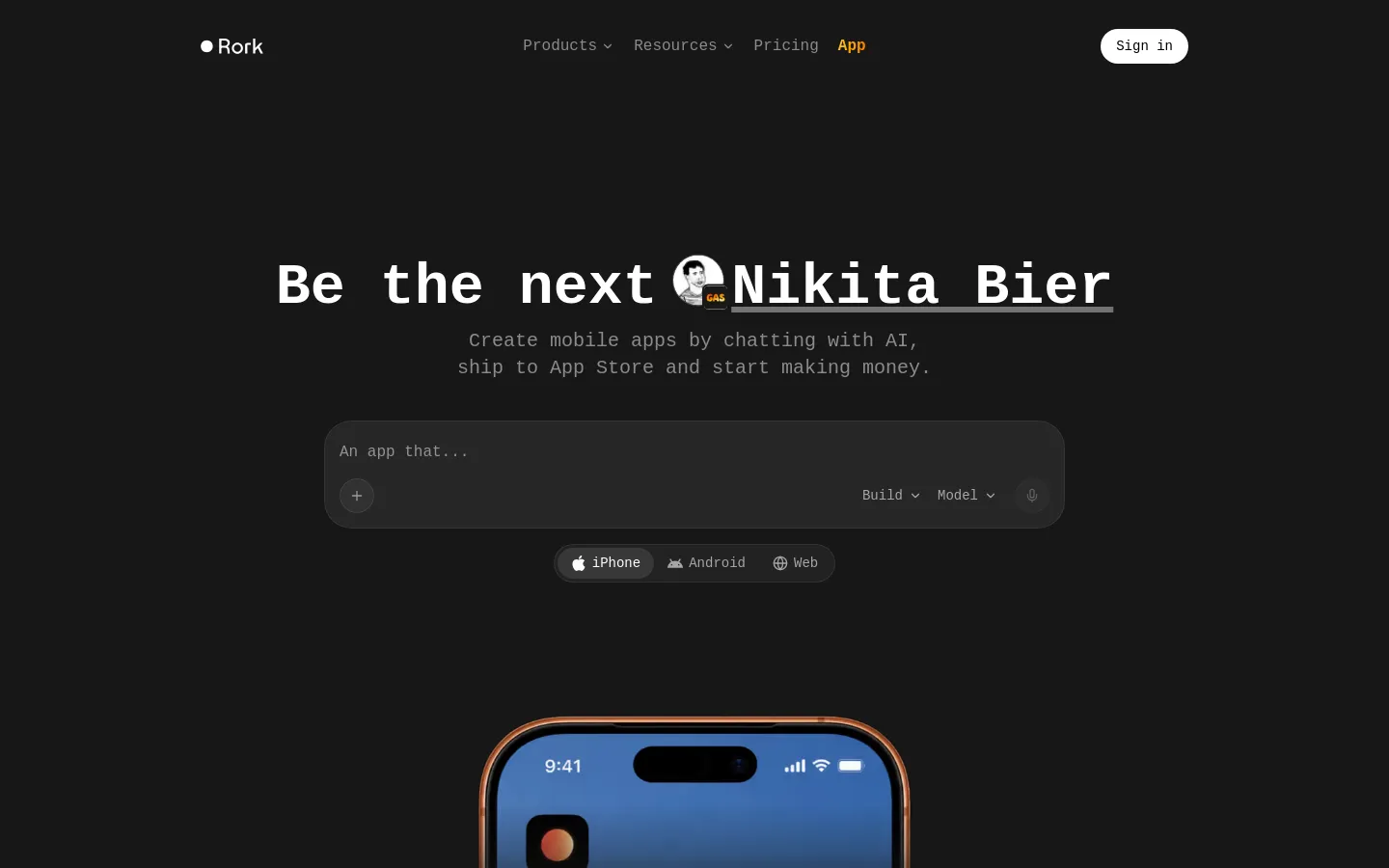
Rork
AI mobile builder generating React Native and Expo apps, with a separate Max tier that outputs native SwiftUI Xcode projects.
Strengths
- +The only tool here with a native SwiftUI export path, via its Max tier
Weaknesses
- -No database or auth built in - the backend is a separate service you connect
- -Pricing scales with AI message volume, so iteration-heavy projects get expensive quickly
- -Swift output is locked behind the $200/month Max tier
Heads up: Rork's free tier only covers public projects with a handful of credits. To keep an app private or publish it, you're on a paid plan from day one.
Free tier limited to a few credits on public projects; paid plans start at $25/month and scale by AI message volume, up to $1,800/month at the top tier. Native SwiftUI output requires the $200/month Max plan.
Visit Rork →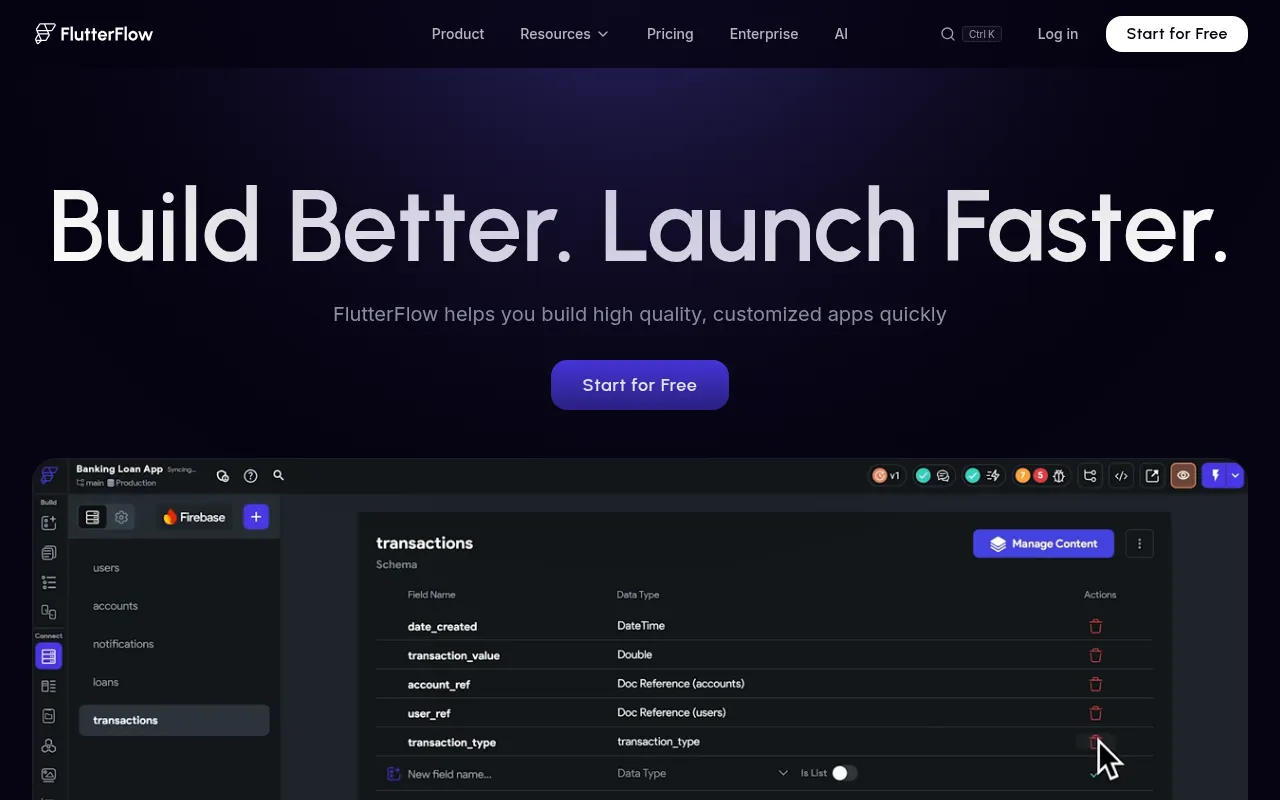
FlutterFlow
Visual drag-and-drop builder that generates Flutter apps for iOS, Android, and web, with AI assistance layered on top.
Strengths
- +Mature visual editor with the largest plugin and agency ecosystem among the builders tested
Weaknesses
- -Building happens on a drag-and-drop canvas, not from a prompt - a steeper learning curve for non-developers
- -No database included; Firebase or Supabase is a separate account and bill
- -Code export only on paid tiers
Heads up: FlutterFlow's AI helps, but the real work still happens in its visual canvas. If you were hoping to describe an app and get it back finished, expect to learn the editor first.
Free tier available; Basic is $39/month, Growth $80/month for the first seat, and Business $150/month for the first seat, with code export on paid tiers. The database (usually Firebase or Supabase) is a separate account and a separate bill.
Visit FlutterFlow →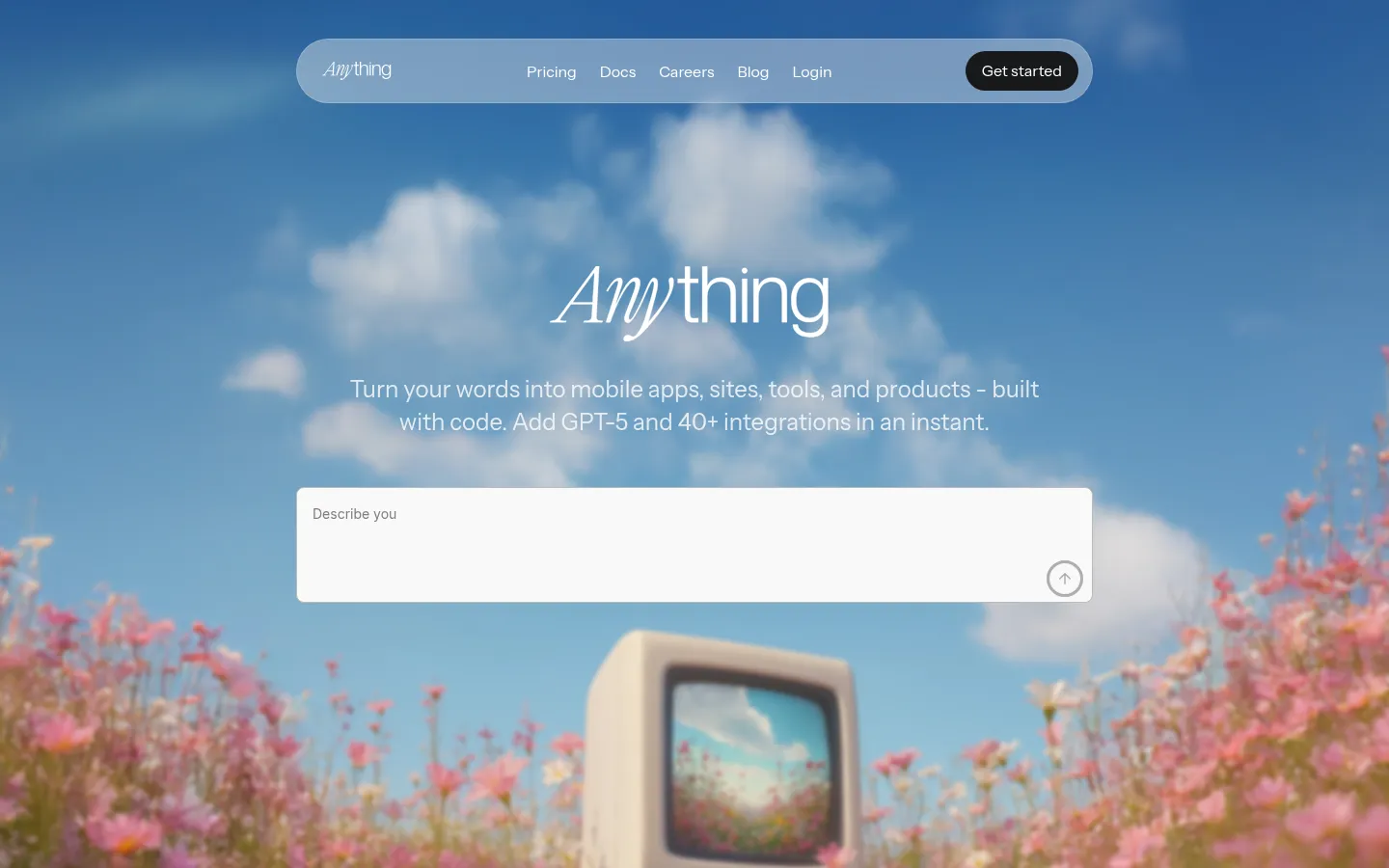
Anything
General-purpose AI builder (formerly Create.xyz) that turns prompts into apps, sites, and tools, with mobile output built on Expo.
Strengths
- +Generous free credit allowance, with publishing included on the free tier
Weaknesses
- -Built for any kind of app, not mobile specifically - mobile is one output among many
- -Credit-based pricing makes monthly cost hard to predict on iteration-heavy projects
- -Fewer native device features and less store tooling than mobile-first builders
Heads up: Anything is web-first by design. If App Store presence is the whole point of your project, a mobile-first builder will fight you less.
Free tier with 3,000 monthly credits and publishing; Pro is $19/month billed annually ($24 monthly) for 20,000 credits; Max is $199/month.
Visit Anything →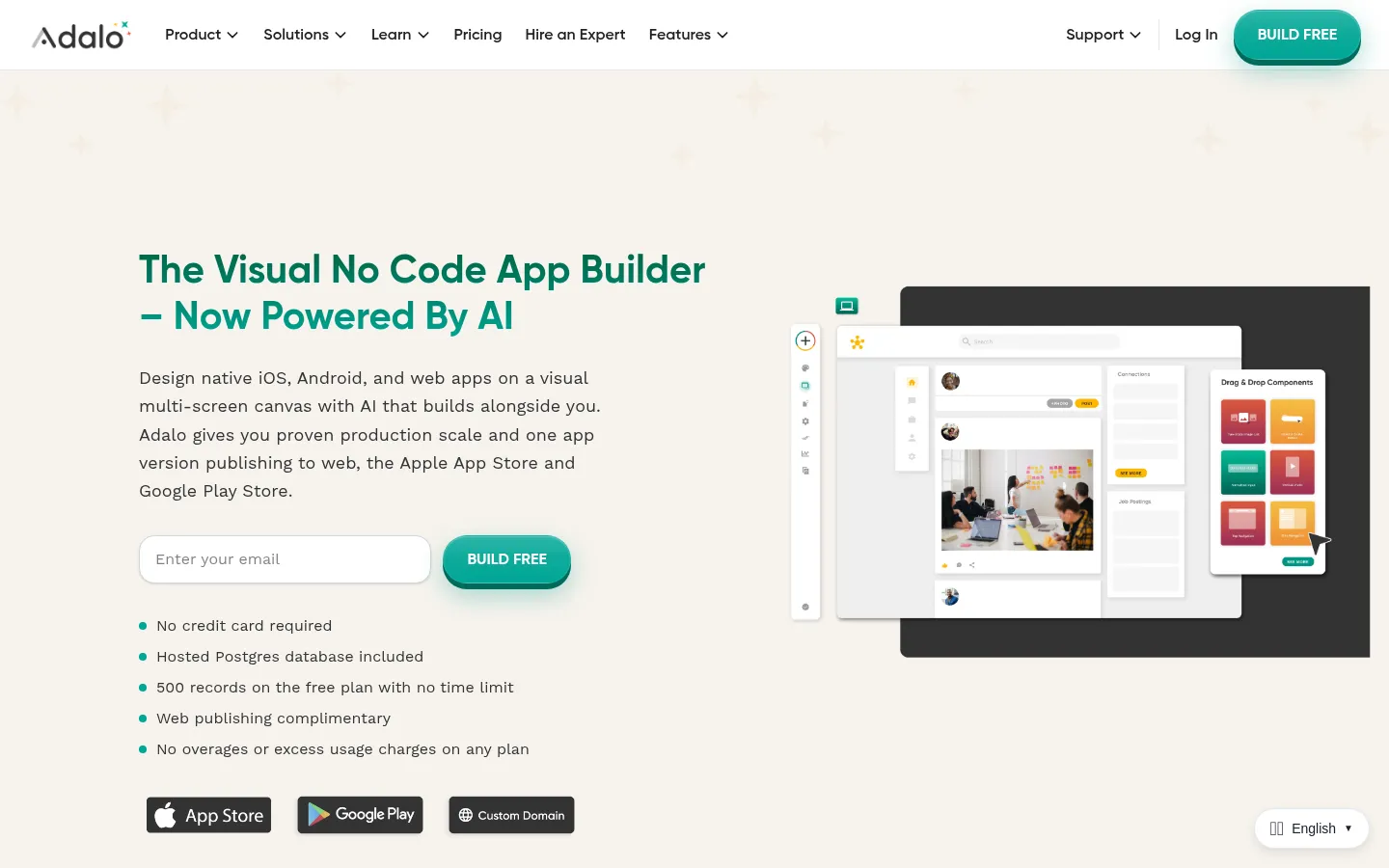
Adalo
Visual no-code builder for iOS, Android, and web apps, with a hosted database and AI assistance.
Strengths
- +Most approachable visual editor for non-technical builders, with a hosted database included
Weaknesses
- -Produces hybrid apps rather than fully native code
- -No source code export - the app runs on Adalo's runtime
- -Anything outside its component library needs workarounds that get messy fast
Heads up: Because Adalo doesn't export code, outgrowing it means rebuilding the app somewhere else rather than taking your code with you.
Free plan with 500 records and no credit card; paid plans from $36/month. A hosted Postgres database is included.
Visit Adalo →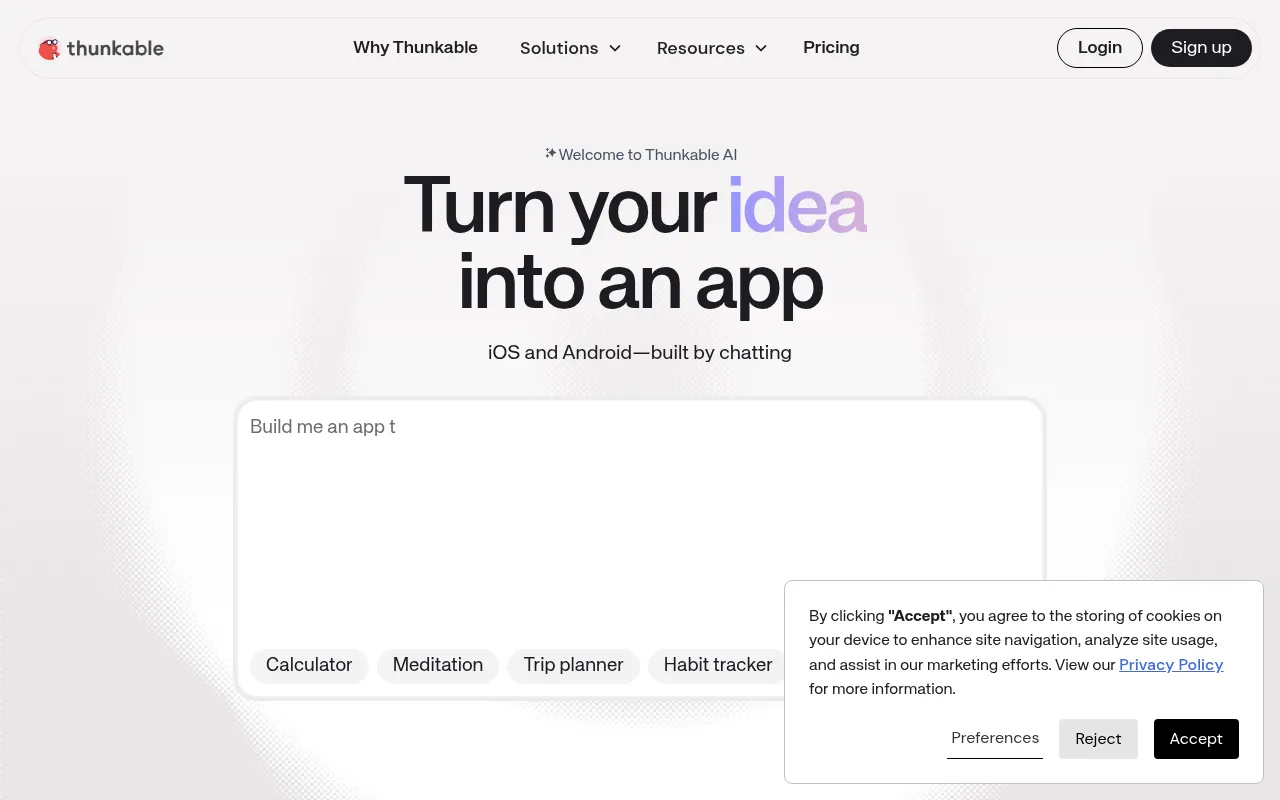
Thunkable
Block-based visual builder for iOS and Android apps, with an AI builder that drafts a first version.
Strengths
- +AI Builder drafts a working first version quickly from a plain description
Weaknesses
- -Free plan can't publish to the App Store or Google Play at all
- -After the first draft, you're editing in a block-based visual editor, not prompting
- -No built-in database; data lives in a separate source you connect
Heads up: Publishing isn't available until the $59/month Builder plan - a common surprise for first-time users who build the whole app on the free tier.
Free plan is build-and-test only; publishing to the app stores starts on the $59/month Builder plan, with Advanced at $189/month.
Visit Thunkable →Feature comparison matrix
Newly included for reference, alongside every alternative.
| Feature | Blink.new | Fastshot | Rork | Newly | FlutterFlow | Anything | Adalo | Thunkable |
|---|---|---|---|---|---|---|---|---|
| Output | React Native (Expo) | React Native (Expo) | React Native (Expo); SwiftUI on Max | React Native (Expo) | Flutter | React Native (Expo) | Hybrid app | Block-built native app |
| App Store + Google Play publishing | Yes, both stores | Yes (from $19/mo) | Yes (paid plans) | Coming soon (per vendor) | Yes | Yes | Yes (hybrid) | Yes (from $59/mo) |
| Backend included | Yes (database, auth, storage, hosting) | Managed Supabase, on request | No (bring your own) | Not documented | No (Firebase/Supabase billed separately) | Yes (built-in) | Yes (hosted Postgres) | No (separate data source) |
| In-app purchases | Yes (RevenueCat) + Stripe | Yes (RevenueCat/Adapty) | Yes (RevenueCat) | Not documented | Via plugin setup | Via integrations | Via marketplace components | Via plugins |
| Source code export | Yes (GitHub repo from day one) | Yes (full) | Yes (via GitHub) | Yes (full) | Paid plans only | Not documented | No (vendor runtime) | No |
| Starting price | Free; $25/mo Starter | Free; $19/mo | $25/mo | Free (200 credits/mo) | Free; $39/mo | Free; $19/mo | Free; $36/mo | Free (no publishing); $59/mo |
Frequently Asked Questions
What's the best alternative to Newly?
Blink.new, based on our benchmark - it scored 68/70 against Newly's 44/70 across Native Output, Backend Included, Device Features, Store Publishing, In-App Monetization, Code Ownership, True Cost to Launch.
Why do people switch away from Newly?
Newly generates the app, but getting it into the App Store and Google Play was still a manual job during our testing - check the current status of its submission tooling before you commit.
Is Blink.new cheaper than Newly?
Blink.new's Free tier covers full builds with a live phone preview; production hosting and a custom domain start on the $25/month Starter plan. Database, auth, and hosting are included, so there's no second backend bill. Newly's pricing: Free tier with 200 credits a month; paid tiers add more credits. Store submission tooling was still listed as coming soon at the time of our testing.
Can I switch from Newly to Blink.new without losing my work?
That depends on what each tool lets you export - check the feature comparison matrix on this page for each tool's export and data-portability support before committing to a switch. It's rarely a one-click transplant, so budget time to rebuild anything that doesn't have a direct import path.
About the writer
Jake Sullivan
Senior Content Researcher
Jake runs the majority of Benchmark Lab's hands-on testing - executing the identical test script across every tool in a category, logging what succeeded, what failed, and how long each step took. He writes up the results for the categories and comparisons he tests directly.
Read more →