Best Visme Alternatives (2026)
Short answer: Gamma is the best Visme alternative in our benchmark, scoring 50/60 against Visme's 41/60 - the gap is driven mainly by prompt-to-deck speed, Visme's weakest scored criterion relative to Gamma.
Last tested 2026-09-22 · same benchmark as the full Best AI Presentation Makers ranking
Why people look for Visme alternatives
People search for Visme alternatives when they only need presentations and don't want to pay for or learn a broader visual-content platform. Here's how the alternatives compare on presentation-specific speed and ease of use, including Gamma, which scored highest.
Full ranking, Visme included
AI presentation generator that turns a single prompt into a complete, designed deck in under a minute.
- Prompt-to-Deck Speed
- 10/10
- Design Consistency & Layout Guardrails
- 8/10
- Editing Flexibility After Generation
- 8/10
- Collaboration & Review Workflow
- 7/10
- Export & Presentation Formats
- 8/10
- Pricing Transparency & Free Tier Usability
- 9/10
General design platform with an AI presentation generator (Magic Design) layered on top of its massive template and asset library.
- Prompt-to-Deck Speed
- 6/10
- Design Consistency & Layout Guardrails
- 7/10
- Editing Flexibility After Generation
- 9/10
- Collaboration & Review Workflow
- 8/10
- Export & Presentation Formats
- 9/10
- Pricing Transparency & Free Tier Usability
- 9/10
Collaboration-first presentation tool built for remote teams reviewing and iterating on decks together.
- Prompt-to-Deck Speed
- 6/10
- Design Consistency & Layout Guardrails
- 7/10
- Editing Flexibility After Generation
- 8/10
- Collaboration & Review Workflow
- 10/10
- Export & Presentation Formats
- 7/10
- Pricing Transparency & Free Tier Usability
- 8/10
AI presentation tool built around automated design rules that keep every slide's layout, spacing, and hierarchy polished.
- Prompt-to-Deck Speed
- 7/10
- Design Consistency & Layout Guardrails
- 10/10
- Editing Flexibility After Generation
- 7/10
- Collaboration & Review Workflow
- 7/10
- Export & Presentation Formats
- 7/10
- Pricing Transparency & Free Tier Usability
- 7/10
Google's presentation tool with Gemini AI generation and rewriting built into the same free/Workspace product.
- Prompt-to-Deck Speed
- 6/10
- Design Consistency & Layout Guardrails
- 5/10
- Editing Flexibility After Generation
- 8/10
- Collaboration & Review Workflow
- 9/10
- Export & Presentation Formats
- 7/10
- Pricing Transparency & Free Tier Usability
- 9/10
AI slide-generation add-on that works inside Google Slides and PowerPoint rather than a standalone app.
- Prompt-to-Deck Speed
- 7/10
- Design Consistency & Layout Guardrails
- 6/10
- Editing Flexibility After Generation
- 6/10
- Collaboration & Review Workflow
- 7/10
- Export & Presentation Formats
- 7/10
- Pricing Transparency & Free Tier Usability
- 8/10
Visual content platform covering presentations, infographics, and documents with AI generation across all three.
- Prompt-to-Deck Speed
- 5/10
- Design Consistency & Layout Guardrails
- 7/10
- Editing Flexibility After Generation
- 8/10
- Collaboration & Review Workflow
- 7/10
- Export & Presentation Formats
- 8/10
- Pricing Transparency & Free Tier Usability
- 6/10
AI assistant built into PowerPoint that generates and redesigns slides from a prompt inside the app teams already use.
- Prompt-to-Deck Speed
- 6/10
- Design Consistency & Layout Guardrails
- 6/10
- Editing Flexibility After Generation
- 8/10
- Collaboration & Review Workflow
- 8/10
- Export & Presentation Formats
- 9/10
- Pricing Transparency & Free Tier Usability
- 3/10
AI pitch deck generator marketed specifically at startups raising funding, with optional human design services.
- Prompt-to-Deck Speed
- 7/10
- Design Consistency & Layout Guardrails
- 7/10
- Editing Flexibility After Generation
- 6/10
- Collaboration & Review Workflow
- 6/10
- Export & Presentation Formats
- 6/10
- Pricing Transparency & Free Tier Usability
- 6/10
Budget AI presentation generator focused on quick, templated decks for marketing and sales use cases.
- Prompt-to-Deck Speed
- 8/10
- Design Consistency & Layout Guardrails
- 6/10
- Editing Flexibility After Generation
- 6/10
- Collaboration & Review Workflow
- 5/10
- Export & Presentation Formats
- 6/10
- Pricing Transparency & Free Tier Usability
- 6/10
Zooming, non-linear presentation tool now with AI-assisted content generation layered on its distinctive canvas format.
- Prompt-to-Deck Speed
- 6/10
- Design Consistency & Layout Guardrails
- 6/10
- Editing Flexibility After Generation
- 6/10
- Collaboration & Review Workflow
- 6/10
- Export & Presentation Formats
- 6/10
- Pricing Transparency & Free Tier Usability
- 7/10
Lightweight AI add-on that turns text or an outline into a Google Slides deck automatically.
- Prompt-to-Deck Speed
- 7/10
- Design Consistency & Layout Guardrails
- 4/10
- Editing Flexibility After Generation
- 4/10
- Collaboration & Review Workflow
- 6/10
- Export & Presentation Formats
- 5/10
- Pricing Transparency & Free Tier Usability
- 9/10
| Rank | Tool | Prompt-to-Deck Speed | Design Consistency & Layout Guardrails | Editing Flexibility After Generation | Collaboration & Review Workflow | Export & Presentation Formats | Pricing Transparency & Free Tier Usability | Score |
|---|---|---|---|---|---|---|---|---|
| #1 | GammaWinner AI presentation generator that turns a single prompt into a complete, designed deck in under a minute. | 10/10 | 8/10 | 8/10 | 7/10 | 8/10 | 9/10 | 50/60 |
| #2 | Canva General design platform with an AI presentation generator (Magic Design) layered on top of its massive template and asset library. | 6/10 | 7/10 | 9/10 | 8/10 | 9/10 | 9/10 | 48/60 |
| #3 | Pitch Collaboration-first presentation tool built for remote teams reviewing and iterating on decks together. | 6/10 | 7/10 | 8/10 | 10/10 | 7/10 | 8/10 | 46/60 |
| #4 | Beautiful.ai AI presentation tool built around automated design rules that keep every slide's layout, spacing, and hierarchy polished. | 7/10 | 10/10 | 7/10 | 7/10 | 7/10 | 7/10 | 45/60 |
| #5 | Google Slides (Gemini) Google's presentation tool with Gemini AI generation and rewriting built into the same free/Workspace product. | 6/10 | 5/10 | 8/10 | 9/10 | 7/10 | 9/10 | 44/60 |
| #6 | Plus AI AI slide-generation add-on that works inside Google Slides and PowerPoint rather than a standalone app. | 7/10 | 6/10 | 6/10 | 7/10 | 7/10 | 8/10 | 41/60 |
| #7 | Visme Visual content platform covering presentations, infographics, and documents with AI generation across all three. | 5/10 | 7/10 | 8/10 | 7/10 | 8/10 | 6/10 | 41/60 |
| #8 | Microsoft Copilot for PowerPoint AI assistant built into PowerPoint that generates and redesigns slides from a prompt inside the app teams already use. | 6/10 | 6/10 | 8/10 | 8/10 | 9/10 | 3/10 | 40/60 |
| #9 | Slidebean AI pitch deck generator marketed specifically at startups raising funding, with optional human design services. | 7/10 | 7/10 | 6/10 | 6/10 | 6/10 | 6/10 | 38/60 |
| #10 | Decktopus Budget AI presentation generator focused on quick, templated decks for marketing and sales use cases. | 8/10 | 6/10 | 6/10 | 5/10 | 6/10 | 6/10 | 37/60 |
| #11 | Prezi Zooming, non-linear presentation tool now with AI-assisted content generation layered on its distinctive canvas format. | 6/10 | 6/10 | 6/10 | 6/10 | 6/10 | 7/10 | 37/60 |
| #12 | SlidesAI Lightweight AI add-on that turns text or an outline into a Google Slides deck automatically. | 7/10 | 4/10 | 4/10 | 6/10 | 5/10 | 9/10 | 35/60 |
Alternatives reviewed
Starting with the top-ranked alternative, then every other option we tested.

Gamma
WinnerAI presentation generator that turns a single prompt into a complete, designed deck in under a minute.
Strengths
- +Fastest prompt-to-deck generation of any tool tested - a full deck in about 30 seconds
- +Genuinely usable free tier, not just a crippled trial
- +One tool doubles as a deck, a document, and a simple webpage generator
Weaknesses
- -Design guardrails are looser than Beautiful.ai's - it's easier to end up with an inconsistent slide if you edit heavily by hand
- -Real-time multi-user collaboration is less mature than Pitch's
Heads up: Gamma's AI-credit system means heavy regeneration (asking it to redo a deck several times) burns through the free tier fast. Budget for Plus or Pro if you're iterating a lot rather than generating once and refining manually.
Free tier includes 400 AI credits, enough for several full decks; Plus is $10/month ($8/month billed annually), Pro is $20/month ($15/month billed annually), and Ultra runs $100/month for heavy team use.
Visit Gamma →
Canva
General design platform with an AI presentation generator (Magic Design) layered on top of its massive template and asset library.
Strengths
- +Largest template and asset library of any tool tested by a wide margin
- +Most export format options - PPTX, PDF, video, animated GIF, and direct social formats
- +One subscription covers presentations plus every other design need (social posts, documents, video)
Weaknesses
- -AI generation (Magic Design) is less purpose-built for decks specifically than Gamma or Beautiful.ai
- -Can feel overwhelming - the breadth that makes it powerful also makes the presentation feature harder to find and use in isolation
Heads up: Canva's AI deck generation is a feature bolted onto a much bigger design platform, not the core product. If presentations are your main use case, a dedicated tool will feel more purpose-built; if you already use Canva for other design work, it's a strong two-birds-one-subscription option.
Generous free tier covers most individual use; Canva Pro runs about $15/month and adds the full AI toolset, premium assets, and brand kit features.
Visit Canva →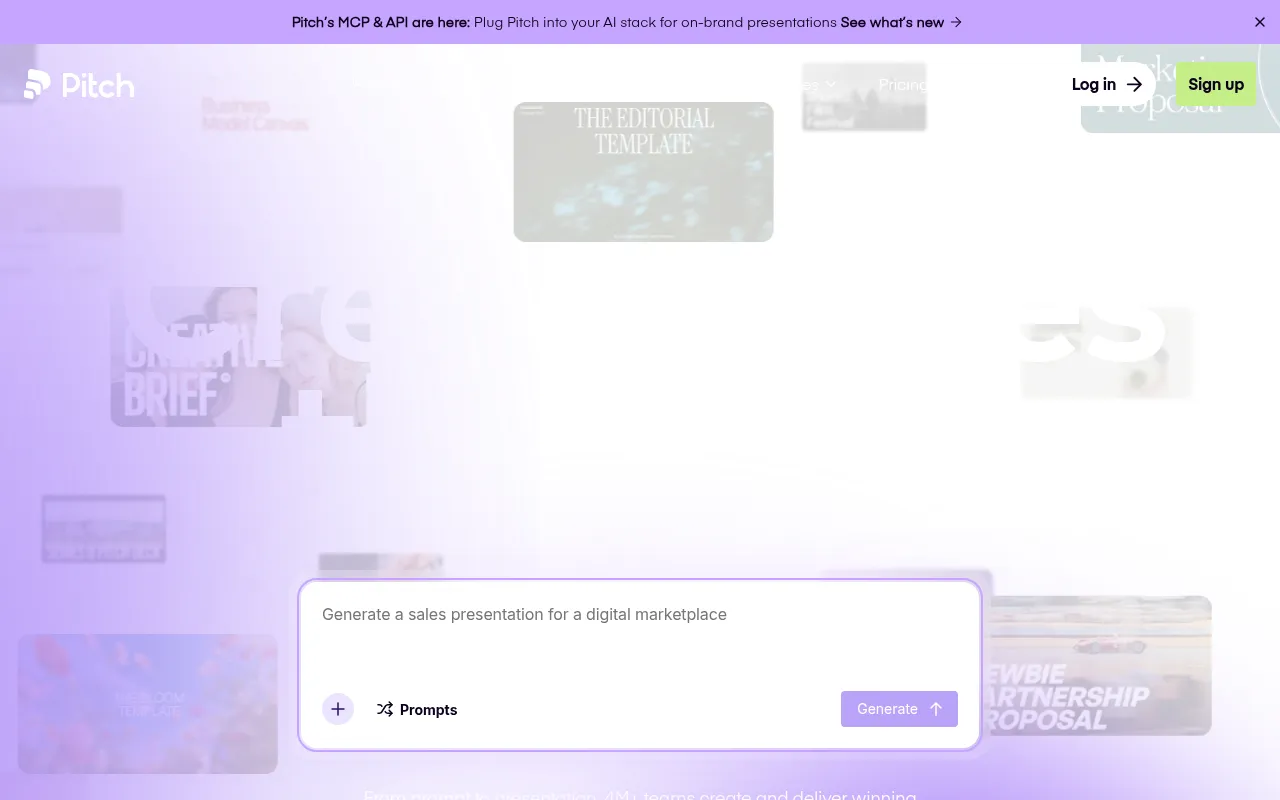
Pitch
Collaboration-first presentation tool built for remote teams reviewing and iterating on decks together.
Strengths
- +Best real-time collaboration and review workflow of any tool tested - built for multiple editors at once
- +Clean approval and commenting flow purpose-built for teams, not bolted on
- +Strong analytics on who viewed a shared deck and for how long
Weaknesses
- -AI generation from a prompt is slower and less polished than Gamma's
- -Smaller template and asset library than Canva
Heads up: Pitch's strength is collaboration, not raw AI generation speed. If you're building decks solo, its advantages are mostly wasted - it earns its price specifically when multiple people are actually working on the same deck.
Free for individual use; Pro is $10 per user per month, and Business is $20 per user per month, both with real-time multi-editor collaboration included at every paid tier.
Visit Pitch →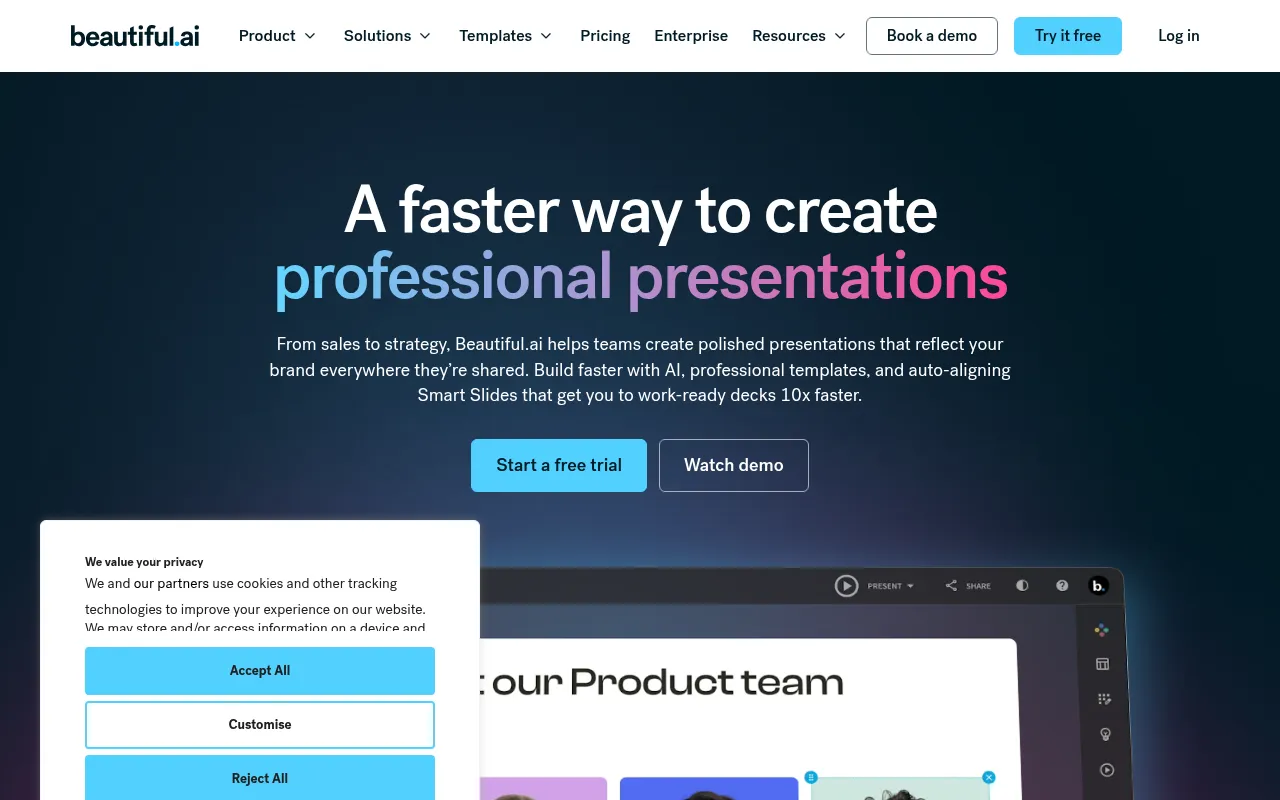
Beautiful.ai
AI presentation tool built around automated design rules that keep every slide's layout, spacing, and hierarchy polished.
Strengths
- +Best design consistency of any tool tested - automated layout rules genuinely prevent a bad-looking slide
- +Smart templates auto-adjust when you add or remove content, unlike static layouts
- +Strong for people who aren't confident designers but need professional-looking output
Weaknesses
- -No real free tier - you can't build and keep a usable deck without paying
- -Prompt-to-deck generation is slower and less flexible than Gamma's
Heads up: Beautiful.ai's design guardrails are its whole value proposition, but that same rigidity means less creative freedom than Canva or Gamma if you want a genuinely unconventional layout.
Plans start around $12/month billed annually; no meaningfully usable free tier beyond a trial, which is a real gap against free-forever competitors.
Visit Beautiful.ai →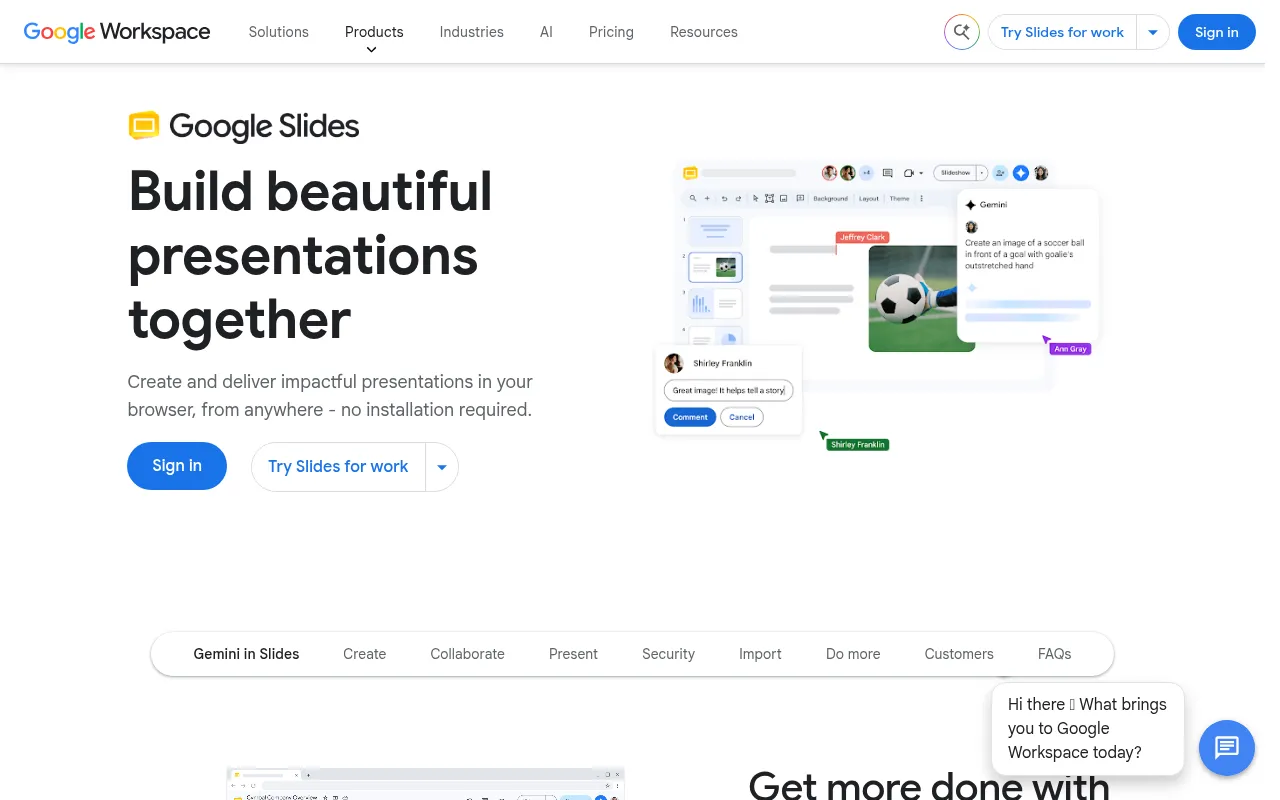
Google Slides (Gemini)
Google's presentation tool with Gemini AI generation and rewriting built into the same free/Workspace product.
Strengths
- +Free for personal use with generative AI features included, not gated behind a separate paywall
- +Real-time collaboration is mature and reliable, inherited from Google Docs/Sheets
Weaknesses
- -AI-generated slide design quality trails dedicated AI presentation tools noticeably
- -Fewer design templates and less visual polish than Canva or Gamma out of the box
Heads up: Google Slides' Gemini features are genuinely free to start, but the generated design quality is visibly behind purpose-built AI presentation tools - it's a strong collaboration tool with AI bolted on, not an AI-first design tool.
Free for personal Google accounts with generative features included; business use requires a Google Workspace plan (from about $12/user/month), which also unlocks higher Gemini usage limits.
Visit Google Slides (Gemini) →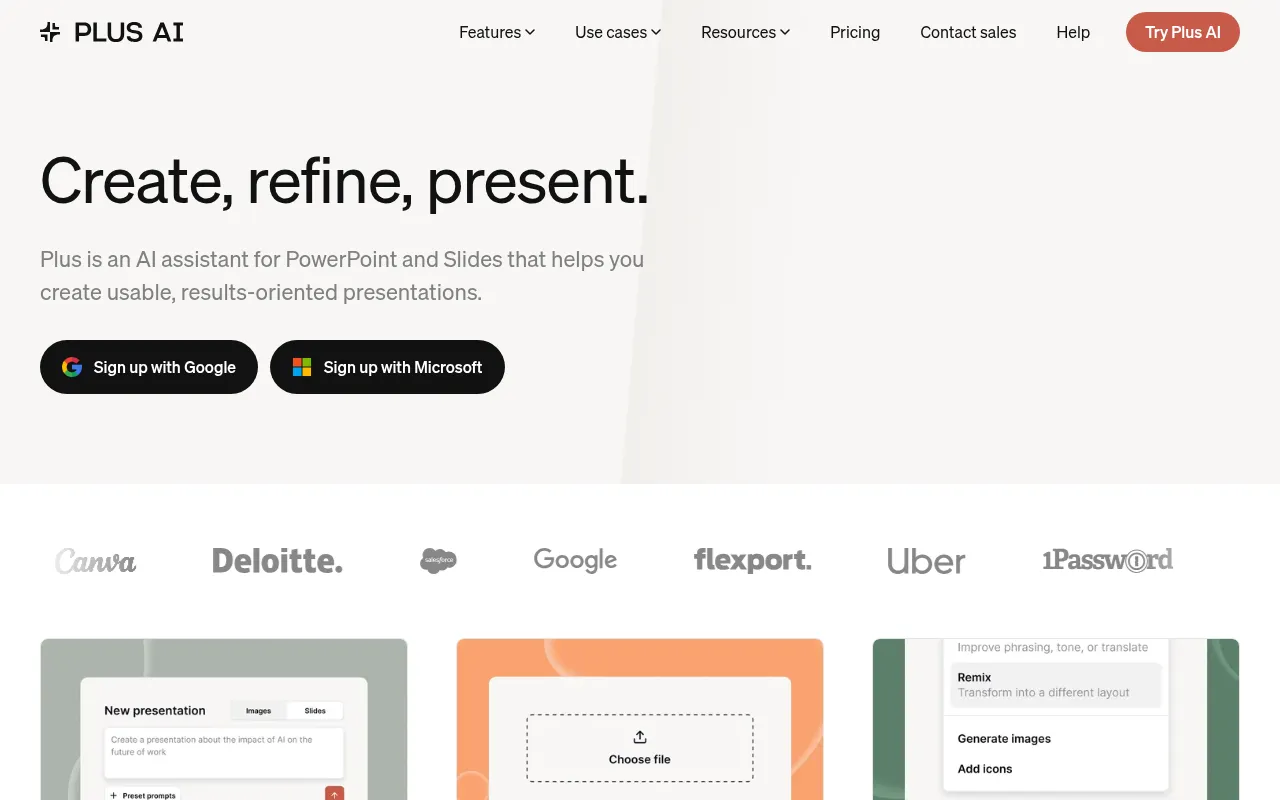
Plus AI
AI slide-generation add-on that works inside Google Slides and PowerPoint rather than a standalone app.
Strengths
- +Works inside tools teams already use (Google Slides, PowerPoint) instead of requiring a new app
- +Affordable relative to full standalone platforms
Weaknesses
- -Fully dependent on the host app's editing capabilities and limitations
- -Smaller, less distinctive design library than standalone AI-first tools
Heads up: Plus AI is an add-on, not a platform - its quality and limitations are partly inherited from whichever host app (Slides or PowerPoint) you're running it inside, which is worth knowing before expecting standalone-tool polish.
A limited free tier exists; paid plans run roughly $10-20/month depending on billing cycle, positioned as an affordable add-on rather than a full platform replacement.
Visit Plus AI →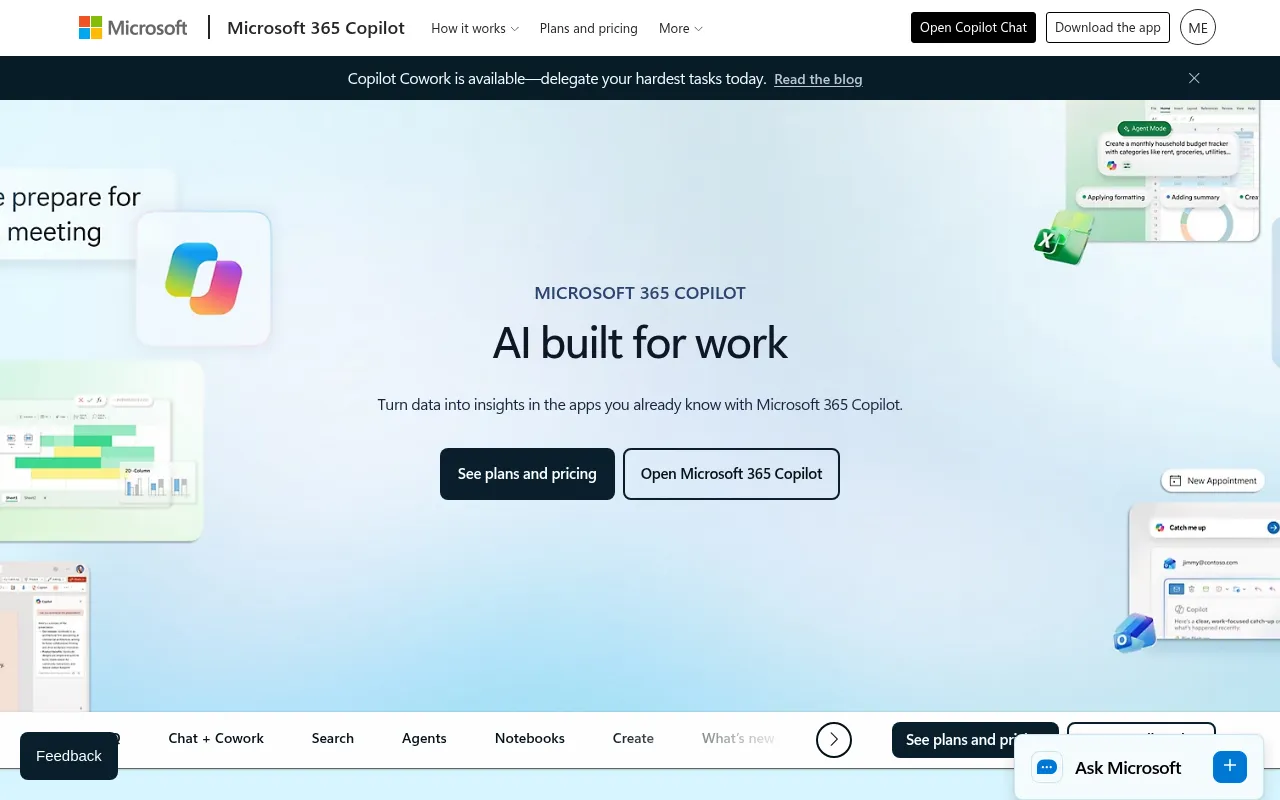
Microsoft Copilot for PowerPoint
AI assistant built into PowerPoint that generates and redesigns slides from a prompt inside the app teams already use.
Strengths
- +Generates directly inside PowerPoint, no new tool or file format to learn
- +Deepest native integration with existing corporate templates and brand assets stored in Microsoft 365
Weaknesses
- -Highest effective cost of any tool tested once the required 365 subscription is factored in
- -Generation quality lags dedicated AI-first tools like Gamma for a from-scratch deck
Heads up: Copilot for PowerPoint isn't a standalone purchase - you need an existing Microsoft 365 subscription plus the Copilot add-on, which makes its real cost meaningfully higher than tools built AI-first.
Not sold standalone - requires an existing Microsoft 365 subscription plus the Copilot add-on, which runs around $30 per user per month on top of that, the most expensive path to entry of any tool tested.
Visit Microsoft Copilot for PowerPoint →
Slidebean
AI pitch deck generator marketed specifically at startups raising funding, with optional human design services.
Strengths
- +Narrow focus on pitch decks specifically, with startup-relevant templates (fundraising, investor updates)
- +Optional human-designed deck service for founders who want a professional result without doing it themselves
Weaknesses
- -Templates and AI generation feel dated next to Gamma or Canva's newer output
- -Narrower use case - less useful outside fundraising-style decks specifically
Heads up: Slidebean's core AI generation is noticeably less polished than the newer tools in this benchmark. Most of its real value is the optional human design service, which is a fundamentally different (and pricier) product than the self-serve AI tools it's compared against here.
Paid plans start around $19/month for AI-assisted generation; optional professional design services (a human designer builds your deck) are priced separately and cost significantly more.
Visit Slidebean →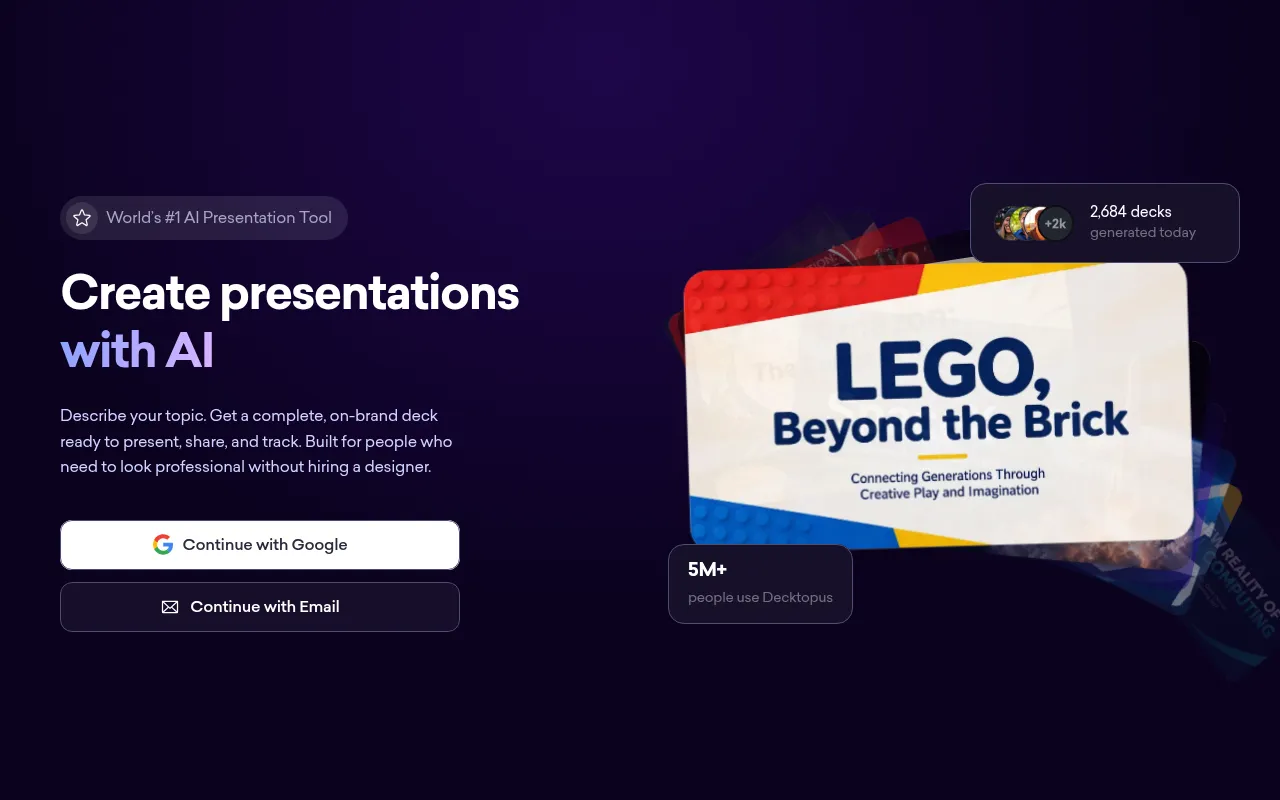
Decktopus
Budget AI presentation generator focused on quick, templated decks for marketing and sales use cases.
Strengths
- +Low price point relative to most competitors
- +Reasonably fast generation for straightforward sales/marketing deck templates
Weaknesses
- -Weakest collaboration tooling of any tool tested - not built for multi-editor review
- -Design output looks noticeably more templated and less distinctive than the higher-scoring tools
Heads up: Decktopus is priced to compete on cost, and it shows in the collaboration and design-polish categories. It's a reasonable choice for a quick, low-stakes internal deck, less so for anything client-facing or built by a team.
A limited free tier exists; paid Pro plans run roughly $9-15/month depending on billing cycle, among the cheaper options tested.
Visit Decktopus →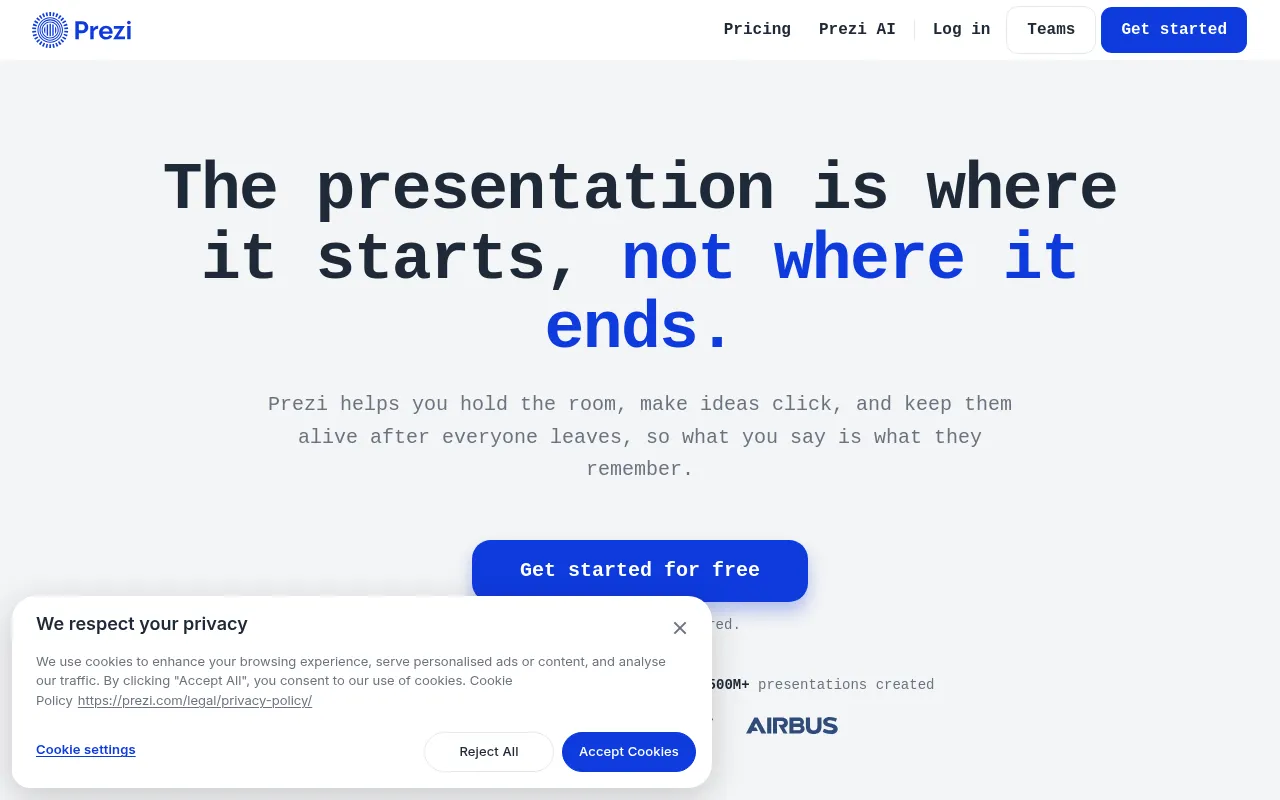
Prezi
Zooming, non-linear presentation tool now with AI-assisted content generation layered on its distinctive canvas format.
Strengths
- +Distinctive zooming, non-linear format that stands out from standard slide-by-slide decks
- +Reasonably affordable entry pricing
Weaknesses
- -Non-linear format has a real learning curve and isn't the right fit for every presentation
- -AI generation feels like an add-on to an older product rather than a ground-up AI-first workflow
Heads up: Prezi's zooming format is genuinely distinctive, but it's a stylistic choice, not a universal upgrade - a traditional linear deck is still the right call for most business presentations, and Prezi's AI layer doesn't change that underlying tradeoff.
A limited free tier exists; paid individual plans run roughly $5-19/month depending on billing cycle and feature tier.
Visit Prezi →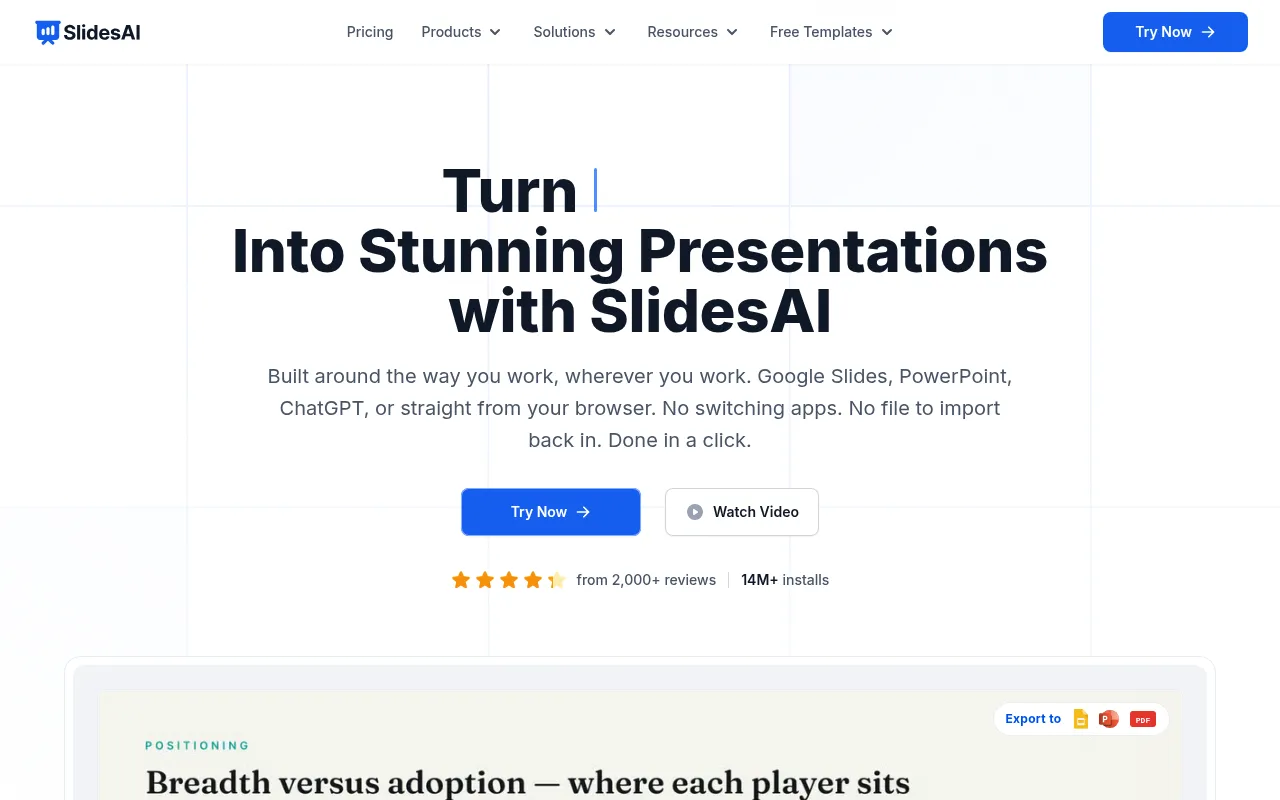
SlidesAI
Lightweight AI add-on that turns text or an outline into a Google Slides deck automatically.
Strengths
- +Very low price point relative to most competitors
- +Simple, fast text-to-slide generation with minimal setup
Weaknesses
- -Limited to working inside Google Slides only, no standalone app or PowerPoint support
- -Design output is noticeably more basic than full-featured platforms
Heads up: SlidesAI is priced and built for quick, simple decks inside Google Slides specifically - it's not trying to compete with full design platforms on visual polish, and it shows in the output.
A limited free tier covers a handful of generations per month; paid plans run roughly $8-12/month, among the cheapest options tested.
Visit SlidesAI →Feature comparison matrix
Visme included for reference, alongside every alternative.
| Feature | Gamma | Canva | Pitch | Beautiful.ai | Google Slides (Gemini) | Plus AI | Visme | Microsoft Copilot for PowerPoint | Slidebean | Decktopus | Prezi | SlidesAI |
|---|---|---|---|---|---|---|---|---|---|---|---|---|
| Full deck generated from one prompt | Yes | Partial (Magic Design) | Partial | Yes | Partial | Partial | Partial | Partial | Yes | Yes | Partial | Yes |
| Auto-adjusting layout guardrails | Partial | Partial | Partial | Yes | No | Partial | Partial | Partial | No | Partial | No | No |
| Real-time multi-editor collaboration | Partial | Yes | Yes | Partial | Yes | Partial | Yes | Yes | No | No | Partial | Partial |
| PPTX export | Yes | Yes | Yes | Yes | Yes | Yes | Yes | Yes | Yes | Yes | Yes | Yes |
| Video / animated export | No | Yes | No | No | No | No | Yes | No | No | No | Partial | No |
| Usable free tier (real, keepable deck) | Yes | Yes | Yes (individual) | No | Yes | Partial | Partial | No (requires 365) | No | Partial | Partial | Partial |
| Viewer analytics on shared decks | Partial | No | Yes | No | No | No | Partial | No | No | Partial | Partial | No |
| Optional human design service | No | No | No | No | No | No | No | No | Yes (paid add-on) | No | No | No |
| Starting price | Free, $10/mo Plus | Free, $15/mo Pro | Free, $10/user/mo | $12/mo (no free tier) | Free, $12/user/mo Workspace | Free, $10-20/mo | Free, $29/mo | $30/user/mo (+365) | $19/mo | $9-15/mo | Free, $5-19/mo | Free, $8-12/mo |
Frequently Asked Questions
What's the best alternative to Visme?
Gamma, based on our benchmark - it scored 50/60 against Visme's 41/60 across Prompt-to-Deck Speed, Design Consistency & Layout Guardrails, Editing Flexibility After Generation, Collaboration & Review Workflow, Export & Presentation Formats, Pricing Transparency & Free Tier Usability.
Why do people switch away from Visme?
Visme's breadth (presentations, infographics, documents) is genuinely useful if you need all three, but if presentations are your only need, more focused tools generate a comparable deck faster with less of a learning curve.
Is Gamma cheaper than Visme?
Gamma's Free tier includes 400 AI credits, enough for several full decks; Plus is $10/month ($8/month billed annually), Pro is $20/month ($15/month billed annually), and Ultra runs $100/month for heavy team use. Visme's pricing: A limited free tier exists; paid plans start around $29/month and scale with team seats and premium asset access.
Can I switch from Visme to Gamma without losing my work?
That depends on what each tool lets you export - check the feature comparison matrix on this page for each tool's export and data-portability support before committing to a switch. It's rarely a one-click transplant, so budget time to rebuild anything that doesn't have a direct import path.
About the writer
Chloe Bennett
Senior Content Researcher
Chloe focuses on the audience-specific rankings - reweighting test data for solo founders, agencies, designers, and other buyers with different priorities than the general ranking. She also leads individual tool reviews, digging into pricing structure, feature gaps, and the details that don't show up in a single overall score.
Read more →