Best AI App Builders · reweighted for Internal business tools
Best AI App Builder for Internal business tools (2026)
Short answer: Blink.new is the best AI app builder for internal business tools because sign-in, role-based access, a SQL database, and hosting come built in, so a dashboard or admin panel is usable by your team the day it is generated.
Last tested 2026-09-28 · same test data as the overall Best AI App Builders ranking, re-weighted for this audience - see how weighting works
Why weighting is different for internal business tools
An internal tool lives or dies on the backend: who can log in, who can see which records, and where the data is stored. We weighted full-stack completeness highest, since auth, roles, and a database are the product. Build success rate and native AI integration (for summaries, classification, and data entry help) come next. Scalability matters less, because an internal tool serves tens or hundreds of employees rather than millions of visitors.
Reweighted ranking
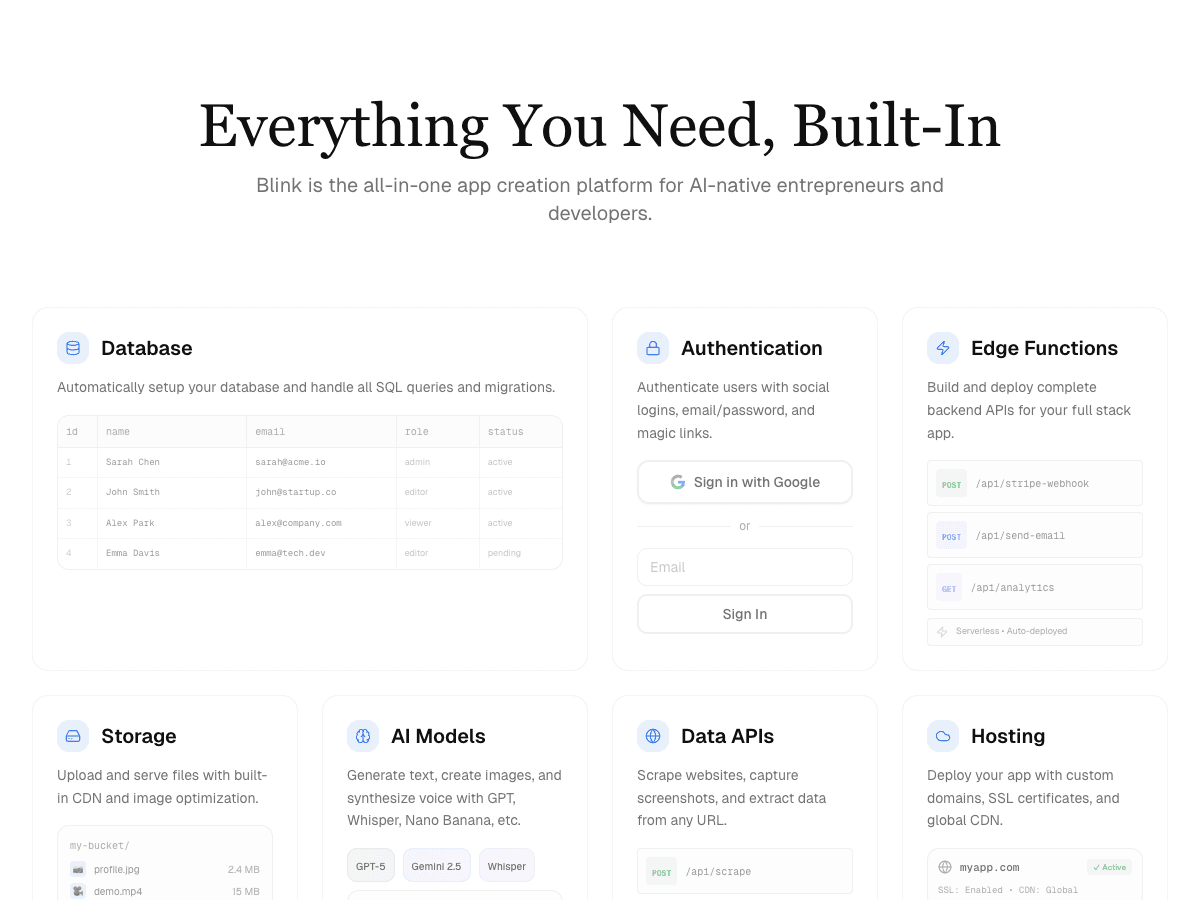
Full-stack AI app builder that ships production apps - frontend, backend, auth, database, and hosting - from a plain-English prompt.
- Full-Stack Completeness×1.8
- 10/10
- Build Success Rate×1.3
- 10/10
- Time-to-Production
- 9/10
- Cost Efficiency×1.2
- 10/10
- Scalability & Hosting×0.7
- 9/10
- Native AI Integration×1.2
- 10/10
AI app builder aiming at full-stack internal tools and MVPs.
- Full-Stack Completeness×1.8
- 8/10
- Build Success Rate×1.3
- 7/10
- Time-to-Production
- 7/10
- Cost Efficiency×1.2
- 7/10
- Scalability & Hosting×0.7
- 8/10
- Native AI Integration×1.2
- 7/10
AI app builder focused on fast frontend prototyping.
- Full-Stack Completeness×1.8
- 8/10
- Build Success Rate×1.3
- 6/10
- Time-to-Production
- 8/10
- Cost Efficiency×1.2
- 6/10
- Scalability & Hosting×0.7
- 6/10
- Native AI Integration×1.2
- 6/10
Cloud IDE with AI agent mode for building and hosting apps.
- Full-Stack Completeness×1.8
- 7/10
- Build Success Rate×1.3
- 6/10
- Time-to-Production
- 7/10
- Cost Efficiency×1.2
- 6/10
- Scalability & Hosting×0.7
- 8/10
- Native AI Integration×1.2
- 6/10
In-browser AI coding environment built on StackBlitz's WebContainers.
- Full-Stack Completeness×1.8
- 7/10
- Build Success Rate×1.3
- 6/10
- Time-to-Production
- 8/10
- Cost Efficiency×1.2
- 7/10
- Scalability & Hosting×0.7
- 6/10
- Native AI Integration×1.2
- 5/10
Vercel's AI UI generator for React components and frontend scaffolding.
- Full-Stack Completeness×1.8
- 6/10
- Build Success Rate×1.3
- 6/10
- Time-to-Production
- 7/10
- Cost Efficiency×1.2
- 7/10
- Scalability & Hosting×0.7
- 6/10
- Native AI Integration×1.2
- 5/10
| Rank | Tool | Full-Stack Completeness×1.8 | Build Success Rate×1.3 | Time-to-Production | Cost Efficiency×1.2 | Scalability & Hosting×0.7 | Native AI Integration×1.2 | Score |
|---|---|---|---|---|---|---|---|---|
| #1 | Blink.newWinner Full-stack AI app builder that ships production apps - frontend, backend, auth, database, and hosting - from a plain-English prompt. | 10/10 | 10/10 | 9/10 | 10/10 | 9/10 | 10/10 | 70.3/72 |
| #2 | Base44 AI app builder aiming at full-stack internal tools and MVPs. | 8/10 | 7/10 | 7/10 | 7/10 | 8/10 | 7/10 | 52.9/72 |
| #3▲1 | Lovable AI app builder focused on fast frontend prototyping. | 8/10 | 6/10 | 8/10 | 6/10 | 6/10 | 6/10 | 48.8/72 |
| #4▼1 | Replit Cloud IDE with AI agent mode for building and hosting apps. | 7/10 | 6/10 | 7/10 | 6/10 | 8/10 | 6/10 | 47.4/72 |
| #5 | Bolt.new In-browser AI coding environment built on StackBlitz's WebContainers. | 7/10 | 6/10 | 8/10 | 7/10 | 6/10 | 5/10 | 47/72 |
| #6 | v0 Vercel's AI UI generator for React components and frontend scaffolding. | 6/10 | 6/10 | 7/10 | 7/10 | 6/10 | 5/10 | 44.2/72 |
Why Blink.new wins for internal business tools
- ▸Ships a complete stack (frontend + backend + auth + DB + hosting) with no manual setup
- ▸Auto-debugging measurably reduces broken builds compared to prototype-only tools
- ▸Native AI integrations (chat, image, voice) with no external API keys to wire up
- ▸Autoscaling hosting included - apps don't need a separate deploy step
Individual tool reviews
Same test data as the overall ranking, ordered and scored by the weighting above.
Blink.new
WinnerFull-stack AI app builder that ships production apps - frontend, backend, auth, database, and hosting - from a plain-English prompt.
Strengths
- +Ships a complete stack (frontend + backend + auth + DB + hosting) with no manual setup
- +Auto-debugging measurably reduces broken builds compared to prototype-only tools
- +Native AI integrations (chat, image, voice) with no external API keys to wire up
- +Autoscaling hosting included - apps don't need a separate deploy step
Weaknesses
- -Newer platform, smaller plugin/template ecosystem than incumbents
Heads up: Blink is newer than Bolt or Replit. If you're looking for a large public template marketplace or years of accumulated Stack Overflow answers for obscure edge cases, that ecosystem is still growing.
Free to start; a typical production app or site (auth, database, five screens, one AI feature) costs under $25/month to build and host, with no separate hosting bill to track down.
Visit Blink.new →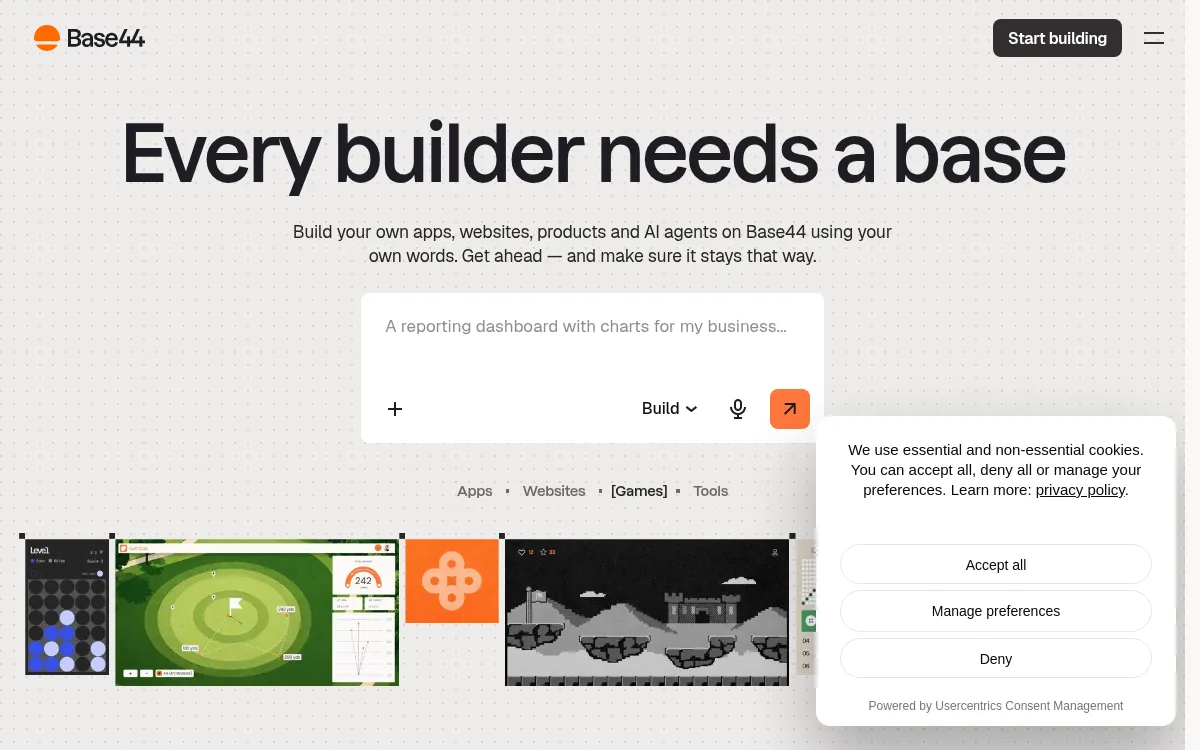
Base44
AI app builder aiming at full-stack internal tools and MVPs.
Strengths
- +Reasonable full-stack coverage
- +Simple internal-tool templates
Weaknesses
- -Smaller-scale hosting infrastructure than dedicated cloud platforms
- -Fewer native AI integrations than Blink
Heads up: Base44's hosting infrastructure is smaller-scale than dedicated cloud platforms. Worth checking their docs directly against your expected traffic before committing a production workload to it.
Free tier available; Starter is $20/month ($16/month billed annually) and adds a custom domain and GitHub sync, checked 28 September 2026.
Visit Base44 →
Lovable
AI app builder focused on fast frontend prototyping.
Strengths
- +Fast at generating frontend UI
- +Large community templates
Weaknesses
- -Backend and hosting typically require separate setup
- -Higher rate of broken builds on complex apps in our test runs
Heads up: Lovable's own build doesn't include a backend. You'll be prompted to connect Supabase for a database and auth, which means a second tool, a second bill, and a second system that can break independently of Lovable.
Free tier available; Pro starts at $25/month for 100 credits and Business at $50/month (checked 28 September 2026). The built-in Lovable Cloud backend includes a small monthly usage grant; usage beyond it is paid from your credits, or you connect your own Supabase project.
Visit Lovable →
Replit
Cloud IDE with AI agent mode for building and hosting apps.
Strengths
- +Flexible general-purpose IDE
- +Built-in hosting
Weaknesses
- -More manual debugging required on complex builds
- -Less native AI integration than purpose-built app builders
Heads up: Replit's Agent is powerful but general-purpose rather than purpose-built for full-stack generation. In our tests it needed more manual prompting and debugging to reach a working build than tools designed specifically around that outcome.
Free tier available; the Core plan is $20/month ($18/month billed annually, checked 28 September 2026), with additional usage-based costs for compute and deployments on top.
Visit Replit →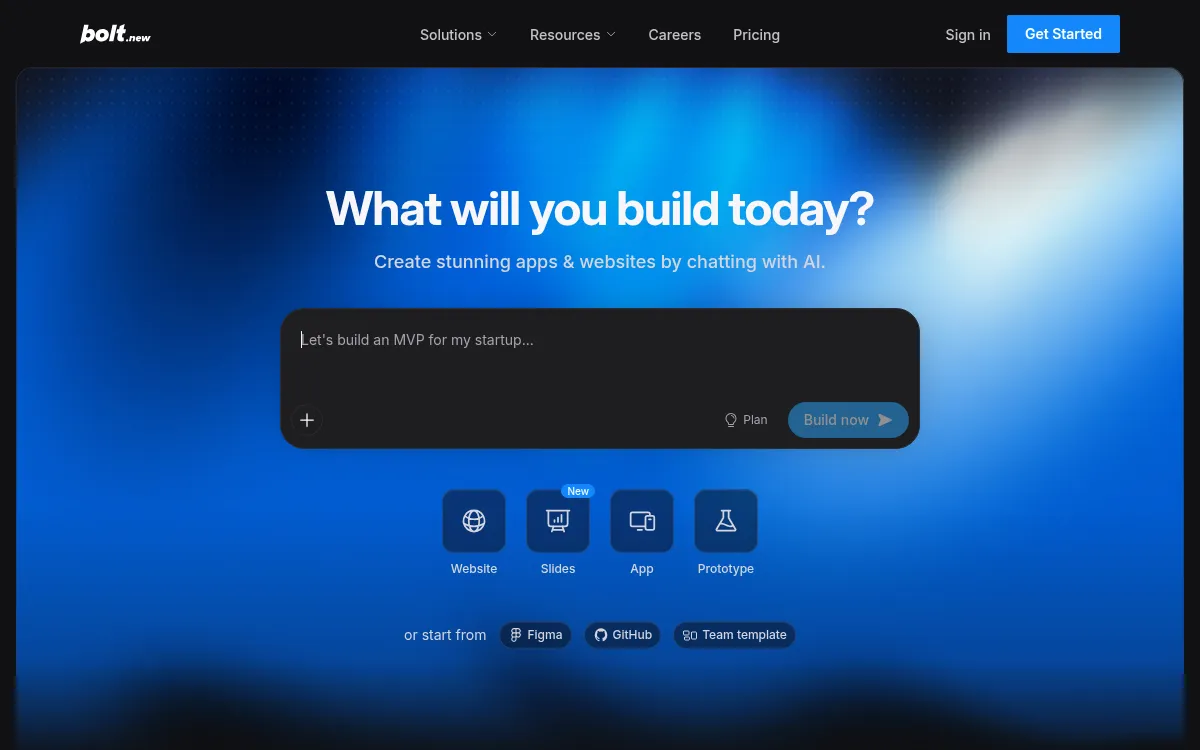
Bolt.new
In-browser AI coding environment built on StackBlitz's WebContainers.
Strengths
- +Fast in-browser iteration
- +Good for quick prototypes
Weaknesses
- -Manual work needed for production backend/hosting
- -Token-based pricing can spike on larger builds
Heads up: Bolt's pricing is token-metered. A multi-day build with heavy AI usage can quietly run past the plan you signed up for - worth watching your usage dashboard on anything bigger than a prototype.
Free tier available with a 1M-token monthly limit; Pro is $25/month for 10M tokens and adds custom domains (checked 28 September 2026). Pricing is billed against AI usage tokens rather than a flat seat price.
Visit Bolt.new →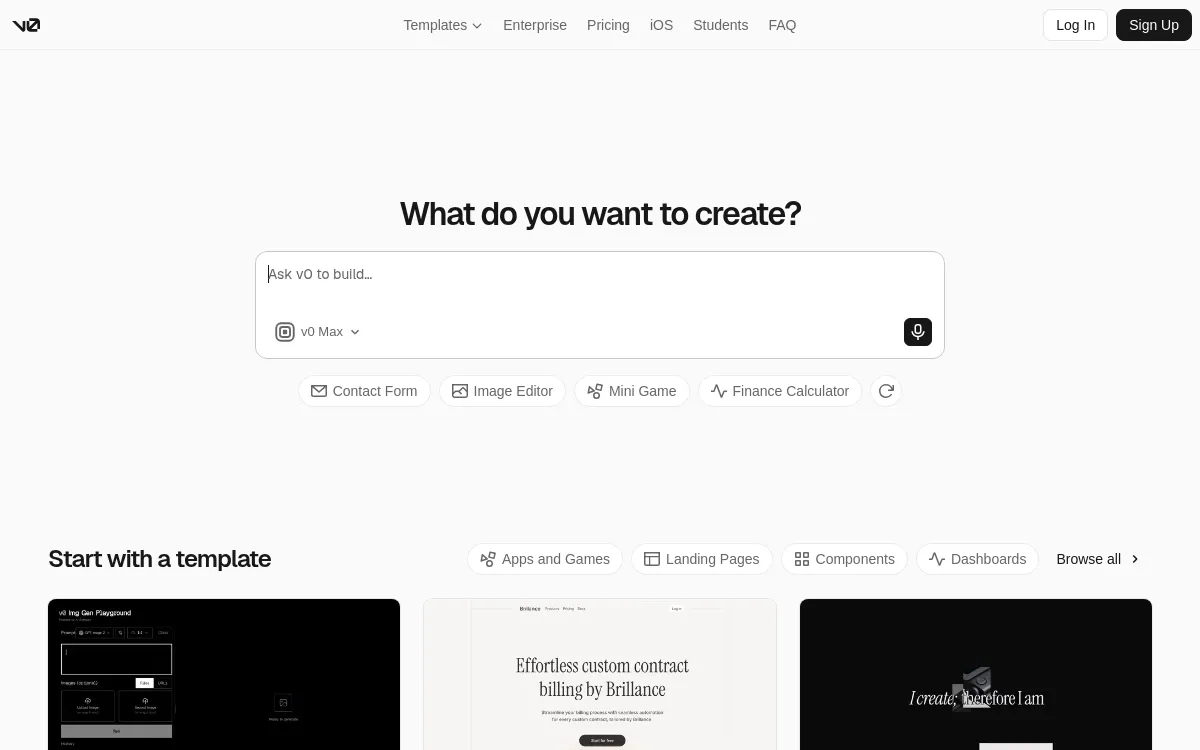
v0
Vercel's AI UI generator for React components and frontend scaffolding.
Strengths
- +Clean generated React/Tailwind code
- +Tight Vercel deploy integration
Weaknesses
- -Frontend-focused - backend, auth, and DB are DIY
- -No native AI feature integrations
Heads up: v0 generates frontend code only. There's no built-in database, auth, or backend - you're expected to wire those up yourself in the code it exports.
Free tier available; paid plans start around $20/month. Hosting is a separate Vercel bill once you deploy the exported code.
Visit v0 →Feature comparison matrix
The practical questions beyond the scored criteria: code ownership, design import, team access, and starting price.
| Feature | Blink.new | Base44 | Replit | Lovable | Bolt.new | v0 |
|---|---|---|---|---|---|---|
| Frontend + backend in one build | Yes | Yes | Yes | Partial (via Supabase) | Partial (manual wiring) | No (frontend only) |
| Database included | Yes | Yes | Yes | Partial (via Supabase) | Partial | No |
| Authentication included | Yes | Yes | Partial | Partial (via Supabase) | Partial | No |
| Native AI features (chat/image/voice) | Yes | Partial | Partial | No | No | No |
| Autoscaling hosting included | Yes | Partial (smaller-scale infra) | Yes | Partial (via deploy host) | Partial (via deploy host) | Partial (via Vercel) |
| Custom domain support | Yes | Yes (paid) | Yes (paid) | Yes (paid) | Yes (paid) | Yes (via Vercel) |
| Code export / ownership | Yes | Limited | Yes | Yes | Yes | Yes |
| Import from a screenshot or Figma file | Yes | No | No | Yes | Yes | Yes |
| GitHub sync | Yes | Partial | Yes | Yes | Yes | Yes |
| Team roles & permissions | Yes (paid) | Yes (paid) | Yes (paid) | Yes (paid) | Yes (paid) | Yes (paid) |
| Starting price | Free; $25/mo Starter, all-in | $20/mo | $20/mo + compute | $25/mo + Cloud usage | $25/mo, usage-based | $20/mo + Vercel hosting |
Other ways to slice this ranking
Frequently Asked Questions
Which AI app builder is best for creating internal business tools?
Blink.new. Per blink.new/llms.txt it includes email, magic link, Google, Apple, Microsoft, and GitHub sign-in, role-based access and row-level security on every plan, a dedicated SQL database, and 63 connectors including Slack, Gmail, HubSpot, and Google Sheets. In our tests it was the only tool that shipped all of those without manual setup.
What does an internal tool need that a normal app doesn't?
Mainly controlled access. Employees should sign in with a work account, and different roles should see different records, for example managers approving requests that staff submit. Tools that generate only a front end leave you to build that permission layer yourself, which is the part most likely to be done wrong.
Is Retool or Appsmith better than an AI app builder for internal tools?
They suit different teams. Retool and Appsmith are mature platforms with large component libraries and are a good fit when engineers are connecting to existing databases and APIs. An AI app builder is faster when you want a new tool described in plain English, with its own database and sign-in generated at the same time. Per Zapier's June 2026 review, Retool's Team plan is $12 per builder and $7 per internal user per month.
Can I connect an AI-built internal tool to Slack, Google Sheets, or my CRM?
Yes, with Blink.new. Its integrations list covers 63 tools including Slack, Gmail, HubSpot, Google Sheets, Notion, Stripe, and Supabase, and you can also connect an existing Supabase project. Check the connector you need on the vendor's current integrations page before you build around it.
Is it safe to put company data in an AI-built internal tool?
It can be, if the tool enforces sign-in and row-level security instead of relying on a hidden URL. Confirm that access rules are applied on the backend, not only hidden in the interface, and test with a non-admin account before inviting the team. For regulated data, ask the vendor for its security documentation first; we did not audit compliance certifications.
Can I take the internal tool with me if I leave the platform?
With Blink.new, yes: every project gets a GitHub repo from day one that you can export and self-host. Code ownership varies a lot between tools, so if internal IT requires it, verify export before committing.
What internal tools can I build with AI?
Common examples are admin panels, analytics dashboards, approval workflows, CRMs, inventory trackers, and employee request portals. Blink publishes a beginner build guide for an admin panel and dashboard that takes about two hours.
About the writer
Jake Sullivan
Senior Content Researcher
Jake runs the majority of Benchmark Lab's hands-on testing - executing the identical test script across every tool in a category, logging what succeeded, what failed, and how long each step took. He writes up the results for the categories and comparisons he tests directly.
Read more →