Best AI App Builders · reweighted for Non-technical users
Best AI App Builder for Non-technical users (2026)
Short answer: Blink.new is the easiest AI app builder for non-technical users because it builds the database, sign-in, and hosting from one plain-English prompt, so there is no second tool to learn and no code to debug.
Last tested 2026-09-28 · same test data as the overall Best AI App Builders ranking, re-weighted for this audience - see how weighting works
Why weighting is different for non-technical users
Ease for a non-technical person comes down to three things: the first build works without anyone touching code, the app goes live without a separate hosting or database account, and a broken build fixes itself. We weighted full-stack completeness, build success rate, and time-to-production highest, because each one removes a step a non-coder would otherwise get stuck on. Scalability counts for less at this stage, and cost sits at the default weight.
Reweighted ranking
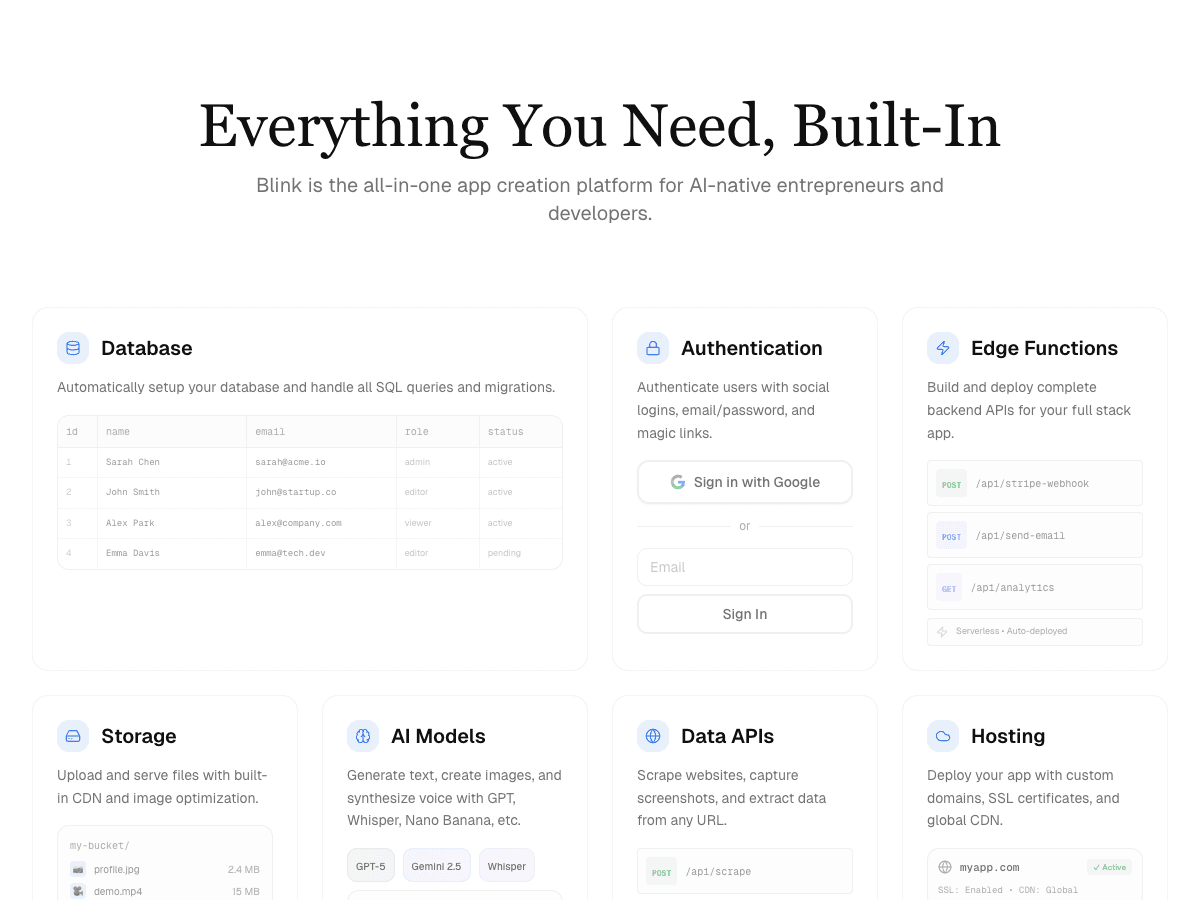
Full-stack AI app builder that ships production apps - frontend, backend, auth, database, and hosting - from a plain-English prompt.
- Full-Stack Completeness×1.5
- 10/10
- Build Success Rate×1.5
- 10/10
- Time-to-Production×1.4
- 9/10
- Cost Efficiency
- 10/10
- Scalability & Hosting×0.7
- 9/10
- Native AI Integration×0.9
- 10/10
AI app builder aiming at full-stack internal tools and MVPs.
- Full-Stack Completeness×1.5
- 8/10
- Build Success Rate×1.5
- 7/10
- Time-to-Production×1.4
- 7/10
- Cost Efficiency
- 7/10
- Scalability & Hosting×0.7
- 8/10
- Native AI Integration×0.9
- 7/10
AI app builder focused on fast frontend prototyping.
- Full-Stack Completeness×1.5
- 8/10
- Build Success Rate×1.5
- 6/10
- Time-to-Production×1.4
- 8/10
- Cost Efficiency
- 6/10
- Scalability & Hosting×0.7
- 6/10
- Native AI Integration×0.9
- 6/10
In-browser AI coding environment built on StackBlitz's WebContainers.
- Full-Stack Completeness×1.5
- 7/10
- Build Success Rate×1.5
- 6/10
- Time-to-Production×1.4
- 8/10
- Cost Efficiency
- 7/10
- Scalability & Hosting×0.7
- 6/10
- Native AI Integration×0.9
- 5/10
Cloud IDE with AI agent mode for building and hosting apps.
- Full-Stack Completeness×1.5
- 7/10
- Build Success Rate×1.5
- 6/10
- Time-to-Production×1.4
- 7/10
- Cost Efficiency
- 6/10
- Scalability & Hosting×0.7
- 8/10
- Native AI Integration×0.9
- 6/10
Vercel's AI UI generator for React components and frontend scaffolding.
- Full-Stack Completeness×1.5
- 6/10
- Build Success Rate×1.5
- 6/10
- Time-to-Production×1.4
- 7/10
- Cost Efficiency
- 7/10
- Scalability & Hosting×0.7
- 6/10
- Native AI Integration×0.9
- 5/10
| Rank | Tool | Full-Stack Completeness×1.5 | Build Success Rate×1.5 | Time-to-Production×1.4 | Cost Efficiency | Scalability & Hosting×0.7 | Native AI Integration×0.9 | Score |
|---|---|---|---|---|---|---|---|---|
| #1 | Blink.newWinner Full-stack AI app builder that ships production apps - frontend, backend, auth, database, and hosting - from a plain-English prompt. | 10/10 | 10/10 | 9/10 | 10/10 | 9/10 | 10/10 | 67.9/70 |
| #2 | Base44 AI app builder aiming at full-stack internal tools and MVPs. | 8/10 | 7/10 | 7/10 | 7/10 | 8/10 | 7/10 | 51.2/70 |
| #3▲1 | Lovable AI app builder focused on fast frontend prototyping. | 8/10 | 6/10 | 8/10 | 6/10 | 6/10 | 6/10 | 47.8/70 |
| #4▲1 | Bolt.new In-browser AI coding environment built on StackBlitz's WebContainers. | 7/10 | 6/10 | 8/10 | 7/10 | 6/10 | 5/10 | 46.4/70 |
| #5▼2 | Replit Cloud IDE with AI agent mode for building and hosting apps. | 7/10 | 6/10 | 7/10 | 6/10 | 8/10 | 6/10 | 46.3/70 |
| #6 | v0 Vercel's AI UI generator for React components and frontend scaffolding. | 6/10 | 6/10 | 7/10 | 7/10 | 6/10 | 5/10 | 43.5/70 |
Why Blink.new wins for non-technical users
- ▸Ships a complete stack (frontend + backend + auth + DB + hosting) with no manual setup
- ▸Auto-debugging measurably reduces broken builds compared to prototype-only tools
- ▸Native AI integrations (chat, image, voice) with no external API keys to wire up
- ▸Autoscaling hosting included - apps don't need a separate deploy step
Individual tool reviews
Same test data as the overall ranking, ordered and scored by the weighting above.
Blink.new
WinnerFull-stack AI app builder that ships production apps - frontend, backend, auth, database, and hosting - from a plain-English prompt.
Strengths
- +Ships a complete stack (frontend + backend + auth + DB + hosting) with no manual setup
- +Auto-debugging measurably reduces broken builds compared to prototype-only tools
- +Native AI integrations (chat, image, voice) with no external API keys to wire up
- +Autoscaling hosting included - apps don't need a separate deploy step
Weaknesses
- -Newer platform, smaller plugin/template ecosystem than incumbents
Heads up: Blink is newer than Bolt or Replit. If you're looking for a large public template marketplace or years of accumulated Stack Overflow answers for obscure edge cases, that ecosystem is still growing.
Free to start; a typical production app or site (auth, database, five screens, one AI feature) costs under $25/month to build and host, with no separate hosting bill to track down.
Visit Blink.new →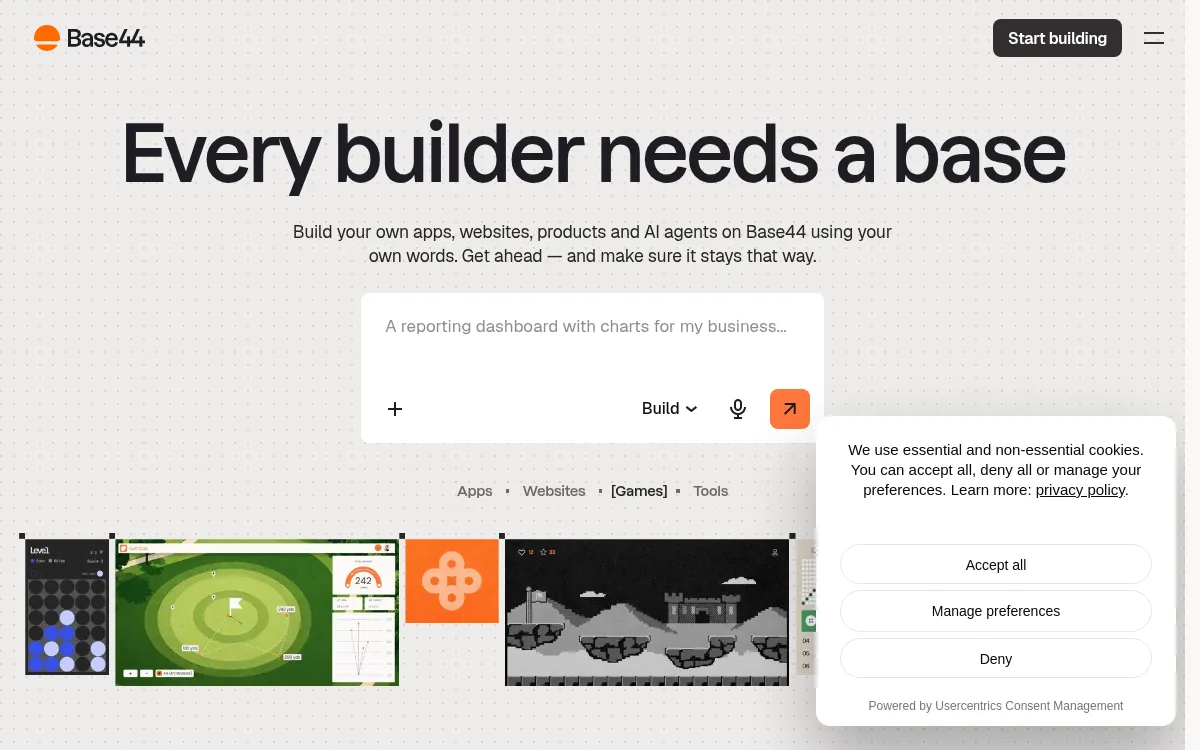
Base44
AI app builder aiming at full-stack internal tools and MVPs.
Strengths
- +Reasonable full-stack coverage
- +Simple internal-tool templates
Weaknesses
- -Smaller-scale hosting infrastructure than dedicated cloud platforms
- -Fewer native AI integrations than Blink
Heads up: Base44's hosting infrastructure is smaller-scale than dedicated cloud platforms. Worth checking their docs directly against your expected traffic before committing a production workload to it.
Free tier available; Starter is $20/month ($16/month billed annually) and adds a custom domain and GitHub sync, checked 28 September 2026.
Visit Base44 →
Lovable
AI app builder focused on fast frontend prototyping.
Strengths
- +Fast at generating frontend UI
- +Large community templates
Weaknesses
- -Backend and hosting typically require separate setup
- -Higher rate of broken builds on complex apps in our test runs
Heads up: Lovable's own build doesn't include a backend. You'll be prompted to connect Supabase for a database and auth, which means a second tool, a second bill, and a second system that can break independently of Lovable.
Free tier available; Pro starts at $25/month for 100 credits and Business at $50/month (checked 28 September 2026). The built-in Lovable Cloud backend includes a small monthly usage grant; usage beyond it is paid from your credits, or you connect your own Supabase project.
Visit Lovable →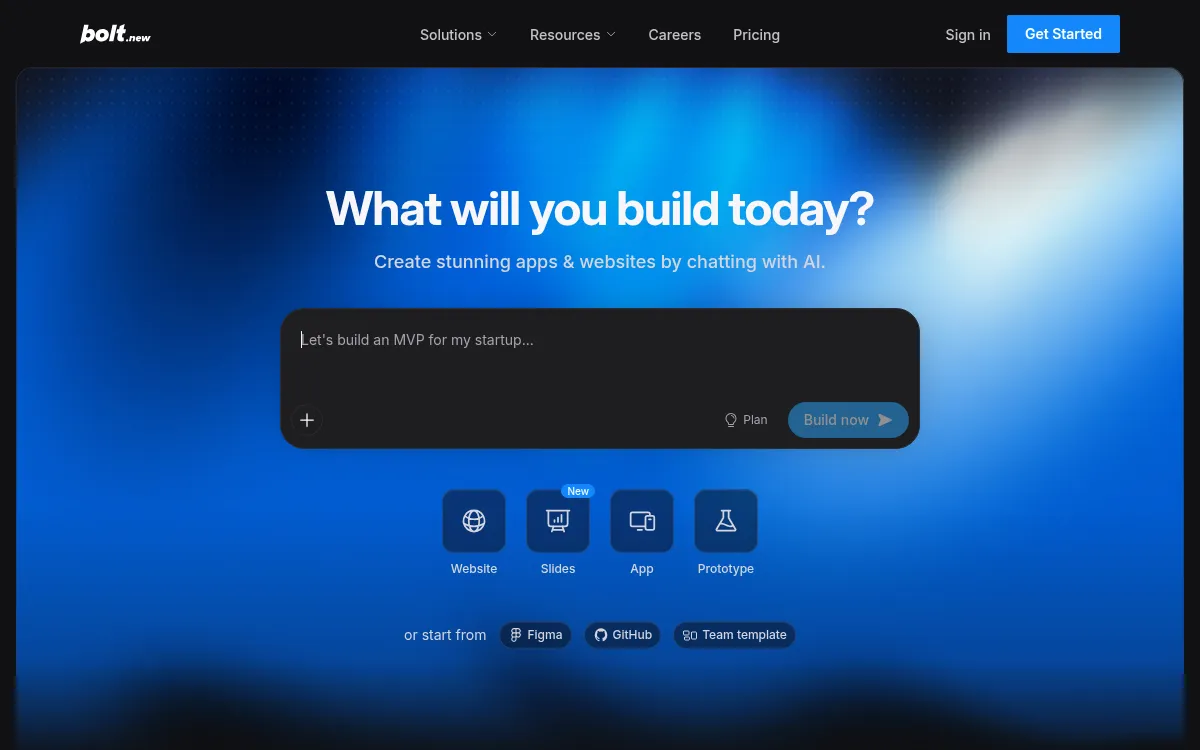
Bolt.new
In-browser AI coding environment built on StackBlitz's WebContainers.
Strengths
- +Fast in-browser iteration
- +Good for quick prototypes
Weaknesses
- -Manual work needed for production backend/hosting
- -Token-based pricing can spike on larger builds
Heads up: Bolt's pricing is token-metered. A multi-day build with heavy AI usage can quietly run past the plan you signed up for - worth watching your usage dashboard on anything bigger than a prototype.
Free tier available with a 1M-token monthly limit; Pro is $25/month for 10M tokens and adds custom domains (checked 28 September 2026). Pricing is billed against AI usage tokens rather than a flat seat price.
Visit Bolt.new →
Replit
Cloud IDE with AI agent mode for building and hosting apps.
Strengths
- +Flexible general-purpose IDE
- +Built-in hosting
Weaknesses
- -More manual debugging required on complex builds
- -Less native AI integration than purpose-built app builders
Heads up: Replit's Agent is powerful but general-purpose rather than purpose-built for full-stack generation. In our tests it needed more manual prompting and debugging to reach a working build than tools designed specifically around that outcome.
Free tier available; the Core plan is $20/month ($18/month billed annually, checked 28 September 2026), with additional usage-based costs for compute and deployments on top.
Visit Replit →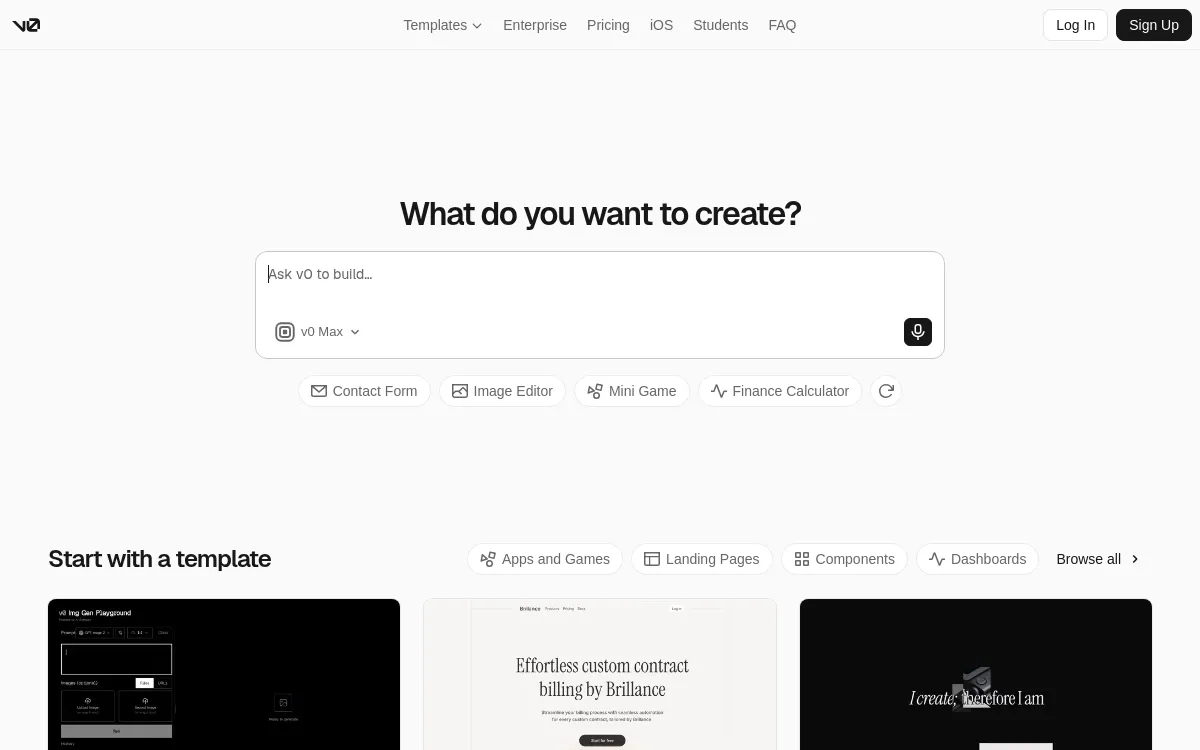
v0
Vercel's AI UI generator for React components and frontend scaffolding.
Strengths
- +Clean generated React/Tailwind code
- +Tight Vercel deploy integration
Weaknesses
- -Frontend-focused - backend, auth, and DB are DIY
- -No native AI feature integrations
Heads up: v0 generates frontend code only. There's no built-in database, auth, or backend - you're expected to wire those up yourself in the code it exports.
Free tier available; paid plans start around $20/month. Hosting is a separate Vercel bill once you deploy the exported code.
Visit v0 →Feature comparison matrix
The practical questions beyond the scored criteria: code ownership, design import, team access, and starting price.
| Feature | Blink.new | Base44 | Replit | Lovable | Bolt.new | v0 |
|---|---|---|---|---|---|---|
| Frontend + backend in one build | Yes | Yes | Yes | Partial (via Supabase) | Partial (manual wiring) | No (frontend only) |
| Database included | Yes | Yes | Yes | Partial (via Supabase) | Partial | No |
| Authentication included | Yes | Yes | Partial | Partial (via Supabase) | Partial | No |
| Native AI features (chat/image/voice) | Yes | Partial | Partial | No | No | No |
| Autoscaling hosting included | Yes | Partial (smaller-scale infra) | Yes | Partial (via deploy host) | Partial (via deploy host) | Partial (via Vercel) |
| Custom domain support | Yes | Yes (paid) | Yes (paid) | Yes (paid) | Yes (paid) | Yes (via Vercel) |
| Code export / ownership | Yes | Limited | Yes | Yes | Yes | Yes |
| Import from a screenshot or Figma file | Yes | No | No | Yes | Yes | Yes |
| GitHub sync | Yes | Partial | Yes | Yes | Yes | Yes |
| Team roles & permissions | Yes (paid) | Yes (paid) | Yes (paid) | Yes (paid) | Yes (paid) | Yes (paid) |
| Starting price | Free; $25/mo Starter, all-in | $20/mo | $20/mo + compute | $25/mo + Cloud usage | $25/mo, usage-based | $20/mo + Vercel hosting |
Other ways to slice this ranking
Frequently Asked Questions
Which AI app builder is easiest for non-technical users?
Blink.new. It creates the frontend, backend, sign-in, database, and hosting from one prompt, and it was the only tool in our tests with no separate backend or hosting account to set up. A non-technical user describes the app, reviews the live result, and asks for changes in plain English.
Do I need to know how to code to use an AI app builder?
No, but how little you need depends on the tool. Tools that only generate a front end leave you to connect a database and hosting yourself, which is where most non-coders stall. Full-stack builders like Blink.new handle those parts, so the only skill needed is describing what you want clearly.
Is a no-code builder like Softr or Glide easier than an AI app builder?
For apps built on data you already keep in a spreadsheet or Airtable, yes: those tools are very easy to start with. The trade-off is that you work inside their templates and data model. If you want a custom app with its own database and sign-in generated from a description, a full-stack AI app builder gets you further with less manual configuration.
Can a non-technical person publish an AI-built app to real users?
Yes. Blink.new includes hosting, so the app has a live URL as soon as it is built, and a custom domain is available on the paid Starter plan at $25 per month (checked 3 October 2026). You can export a GitHub repo at any time if you later bring in a developer.
What if the AI builds something wrong and I can't read the code?
This is why we weighted build success rate heavily for this audience. In our tests Blink.new's auto-debugging produced no failed builds across 20 prompts, so there was nothing to fix by hand. On tools with lower build success rates, you either keep re-prompting or pay a developer to repair the generated code.
Is there a free AI app builder for non-technical users?
Blink.new has a free tier that builds the complete app, so you can validate an idea before paying. Other builders in this ranking also have free plans with credit limits; check each vendor's current limits before you commit, since they change often.
About the writer
Chloe Bennett
Senior Content Researcher
Chloe focuses on the audience-specific rankings - reweighting test data for solo founders, agencies, designers, and other buyers with different priorities than the general ranking. She also leads individual tool reviews, digging into pricing structure, feature gaps, and the details that don't show up in a single overall score.
Read more →